

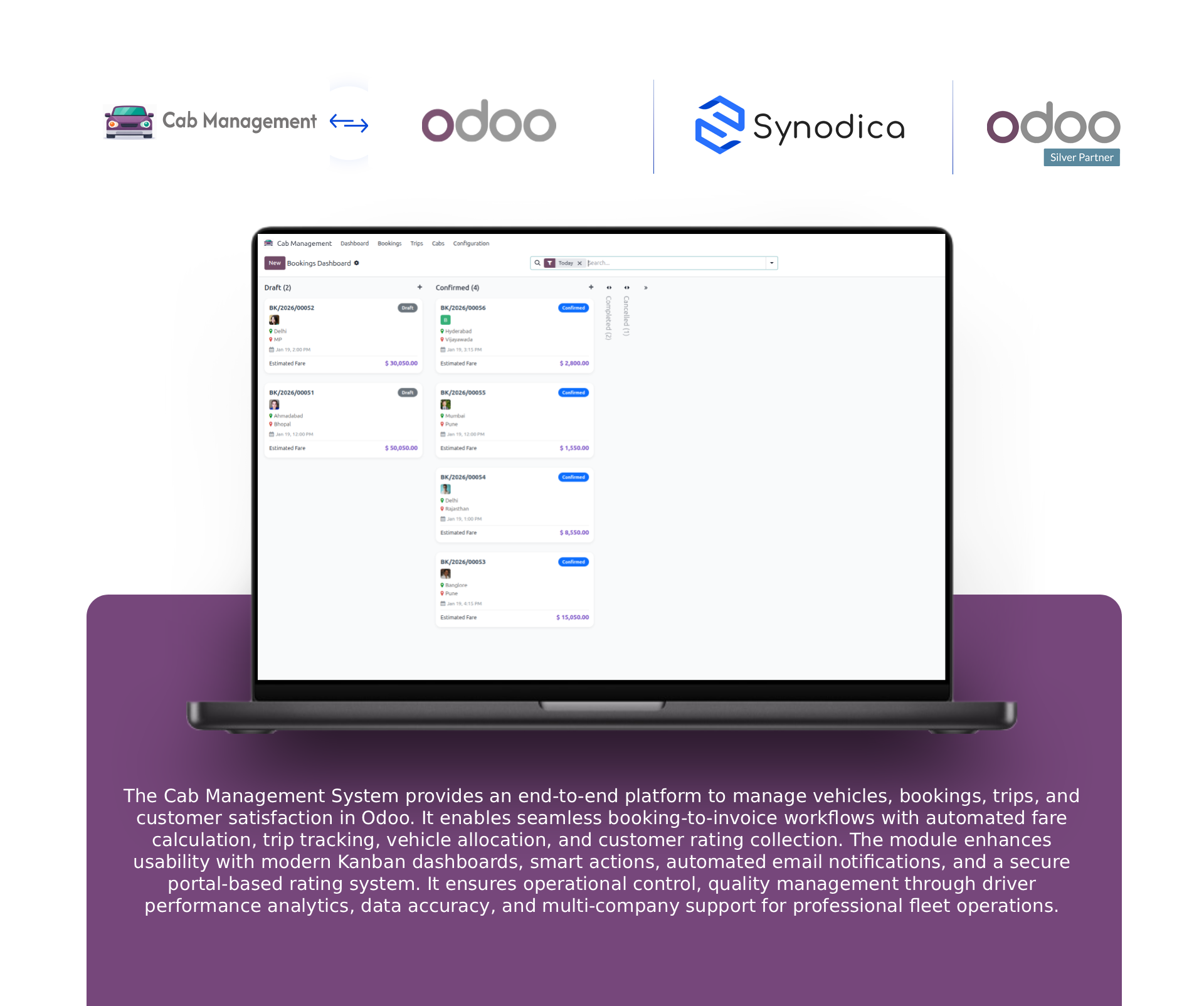
Cab Management System
USD 99.00
Cab Management System
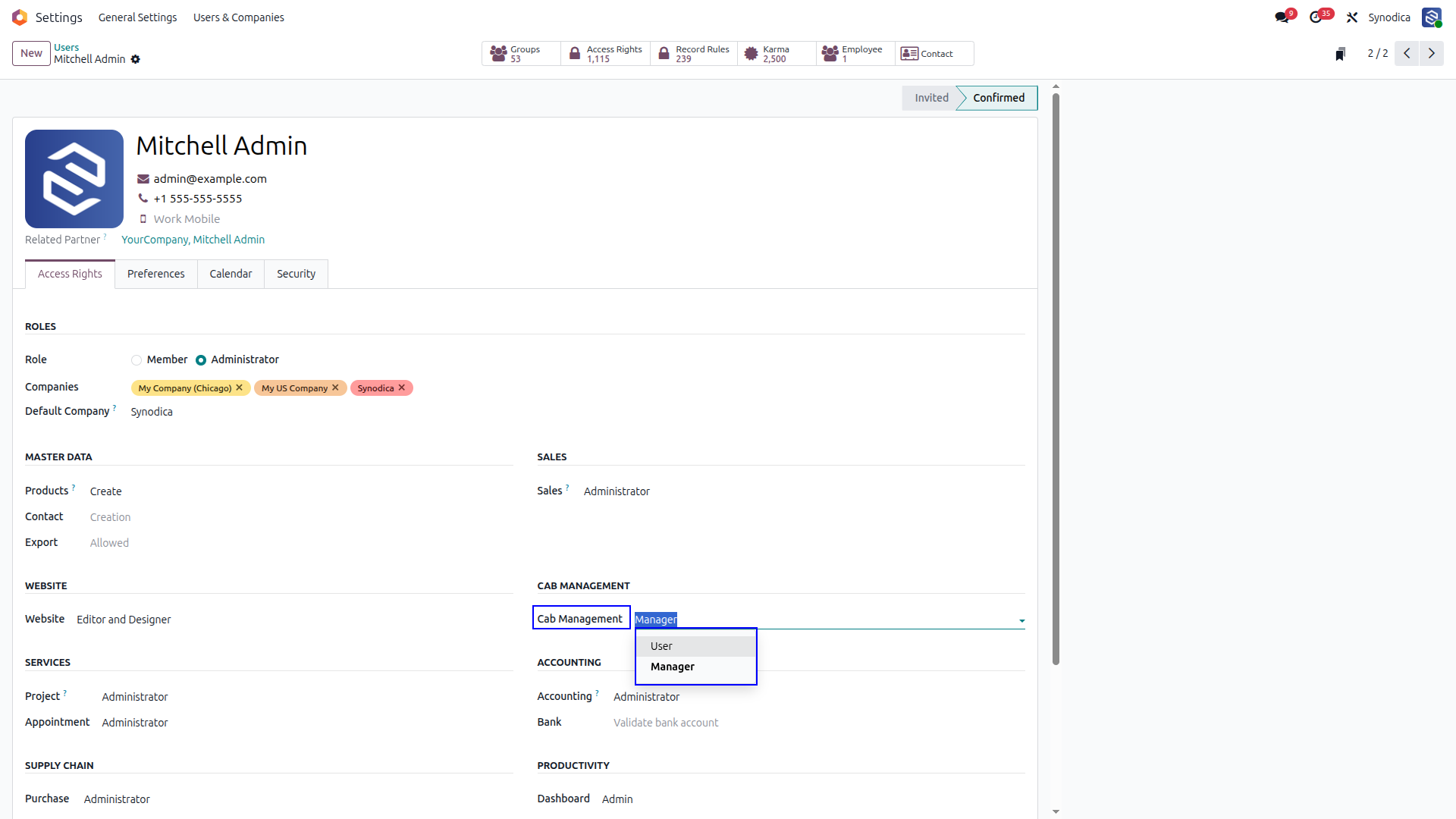
Manage User & Manager Access for Cabs
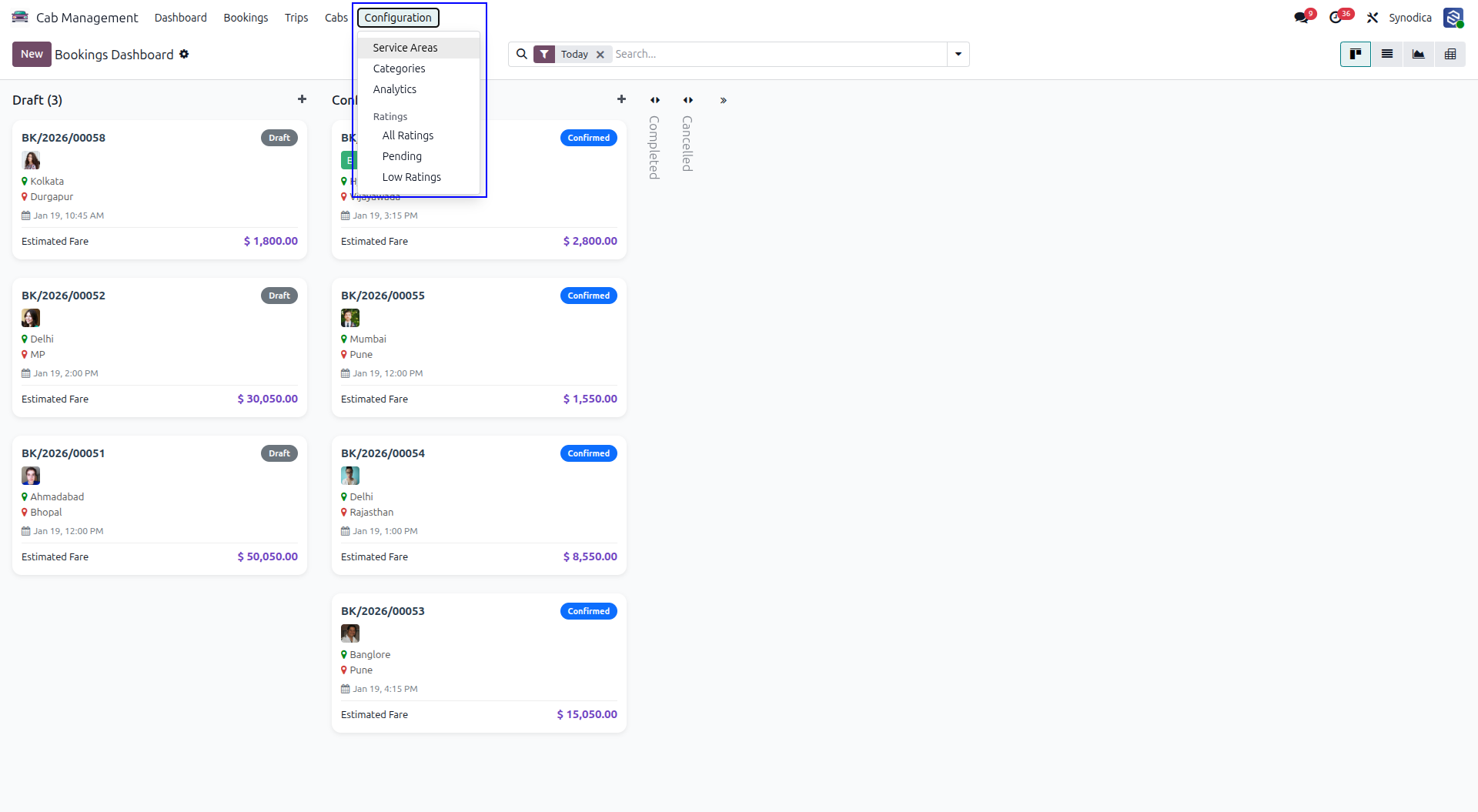
Service Areas and Vehicle Categories Are Managed from Configuration
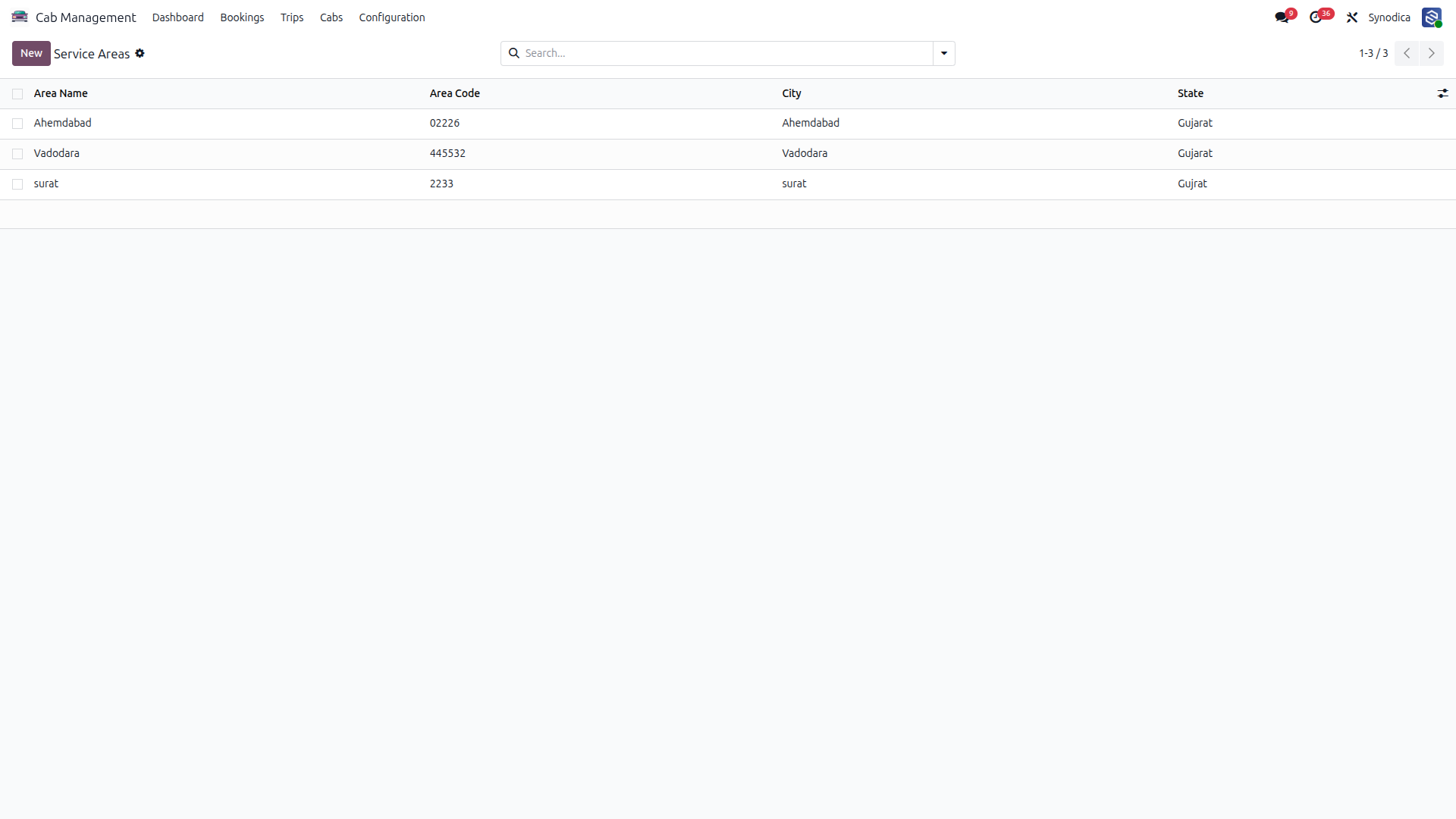
Service Areas
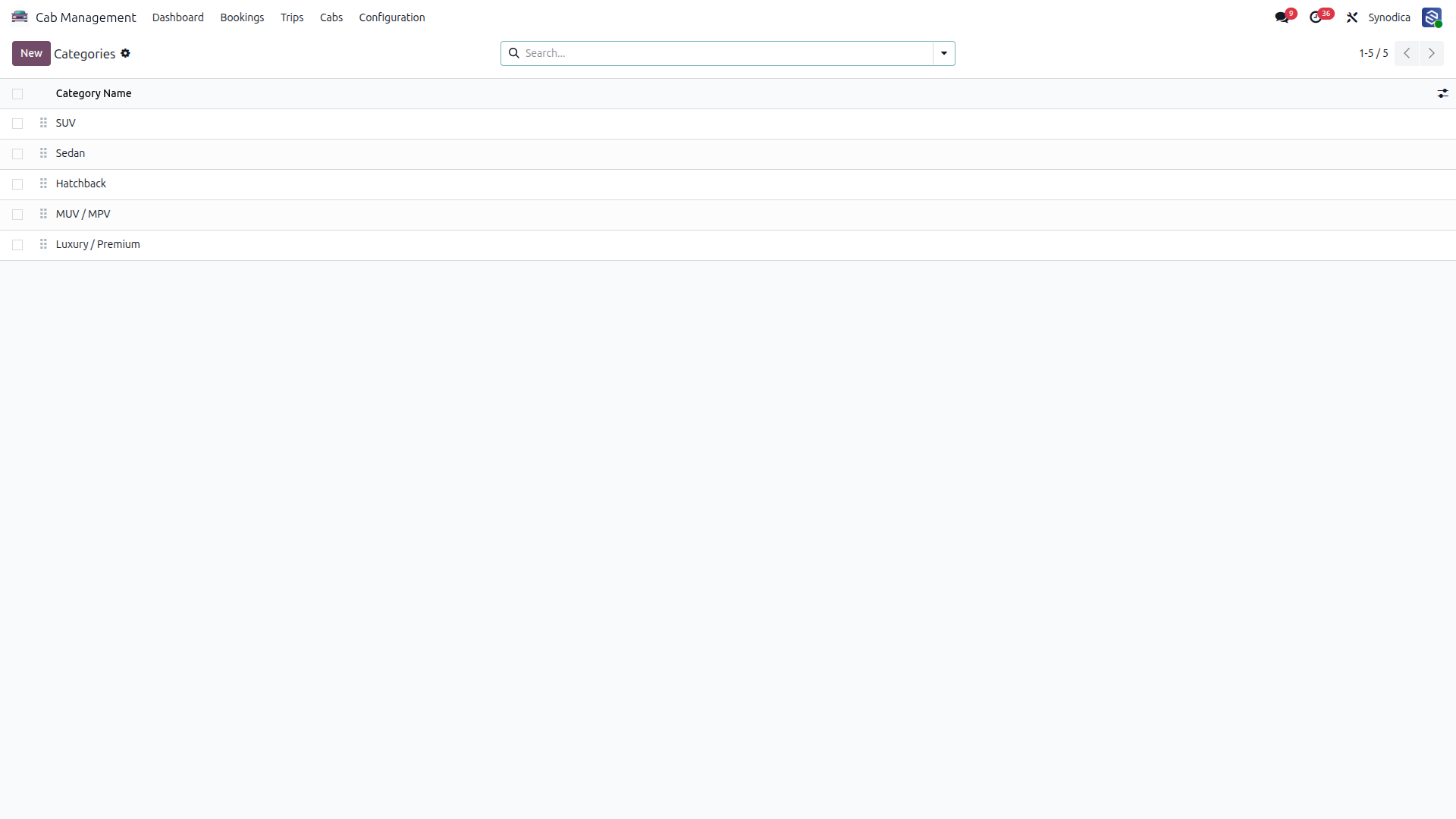
Vehicle Categories
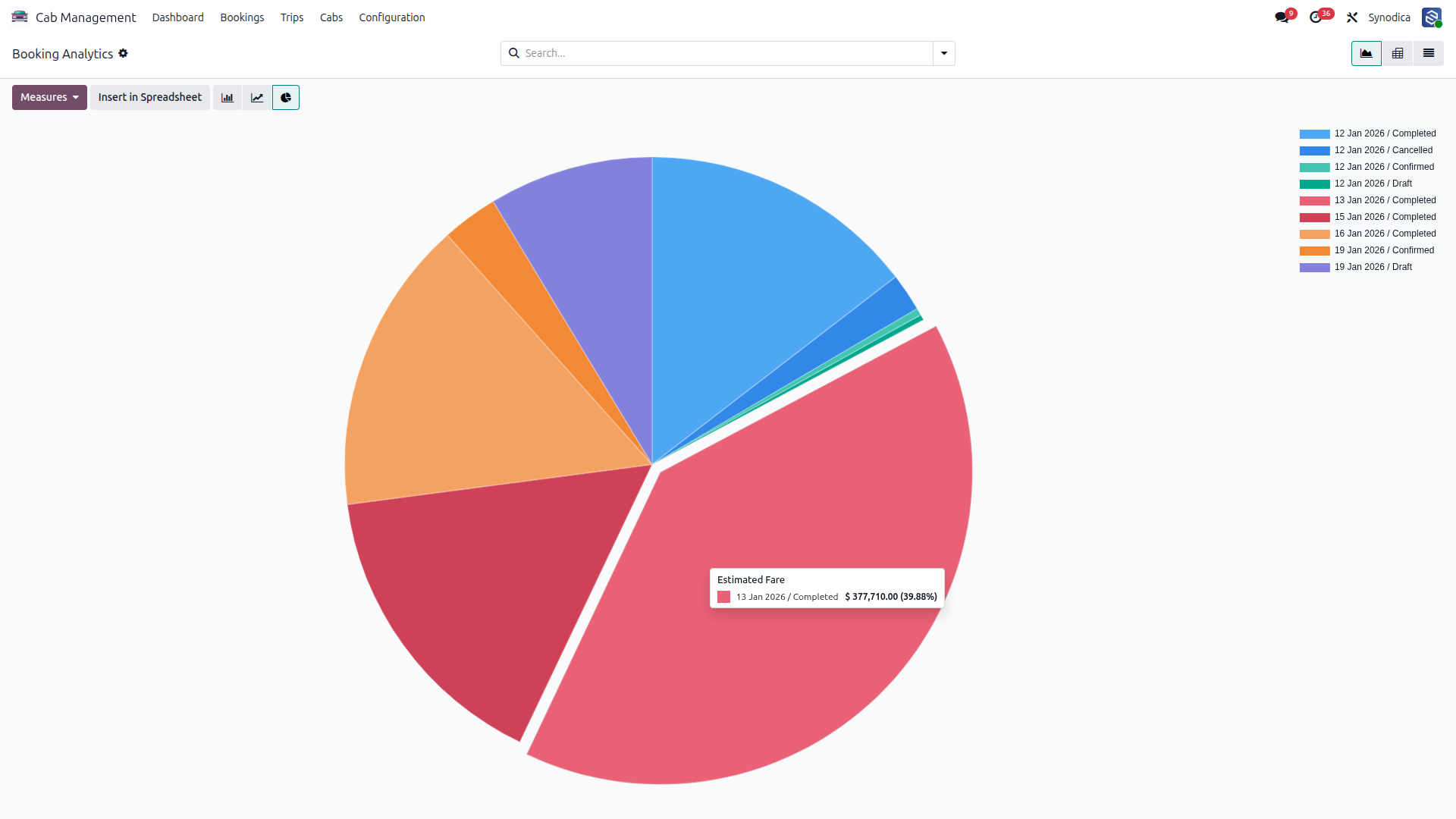
Booking Analytics
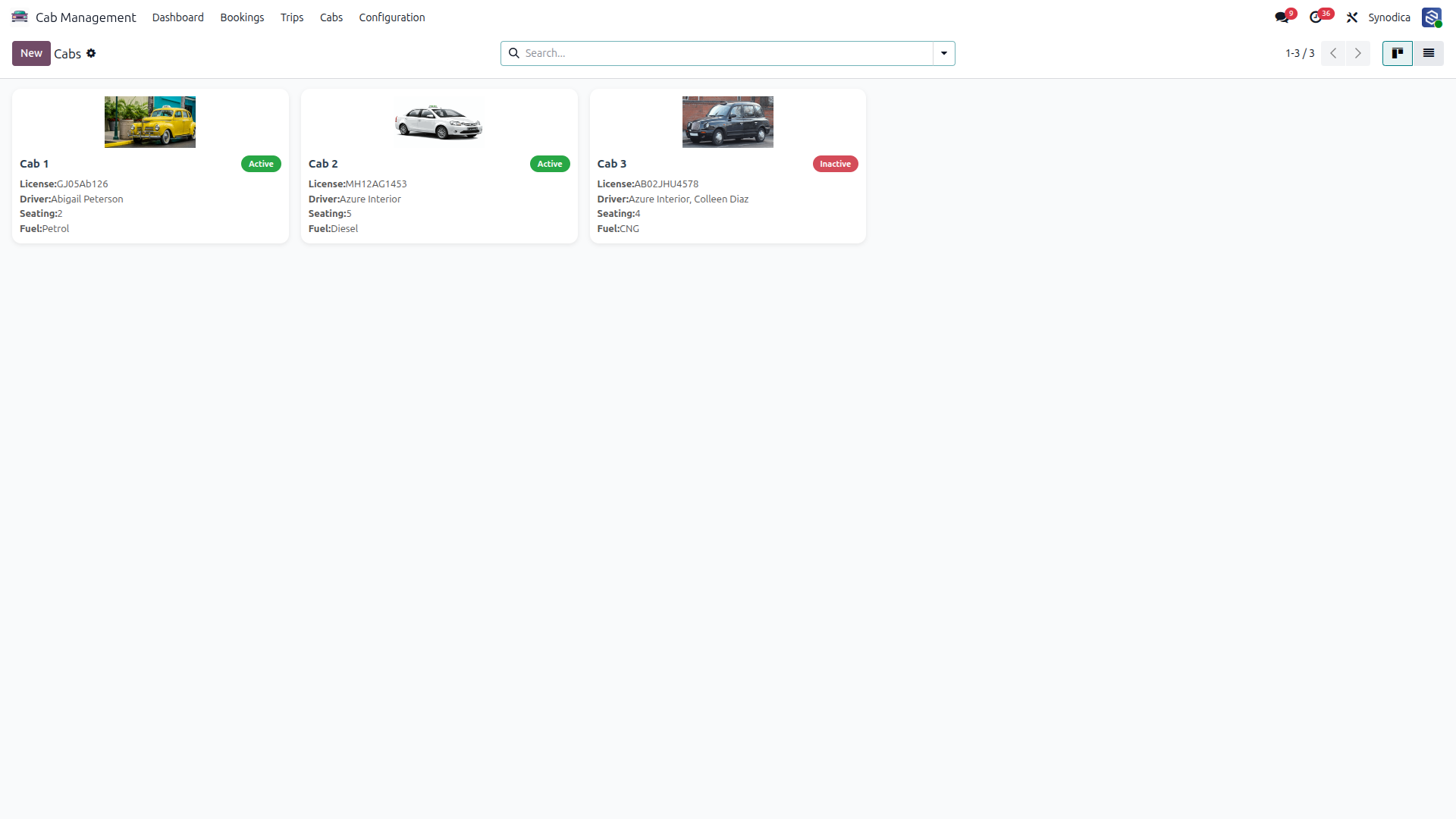
Go to Cabs and Register Your Cab
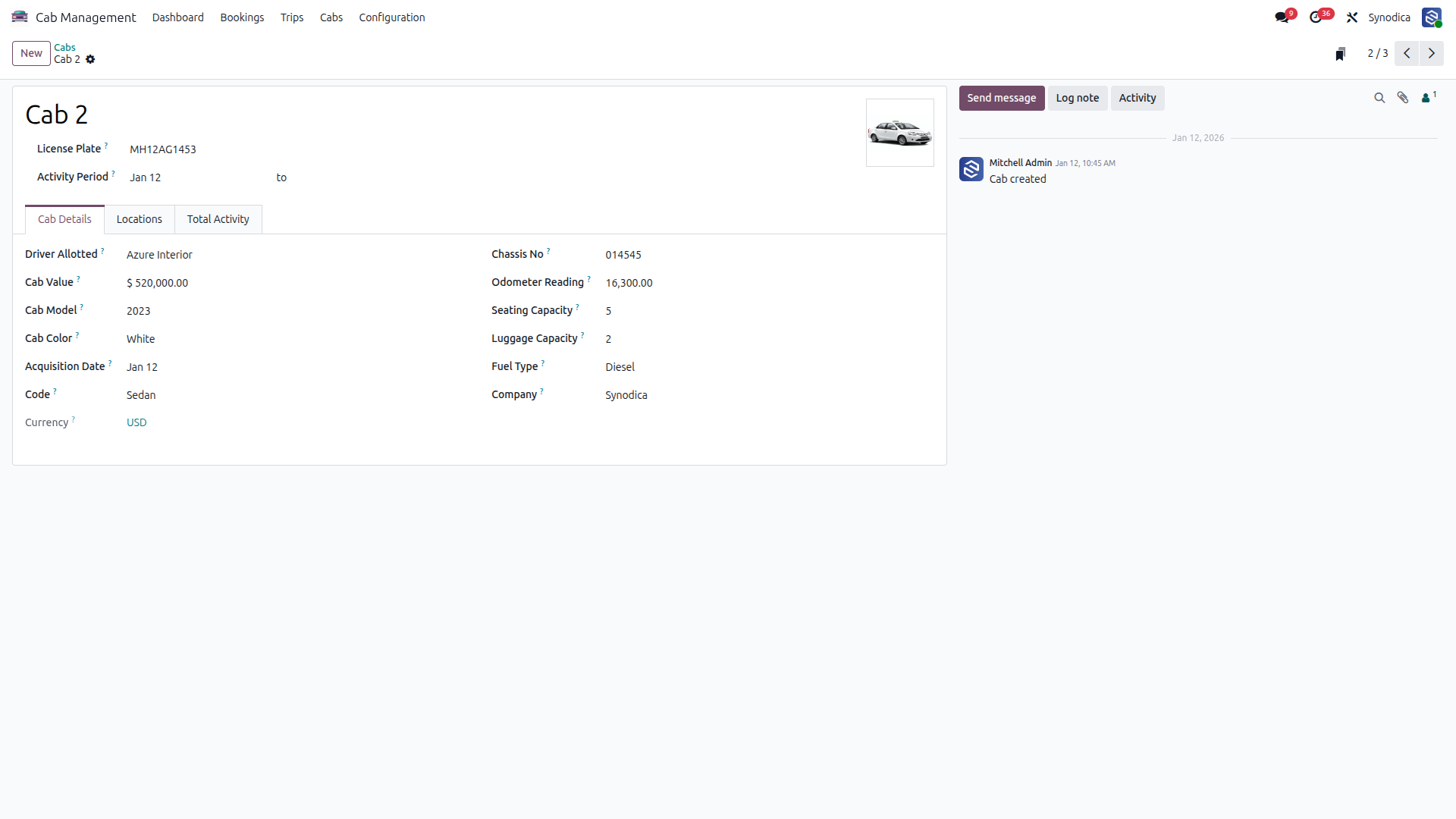
Register the Cab With All Details
Check All Bookings, Including Drafts, Pending, and Today’s Pickups
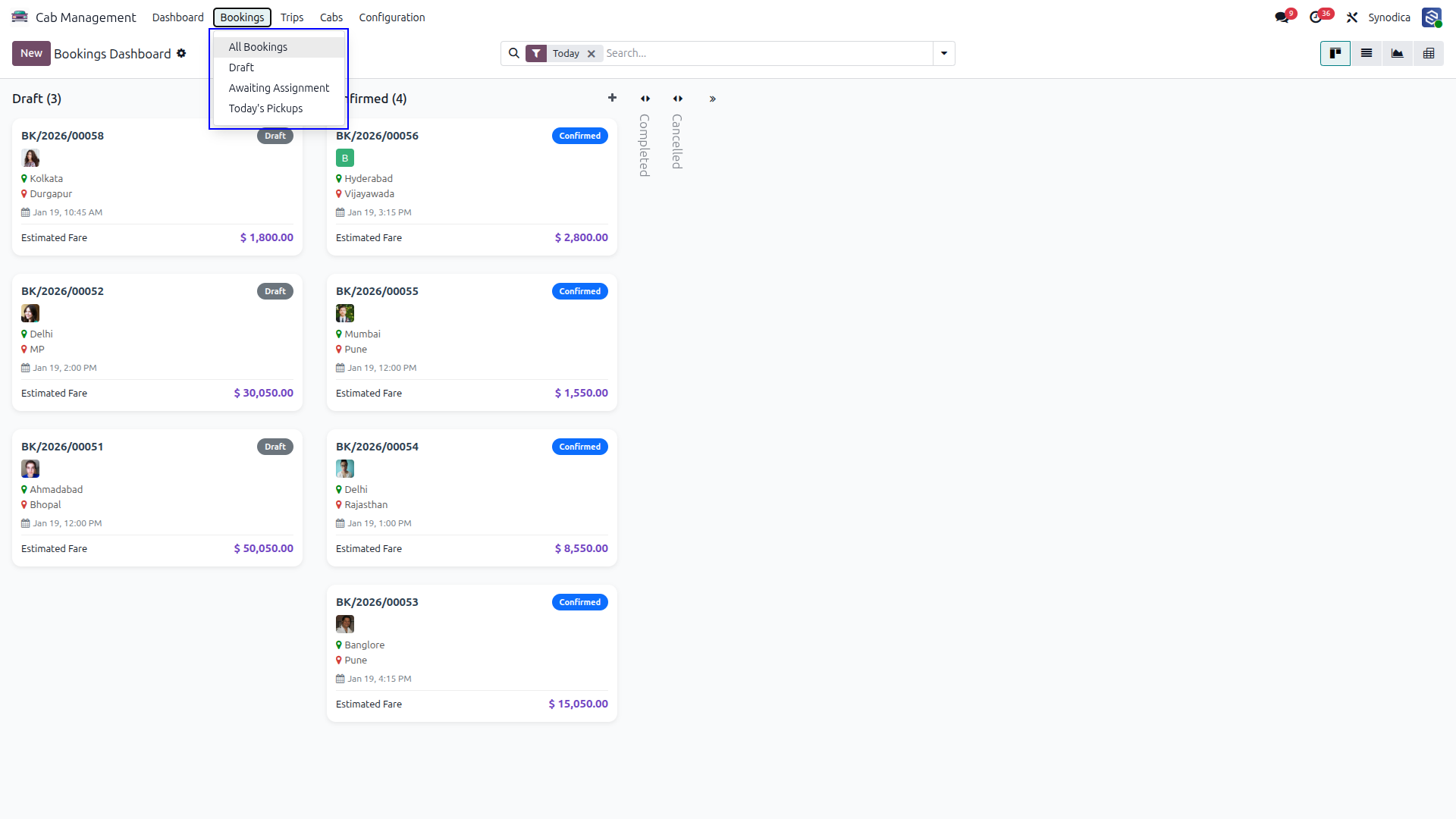
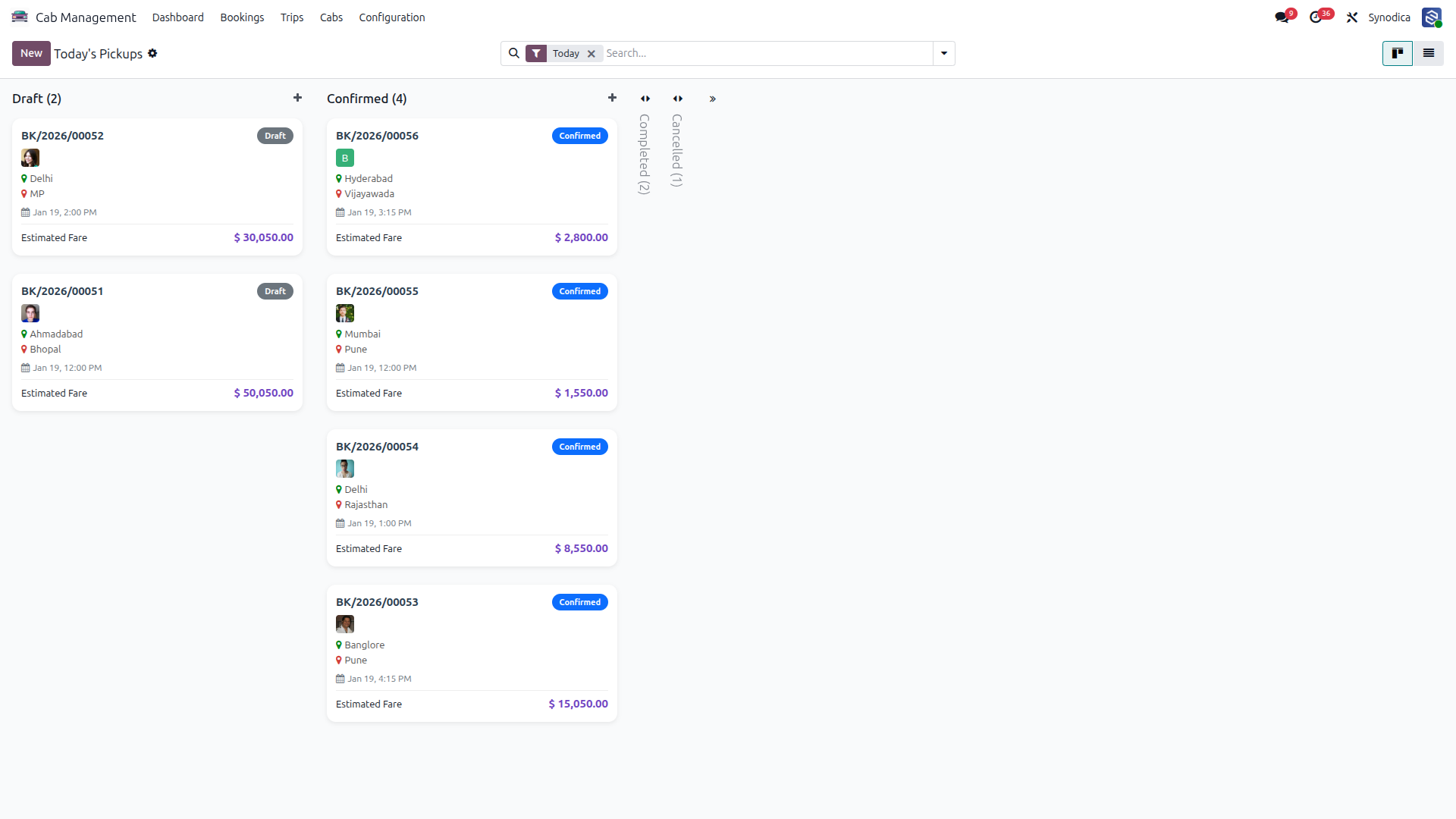
Today’s Bookings
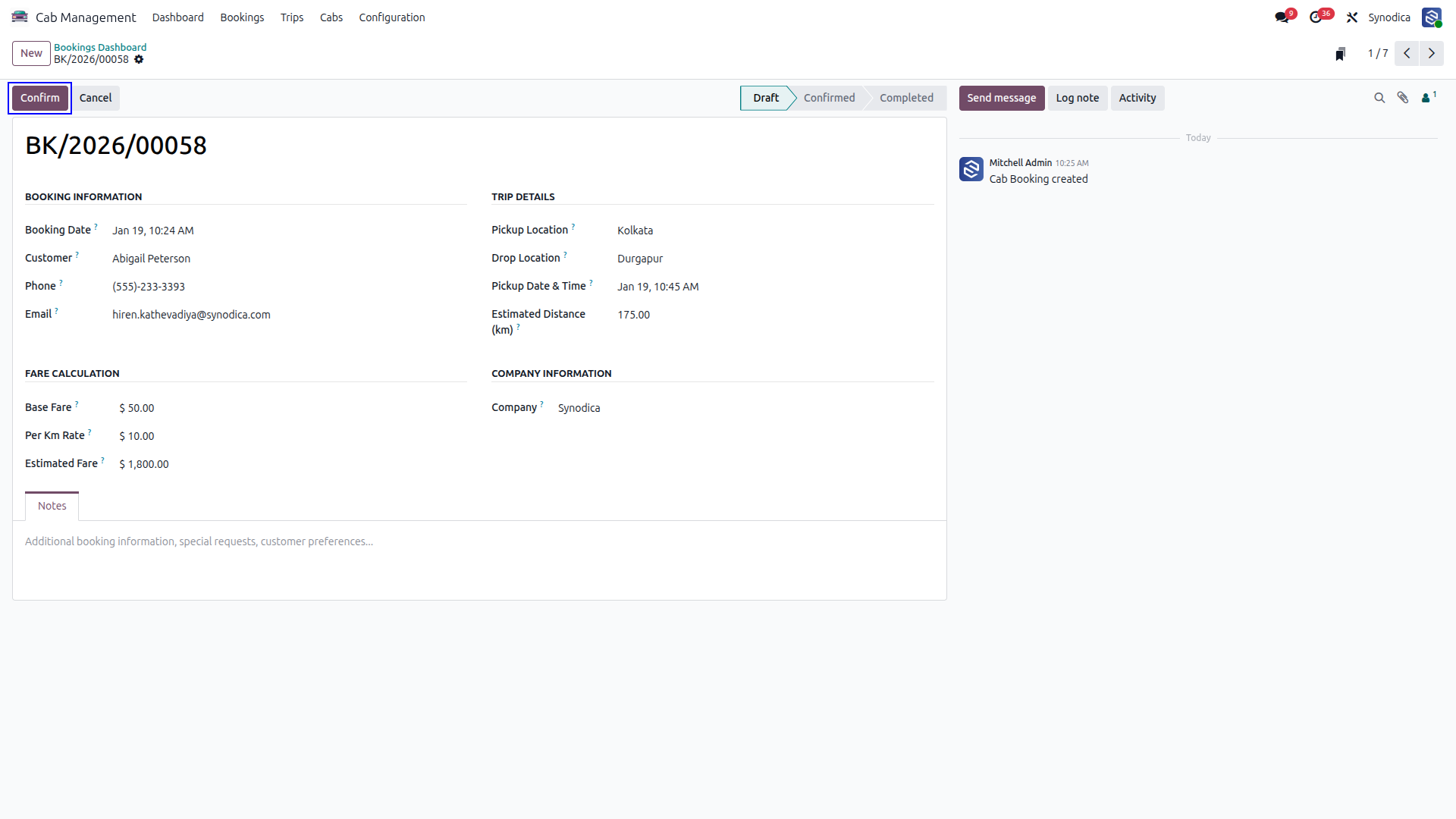
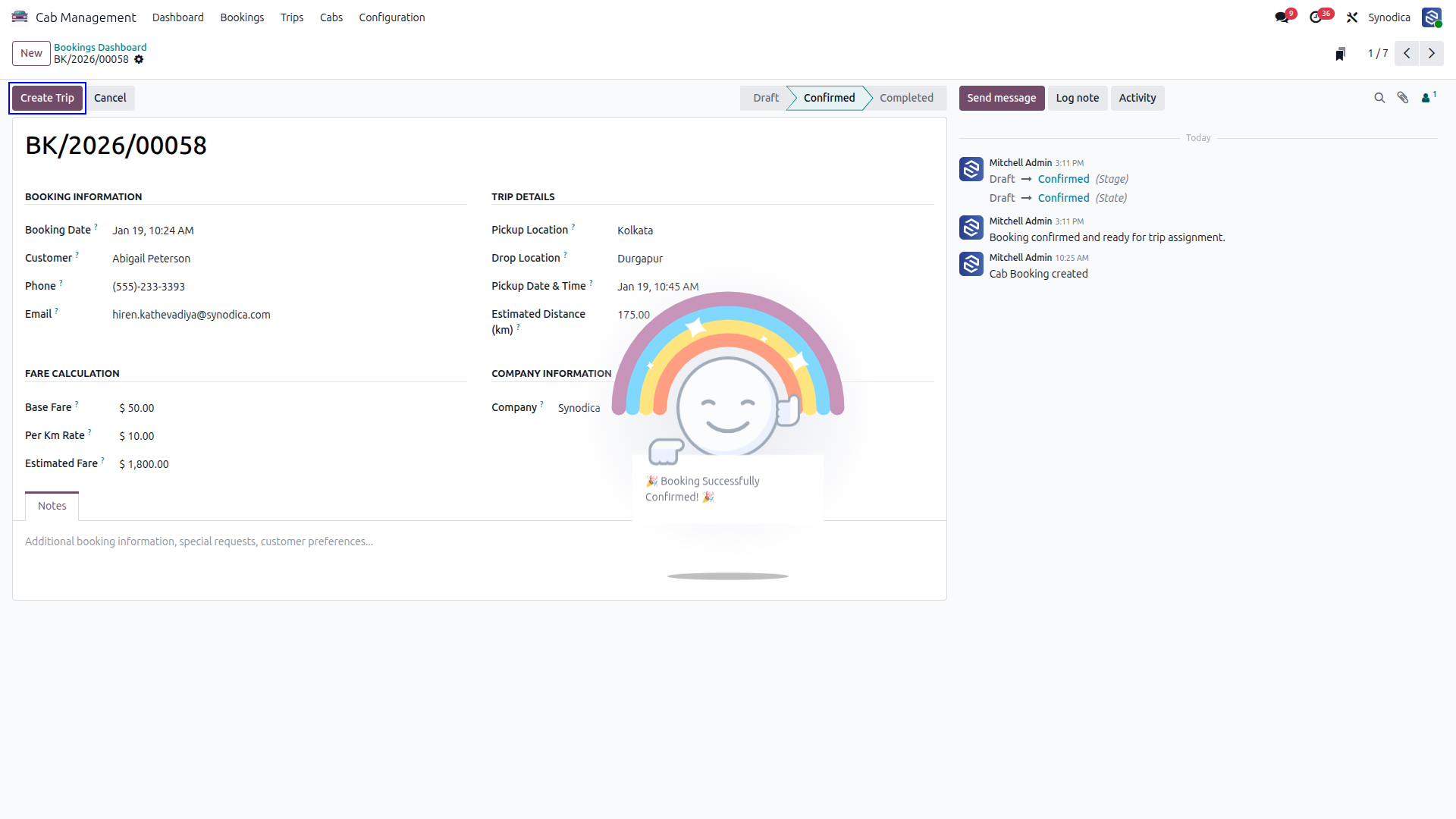
Book Cab and Click to Confirm
Create Trip
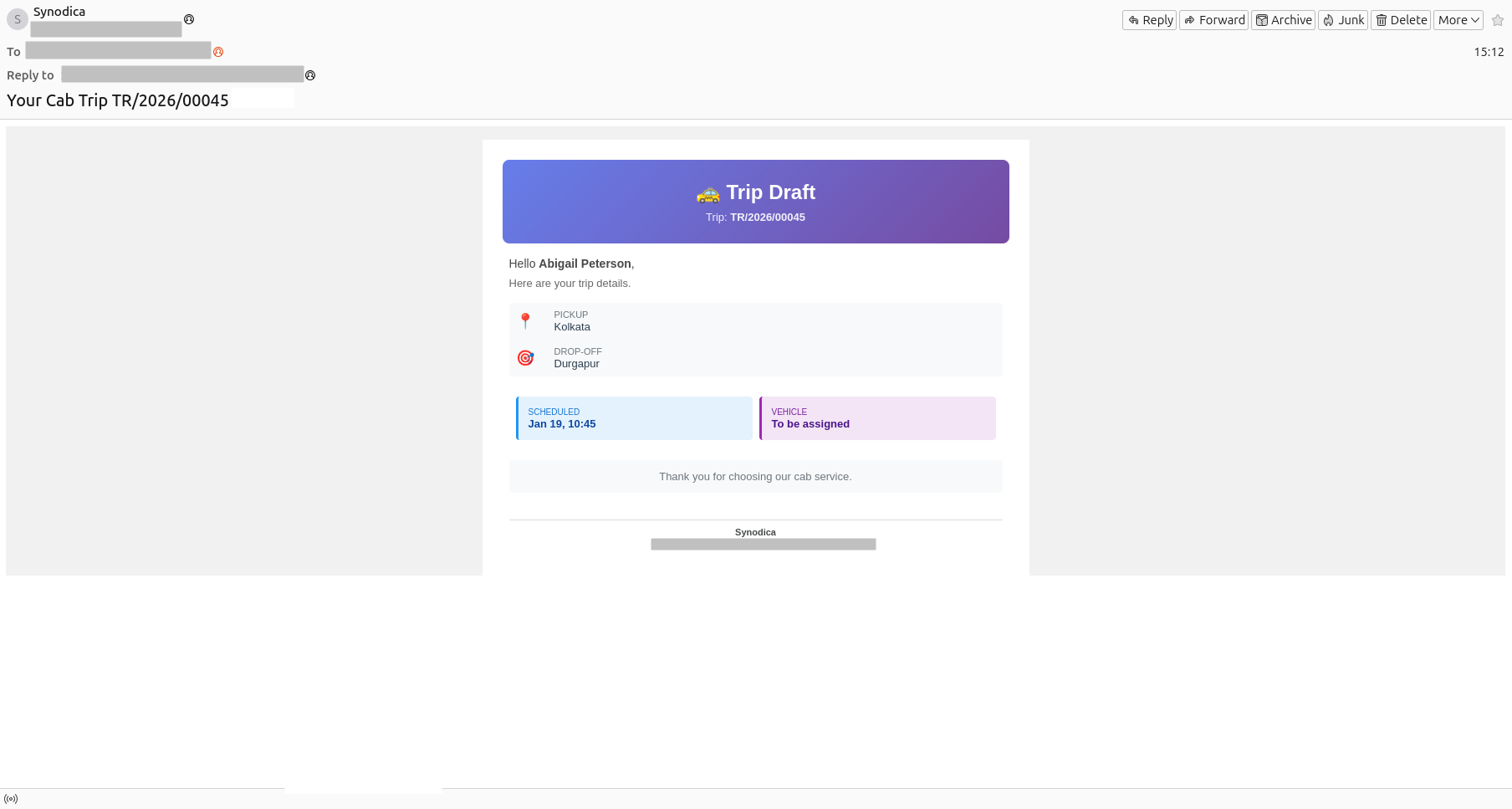
The Customer Will Receive the Draft Email
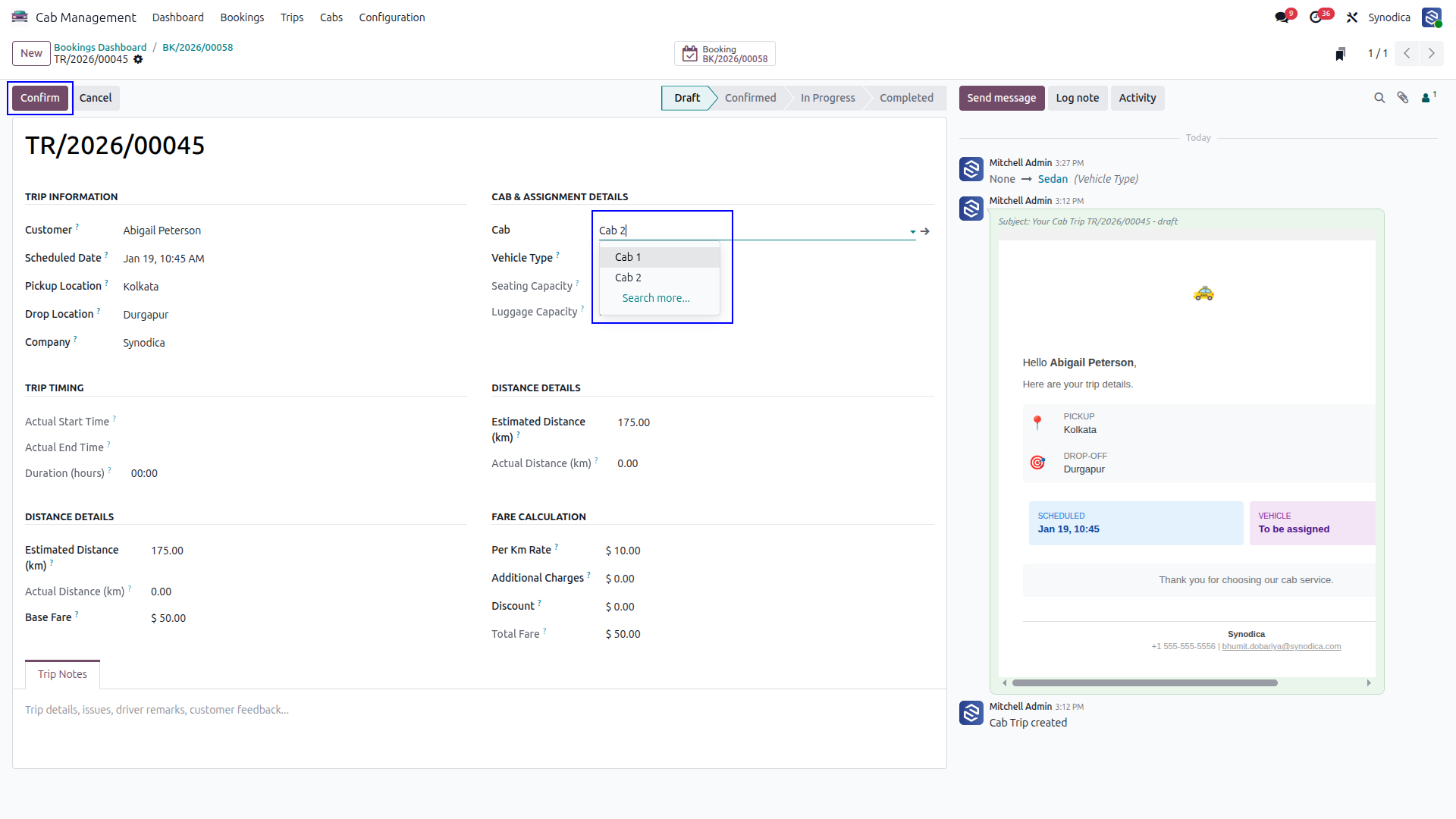
Choose a Cab to Continue
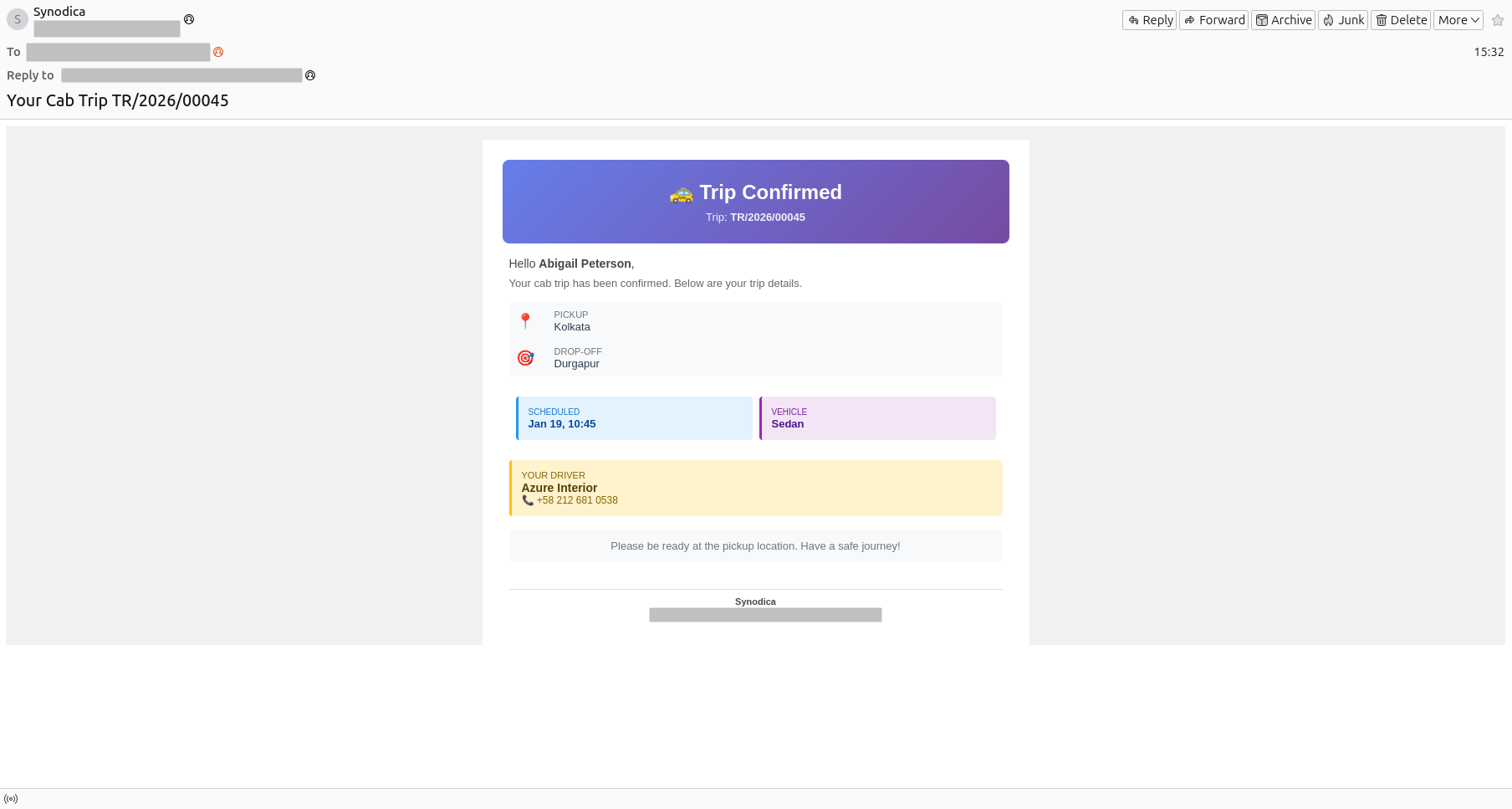
A Trip Confirmation Email Will Be Sent to the Customer
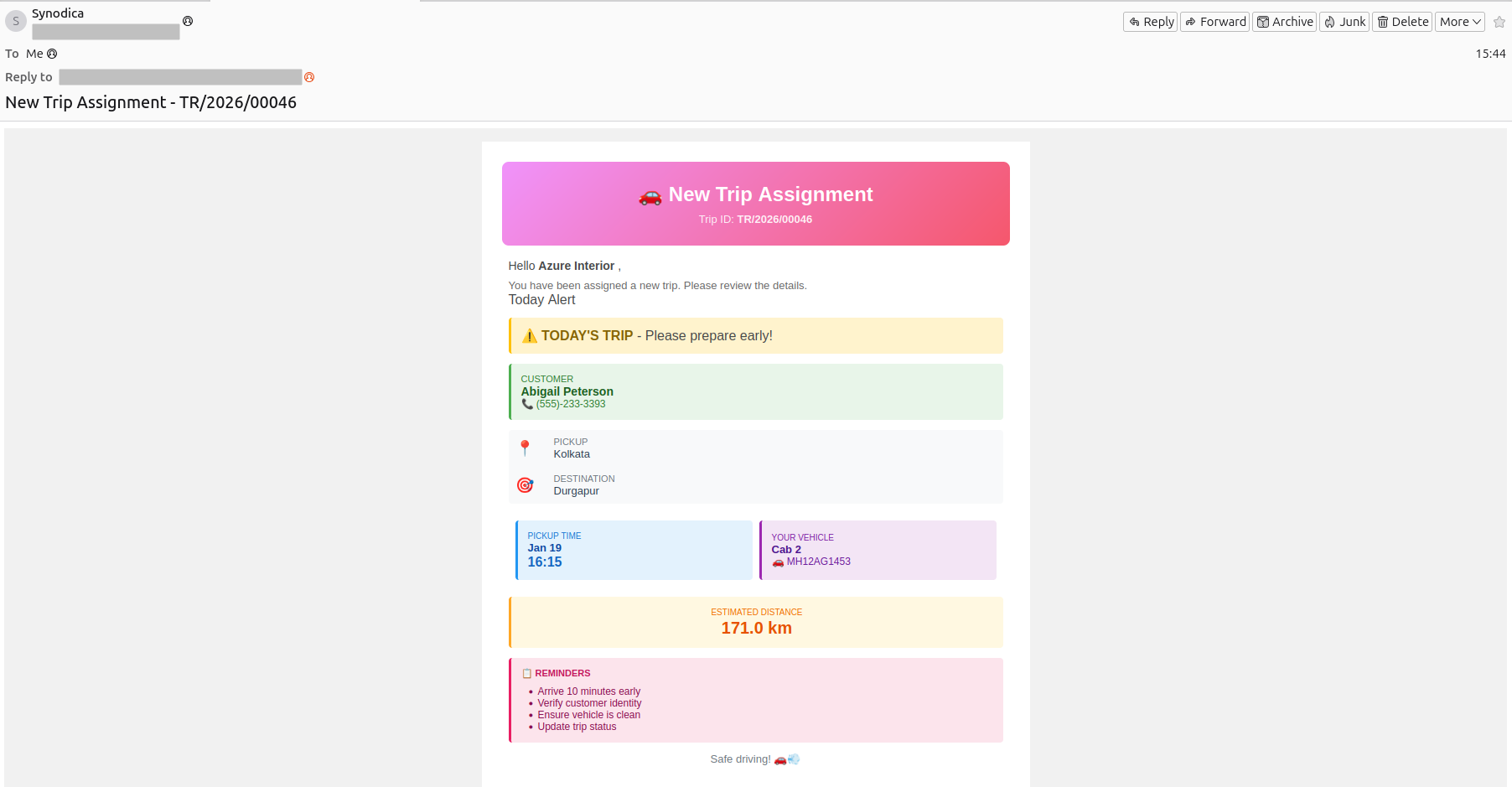
The Driver Will Receive a Trip Confirmation Email As Well
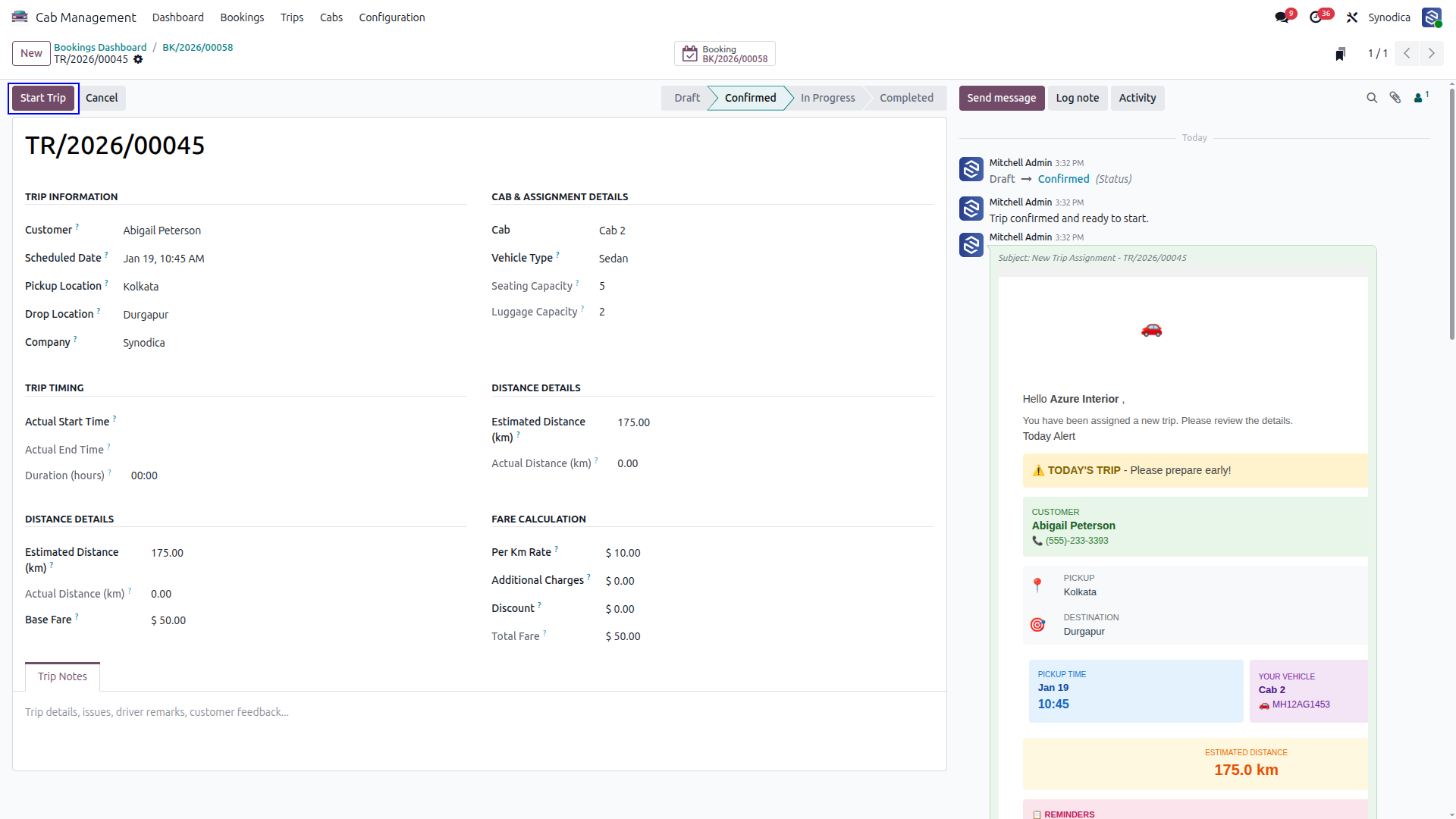
Start Trip
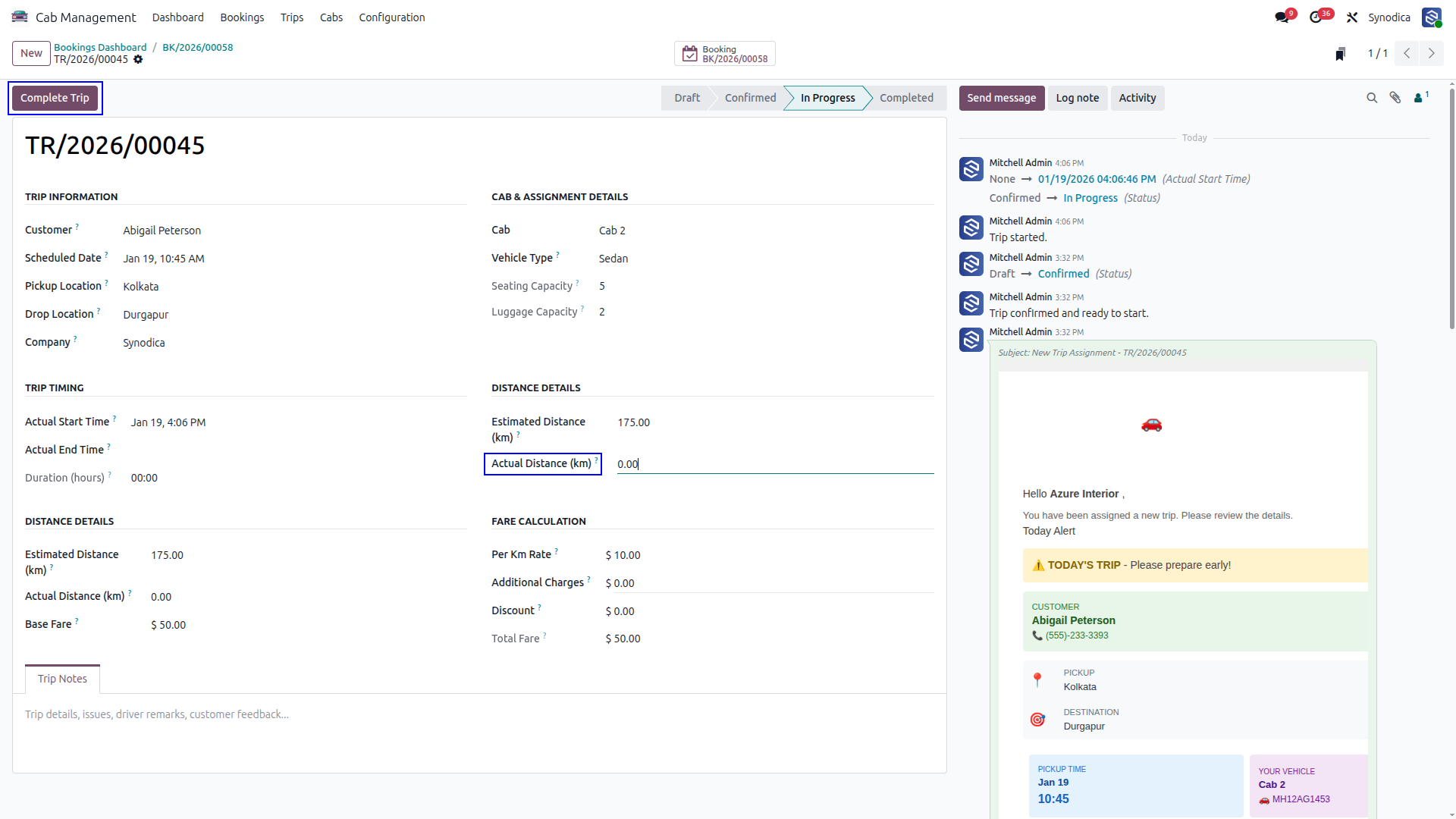
Add actual distance to finalize the trip
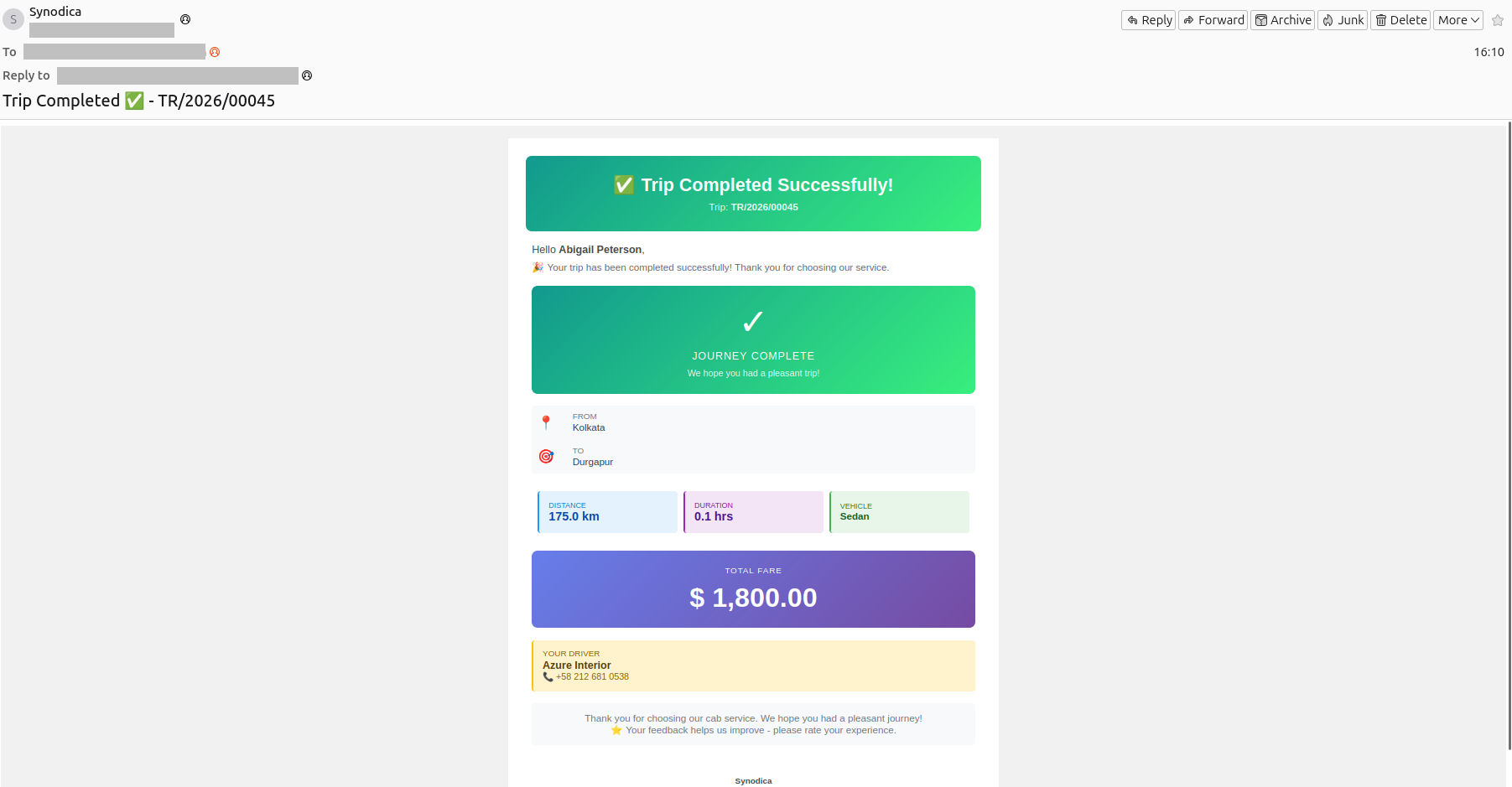
A Trip Completion Notification Will Be Sent to the Customer Via Email
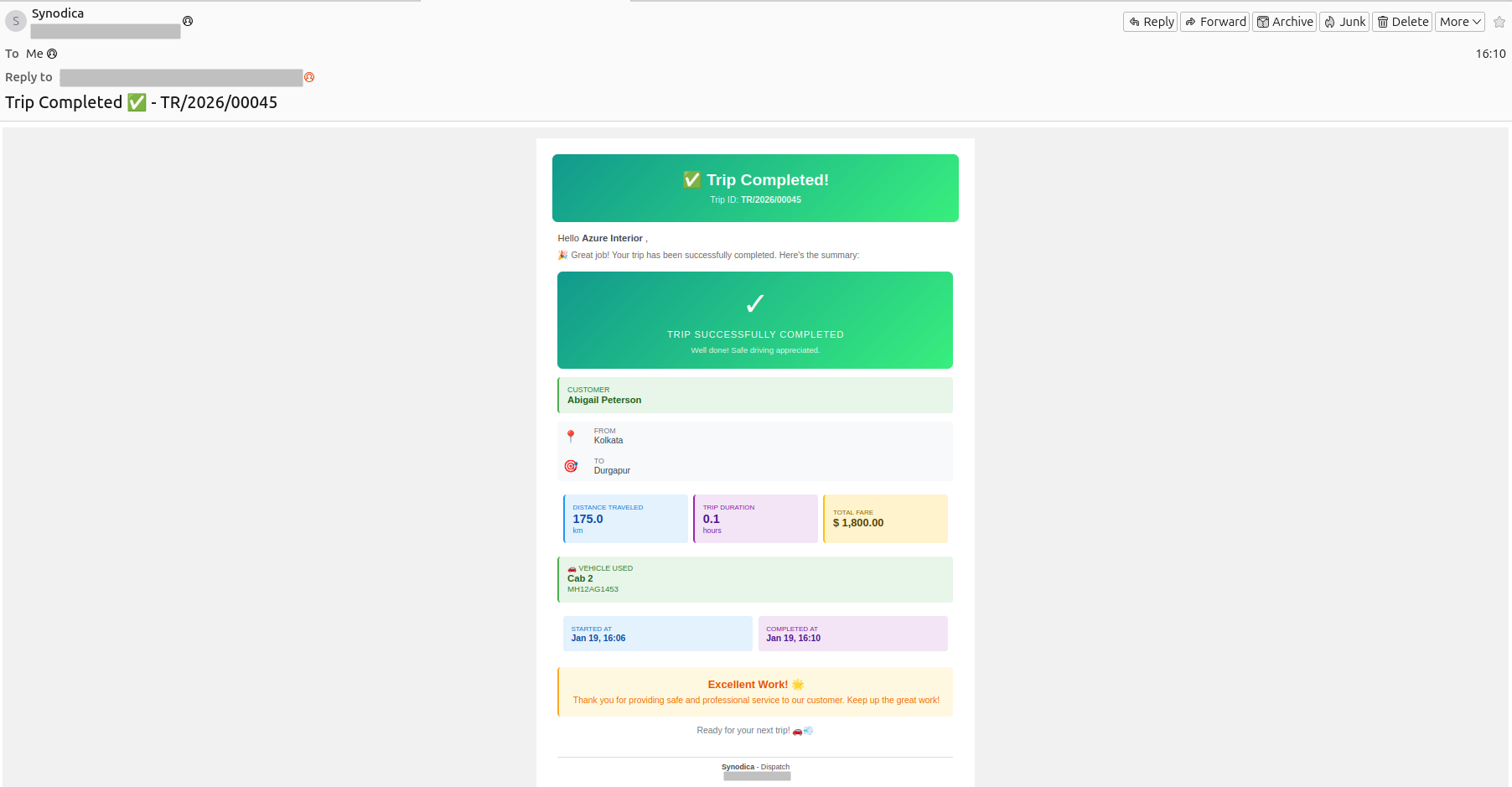
The Driver Will Also Receive a Trip Completion Notification by Email
Create an Invoice for the Trip
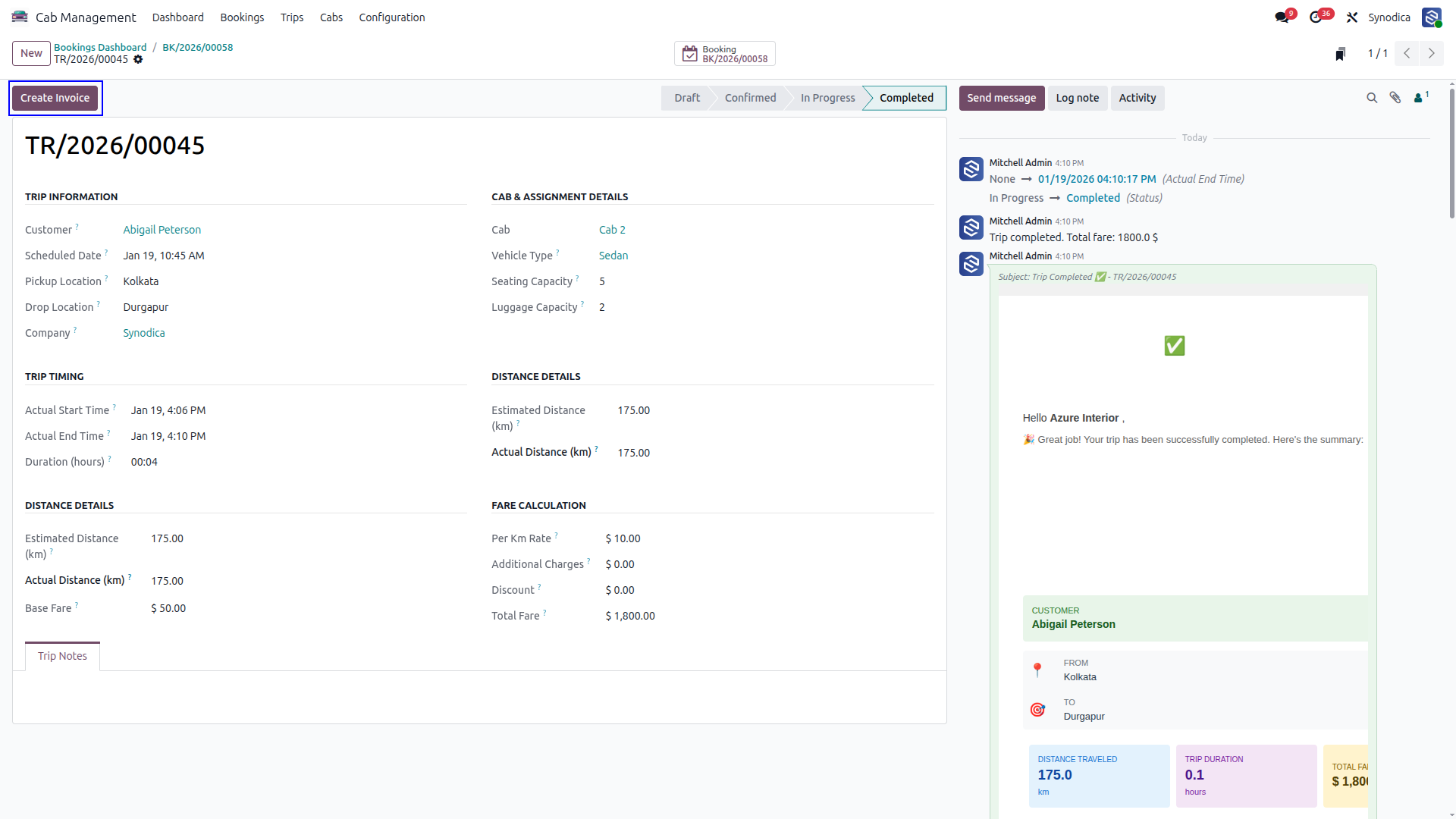
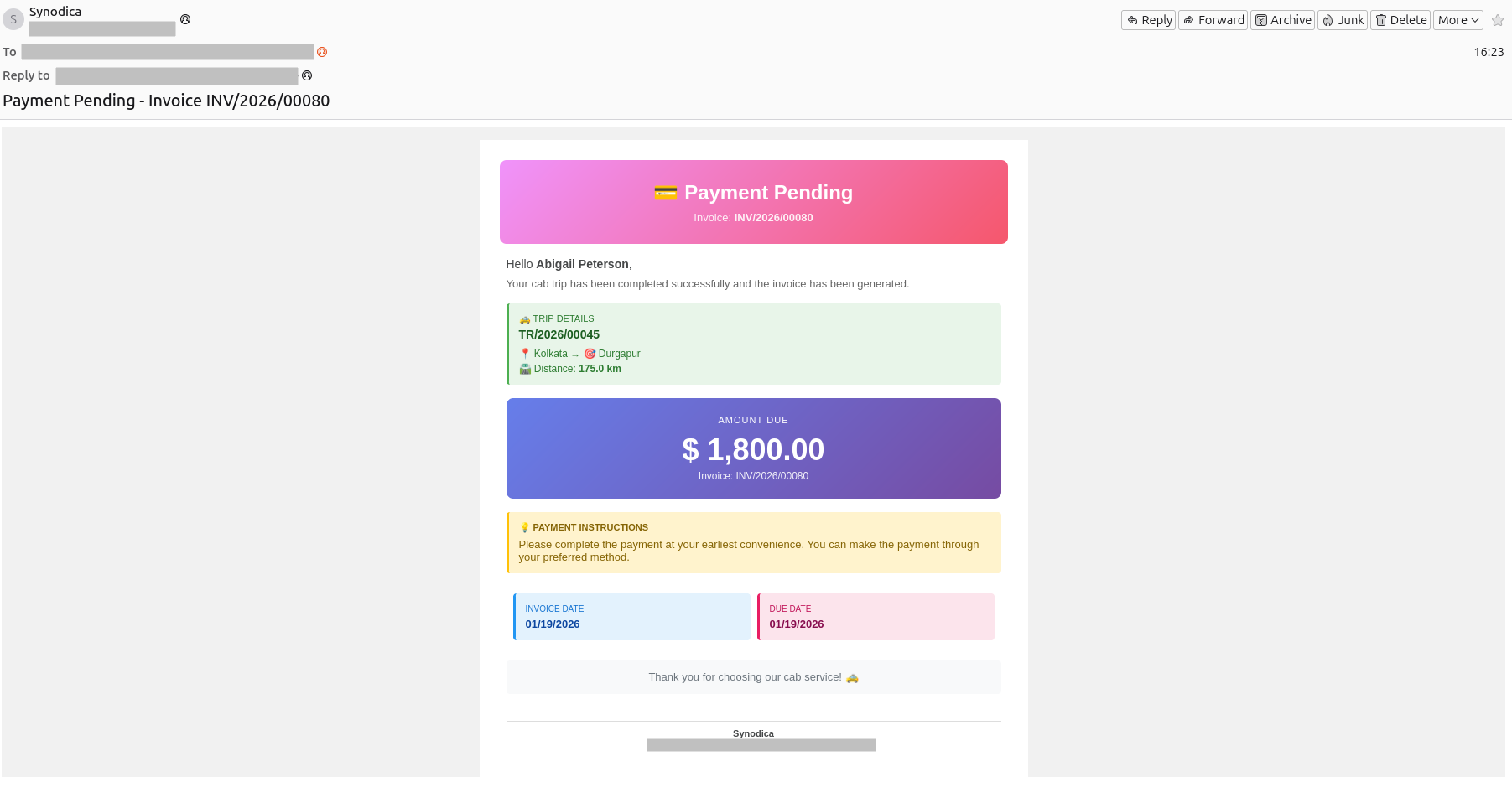
Customers Are Notified by Email About Pending Payment
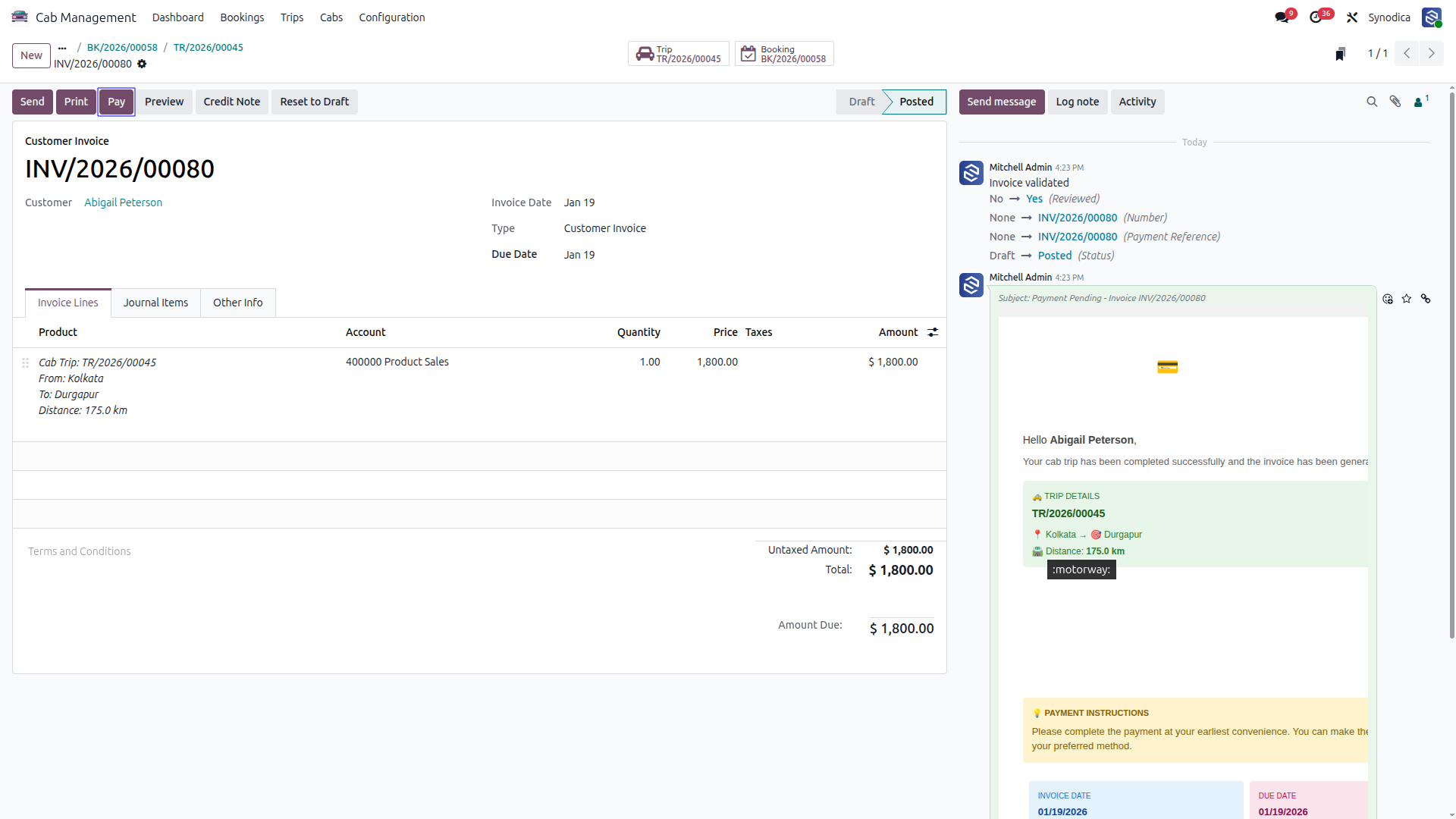
Proceed to Pay
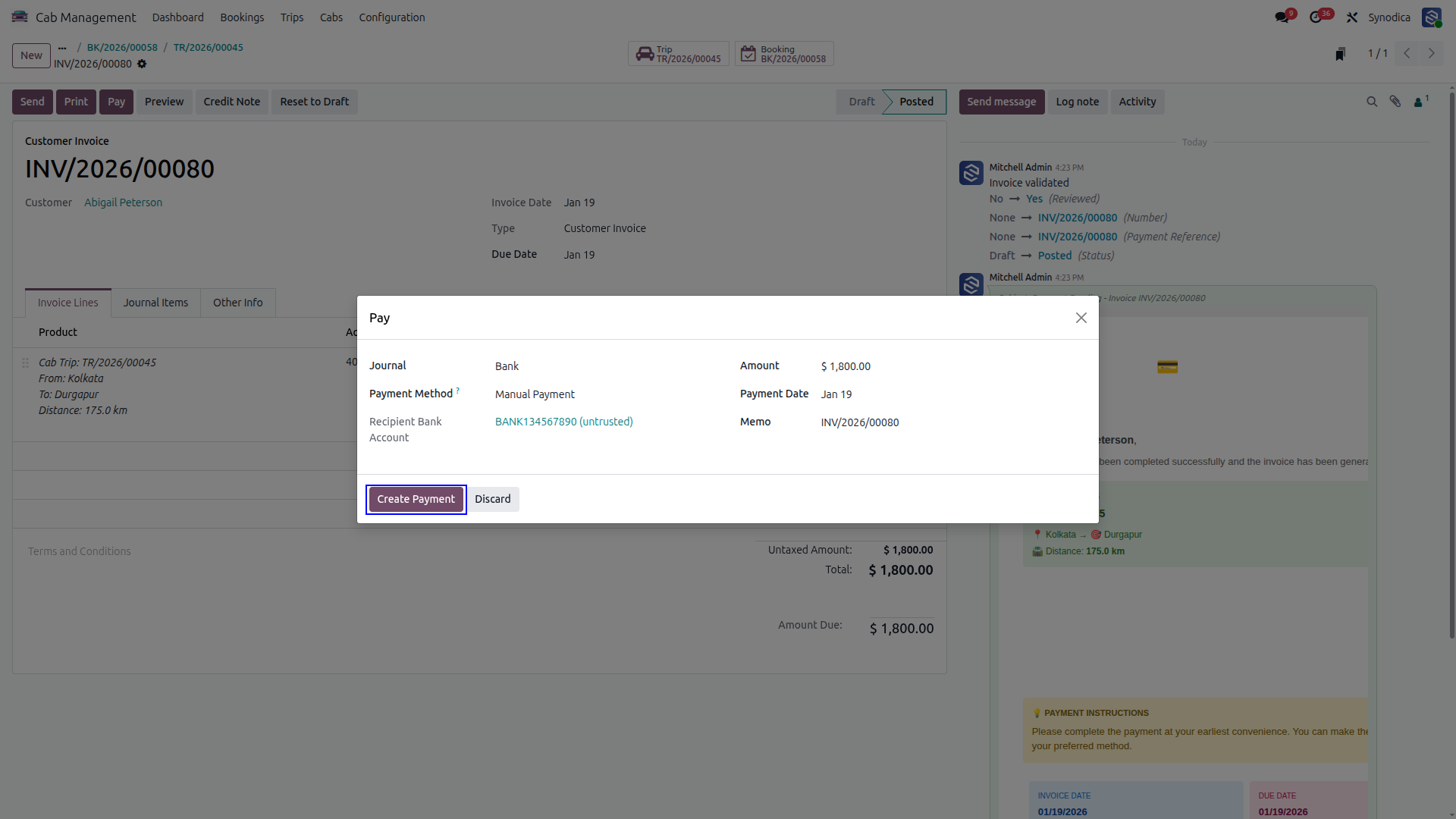
Choose a Bank and Payment Method to Create the Payment
Payment Completed
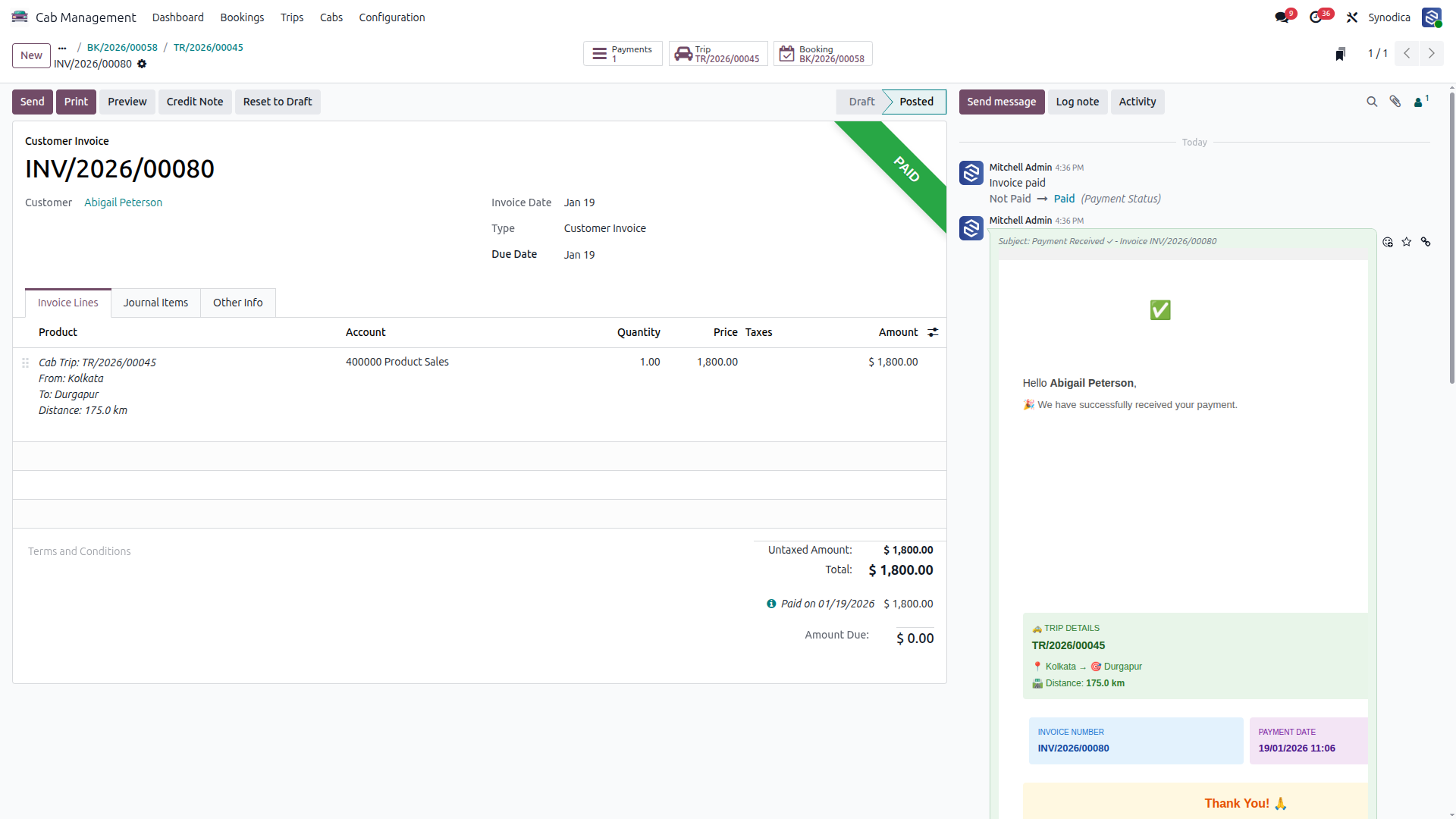
A Payment Received Notification Will Be Sent to the Customer Via Email
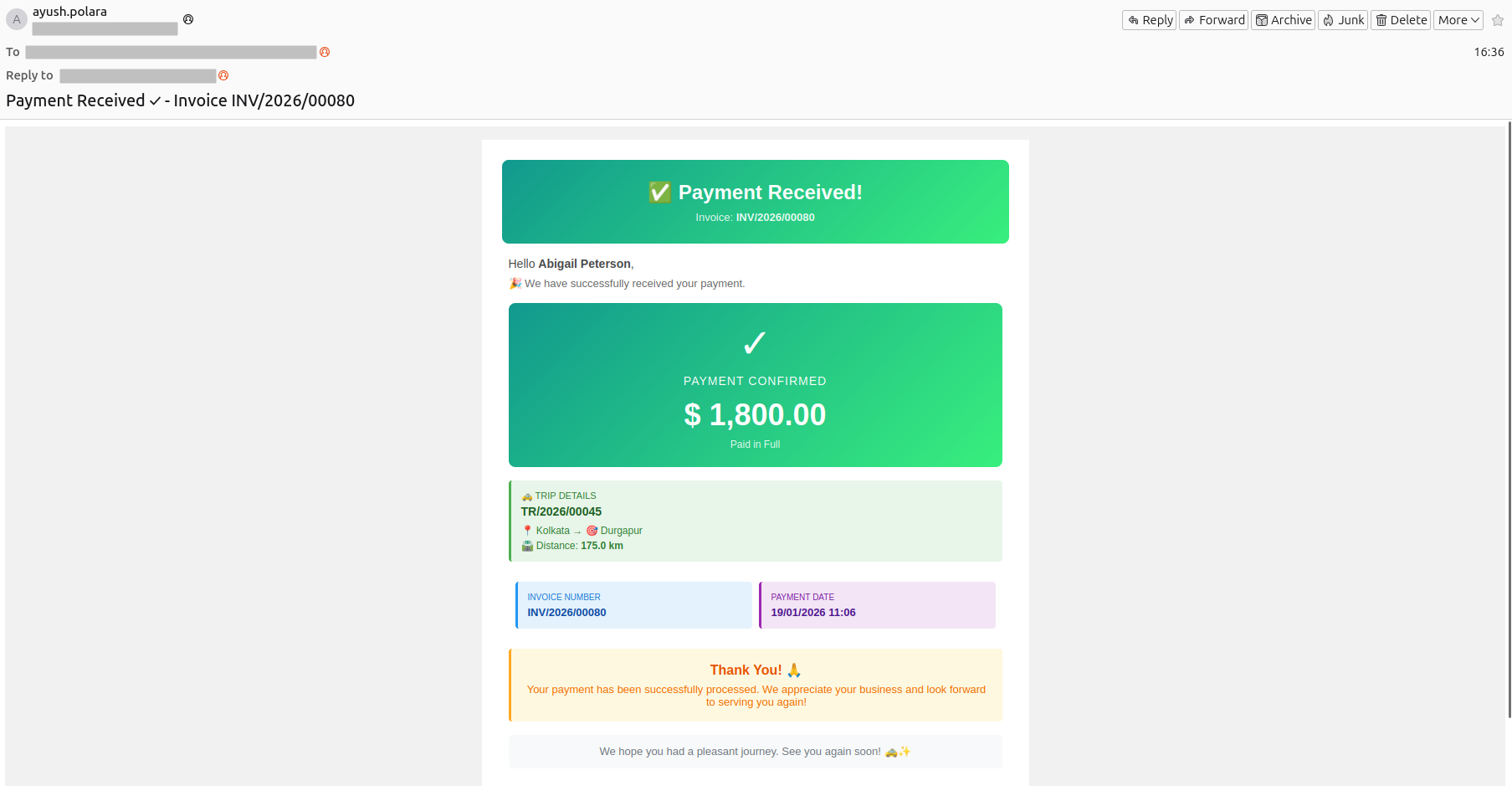
Customers Get an Email to Rate Their Trip
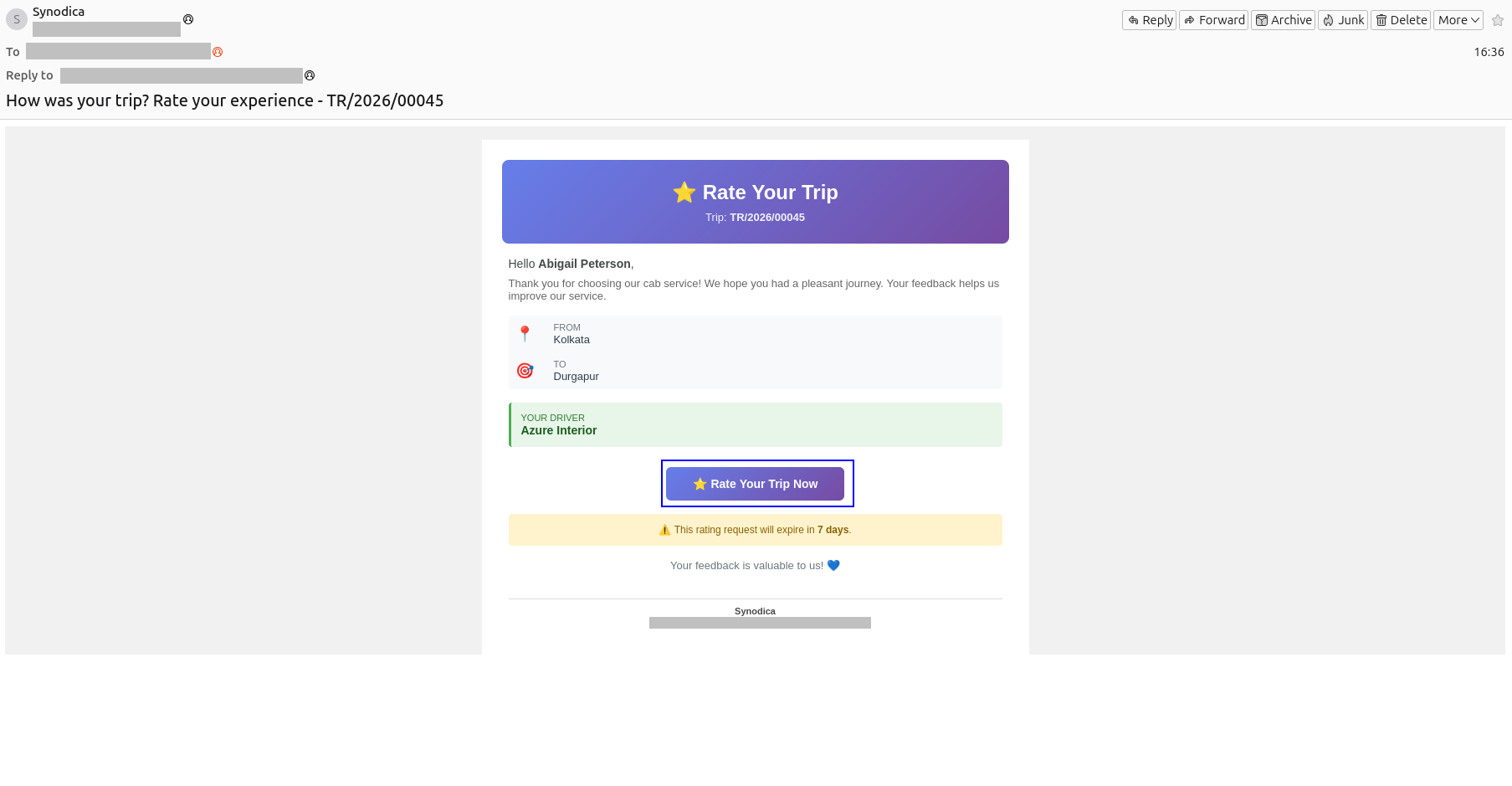
Rate Your Trip, Add Feedback, and Submit Your Rating
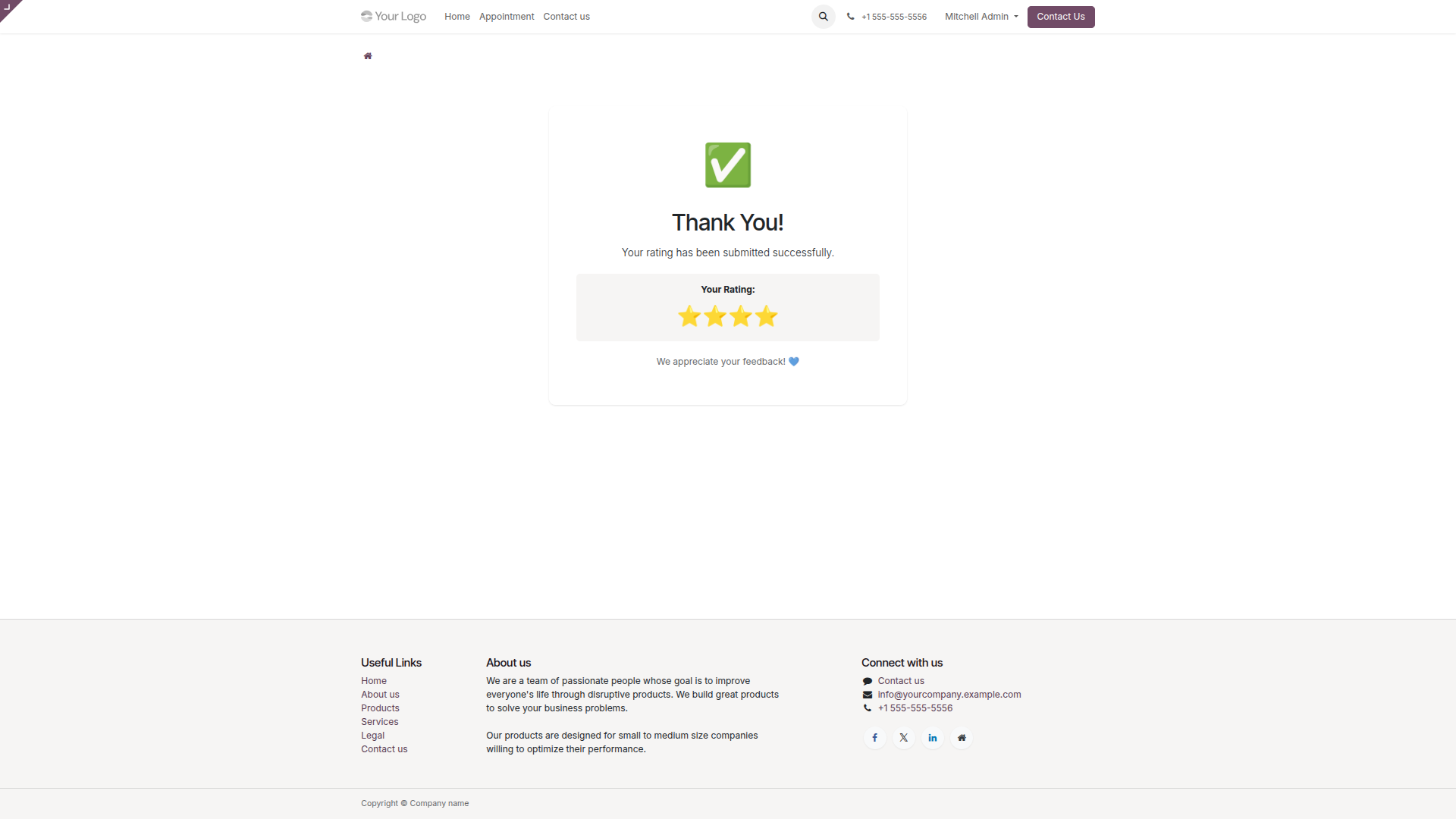
Feedback Submitted
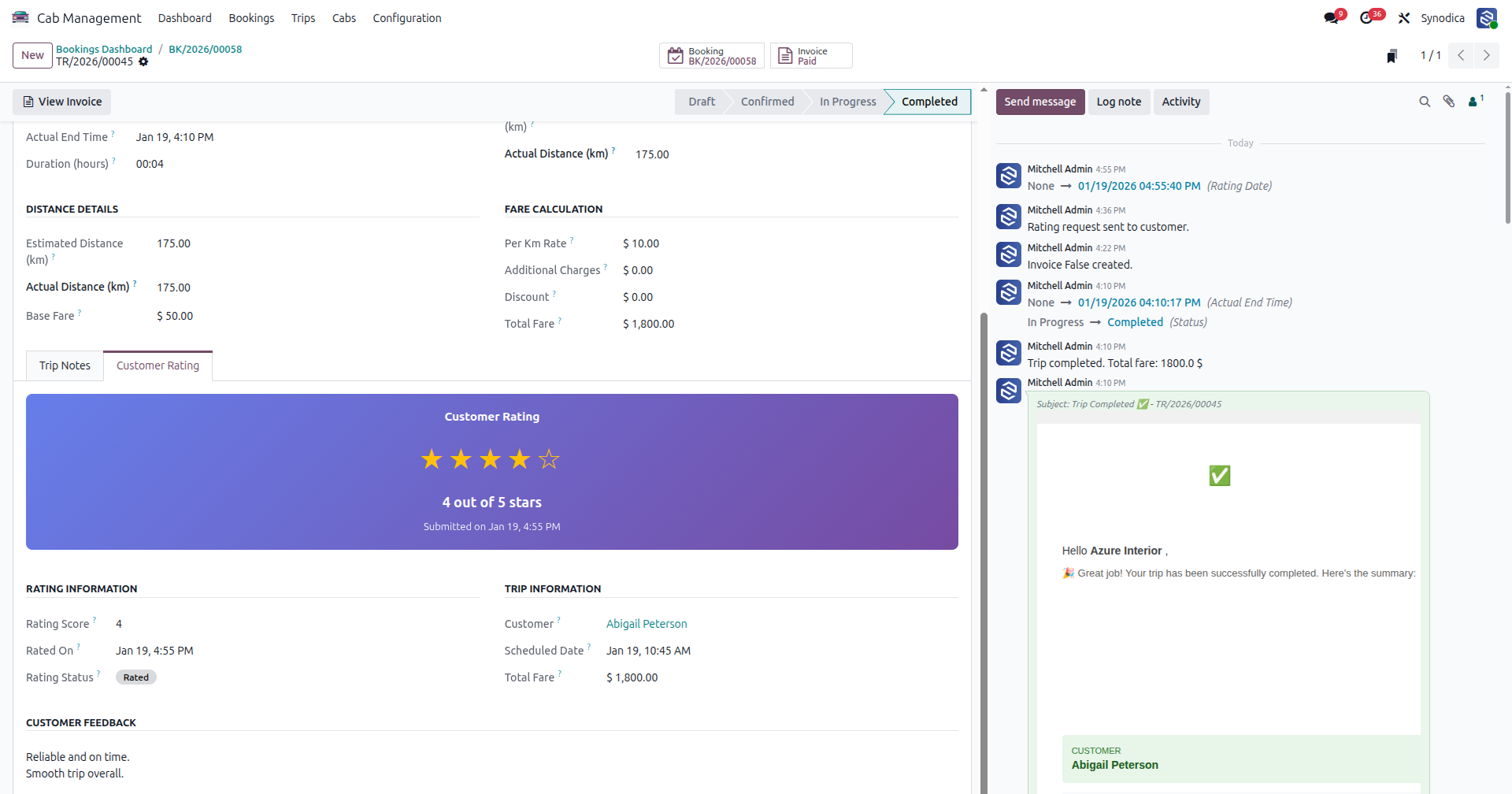
Customer Rating Is Shown in the Trip Details
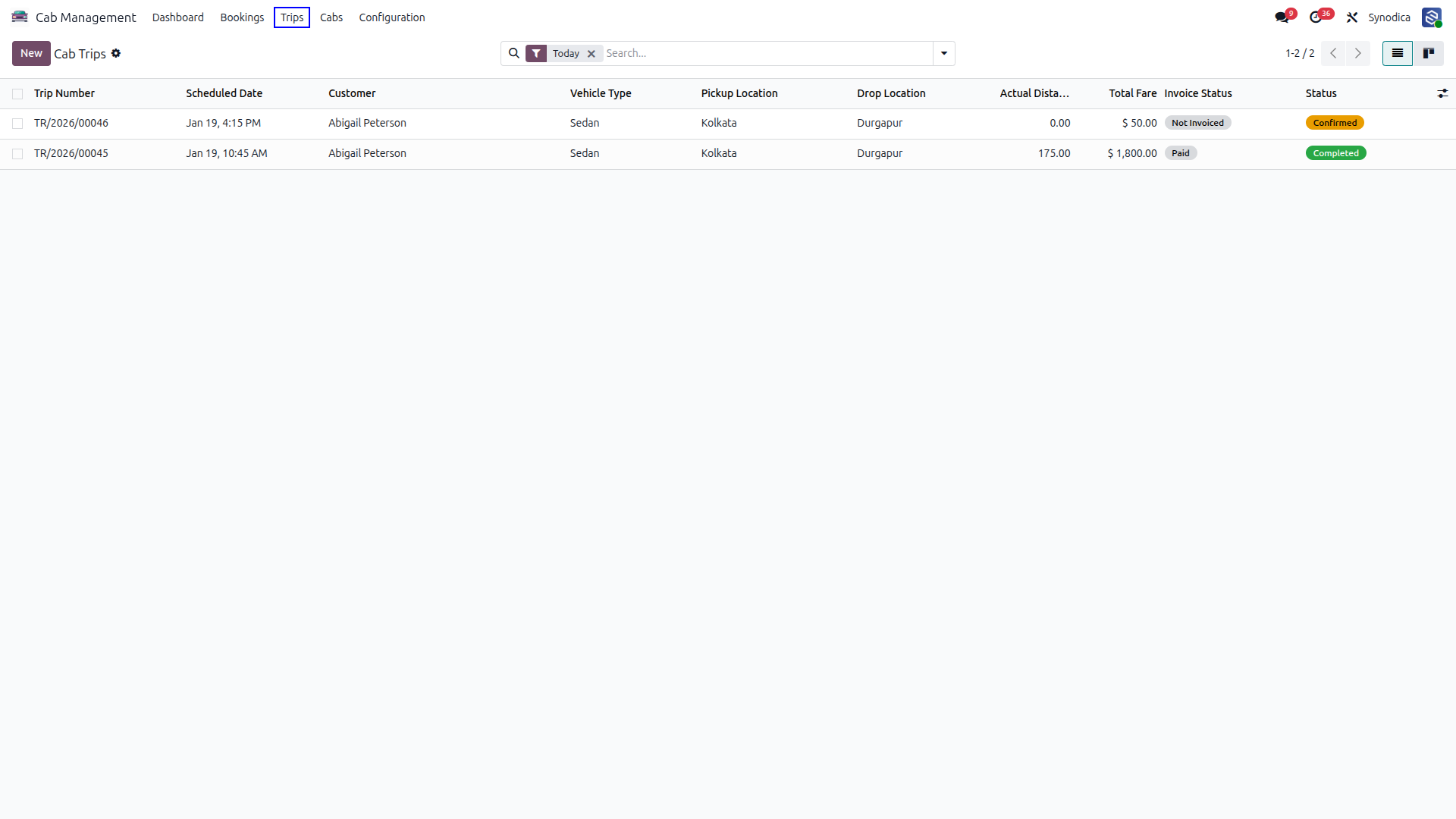
Today’s Trips
Ratings: All, Pending, and Low
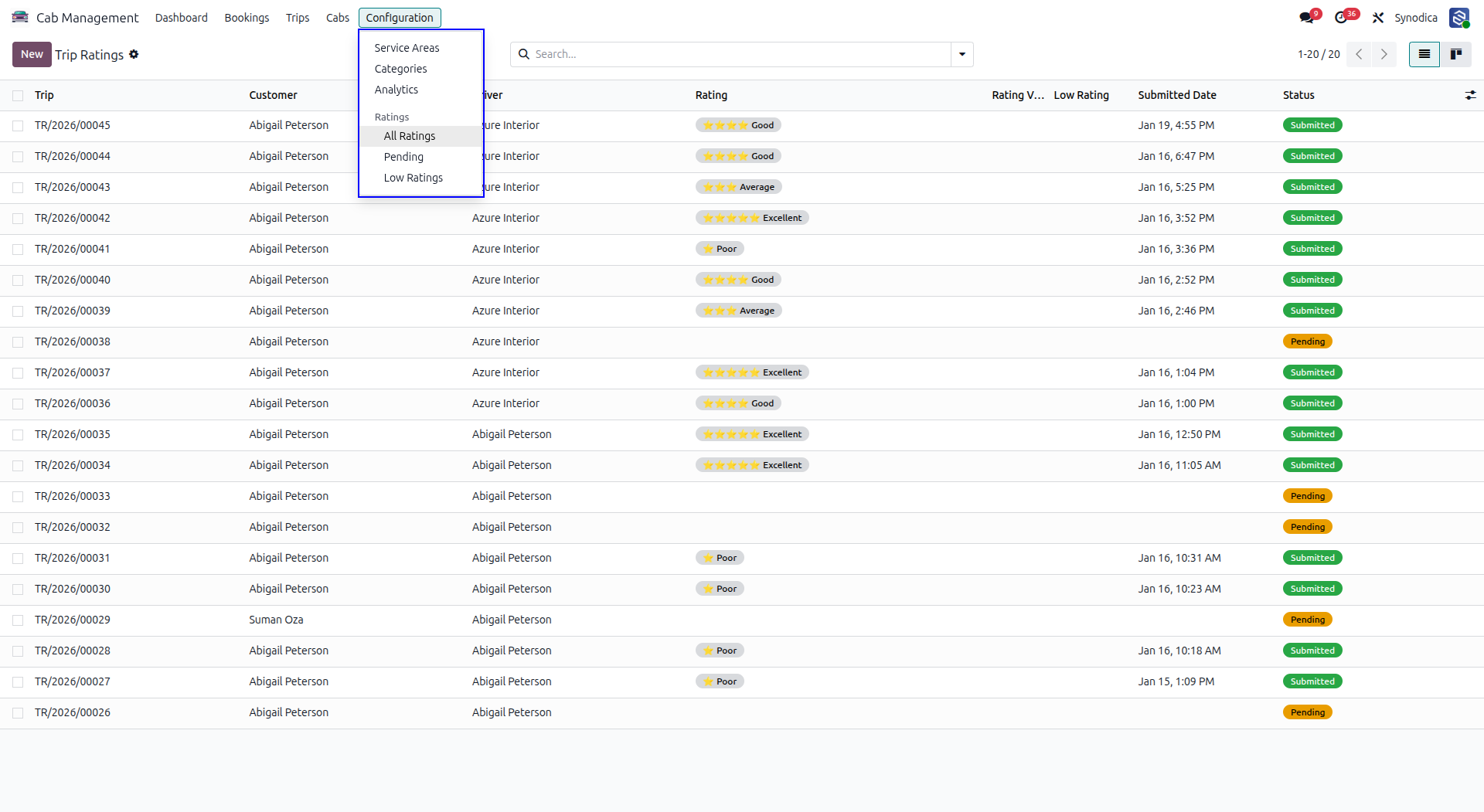
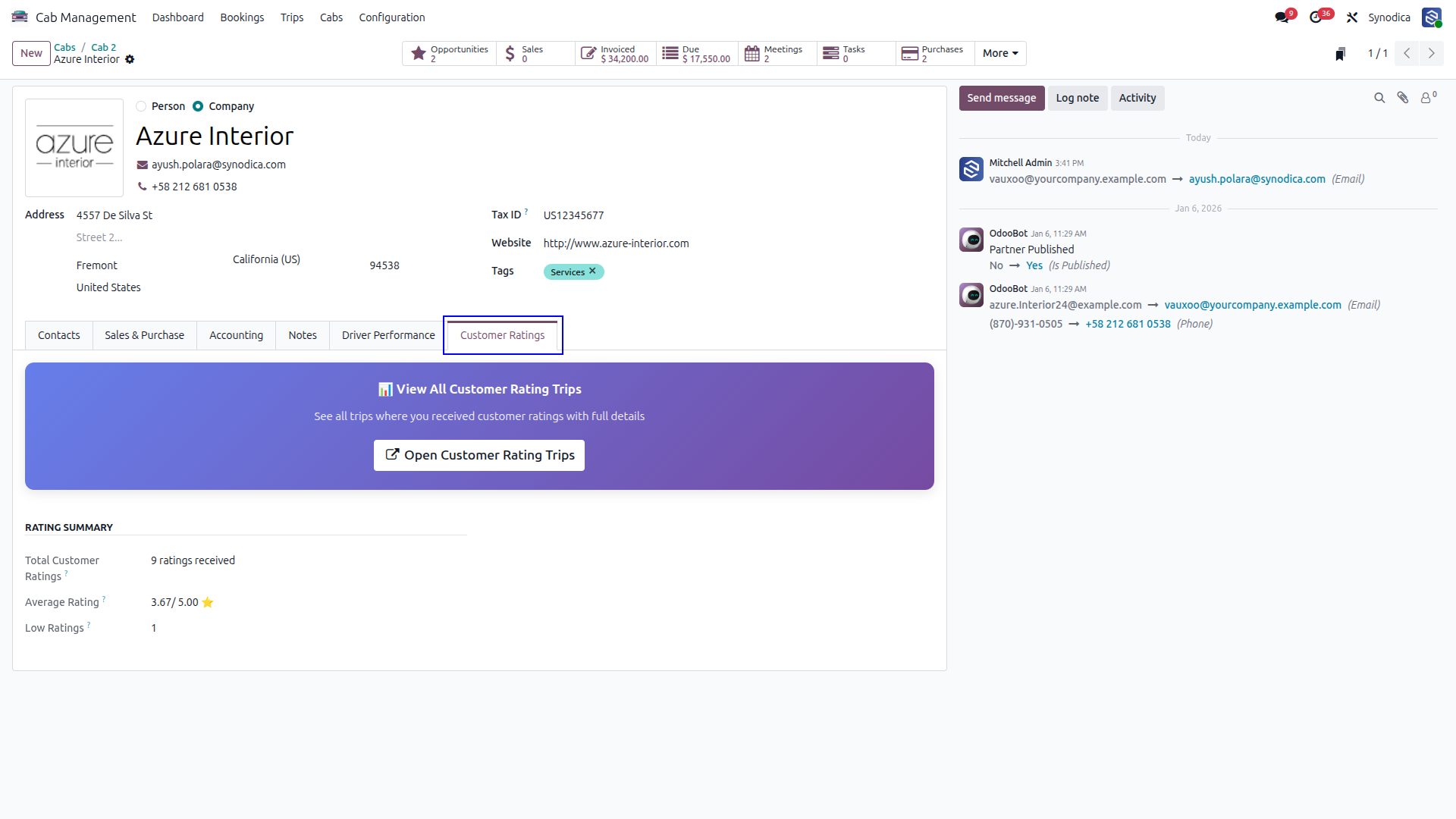
Review Driver Feedback and Ratings
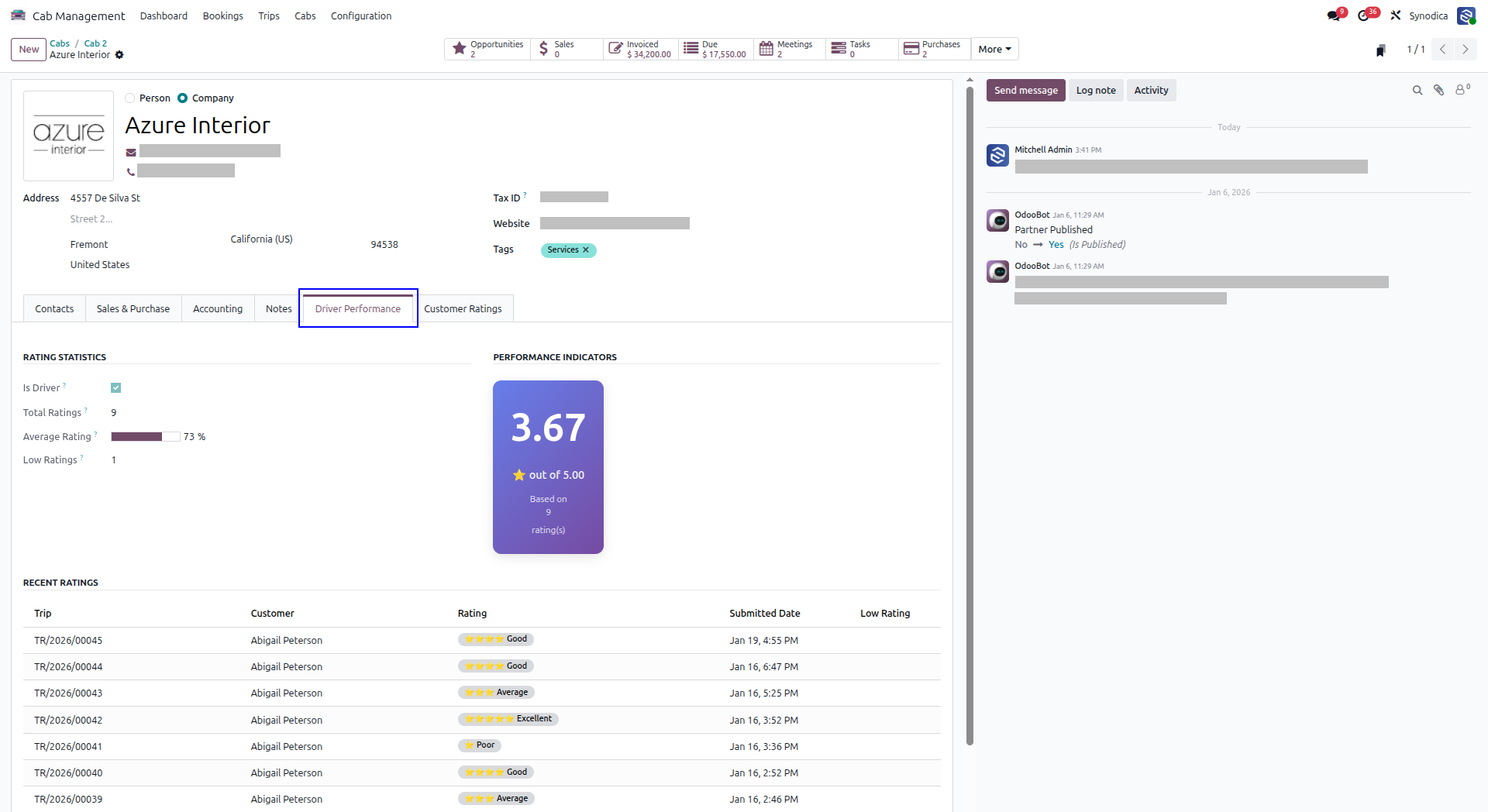
Check Driver Ratings Received for Completed Trips
Suggested Products






Contact Us
Suggestions & Feedback to: support@synodica.com

We create ERP solutions for you using Odoo ERP that will build a strong and efficient business for you. It's SYNODICA WAY