

KSeF E-Invoice
E-Invoicing for
Odoo
KSeF — Made Simple
Submit FA(2) invoices directly to Poland's KSeF system inside Odoo. Track UPO status, import vendor bills, and stay audit-ready — all without leaving your workflow.
How It Works
Three simple steps from configuration to confirmed KSeF submission — all inside Odoo.
Configure
Upload your certificate, set your private key, select PROD or TEST environment, and validate NIP/VAT settings in Accounting configuration.
Submit
Generate a valid FA(2) XML invoice and send it to KSeF in one click. XAdES digital signing is handled automatically.
Confirm
Track real-time KSeF status on each invoice and download the official UPO receipt for full audit compliance.
See It in Action
A visual walkthrough of the complete KSeF workflow inside Odoo Accounting.
Navigate to Accounting → Configuration → KSeF to begin your setup.

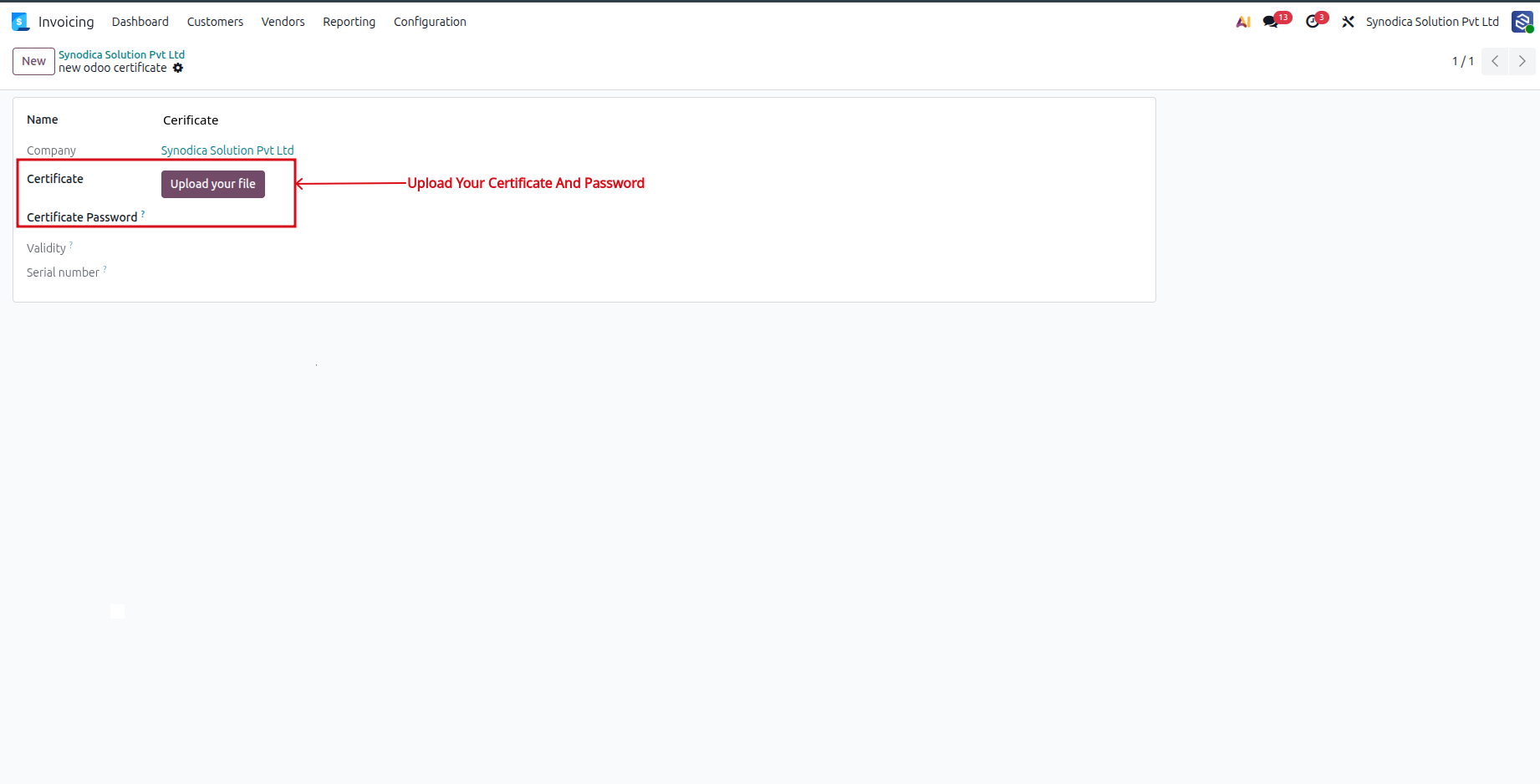
Select the certificate that will be used for KSeF authentication.
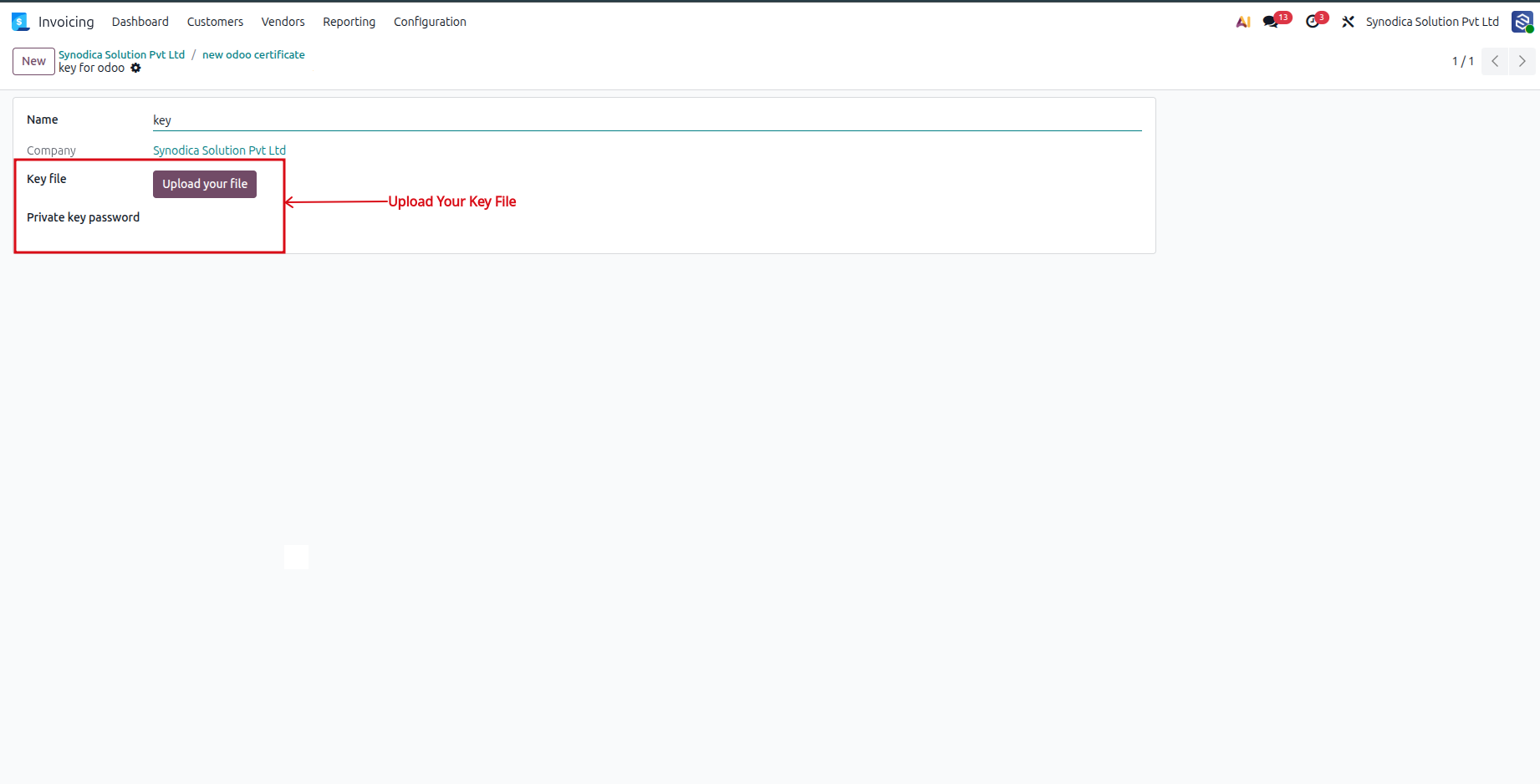
Upload the private key and save to complete the authentication setup.
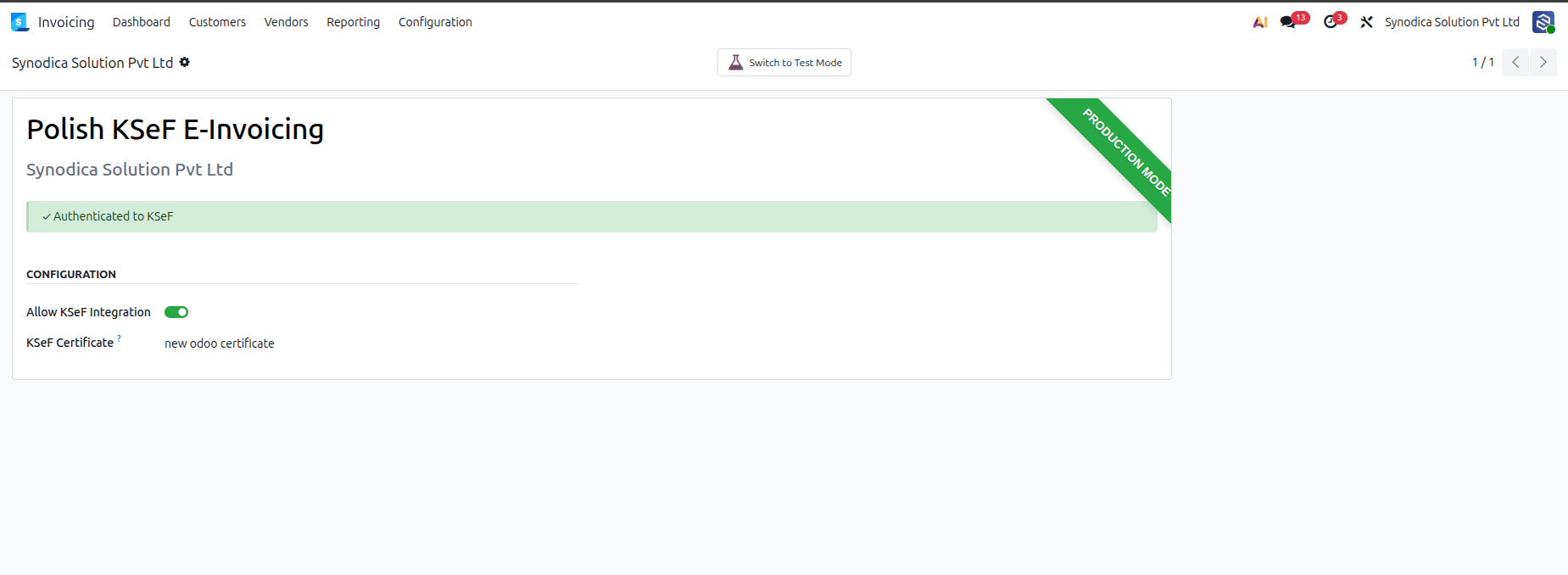
Once connected, the system shows a confirmed authenticated status — ready to submit.
Everything You Need
Built for Polish businesses on Odoo — every KSeF requirement covered out of the box.
FA(2) XML Generation
Automatically build valid FA(2) compliant XML directly from your Odoo invoices.
XAdES Digital Signing
Secure XML signing with your certificate — no manual steps or third-party tools needed.
Real-Time Status Tracking
Live KSeF processing status displayed directly on every invoice record in Odoo.
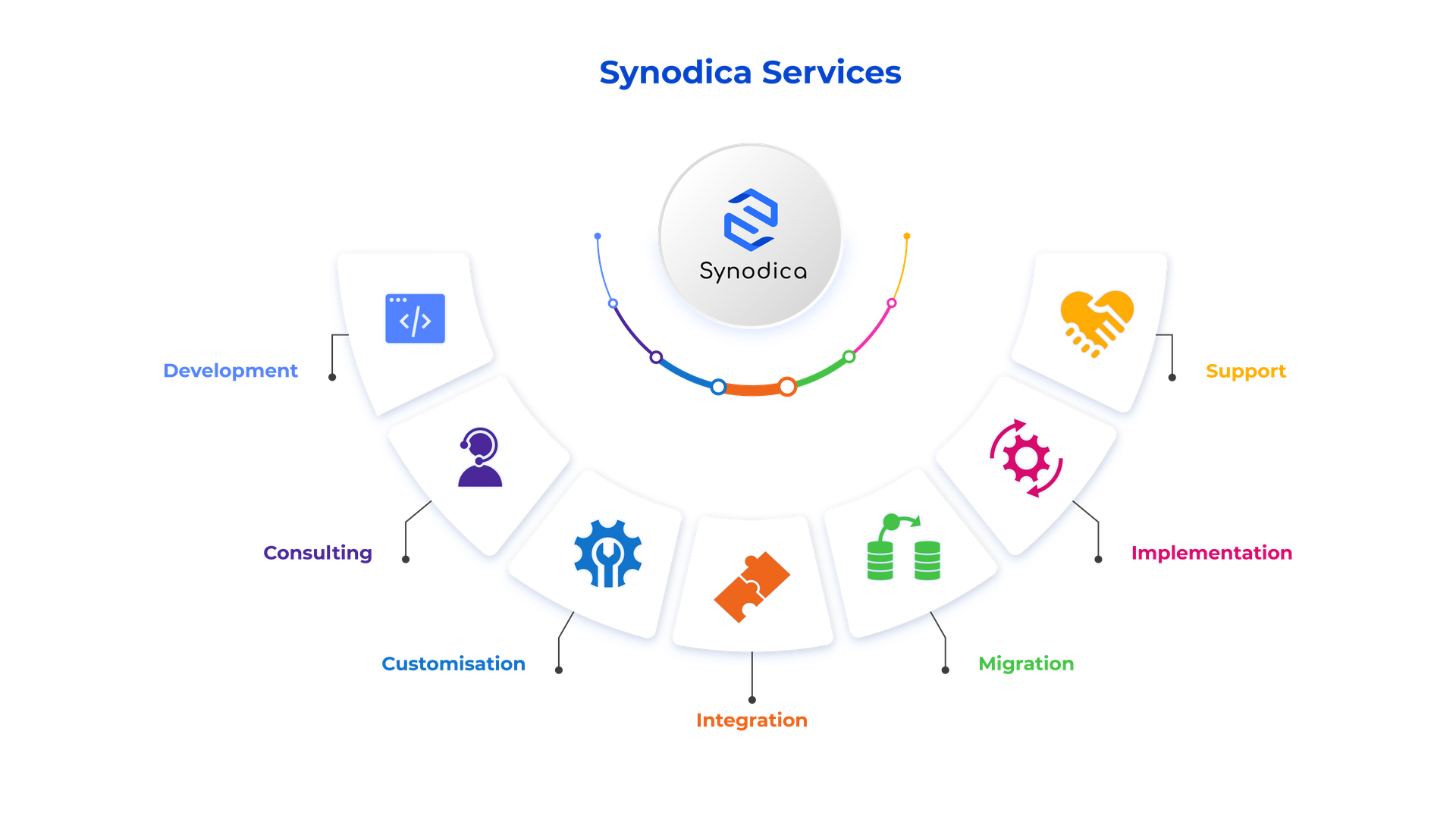
Specialized Odoo Services
We build, customize, and maintain Odoo solutions for businesses worldwide — from implementation to advanced integrations.
Need Help with KSeF?
Our team assists with installation, configuration, certificate setup, and full Odoo deployment support.
support@synodica.com© 2026 Synodica Solutions PVT. LTD. — KSeF E-Invoice for Odoo
We create ERP solutions for you using Odoo ERP that will build a strong and efficient business for you. It's SYNODICA WAY