



MRP Shop Floor Community
Shop Floor Advanced
Enterprise Parity. Ultimate Efficiency.
Total Control. Modern UI.
Empower your manufacturing team with a highly-responsive Shop Floor in Odoo community. Track time, consume materials, record by-products, and enforce operation dependencies—all from a single, tablet-ready interface designed to supercharge your production line.
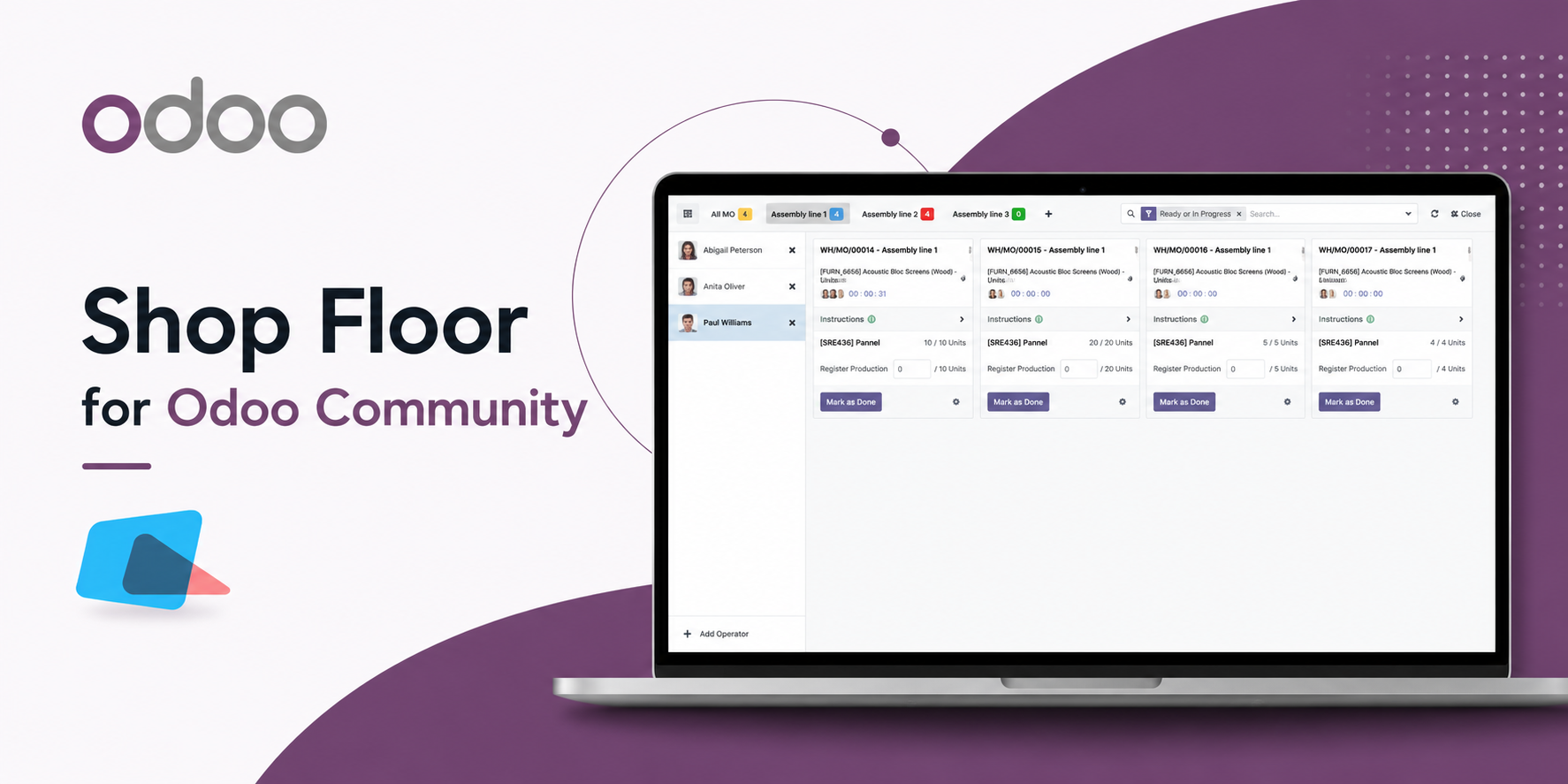
Seamless Manufacturing Execution
Take control of your manufacturing floor with a module designed specifically to streamline operator workflows, eliminate errors, and automate production tracking.
Live Productivity
Multiple operators can log in via PIN, start timers, and seamlessly collaborate on the same operation simultaneously.
Component & By-Products
View and register specific components required for the active operation. Effortlessly track unassigned by-products.
Dependency Blocking
Operations remain structurally locked and un-actionable until prior prerequisite workorders are completed.
Embedded Worksheets
Automatically fetch PDF manuals, rich text notes, and Google Slides directly tied to the operation and display them in a modal.
Functional Walkthrough
Take a look at how the Shop Floor interface revolutionizes your manufacturing process by providing an intuitive, touch-friendly dashboard.
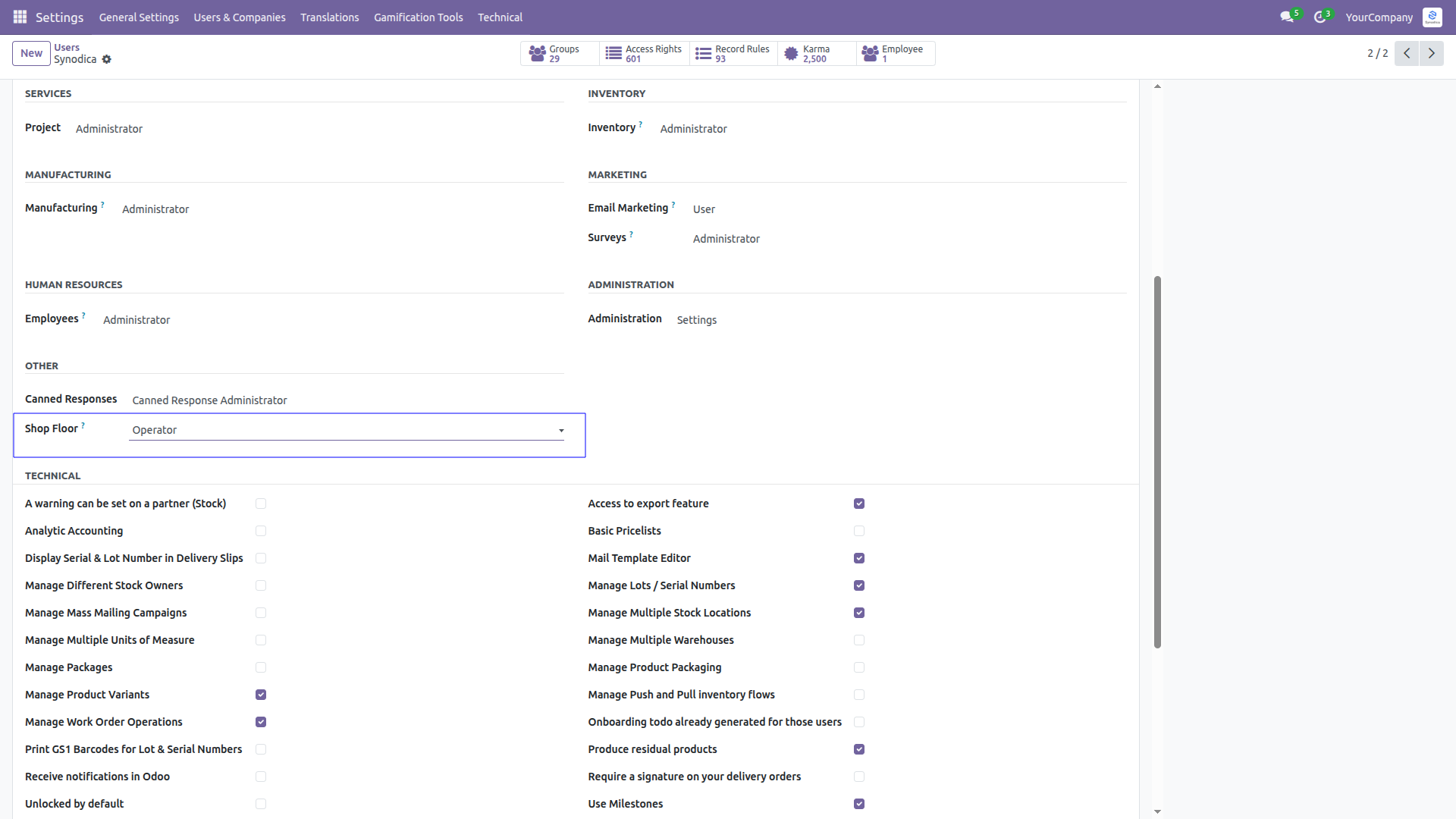
Easily manage who has access to the Shop Floor application directly from the standard Odoo Users form. Simply assign the Shop Floor Operator access group to securely grant permissions to your manufacturing floor staff.
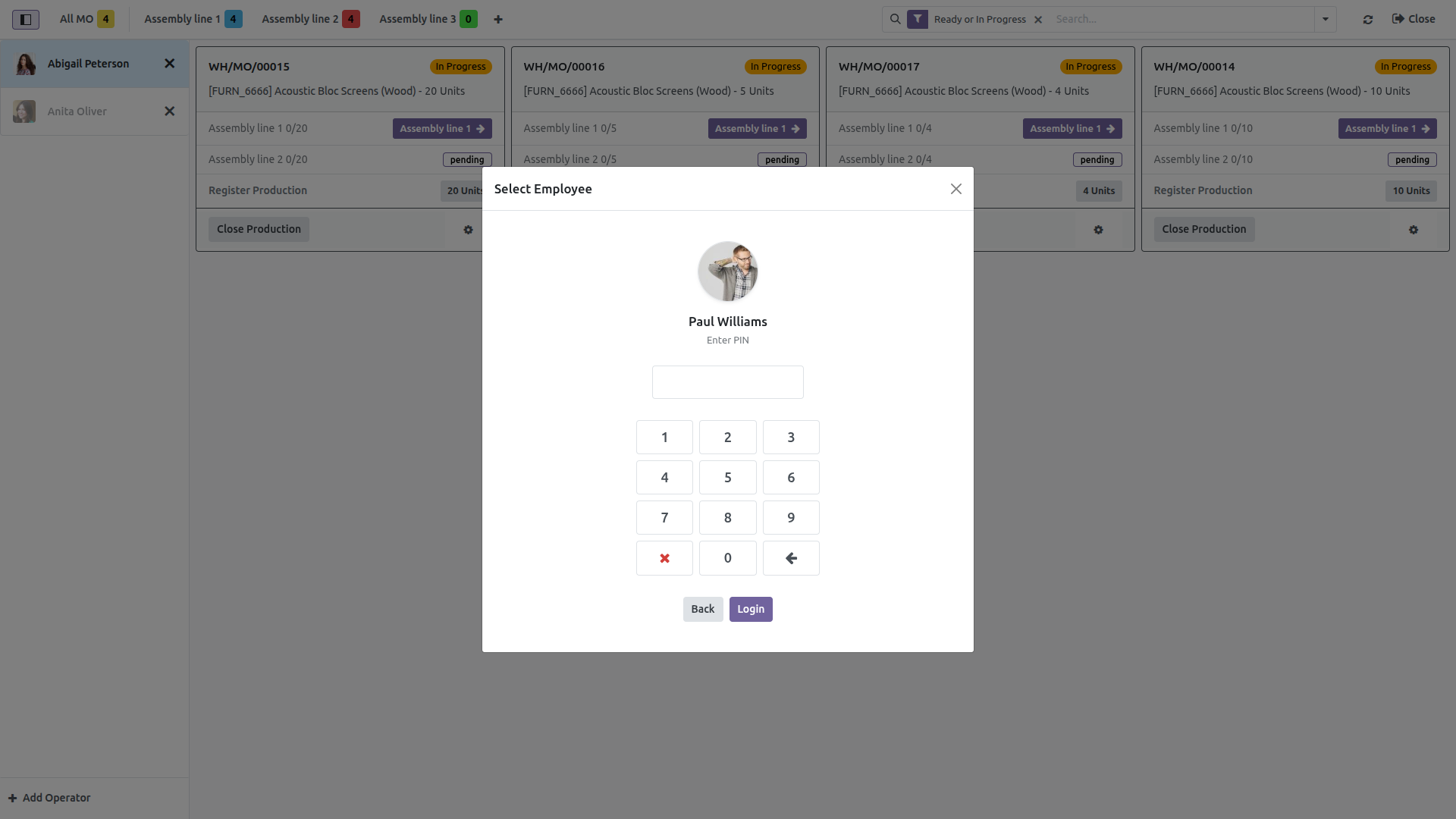
Operators log in using their personal PIN or password directly from the Shop Floor interface. This ensures all time tracked, materials consumed, and operations completed are securely tied to the correct employee.
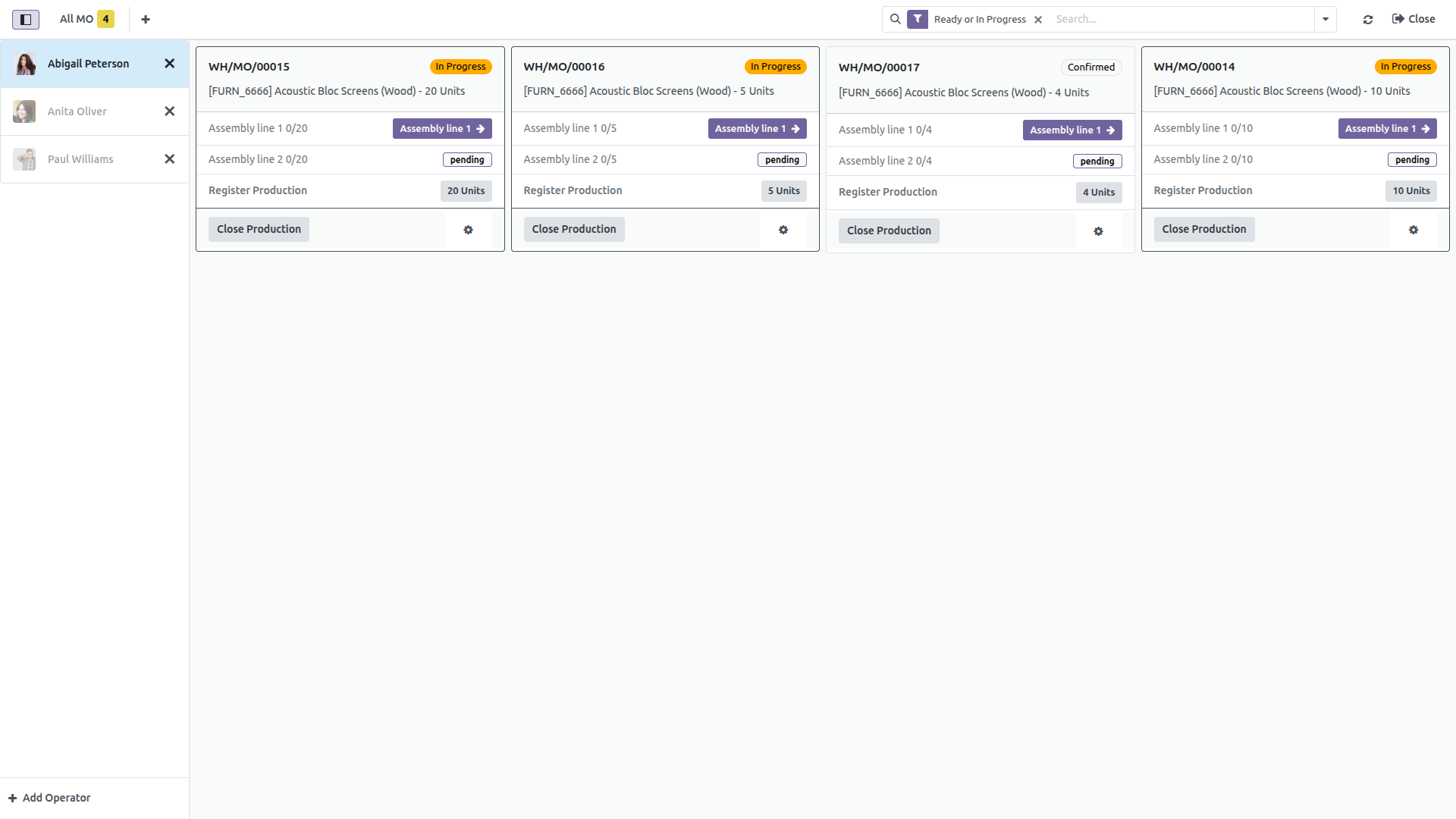
The main view categorizes all active operations into distinct Workcenter Tabs. Operators can view pending and in-progress Manufacturing Orders dynamically. The left panel shows logged-in operators, and the native search bar allows quick filtering.
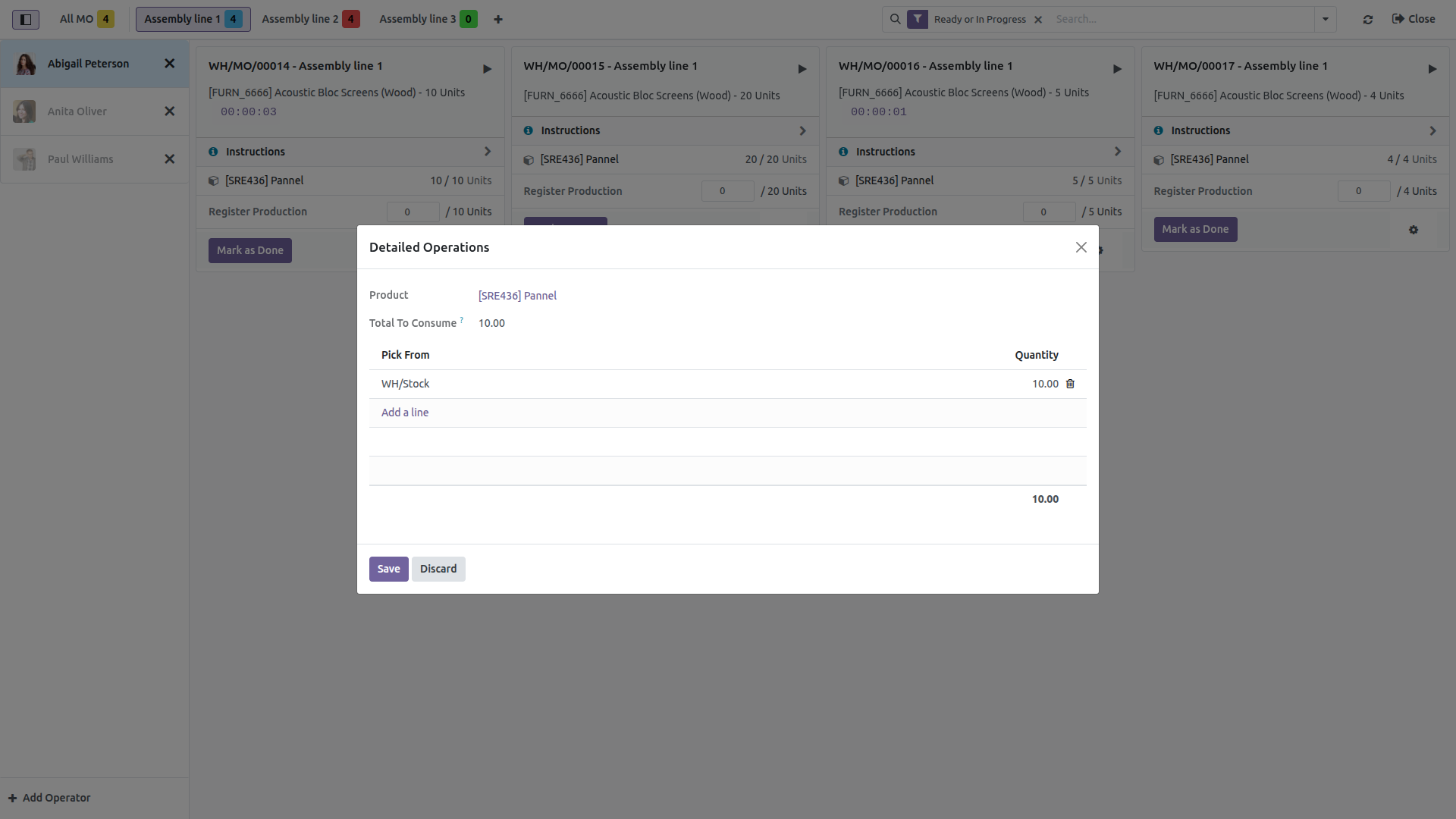
Operations clearly list the specific materials required. Click any component to instantly open the tracking wizard for serial numbers and lot selection. By-products are also intelligently routed to their appropriate operations!
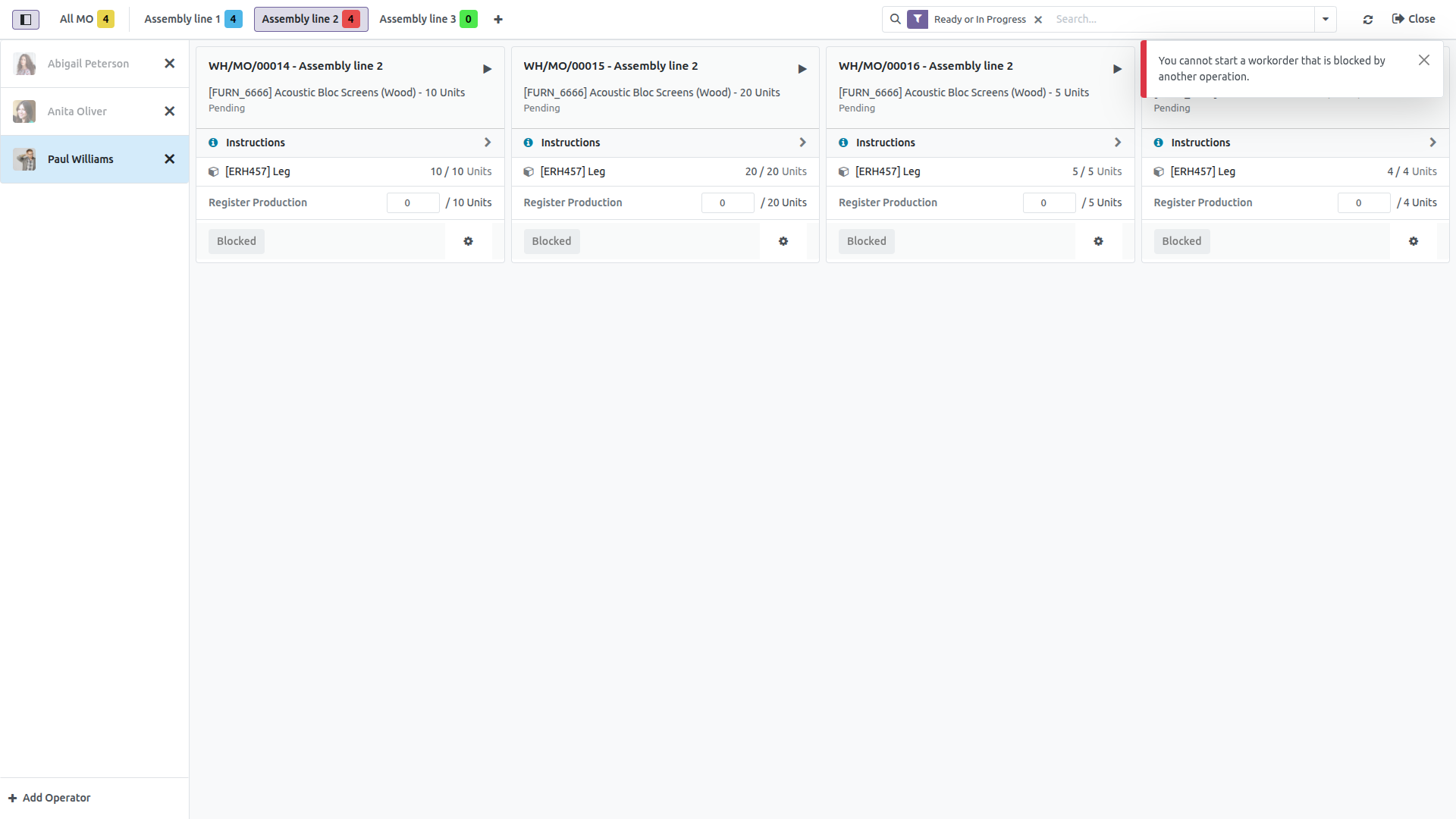
The interface proactively prevents human error. If an operation relies on a previous task that hasn't finished, the workorder card visually displays a "Blocked" state and throws validation errors if an operator attempts to start or register components prematurely.
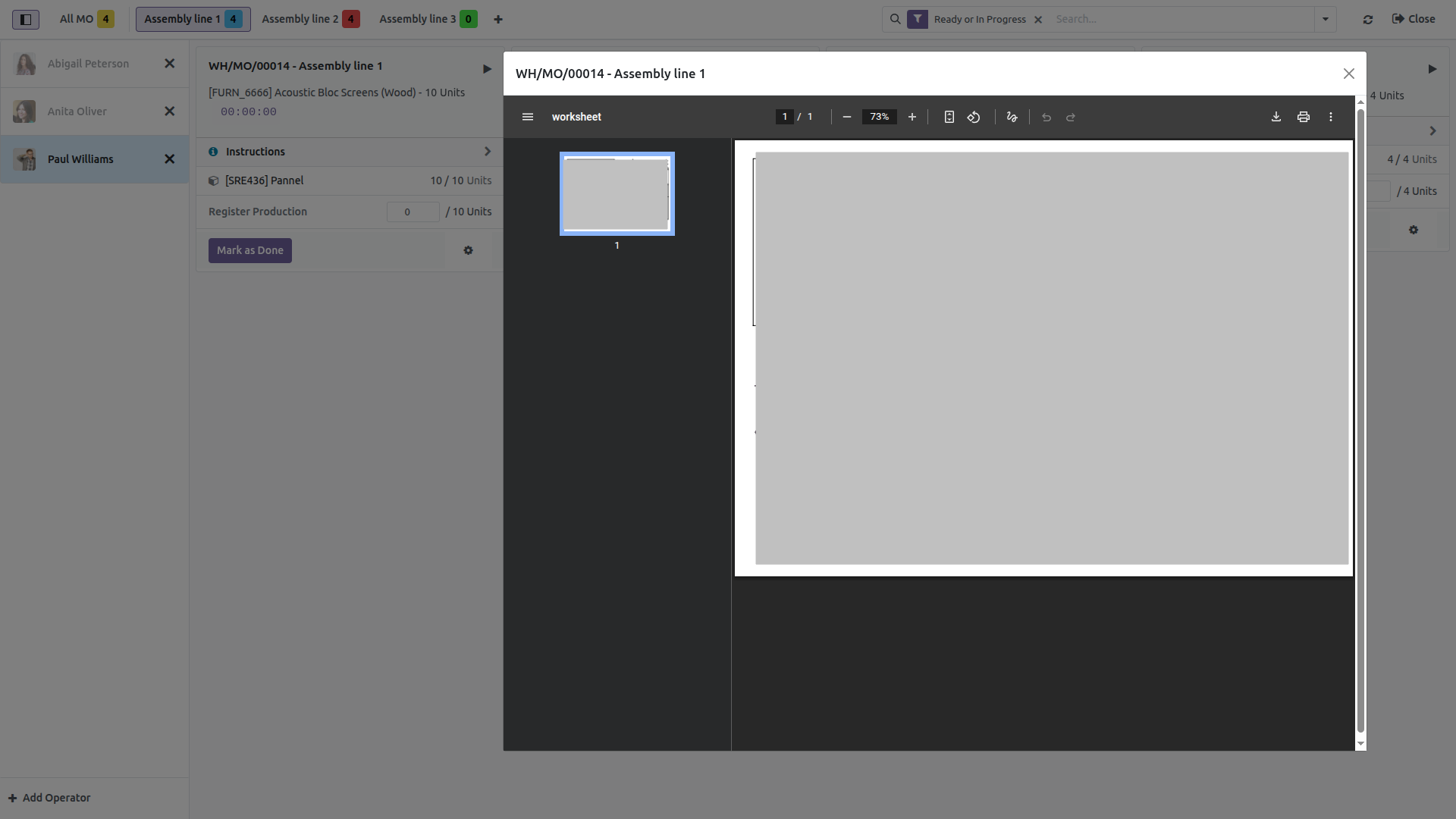
Throw away the paper printouts. When an operation has attached instructions—whether it's rich HTML text, an external PDF, or a Google Slide presentation—an "Instructions" button securely loads the content inside a responsive modal.
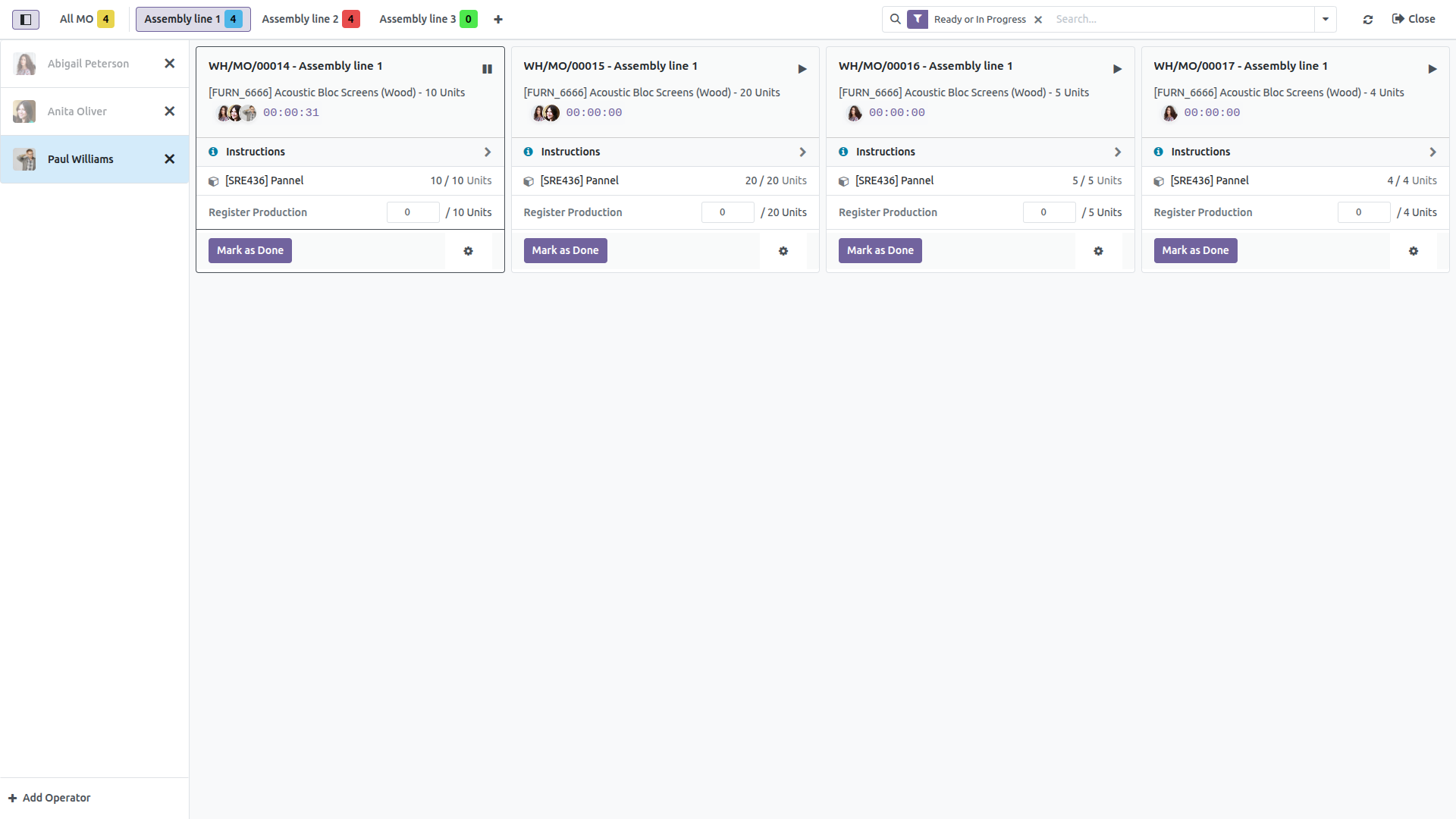
The real-time operational timer captures exact time spent per operator. The timer handles pauses, active states, and calculates comprehensive total durations natively updating Odoo's backend workcenter productivity logs.
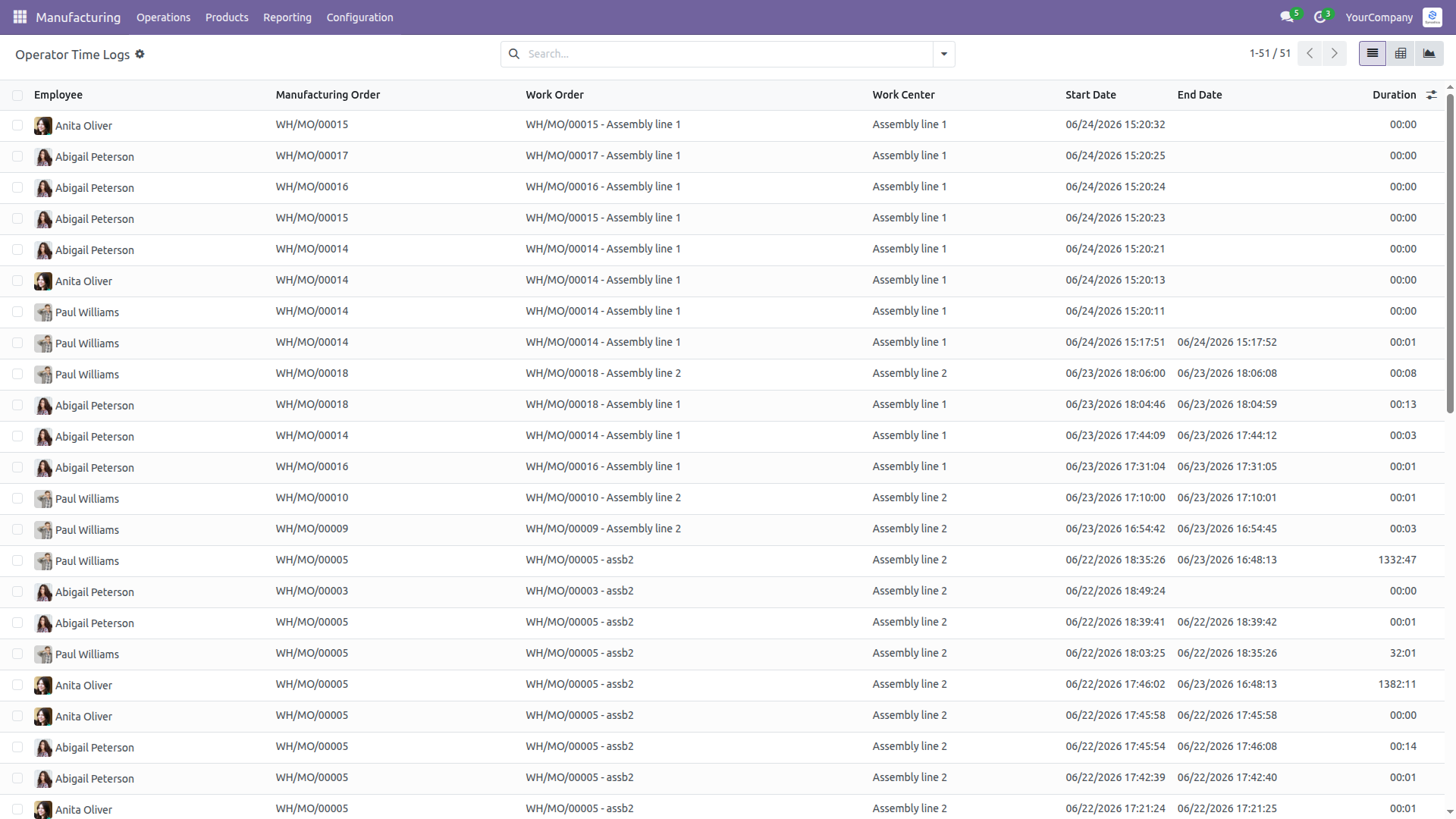
All tracked time is automatically synced to the new Operator Time Logs report. Filter, group by operator, or view Pivot and Graph views to instantly analyze labor costs, efficiency, and exact minutes spent on any Manufacturing Order directly from the standard Manufacturing app.
Specialized Odoo Services
We build, customize, and maintain Odoo solutions for businesses worldwide - from implementation to advanced integrations.
We create ERP solutions for you using Odoo ERP that will build a strong and efficient business for you. It's SYNODICA WAY