



Odoo Advanced Search
 | Listview ManagerThe quick search section is available over all list/tree views. |  | Quick SearchAs soon as you hit Enter in any quick search field or focus away, your search takes effect immediately. |
 | Multiple searchMultiple search queries can be performed over many2one fields. (Ex.:Customer is Gemini Furniture or Lumber Inc) |  | Date RangeFields of type date and datetime can be filtered by date ranges. |
 | Group ByBy working with the group, filters can achieve their goals. |  | User PreferencesDate filter can be set as date range or normal according to the user's preferences. |
USD 139.00
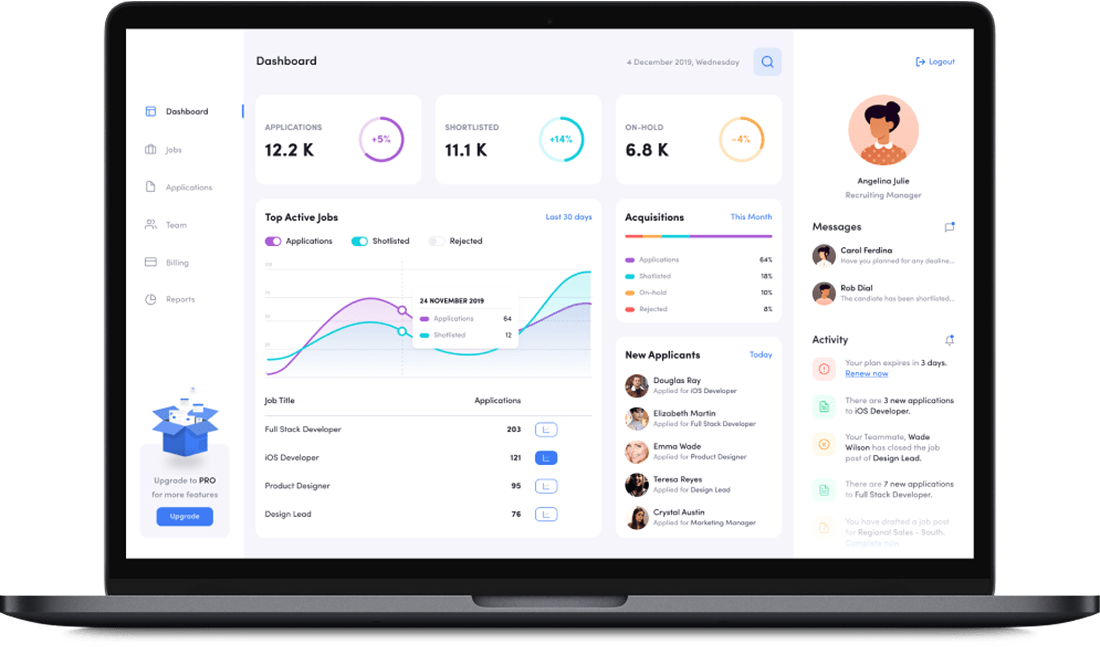
Emphasise the features of the app.

Real-time Analytics
Get instant insights with powerful dashboards and real-time reporting capabilities.
Seamless Integration
Connect effortlessly with your existing tools and third-party applications.
Advanced Automation
Streamline workflows and reduce manual tasks with intelligent automation.
User-friendly Interface
Intuitive design ensures quick adoption and minimal training requirements.
Scalable Architecture
Grow your business without limits using our flexible and scalable platform.
24/7 Support
Expert assistance available round the clock to keep your operations running smoothly.
Emphasise the features of the app.
Smart Workflows
Optimize processes with customizable workflows tailored to your business needs.
Data Security
Enterprise-grade security measures to protect your sensitive business information.
Mobile Access
Manage your business on-the-go with full mobile compatibility and responsive design.
Cloud-based Solution
Access your data anywhere, anytime with reliable cloud infrastructure and automatic backups.
How it works
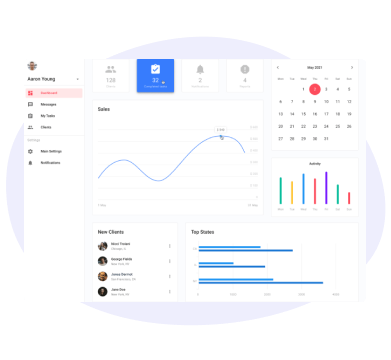
STEP 1
Install & Configure
Install the app from Odoo Apps and configure initial settings to match your business requirements with our intuitive setup wizard.
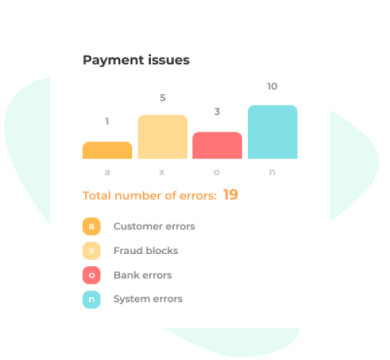
STEP 2
Customize Workflow
Tailor the workflows, automation rules, and user permissions to align perfectly with your team's processes and operational needs.
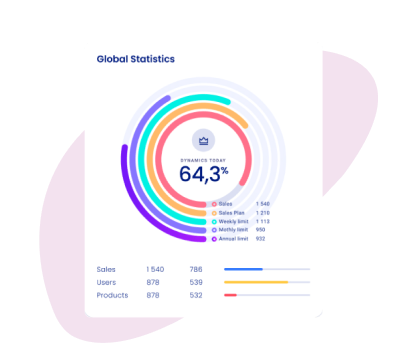
STEP 3
Monitor & Optimize
Track performance through comprehensive analytics dashboards and continuously optimize your processes for maximum efficiency.
Emphasise the features of the app.


We create ERP solutions for you using Odoo ERP that will build a strong and efficient business for you. It's SYNODICA WAY