

Axepta BNP Paribas Payment Acquirer

AXEPTA PAYMENT PROVIDER



Set up and customize your payment settings effortlessly with a user-friendly interface.
Process transactions instantly and ensure immediate confirmation for a smooth checkout experience.
Deliver a frictionless checkout process that keeps customers engaged and improves conversion rates.
End-to-end encryption and HMAC verification ensure all payments are processed safely and securely.
Manage all your payment channels through a single, integrated platform for easy control and tracking.
Offer your customers a variety of payment methods, including cards, for greater flexibility.

Payment From Website
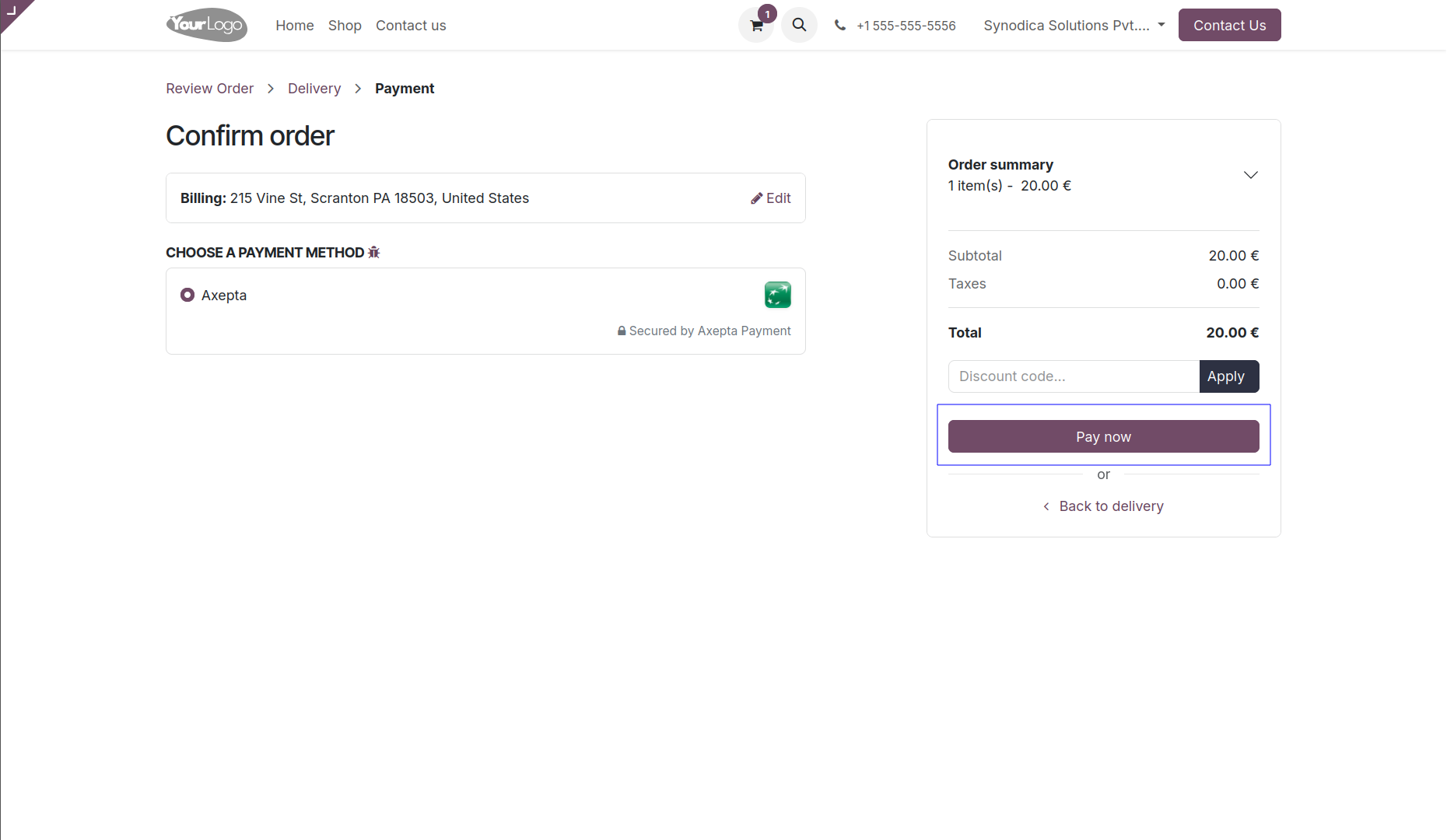
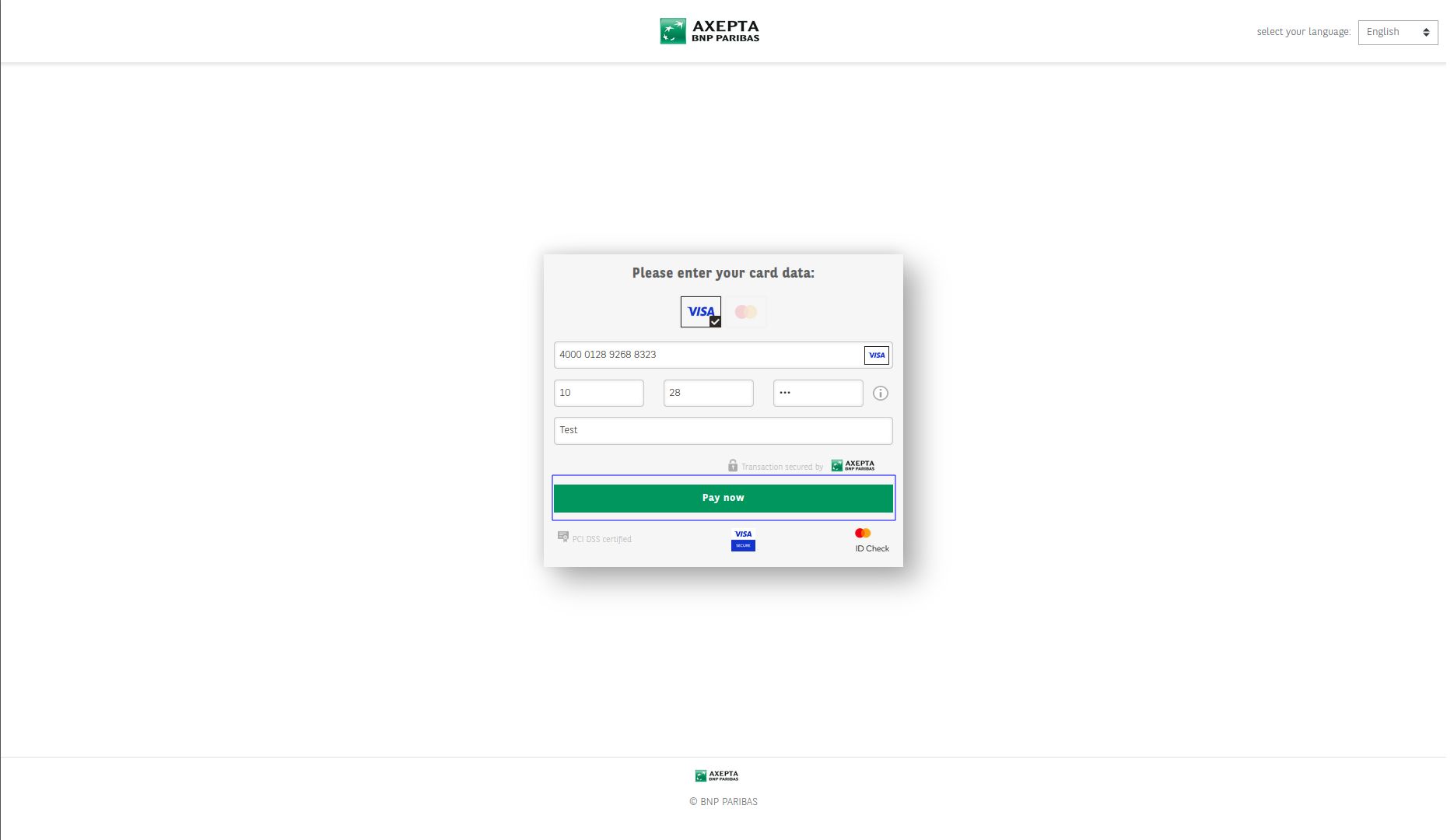
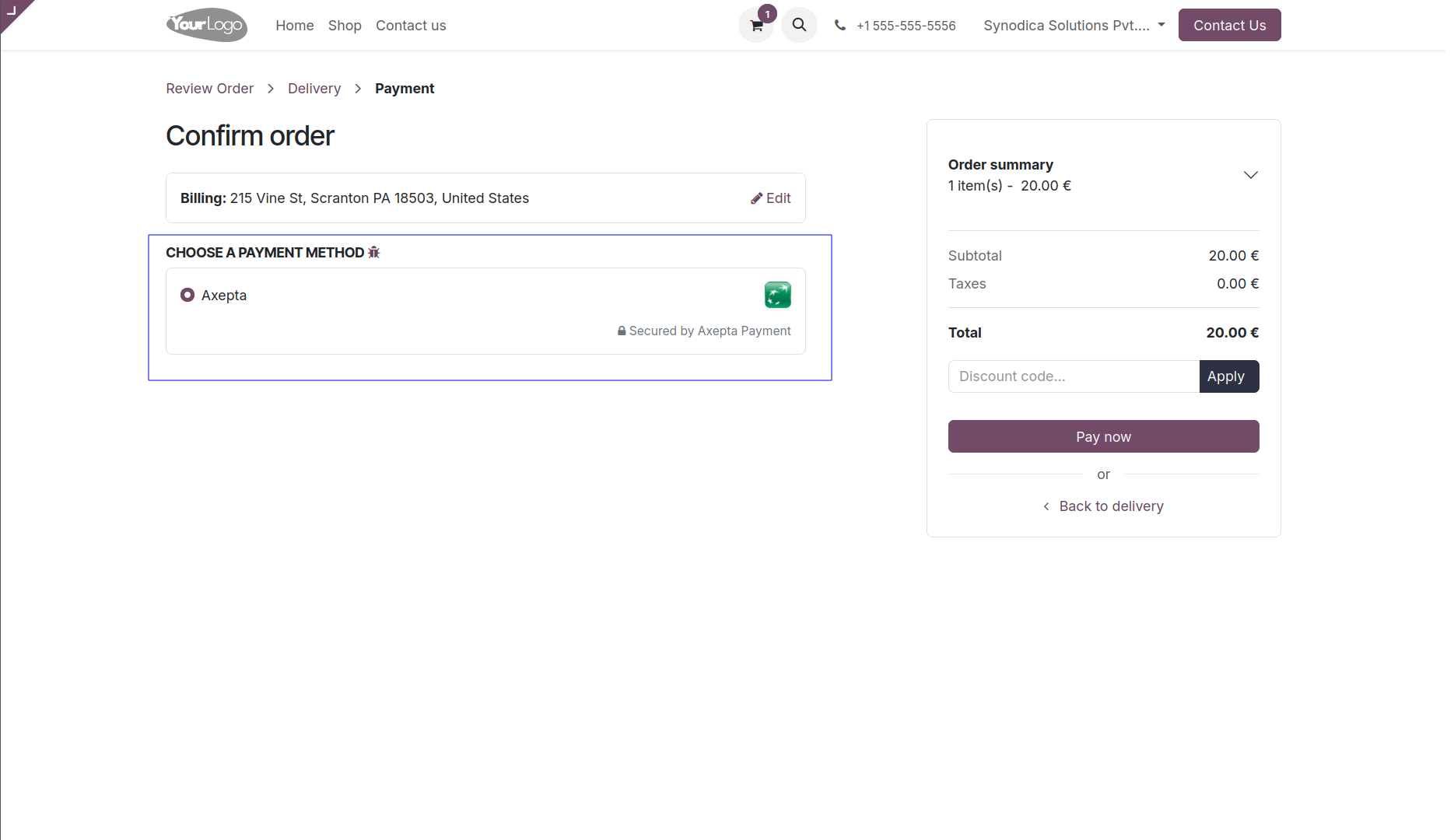
To pay with Axepta, select Axepta as payment method and Click Pay Now button. You will be redirected to Axepta payment page.
You will redirect the payment page. Fill the required details and click Secure Pay Now button.
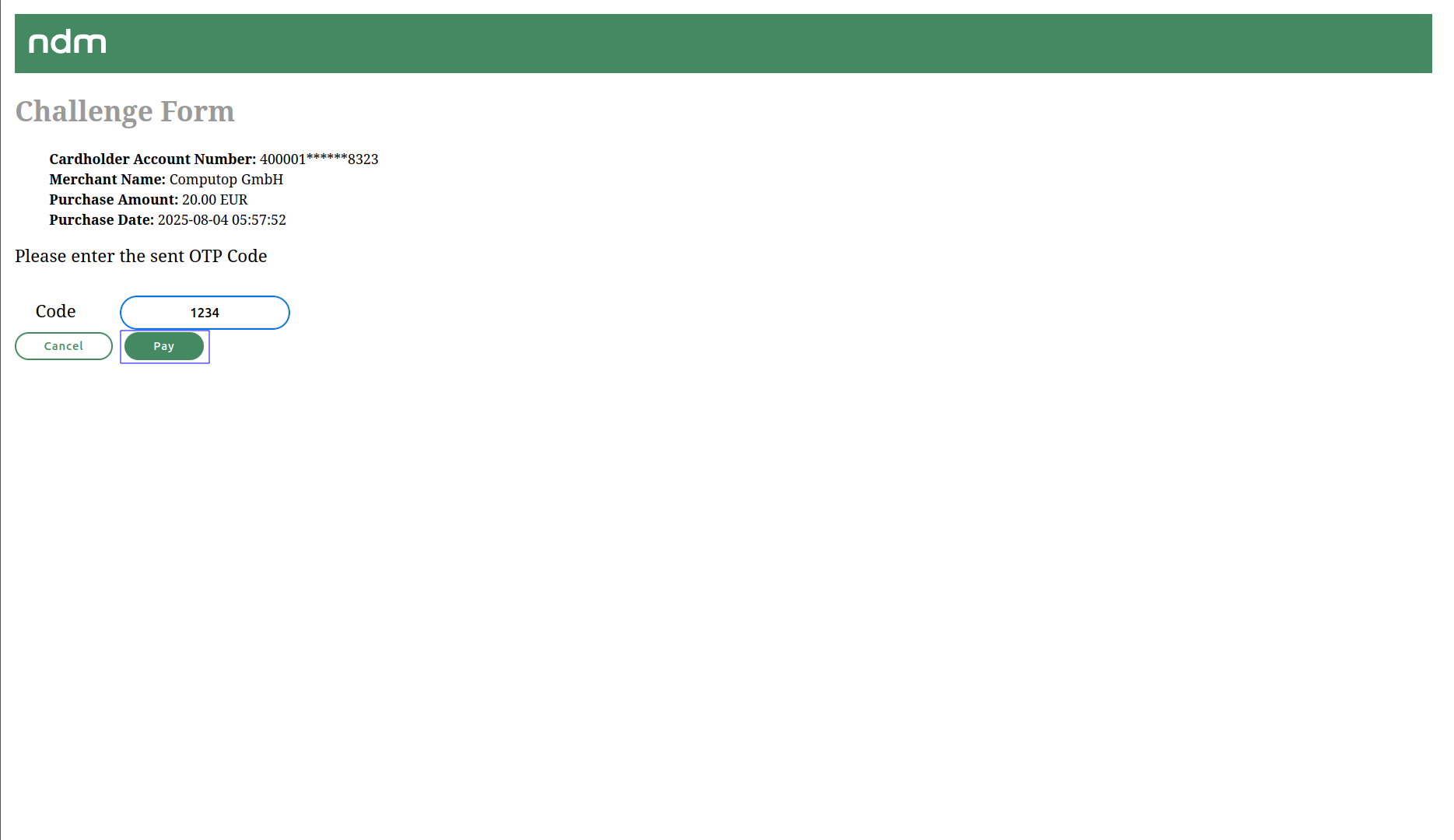
Please Enter The Send OTP Code, After Click Pay Button.
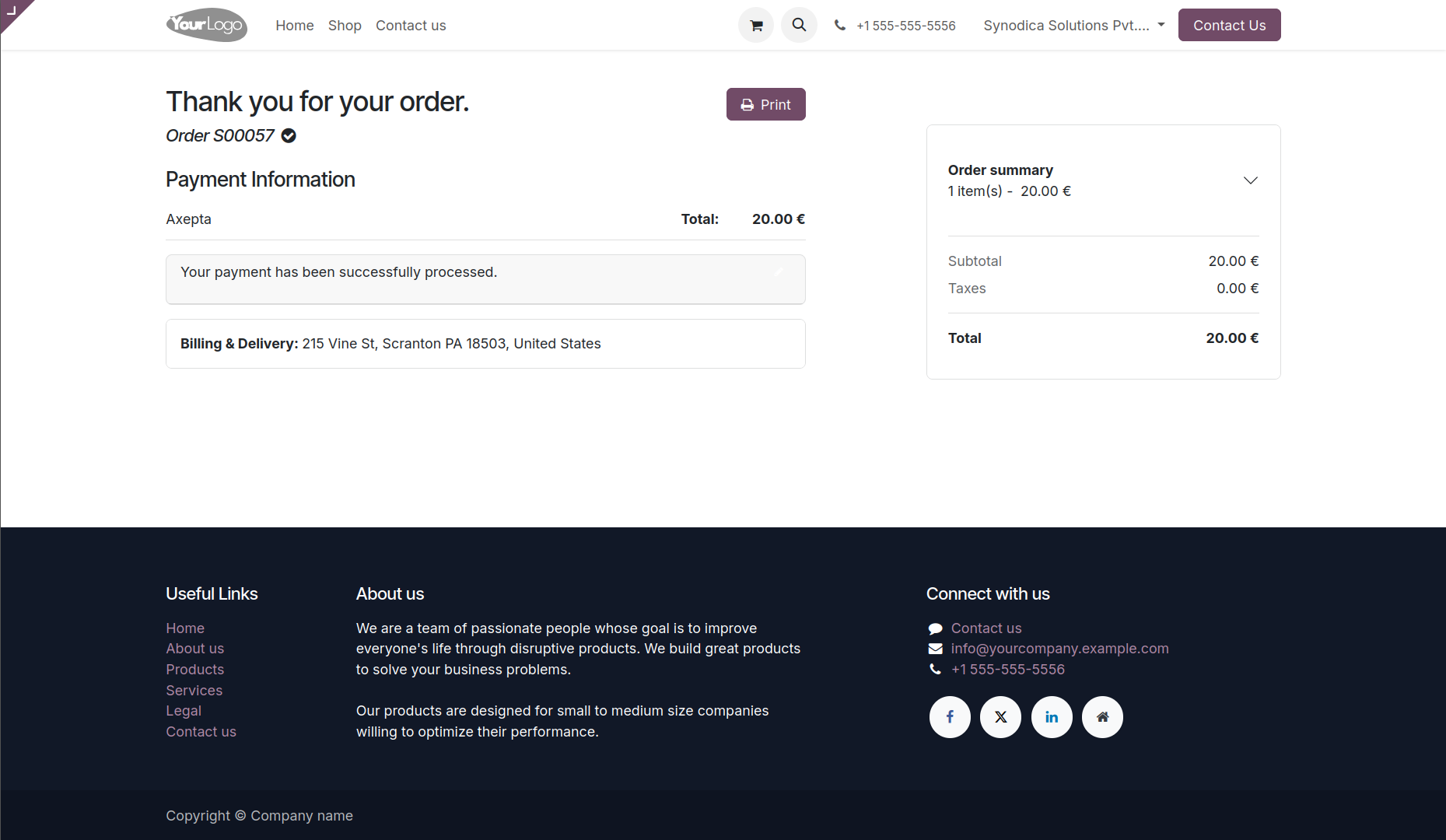
Upon finishing payment, you will be directed to the Odoo confirmation screen.

Payment From Sale Order
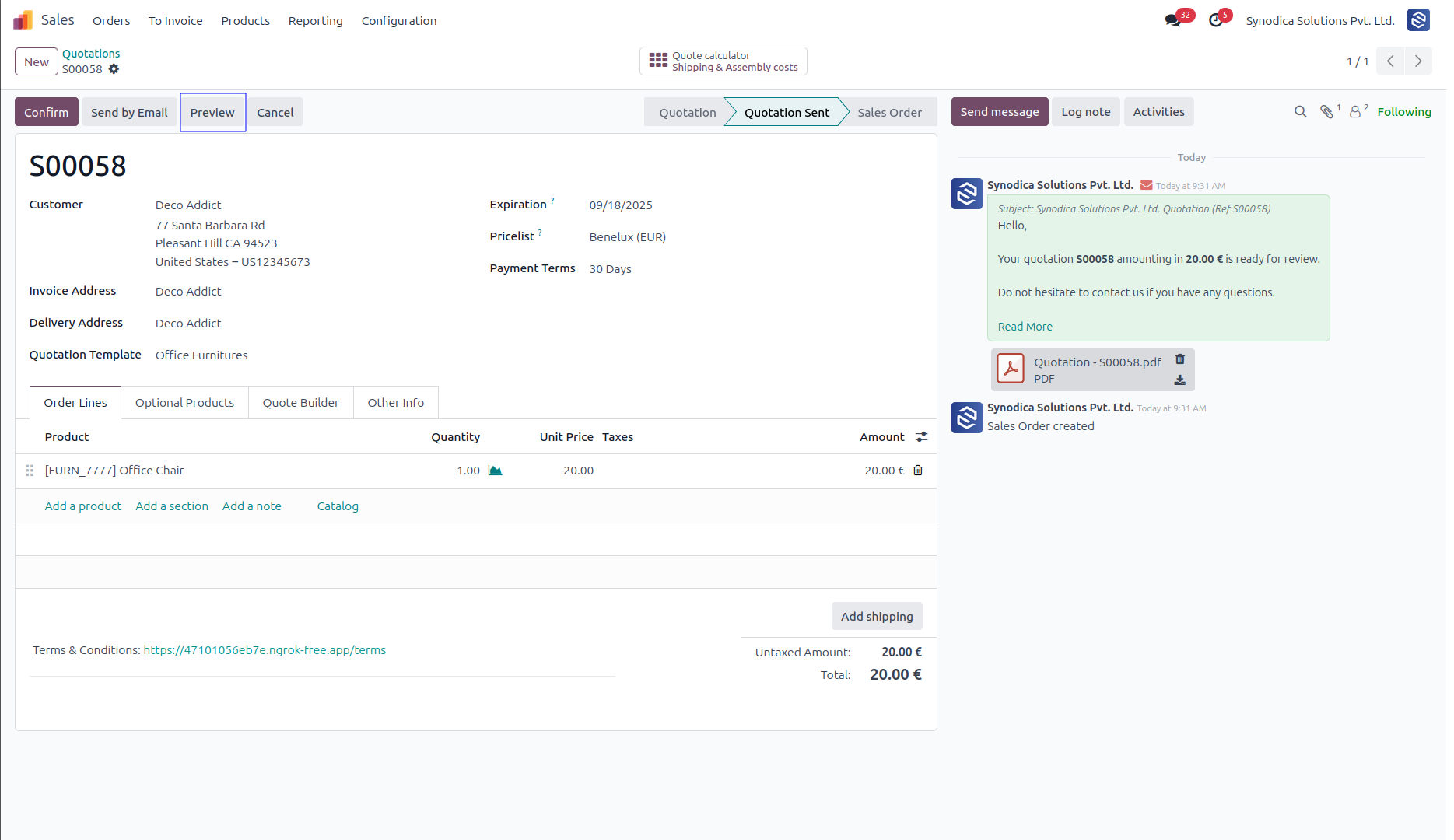
To pay with sale order, create sale order and click Preview button
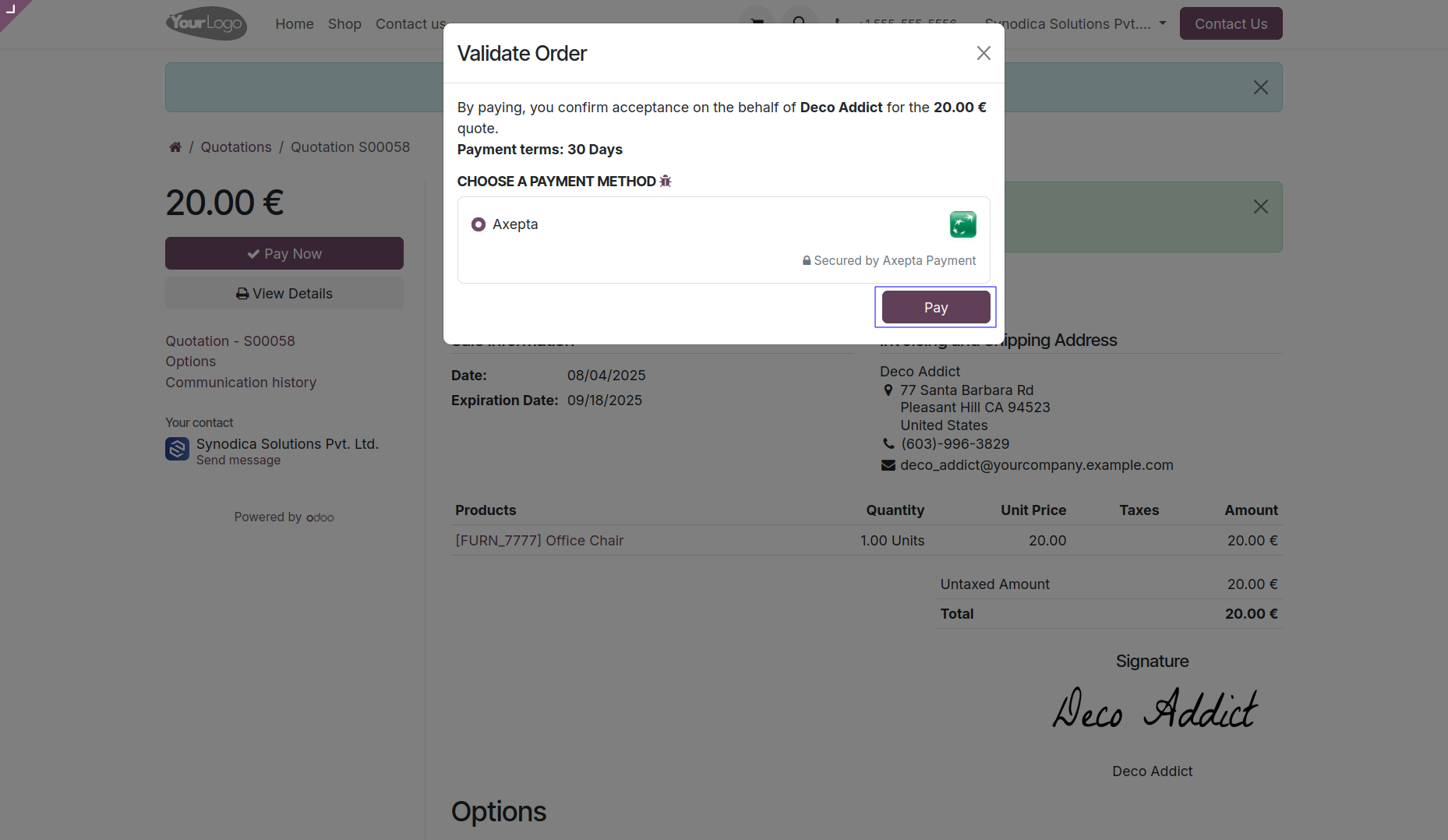
Now click Pay Now, Sign document and select Axepta as payment method. Then click Pay. You will be redirected to Axepta payment page.
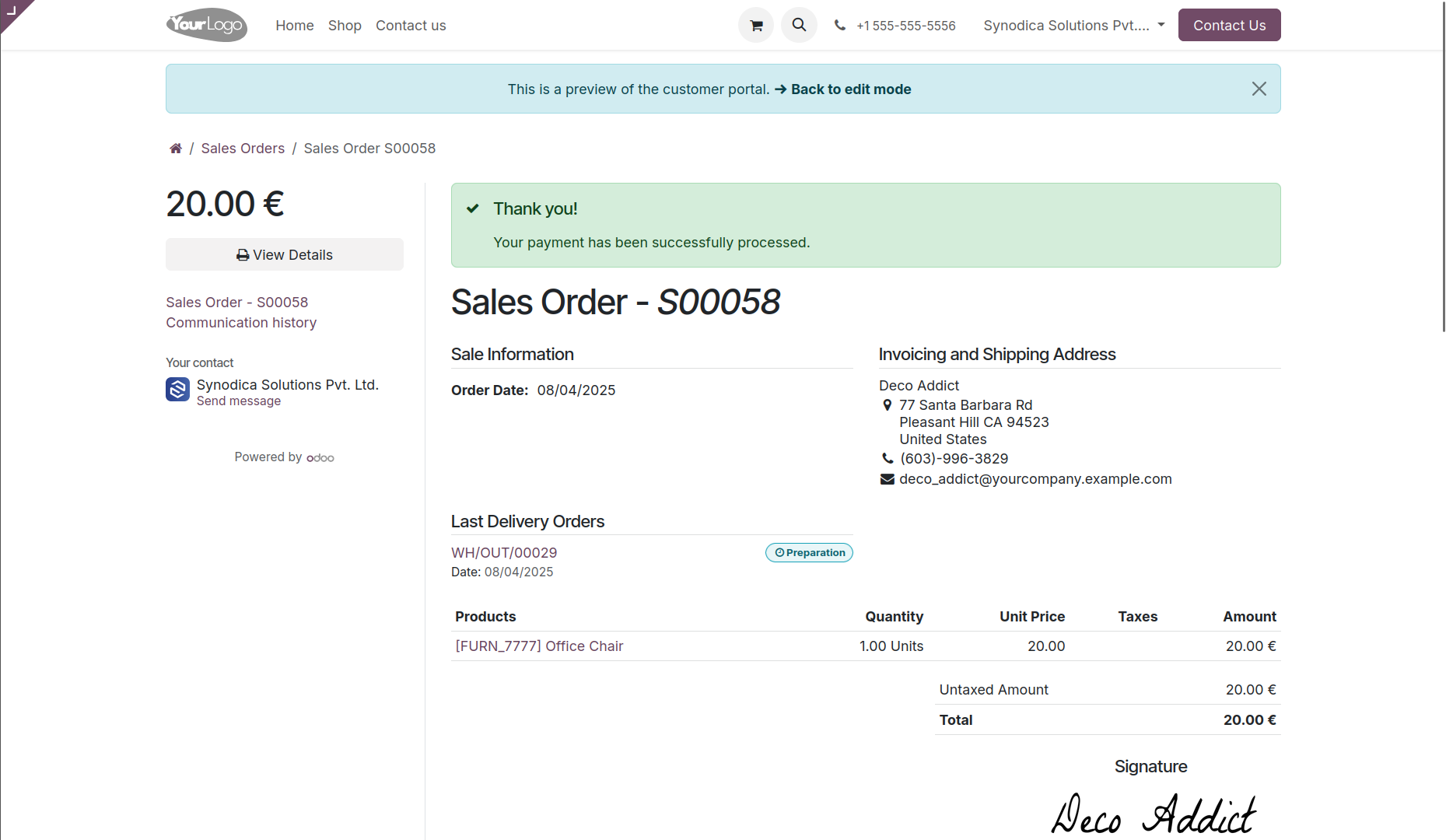
Complete the payment, and on the order preview screen, you will see a confirmation that your order has been successfully paid.

Payment From Invoice
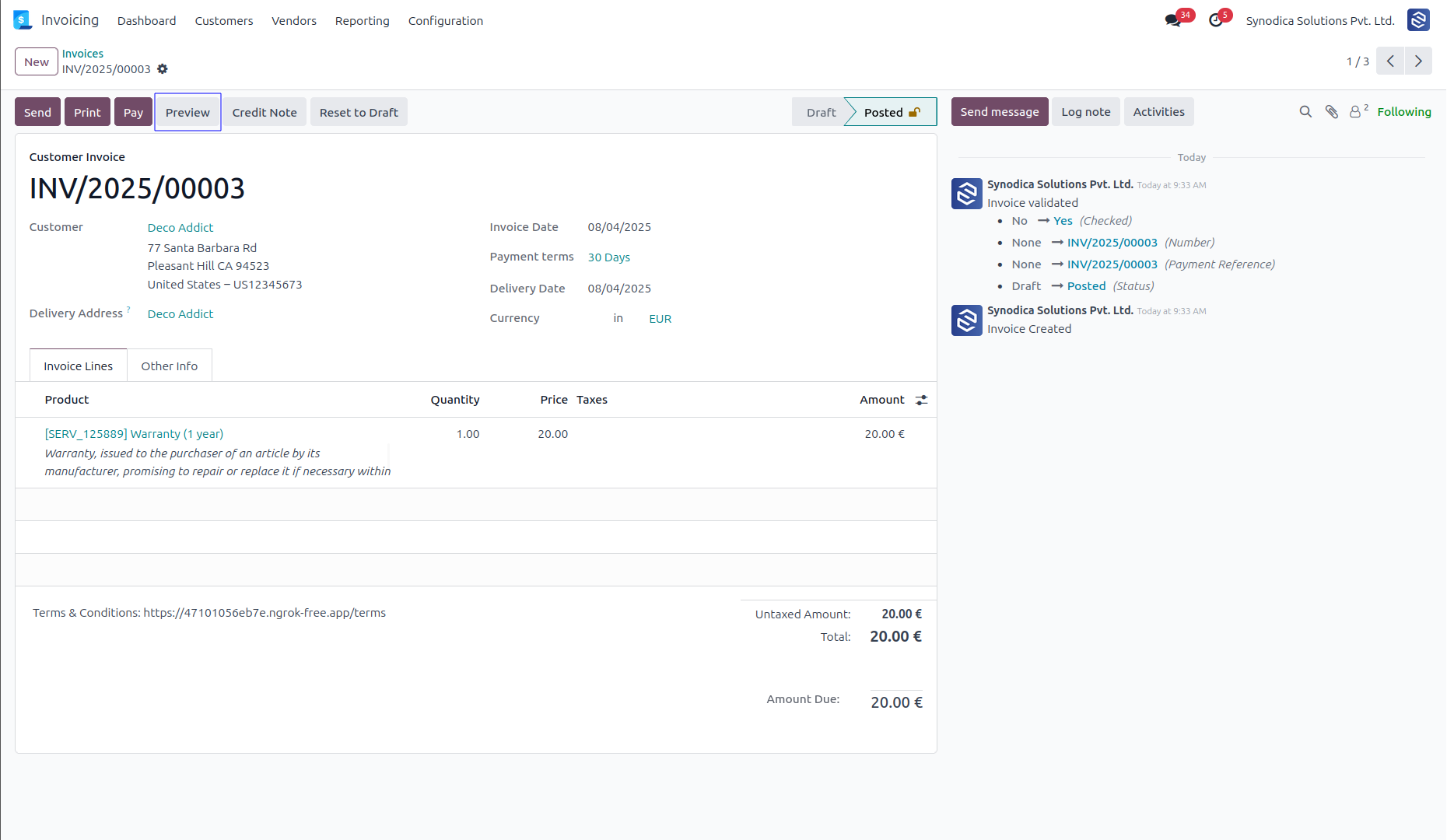
To pay with invoice, create invoice and click Preview button
Now click Pay Now, There select Axepta as payment method. Then click Pay.
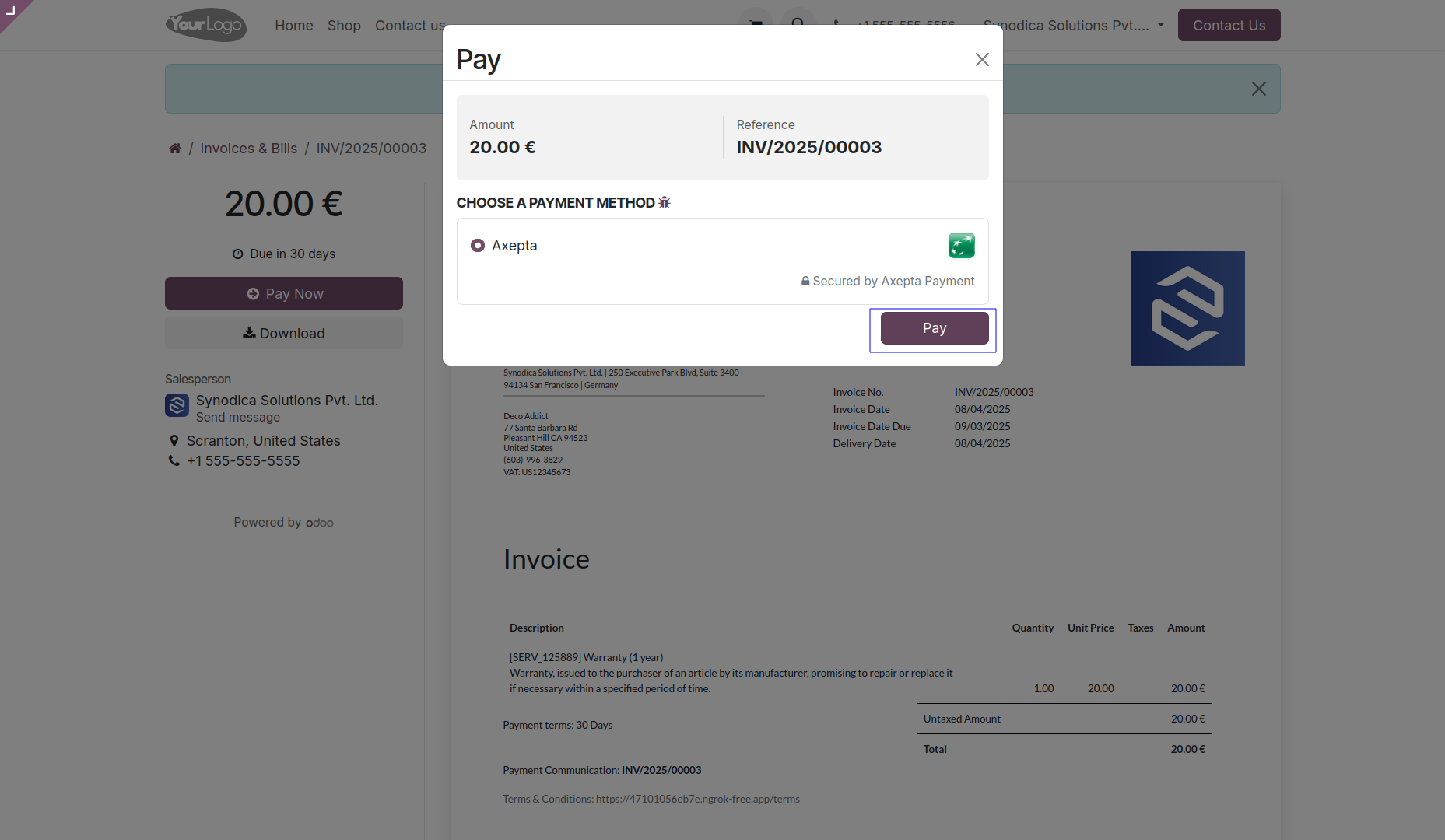
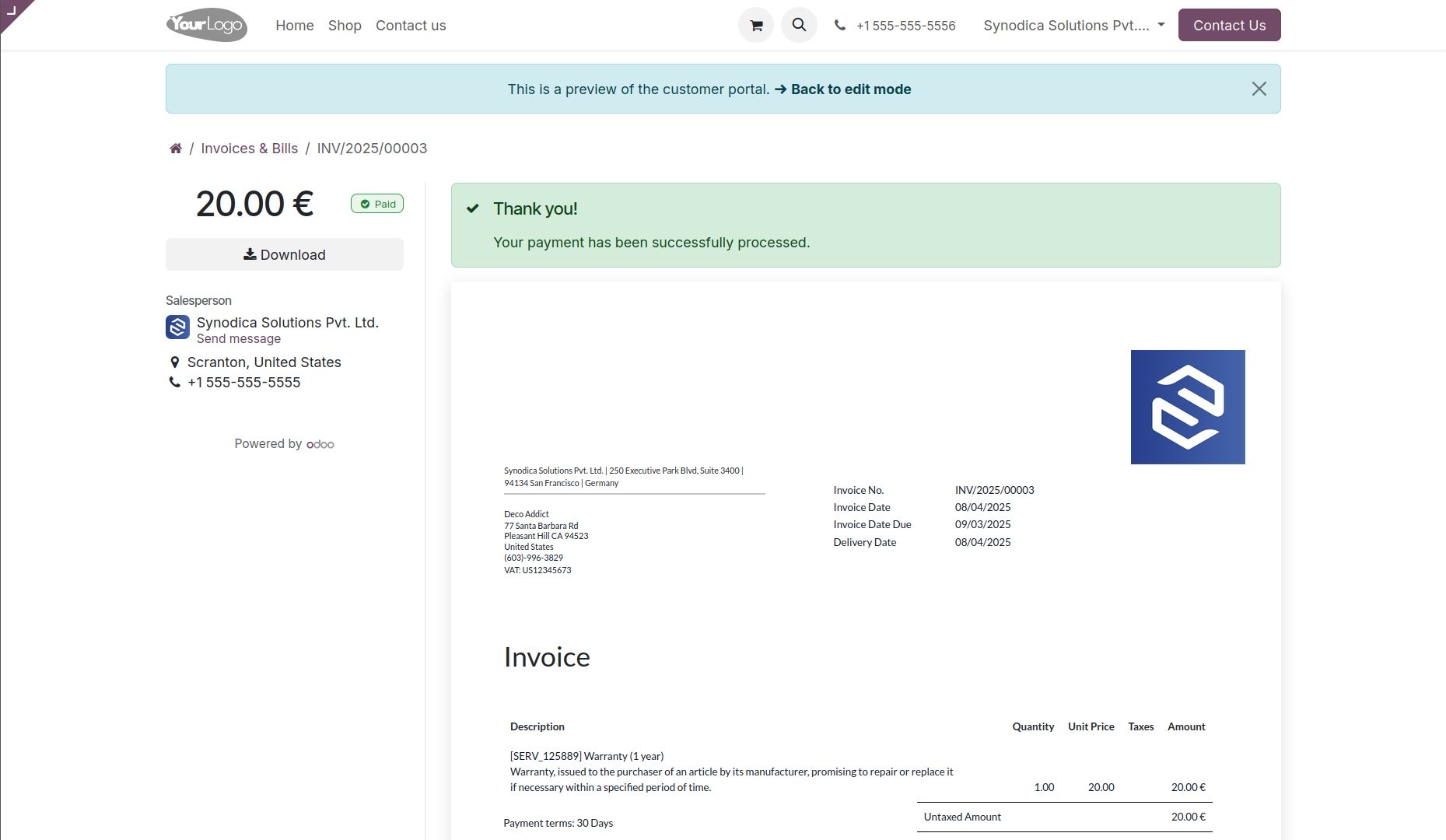
Complete the payment, and on the order preview screen, you will see a confirmation that your invoice has been successfully paid.

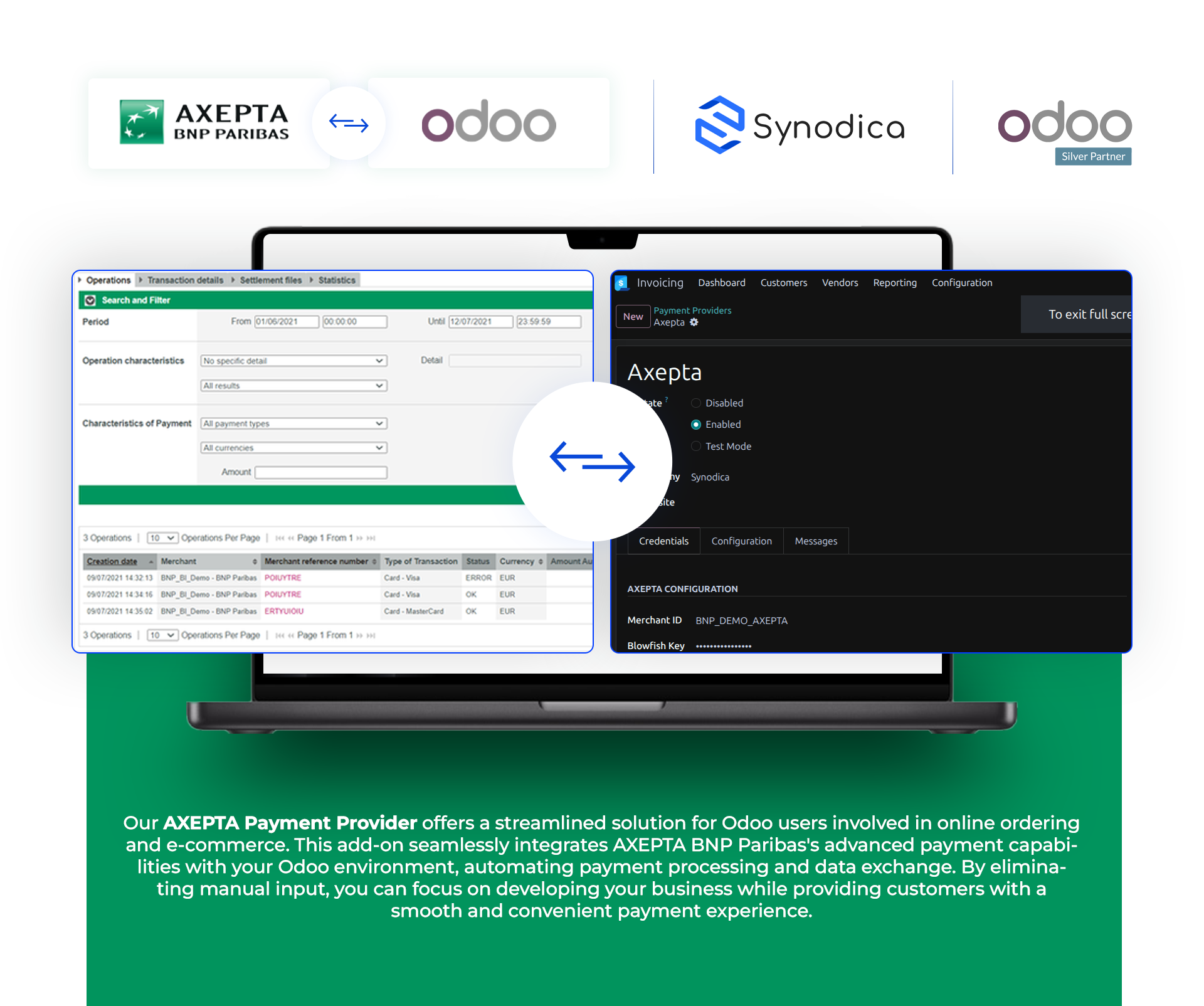
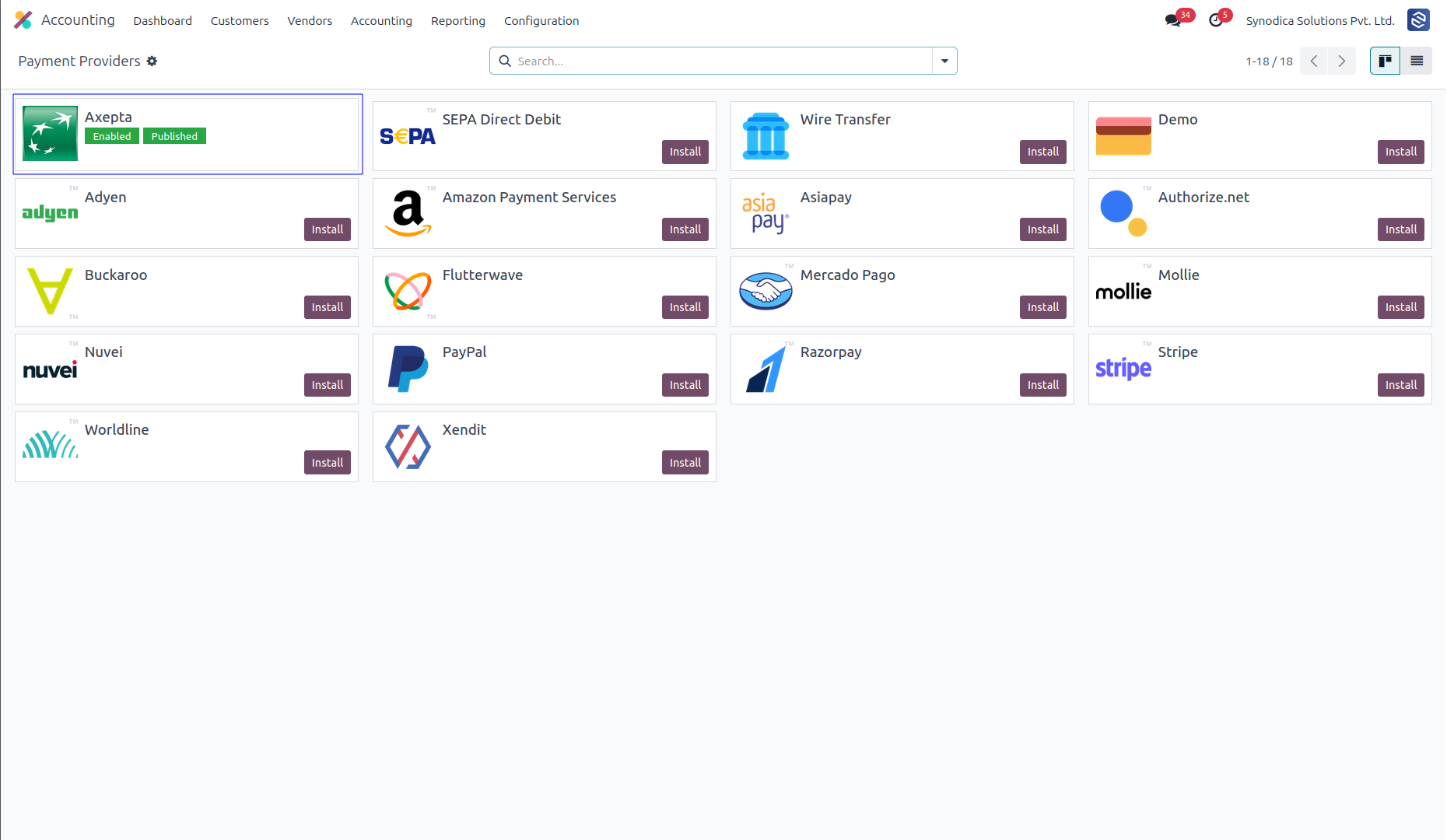
After installing app, you will be able to see Axepta payment options in Accounting >> Configuration >> Payment Providers menu
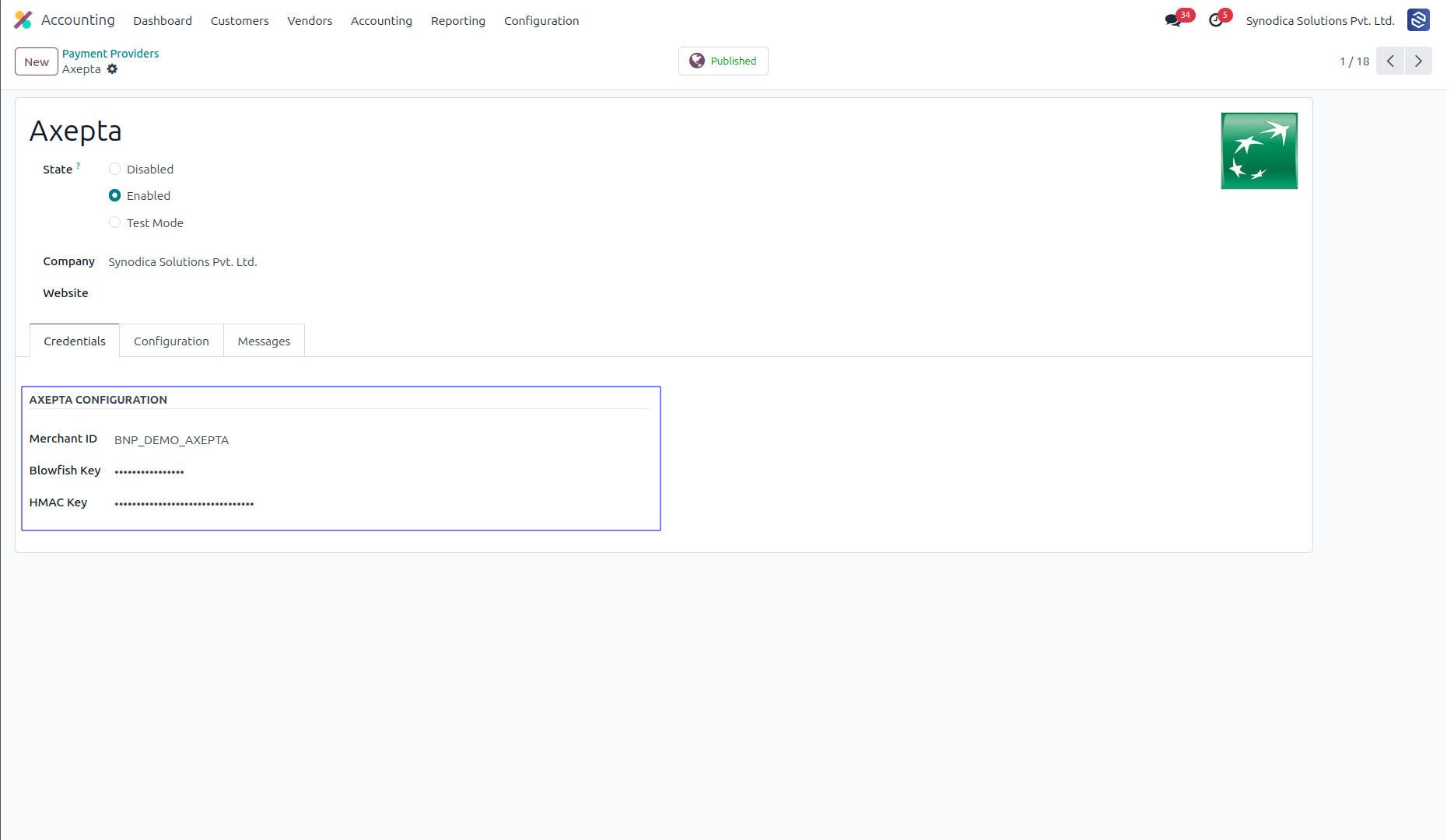
Setup Axepta configurations like Merchant ID and Blowfish Key and HMAC Key.
To activate the payment method go to Accounting > Configuration > Payment Methods.
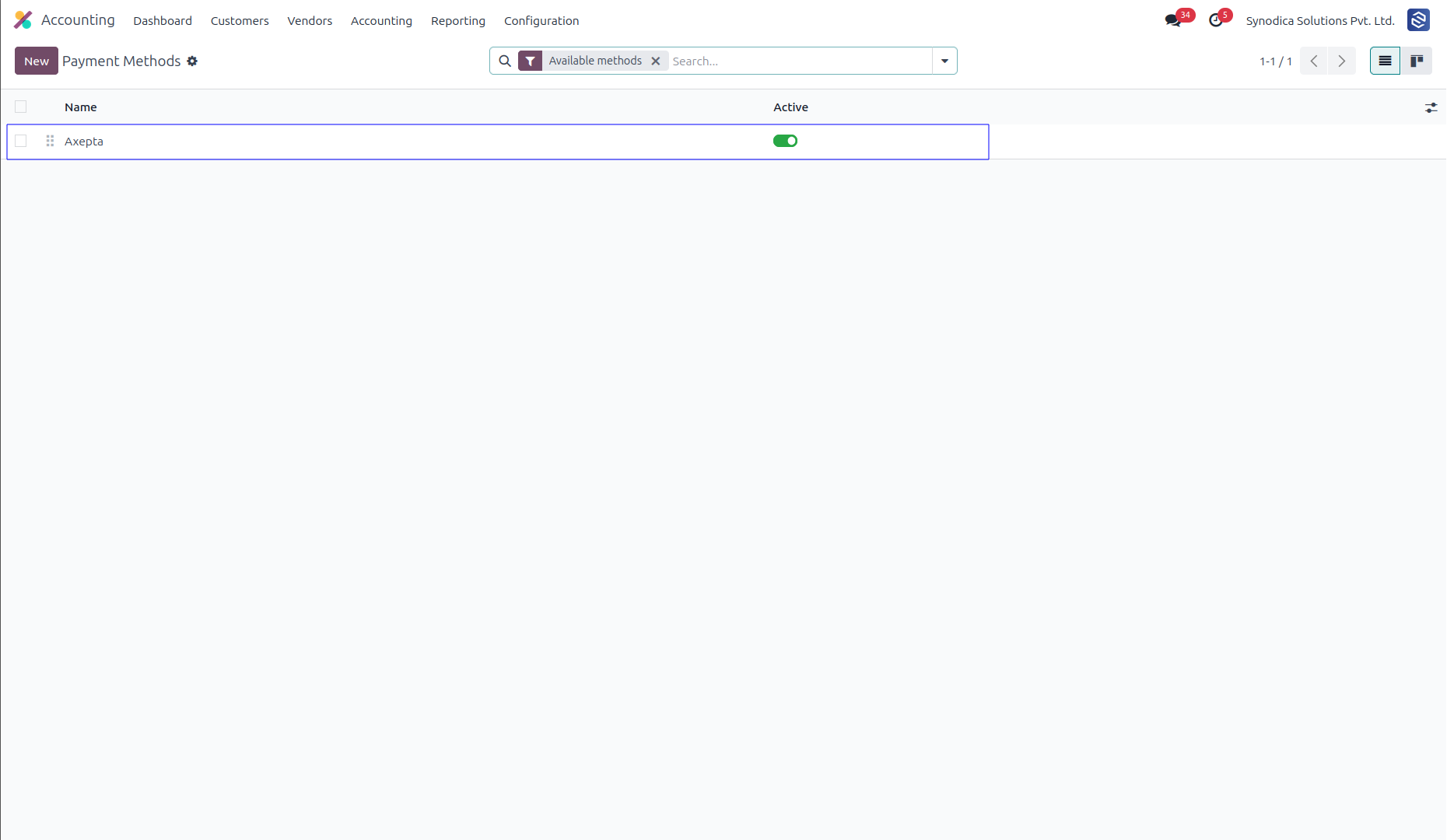
Now Axepta payment option will be available for payment.
Contact Us

We create ERP solutions for you using Odoo ERP that will build a strong and efficient business for you. It's SYNODICA WAY