

OPay Payment Provider (Card / Valu / Wallets / Reference Code / TRU / COD)
OPay Checkout
Payments.
Secure Platform. Multi-Method.
Fast Checkout. Instant Sync.
Integrate Odoo natively with OPay Checkout. Deliver a secure, frictionless checkout experience supporting Bank Cards, Reference Codes, TRU, Valu, Mobile Wallets, and automated backend-to-backend transaction reconciliation.
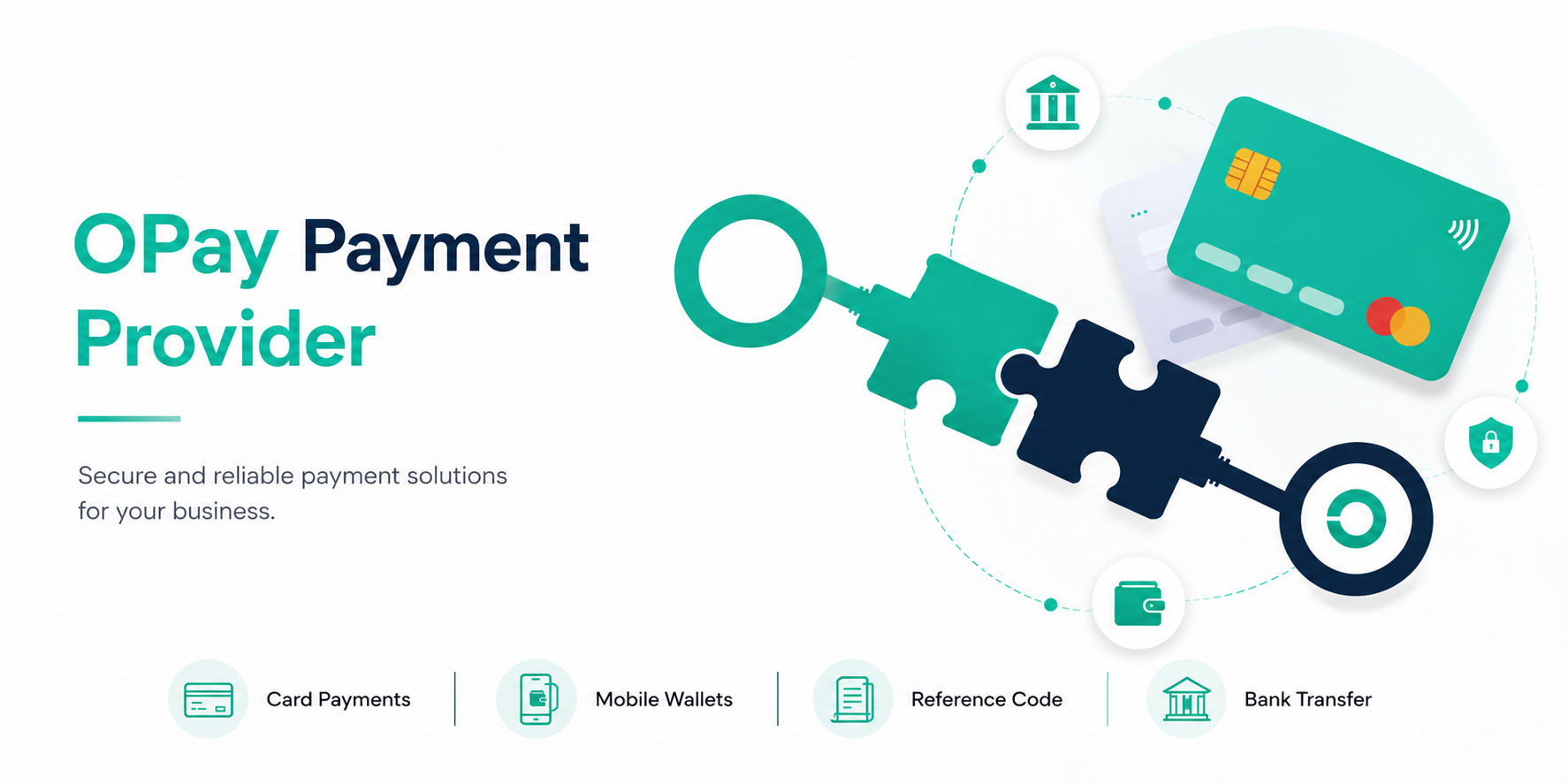
Secure API-Driven Transaction Flow
Our gateway operates with the OPay API to ensure zero card-handling liability for Odoo servers, keeping checkout lightning fast and compliant.
Method Selection
Customer selects their preferred payment method directly inside Odoo checkout, including Card, Wallets, Valu, or Cash on Delivery.
Odoo Backend Init
Odoo backend generates a highly secure, authenticated API request to initiate the payment with OPay servers.
Secure Redirect
The customer seamlessly redirects to verify payment with 3DS2 or retrieve their reference code before returning to Odoo.
Capture & Hook
Once captured, OPay webhooks immediately trigger payment post-processing, confirming the Odoo order automatically.
Functional Walkthrough
Explore how the OPay module integrates with Odoo backend configurations, online checkouts, transaction tables, and reverse accounting workflows.
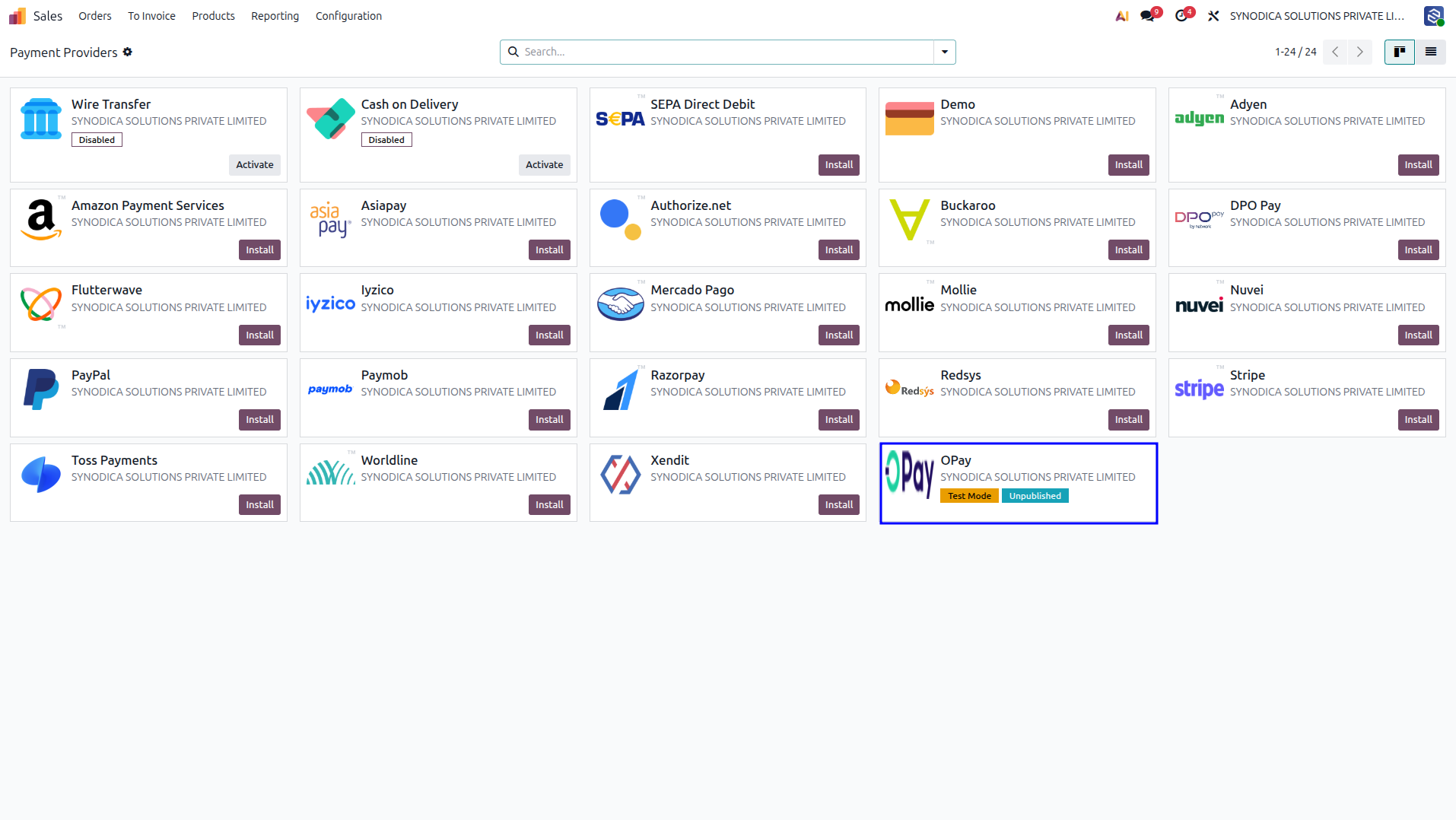
Navigate to Accounting → Configuration → Payment Providers. You will find the newly installed OPay provider. From here, you can toggle its status between Test Mode or Enabled and publish it to the website.
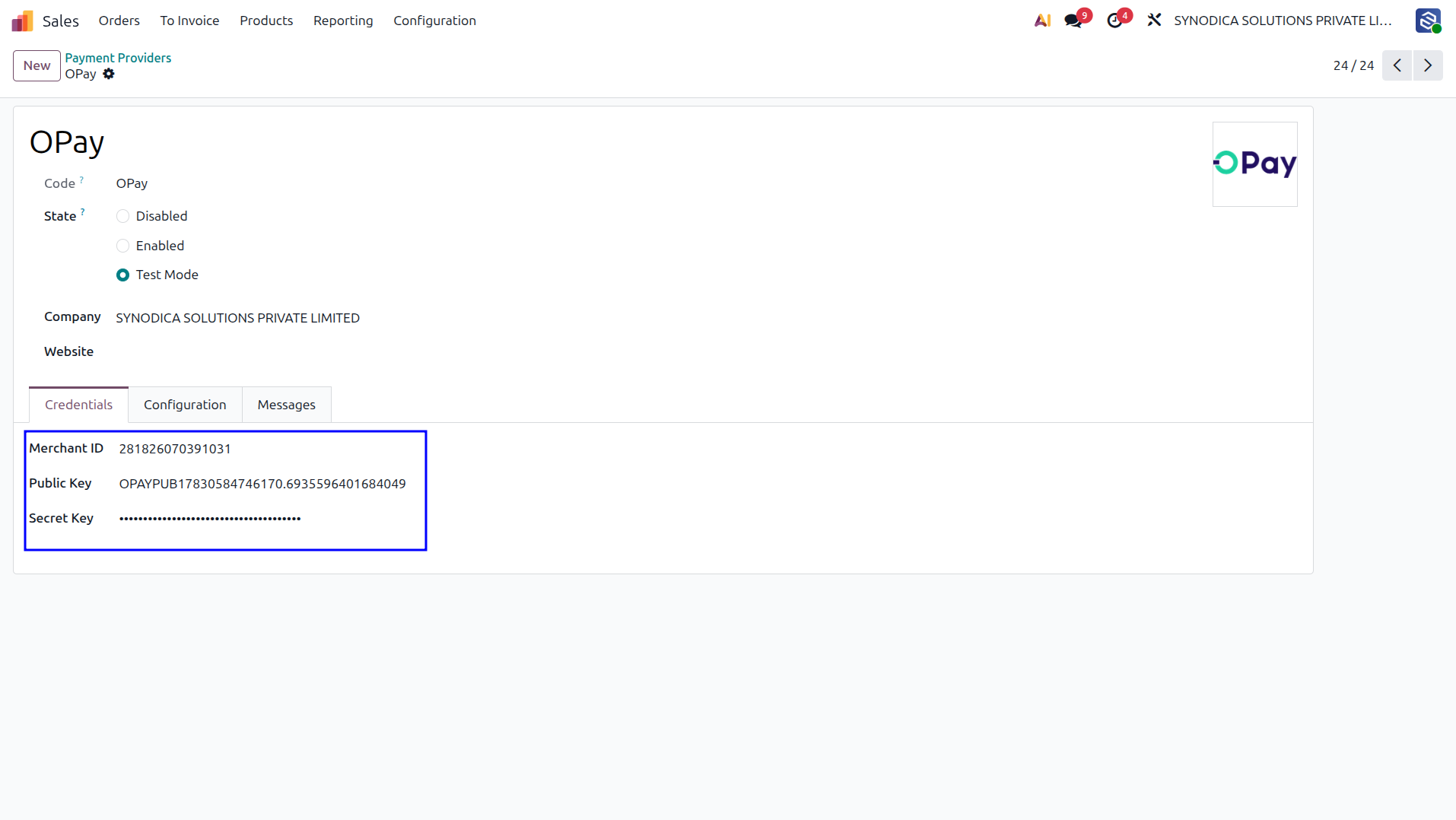
Configure connection details inside the Credentials tab. Enter your Merchant ID, Public Key, and Secret Key from the OPay Dashboard. Include the Webhook setup to enable secure backend transaction status synchronization.
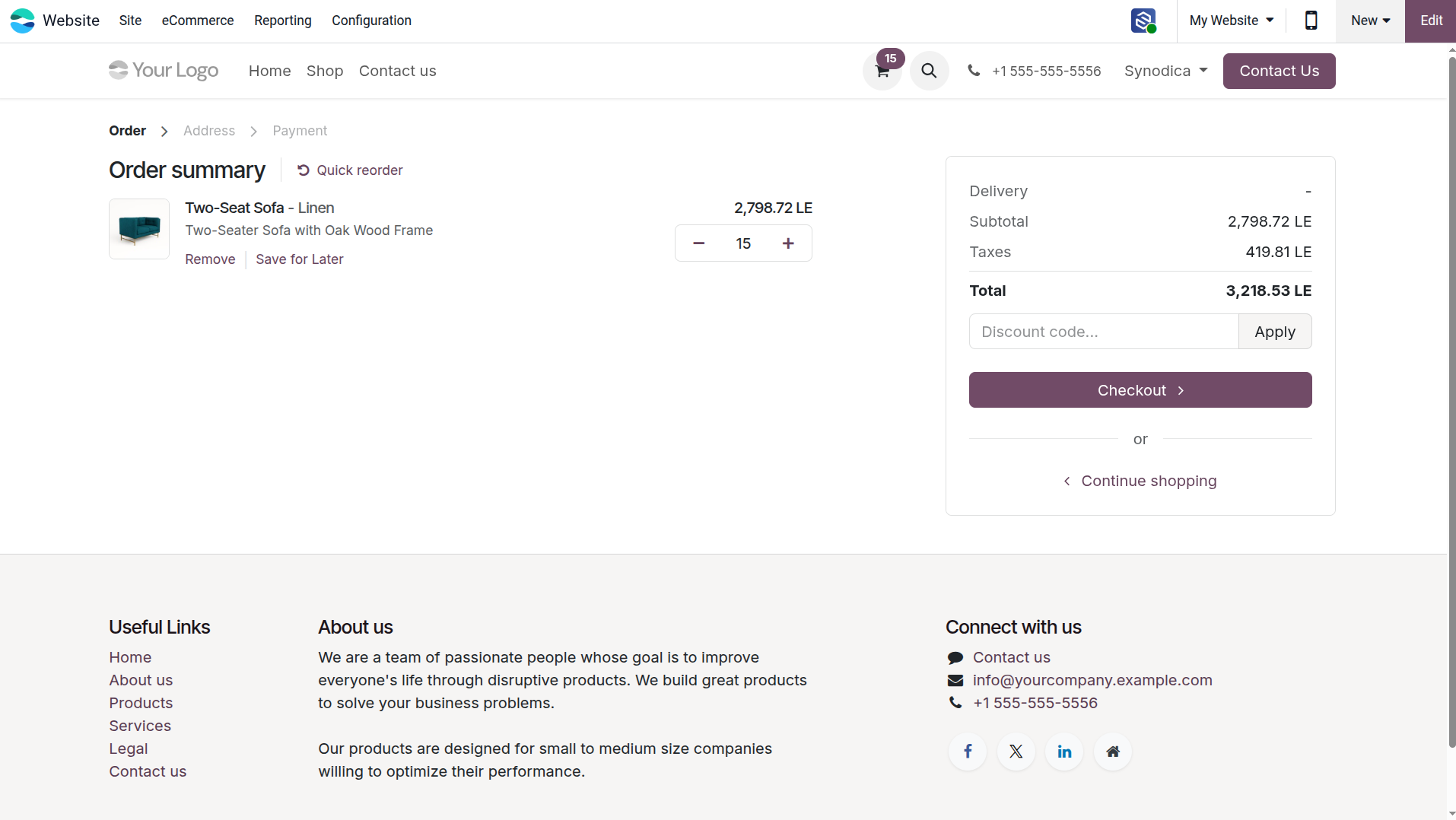
Review the products in the shopping cart and checkout steps on the Odoo Website before proceeding to the payment page.
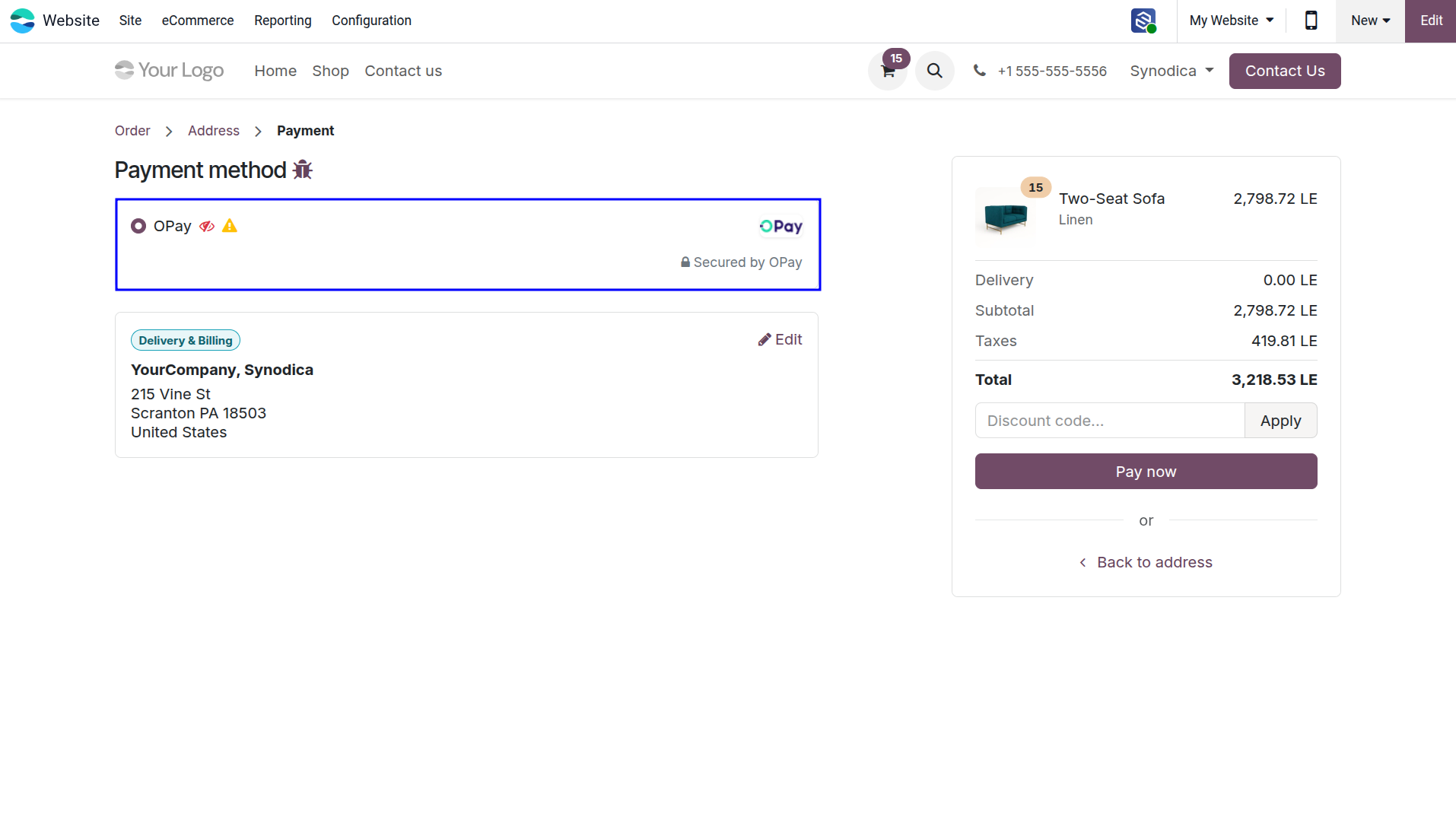
Choose OPay on the checkout payment form as the preferred gateway to complete the payment for your online order.
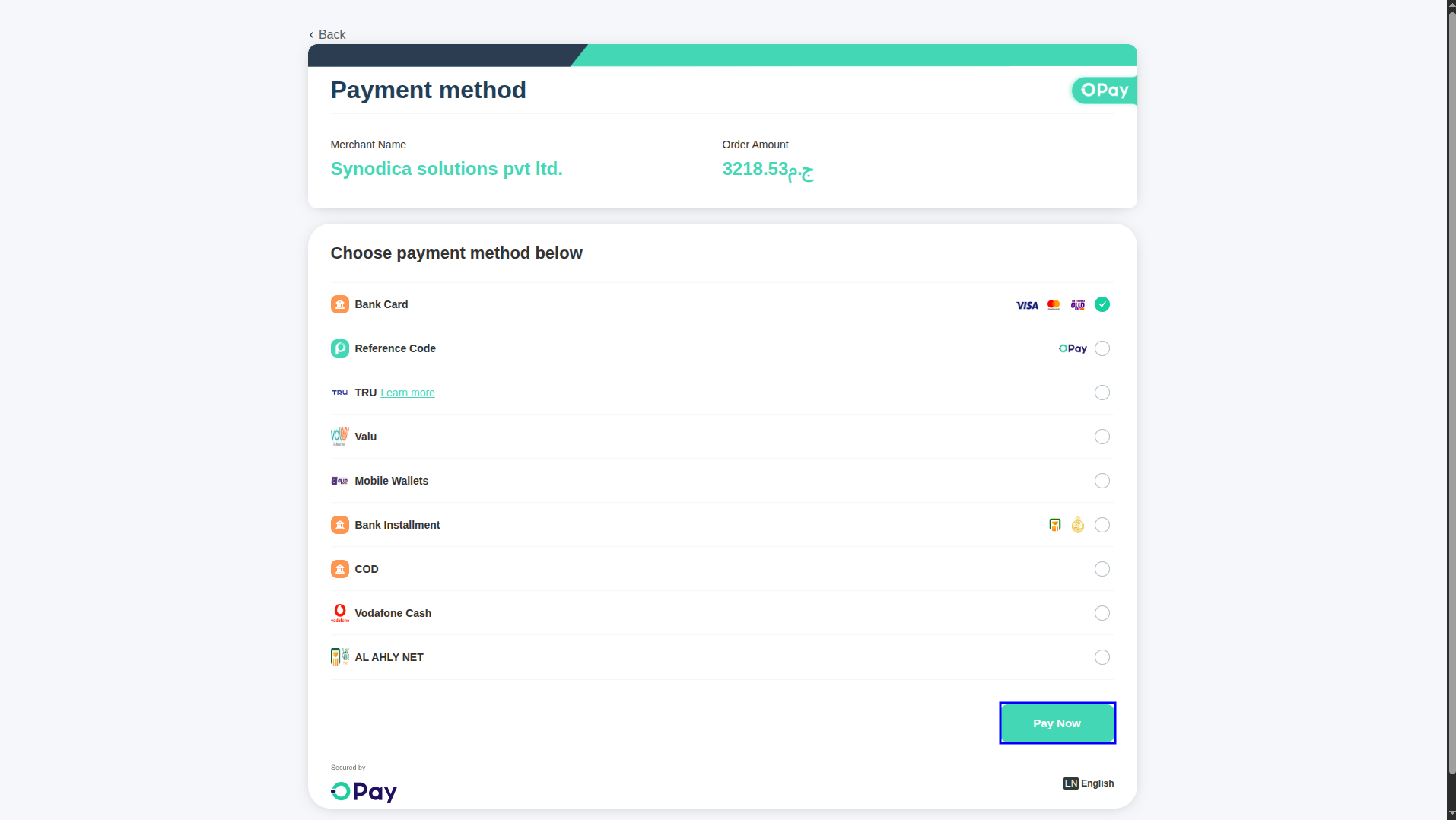
The customer is redirected to the secure OPay cashier payment gateway page, presenting multiple payment options like Card, valU, Mobile Wallets, and COD.
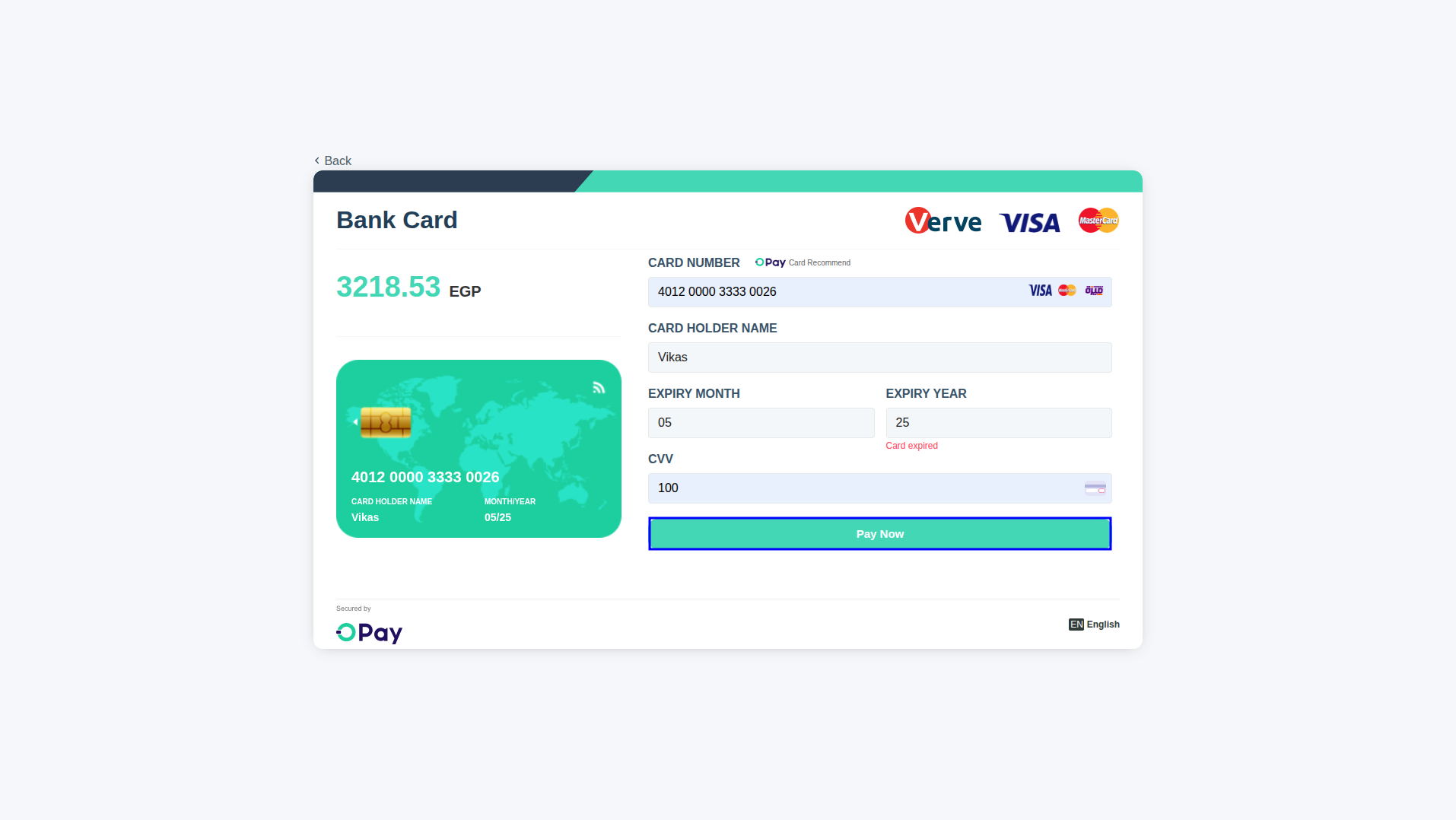
Securely input credit card details (card number, expiration date, CVV) on OPay's hosted secure cashier form to complete payment authorization.
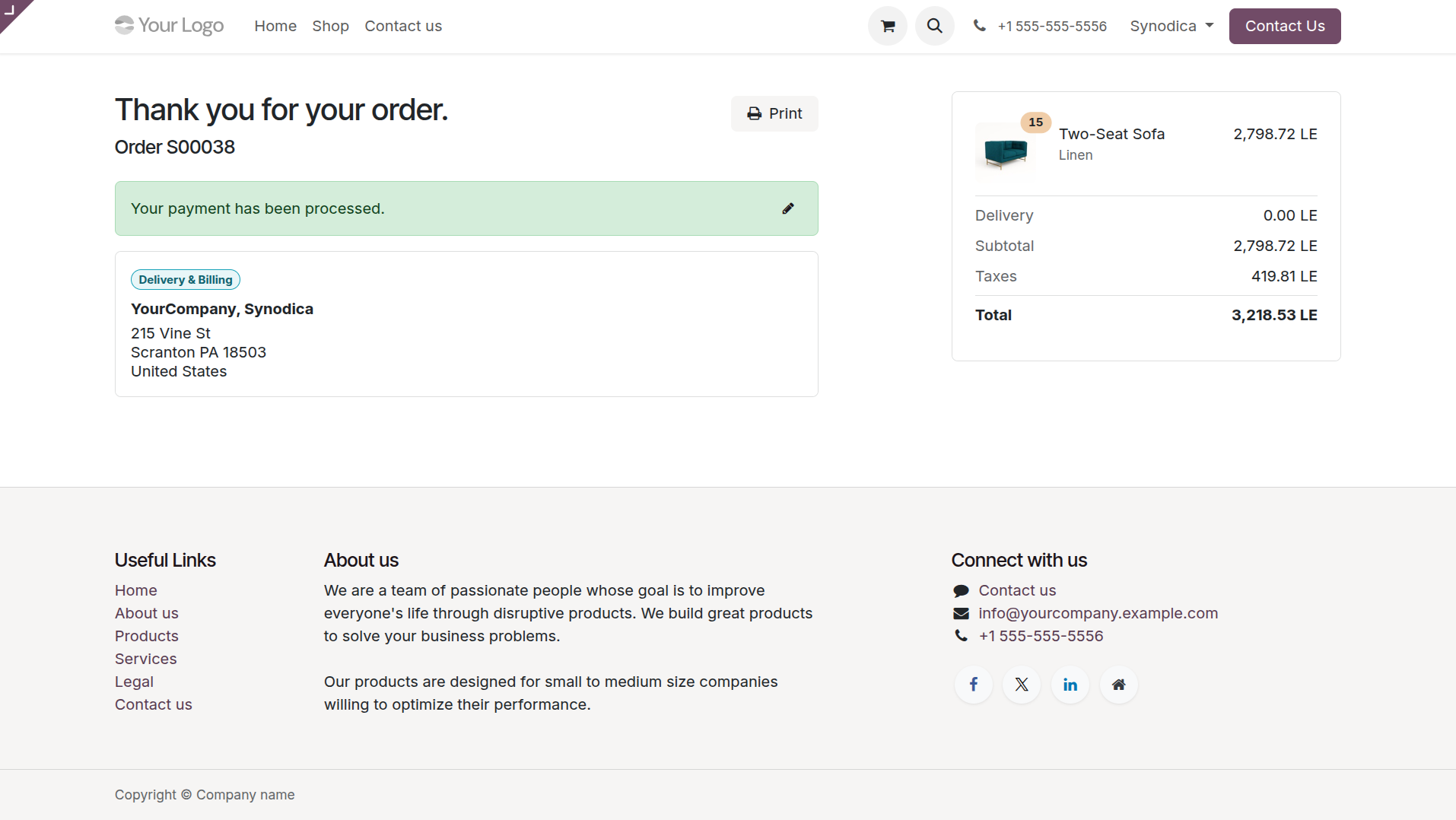
Upon successful validation, the customer is routed back to the native Odoo checkout thank you page, updating the quotation to a confirmed sales order.
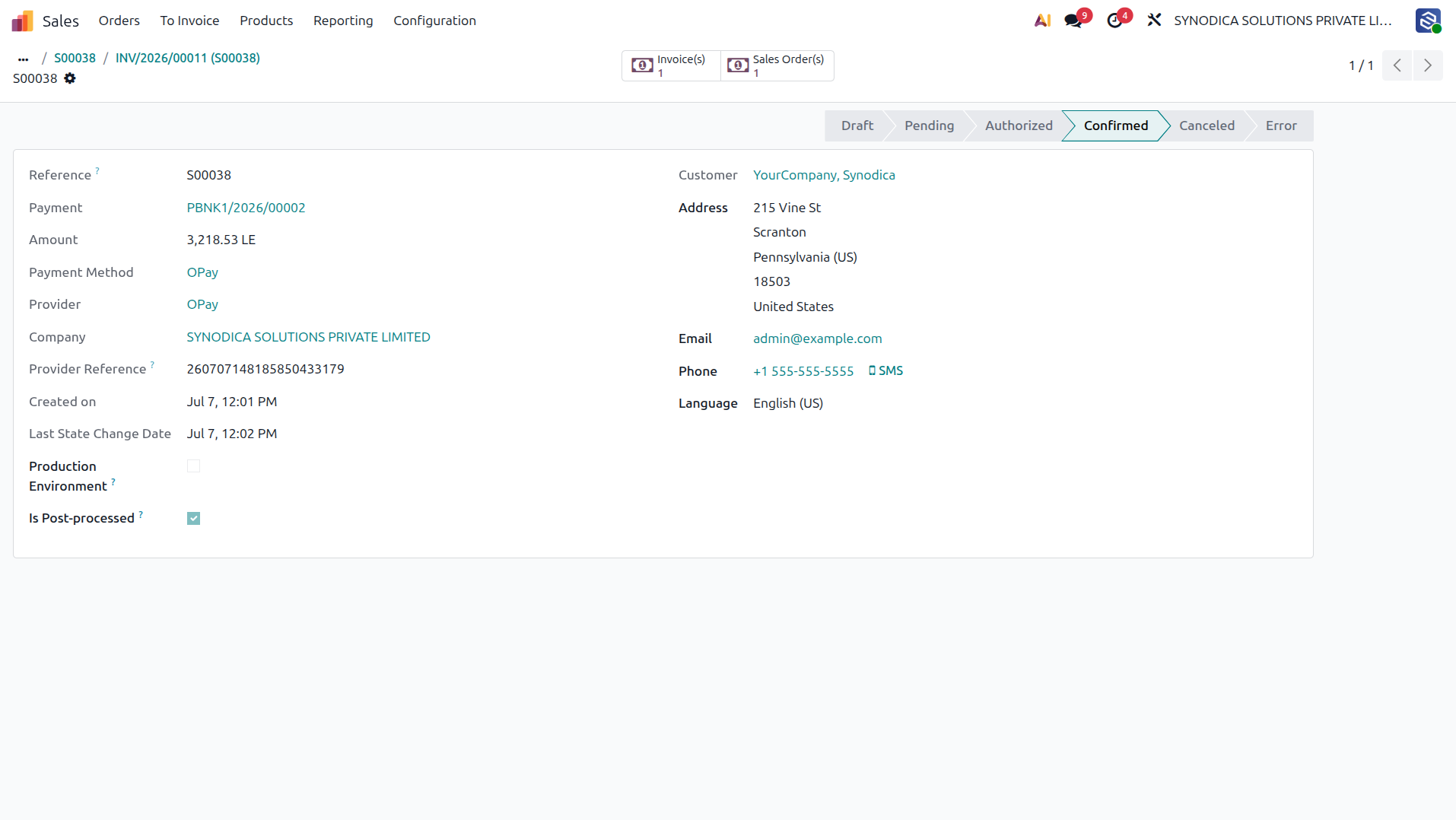
Odoo backend records the payment transaction details, confirming the status transitions to 'done' (Confirmed) securely.
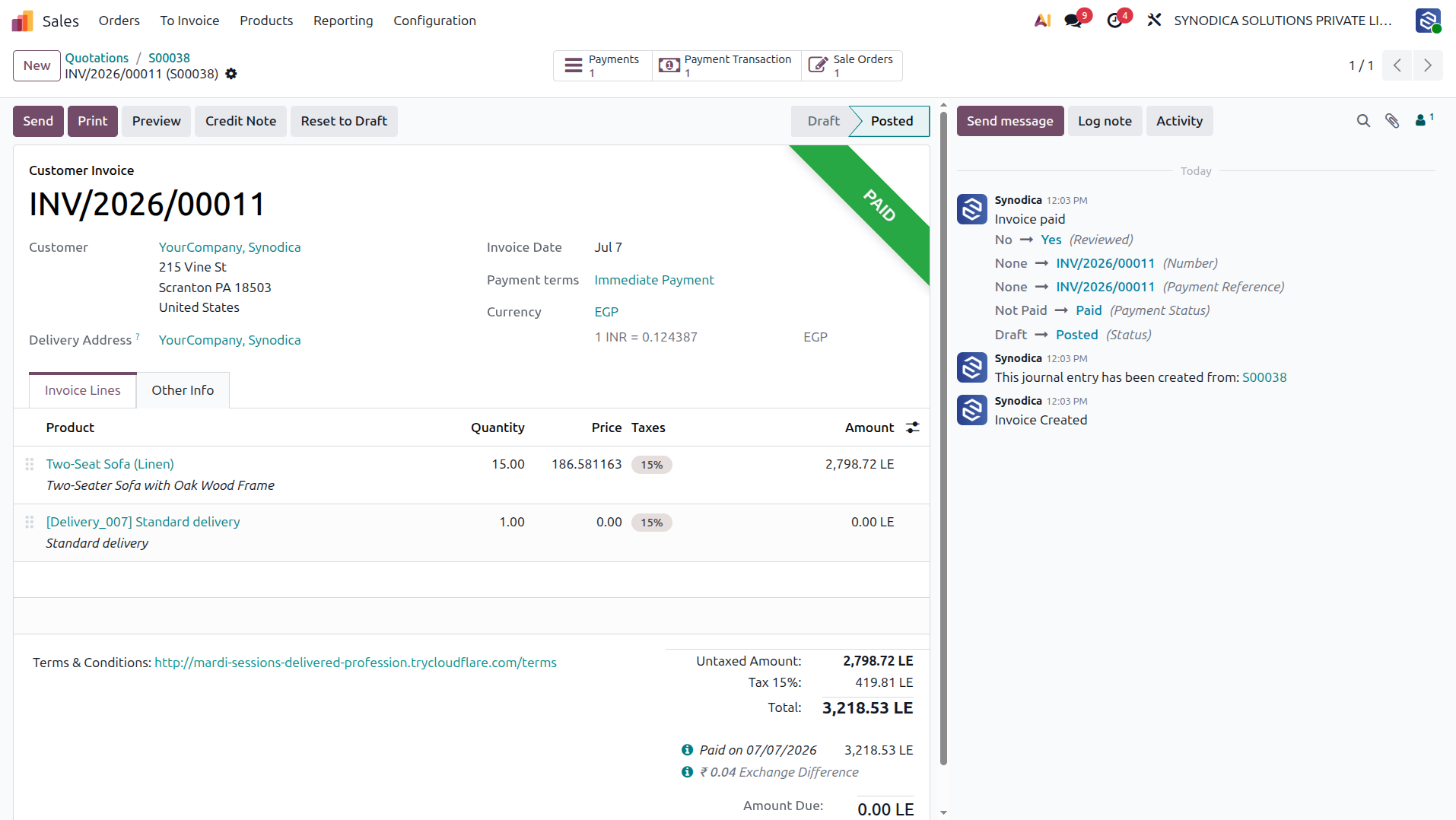
The corresponding customer invoice is automatically marked as 'Paid' after receiving payment verification from the OPay gateway.
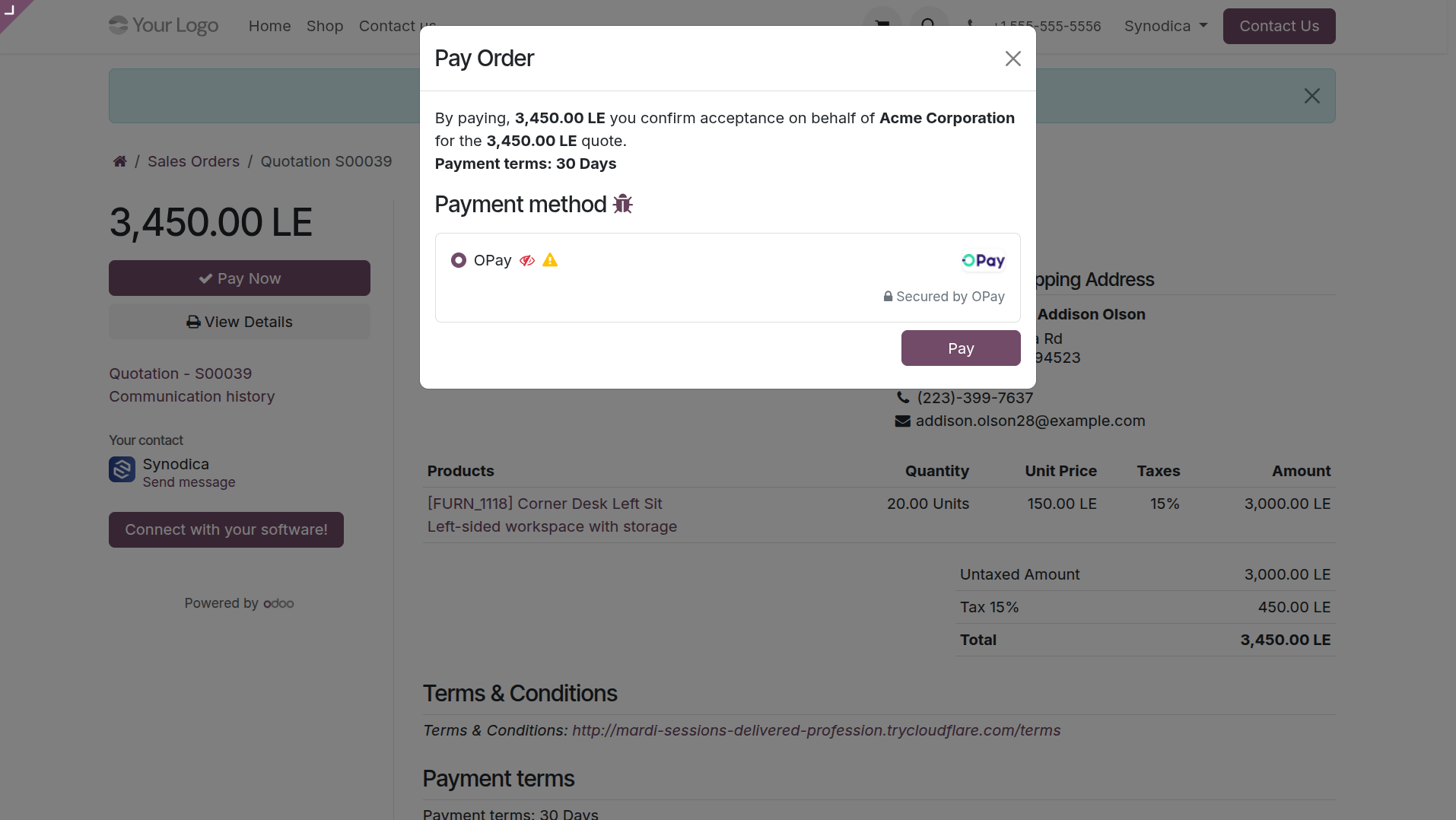
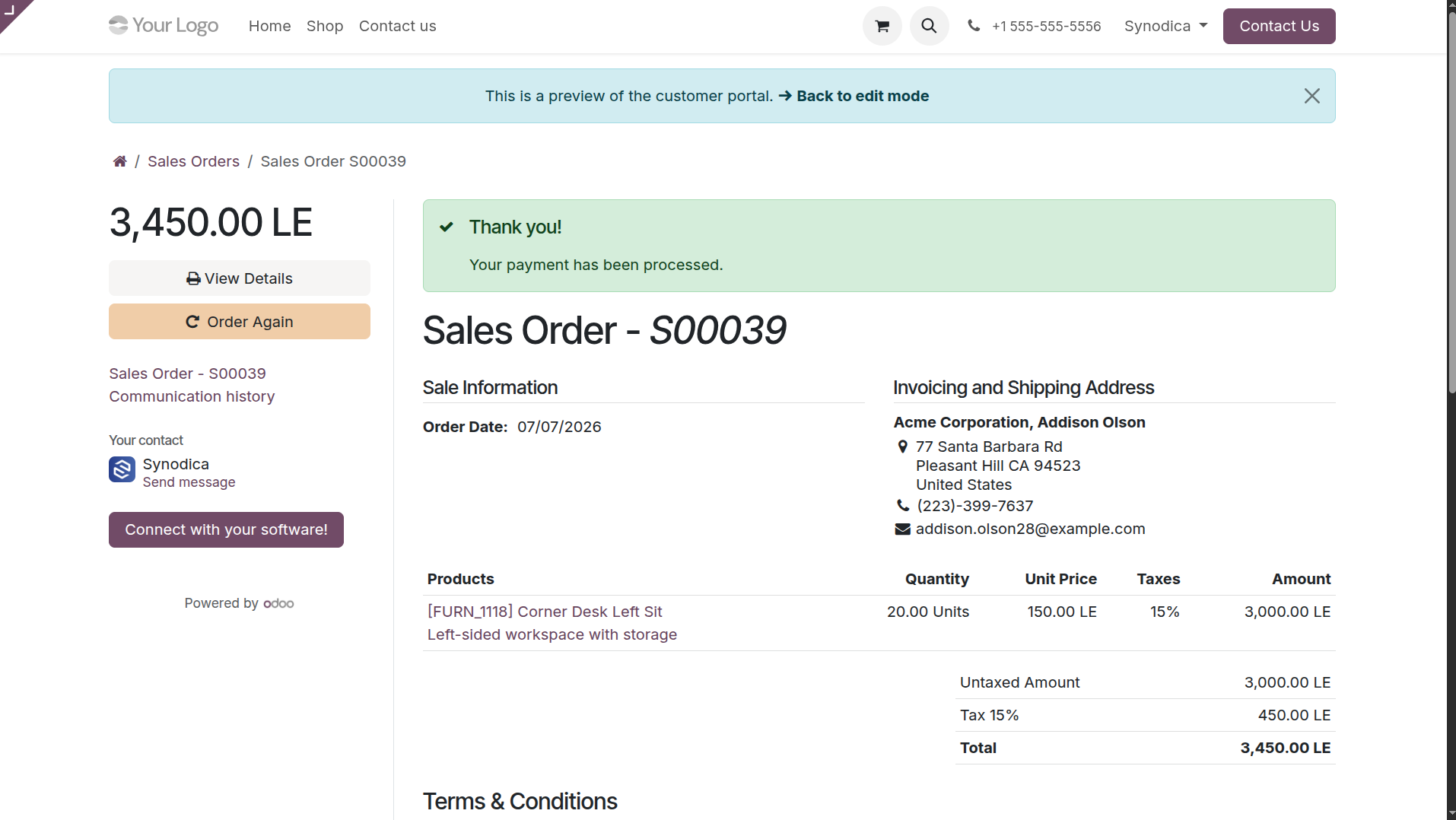
Customers can pay for unpaid invoices directly from their Odoo customer portal. Clicking 'Pay Now' triggers a secure payment modal offering OPay.
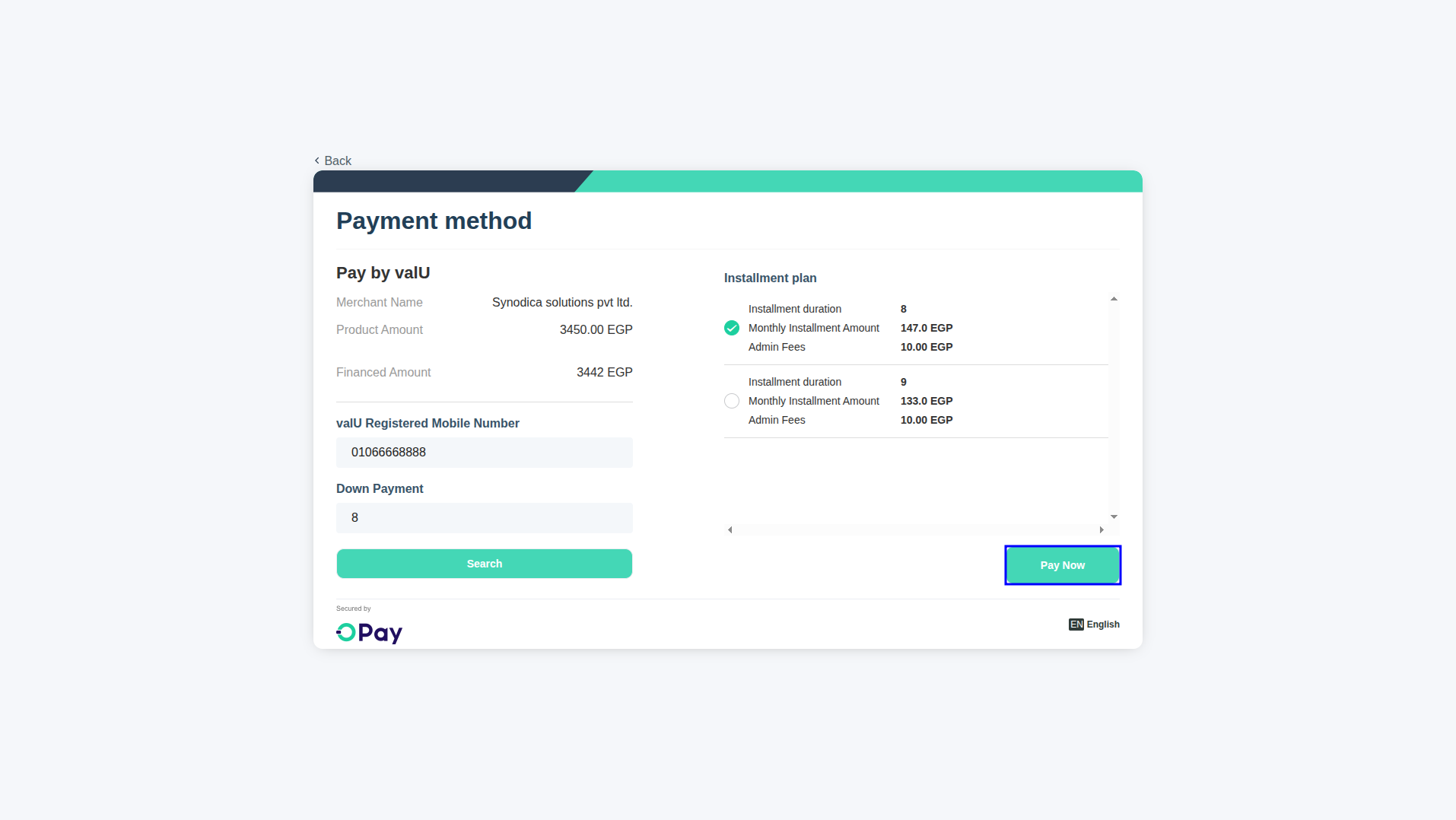
Redirection to OPay's hosted cashier to configure flexible installment plans via valU or other supported credit options.
Once completed, the payment status on the customer portal is instantly updated to reflect the successful transaction details.
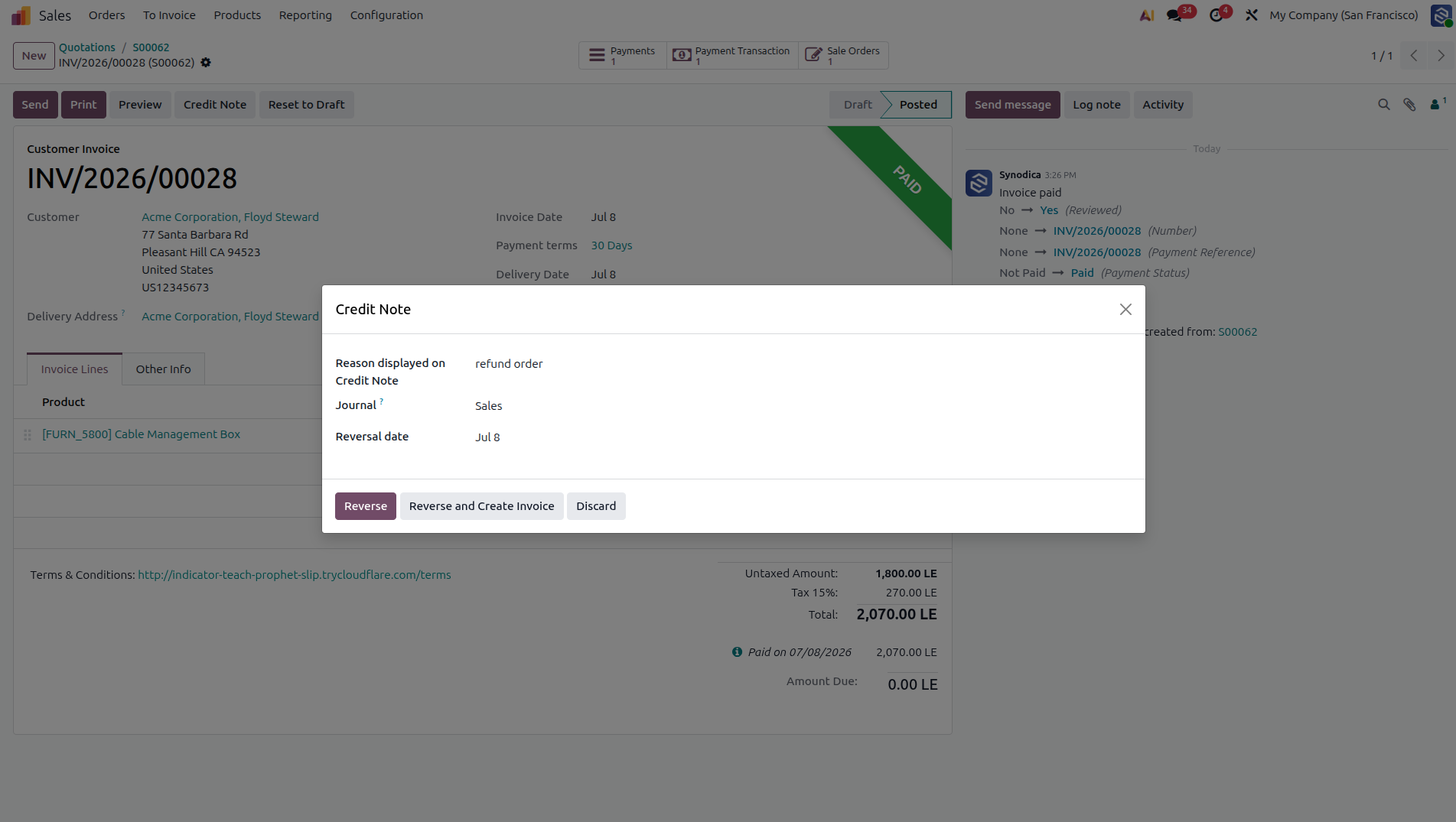
Initiate a refund by clicking 'Credit Note' on the paid customer invoice to generate a reversal entry.
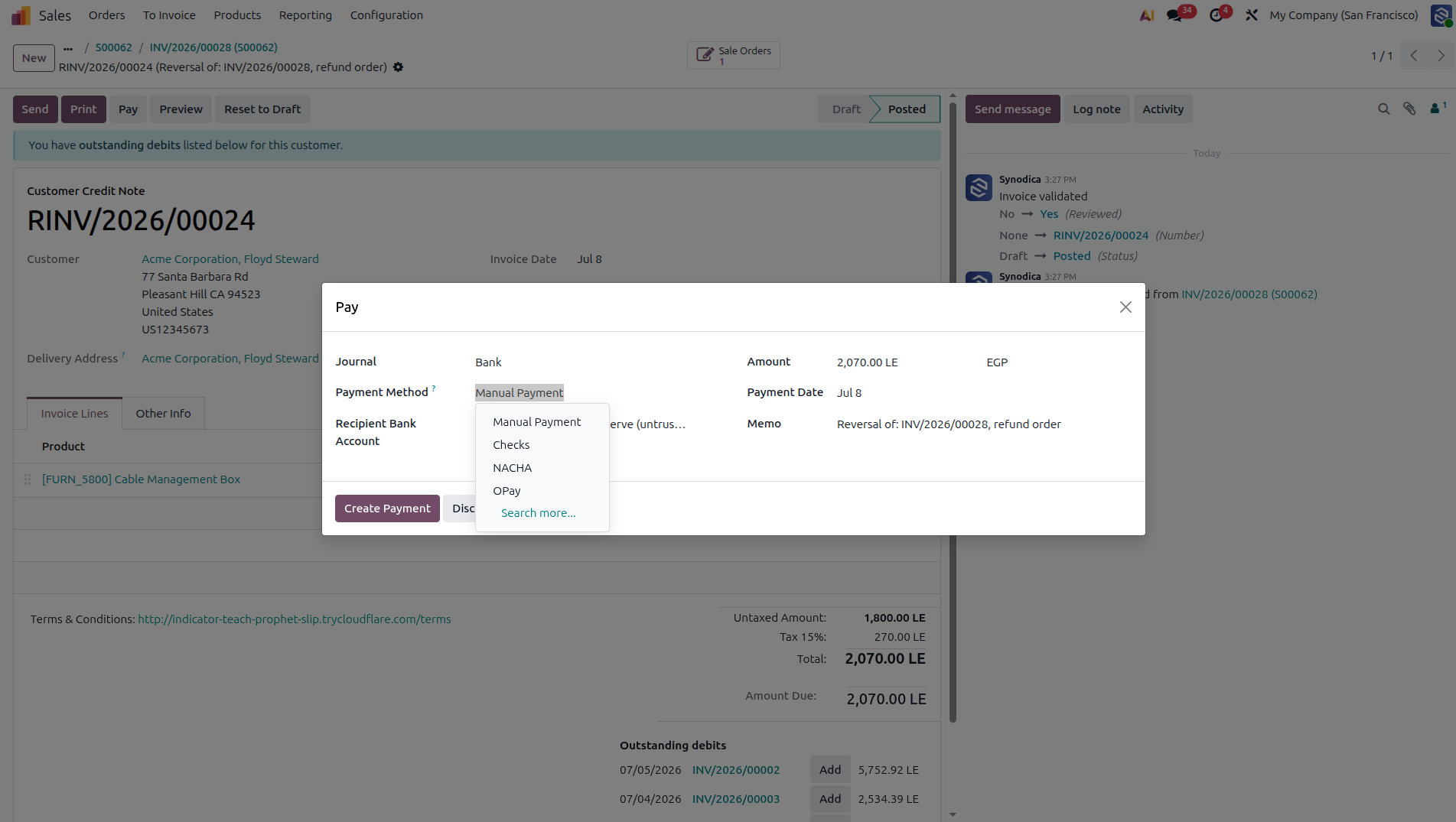
Register payment on the credit note by selecting OPay as the payment method to electronically process the refund amount.
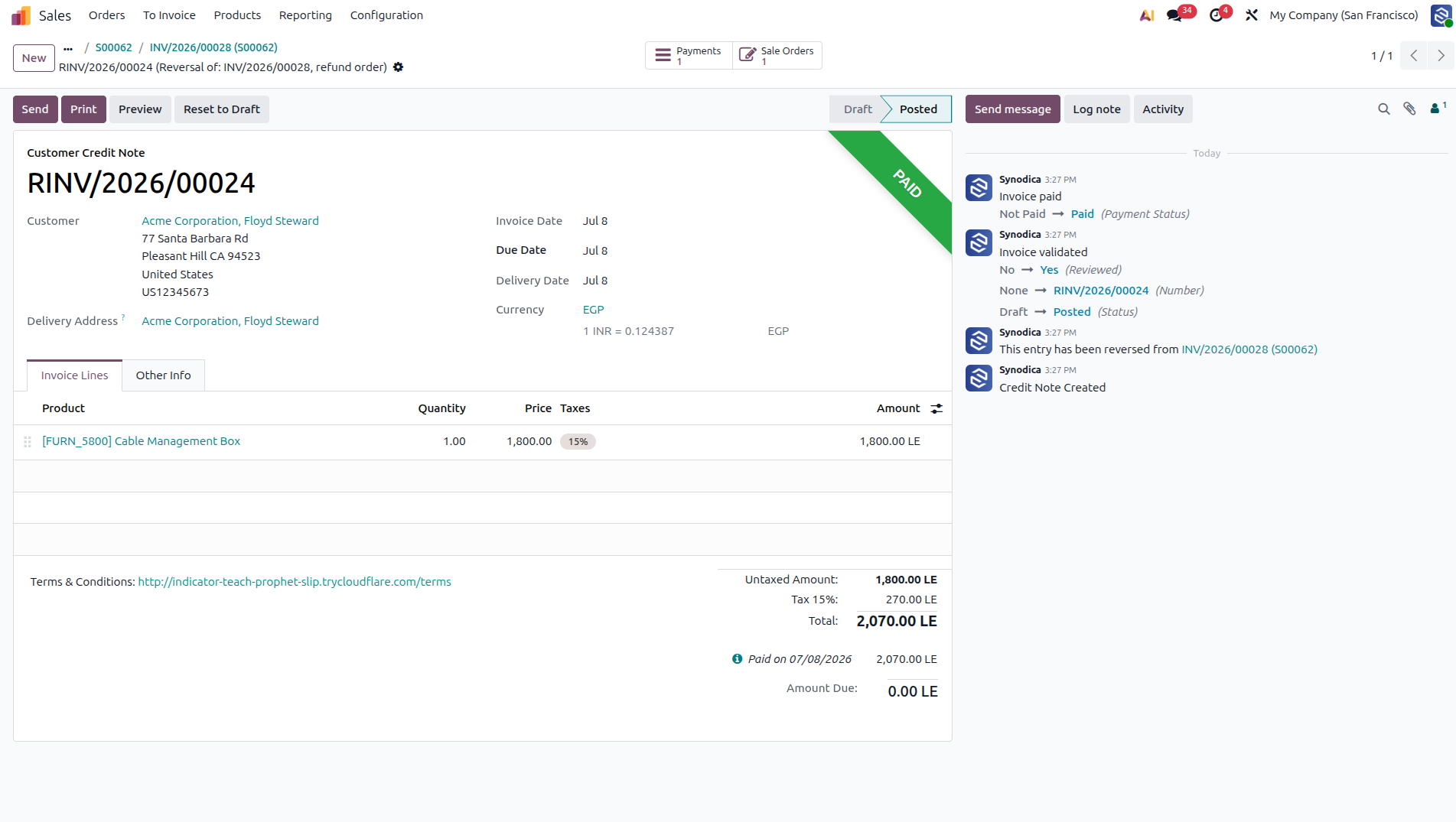
The OPay provider executes the API refund and updates the credit note status to 'Paid' inside Odoo.
Enterprise level Security
Experience native, secure payment processing. Engineered to protect card data, enforce Strong Customer Authentication (SCA), and simplify invoice reconciliation.
Multi-Method Support
Let customers checkout via Cards, Mobile Wallets, Valu, TRU, Bank Installments, AL AHLY NET, and more.
3D Secure 2.0 Compliance
Supports strong authentication flows. Dynamically routes users to verification challenges, satisfying global card-security mandates.
Automated Webhooks
Confirm transactions asynchronously. OPay webhooks notify Odoo, instantly updating sales orders and invoices even if browser exits.
Direct Refund Sync
Initiate full or partial reversals directly from Odoo invoices. The sync communicates with OPay APIs, recording logs transparently.
Reference Code Displays
Offline payments like Reference Codes are fully supported and seamlessly integrated into Odoo payment status messages.
Advanced API Core
Built with secure, clean Odoo payment logic, featuring strict idempotency validation and extensive transaction error handling.
Specialized Odoo Services
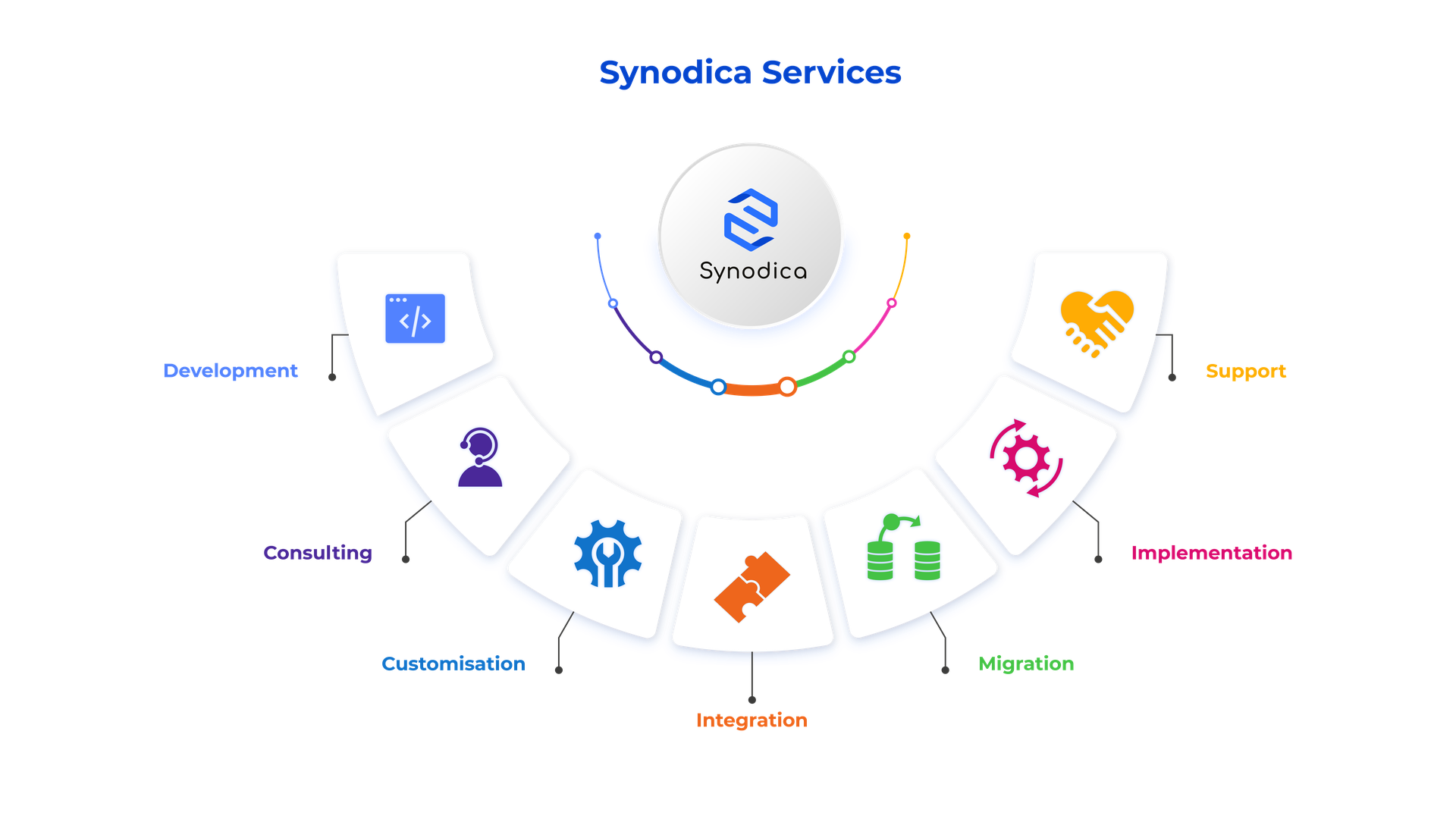
We build, customize, and maintain Odoo solutions for businesses worldwide - from implementation to advanced integrations.
Ready to Process Payments Smarter?
Stop worrying about complex compliance regulations or manual payment reconciliations. Install the OPay provider module and enable secure, instant processing in minutes.
© 2026 Synodica Solutions PVT. LTD. - OPay Payment Provider for Odoo 19
We create ERP solutions for you using Odoo ERP that will build a strong and efficient business for you. It's SYNODICA WAY