

Openpay Payment Provider (Card / Store / Bank) Colambio
USD 99.00
Openpay Payment Acquirer (Card / Store / Bank)
Features

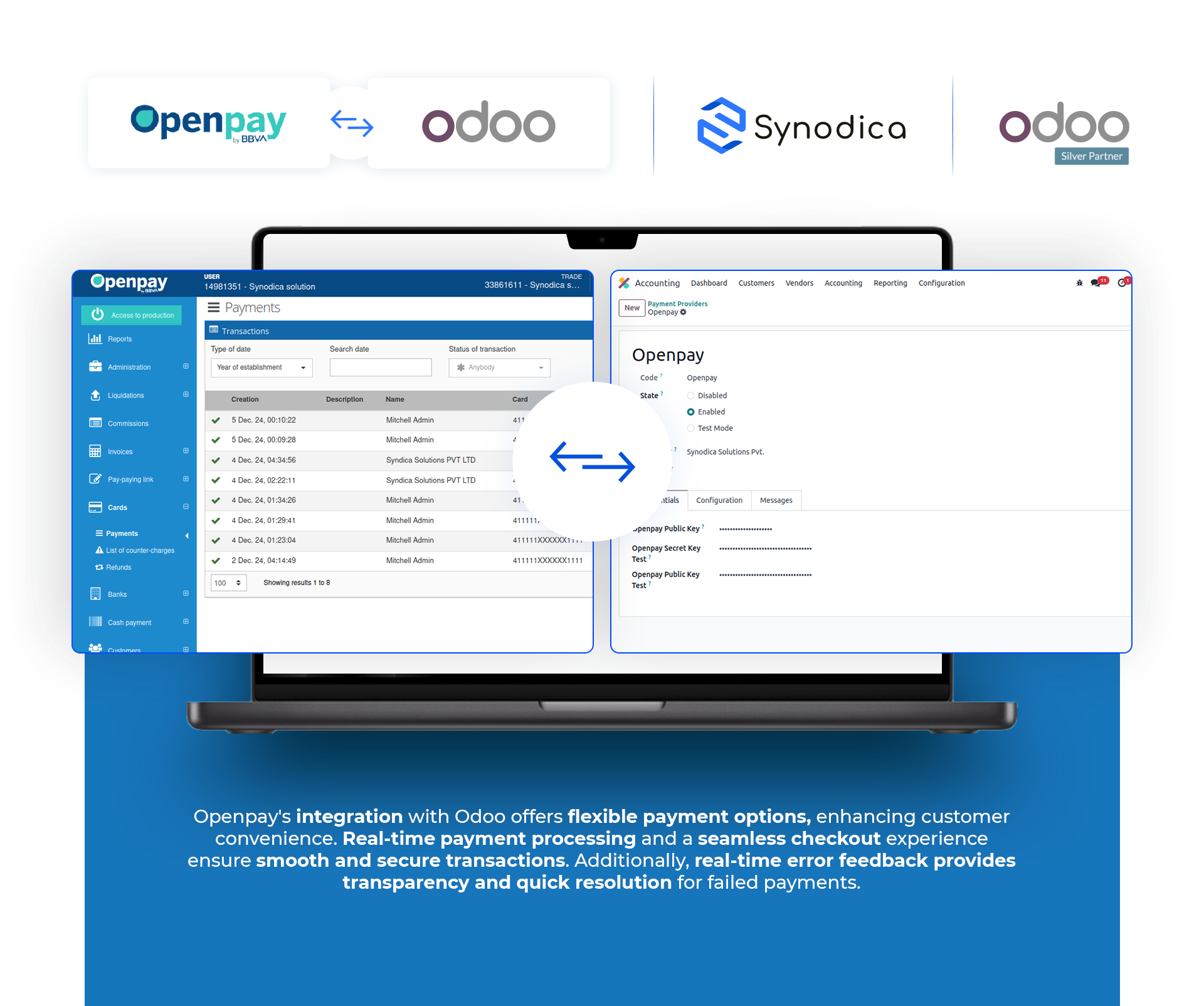
Multiple Payment Options
Supports credit cards, debit cards, bank transfers, and store-based payments for maximum flexibility

Real-Time Payment Processing
Ensures immediate confirmation for successful transactions, enhancing user satisfaction

Seamless Checkout Experience
Fully integrated with Odoo, offering a smooth payment process with minimal clicks

Real-Time Error Feedback
Provides clear and instant error messages for failed transactions (e.g., invalid card details, insufficient funds)
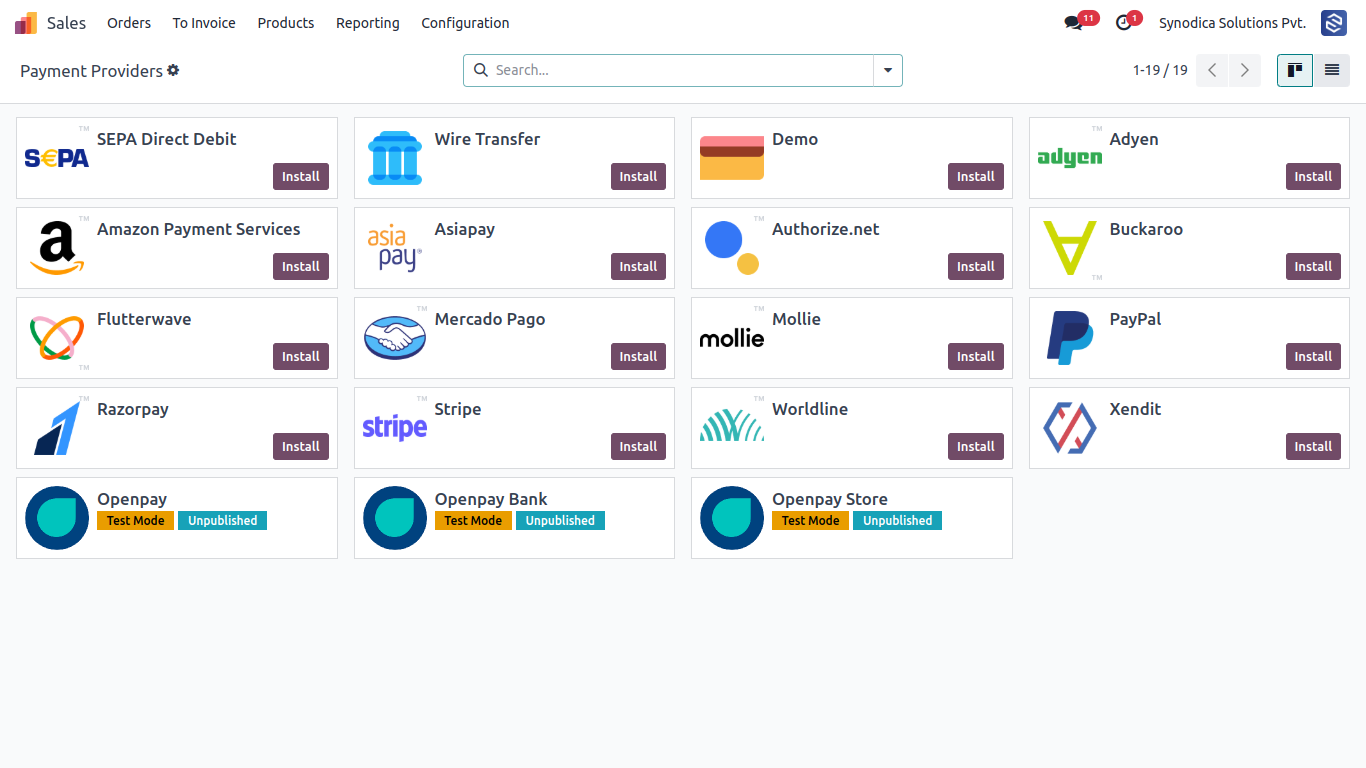
Openpay Payment Methods Available In Payment Provider Section
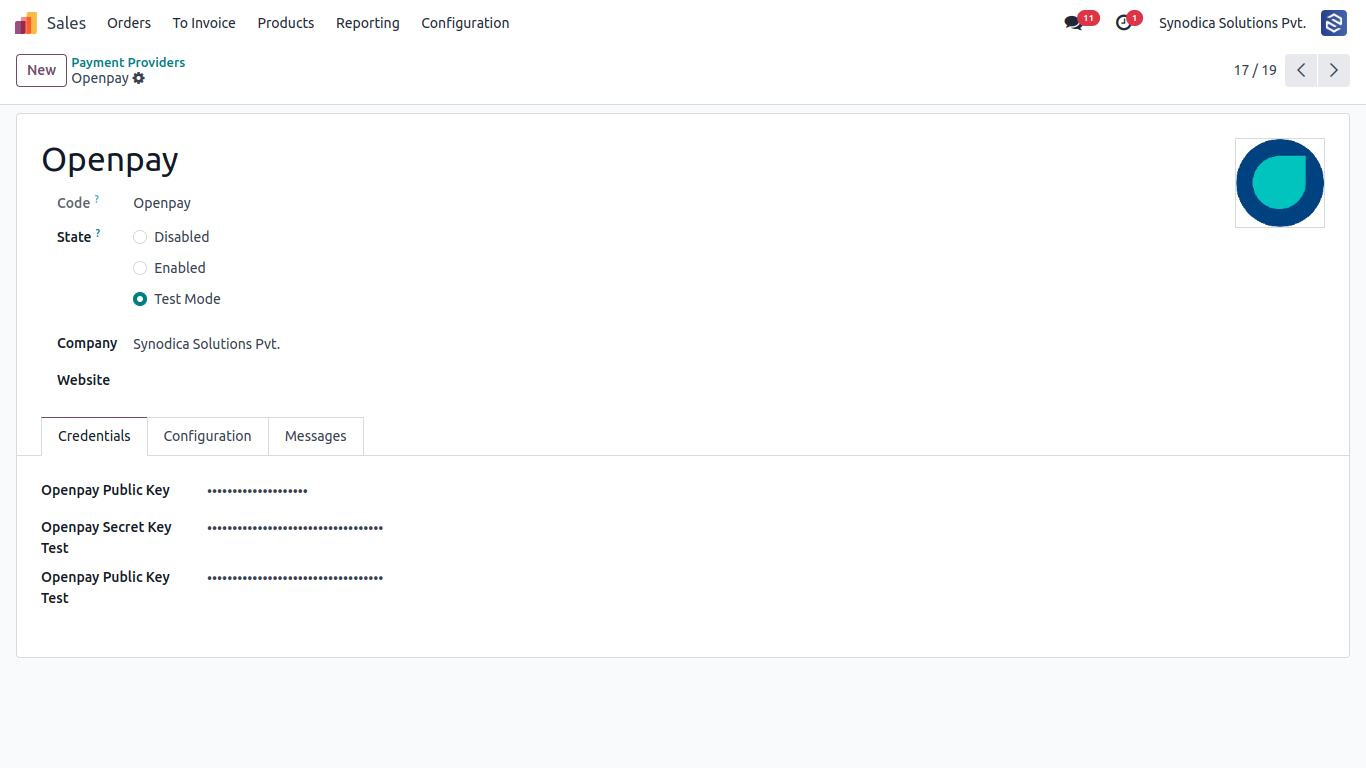
Setup Openpay Payment Gateway
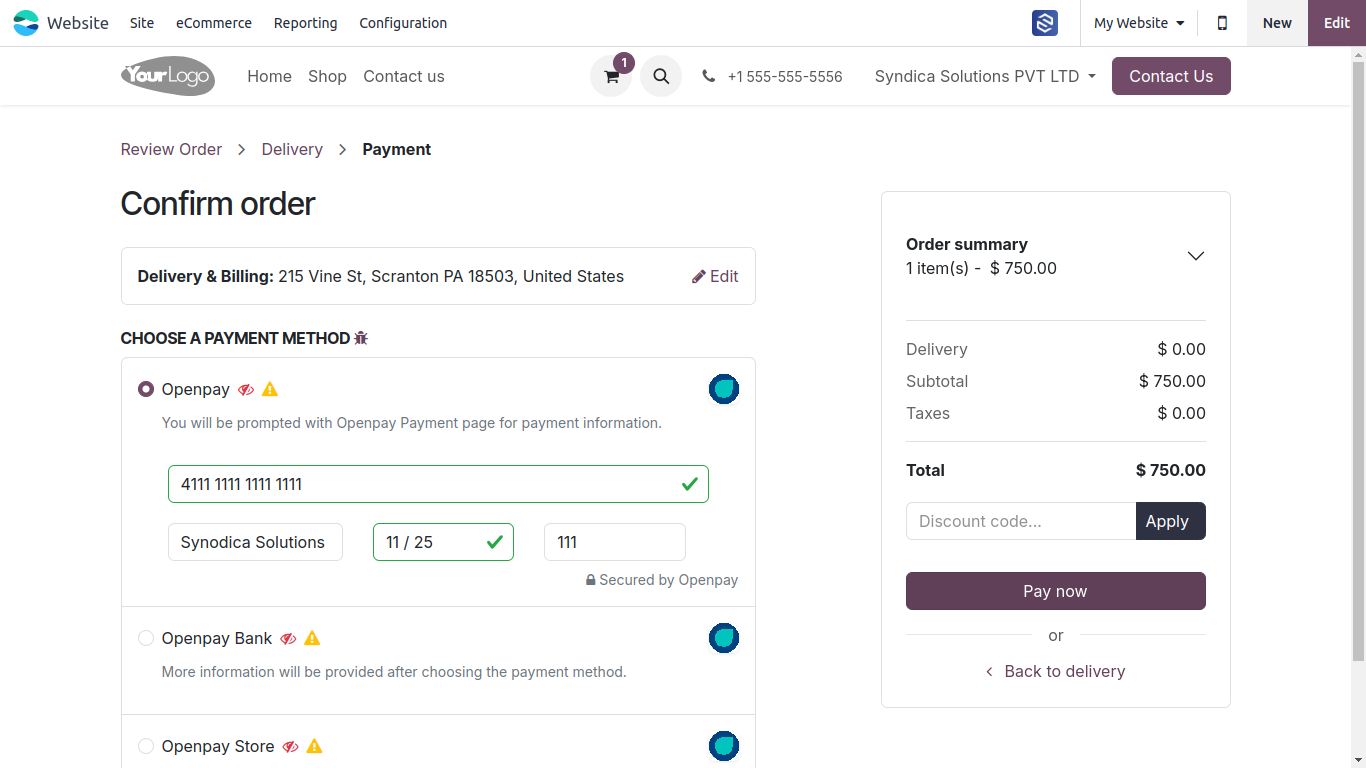
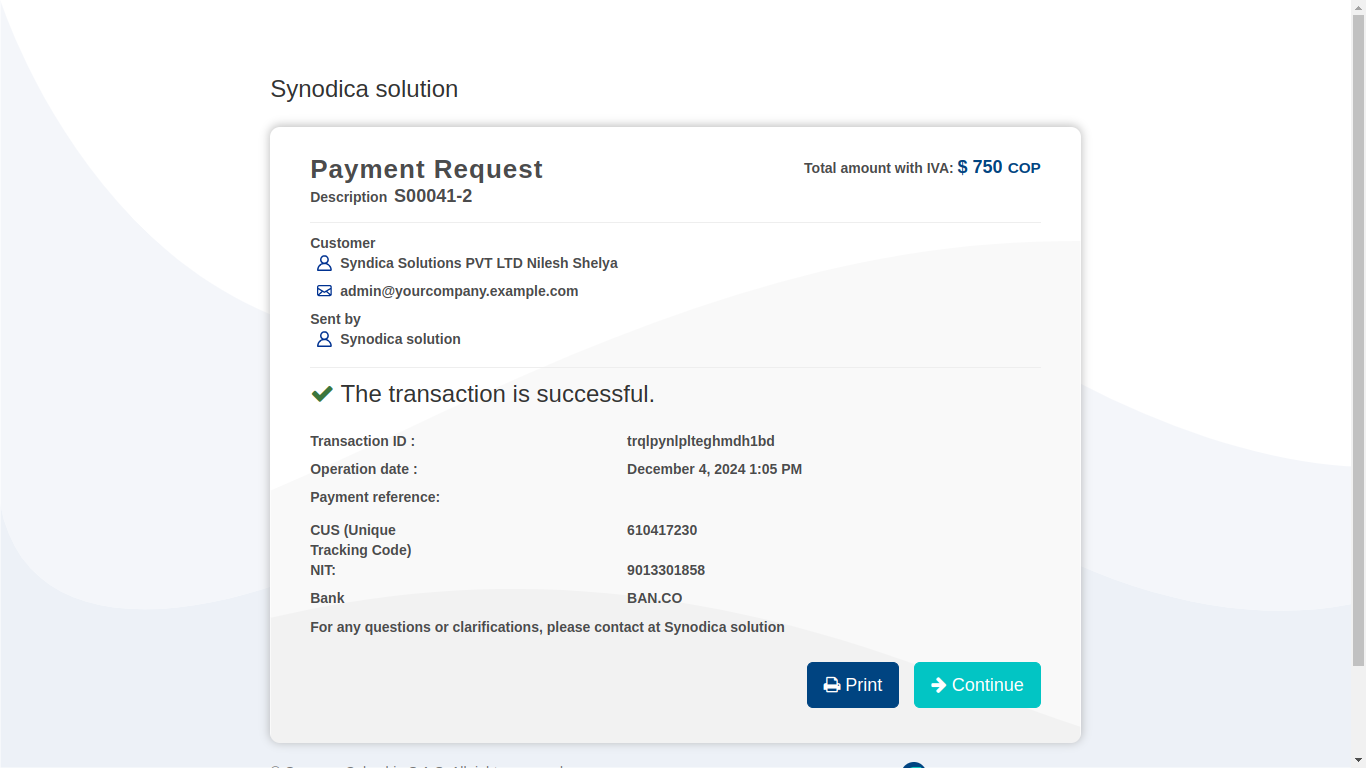
Click On Openpay Method, You Will Be Prompted To Enter Card Details. Enter Card Details And Click On Pay Now Button
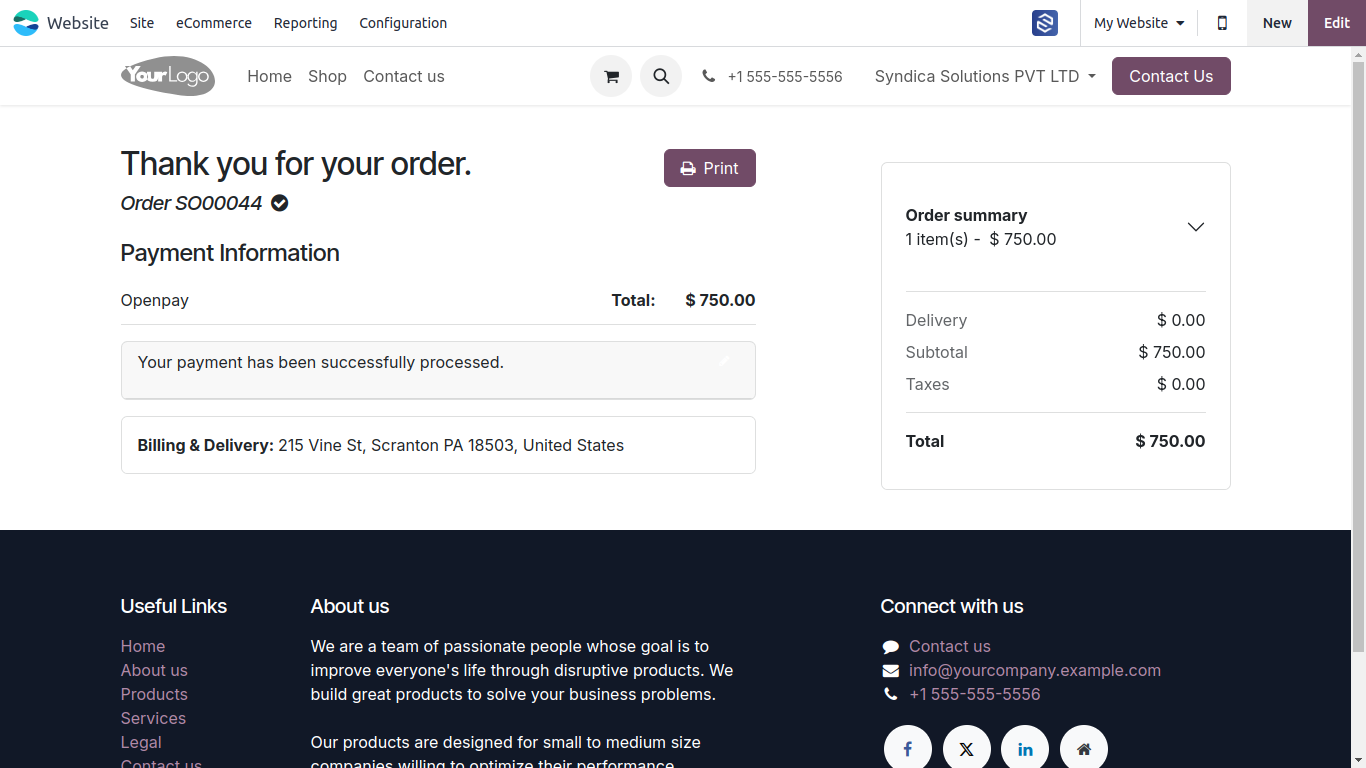
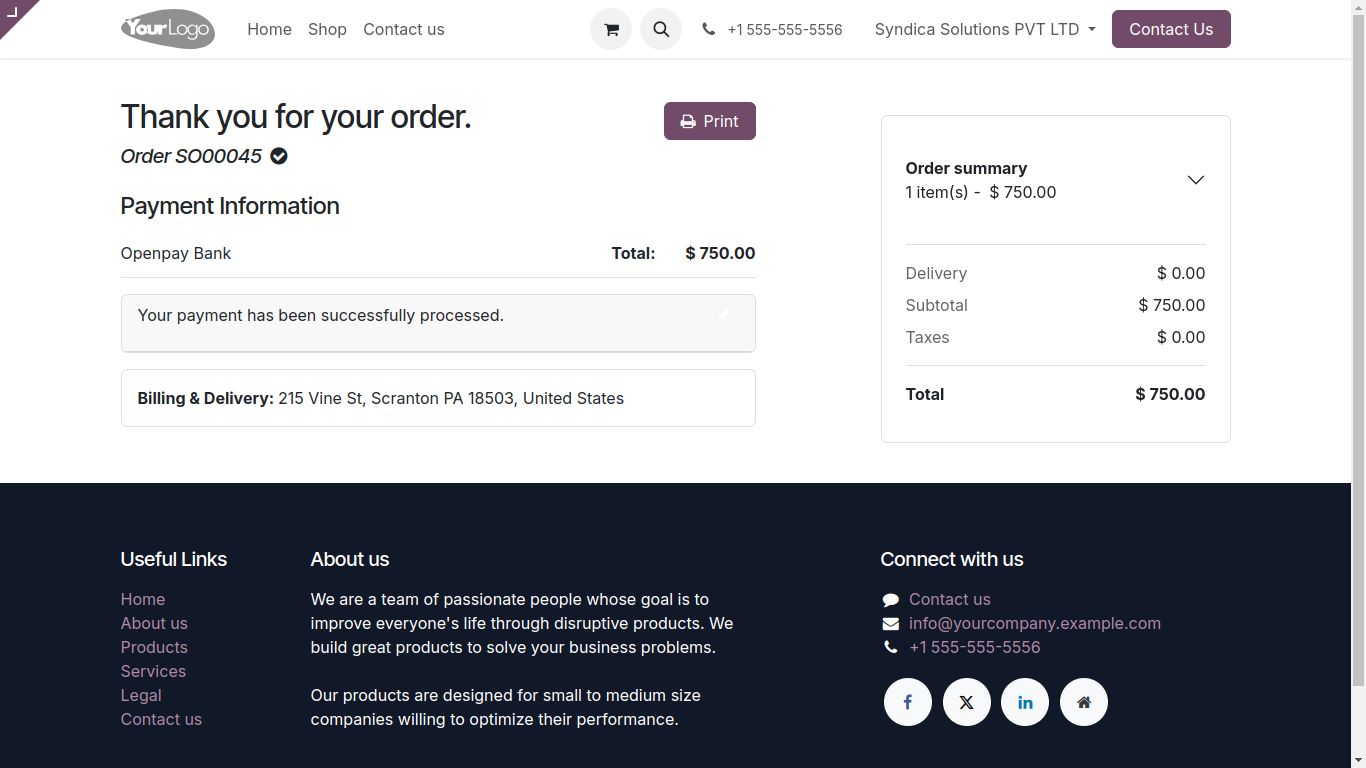
Upon Payment You Will Be Redirected To Payment Status Screen To See Payment Status
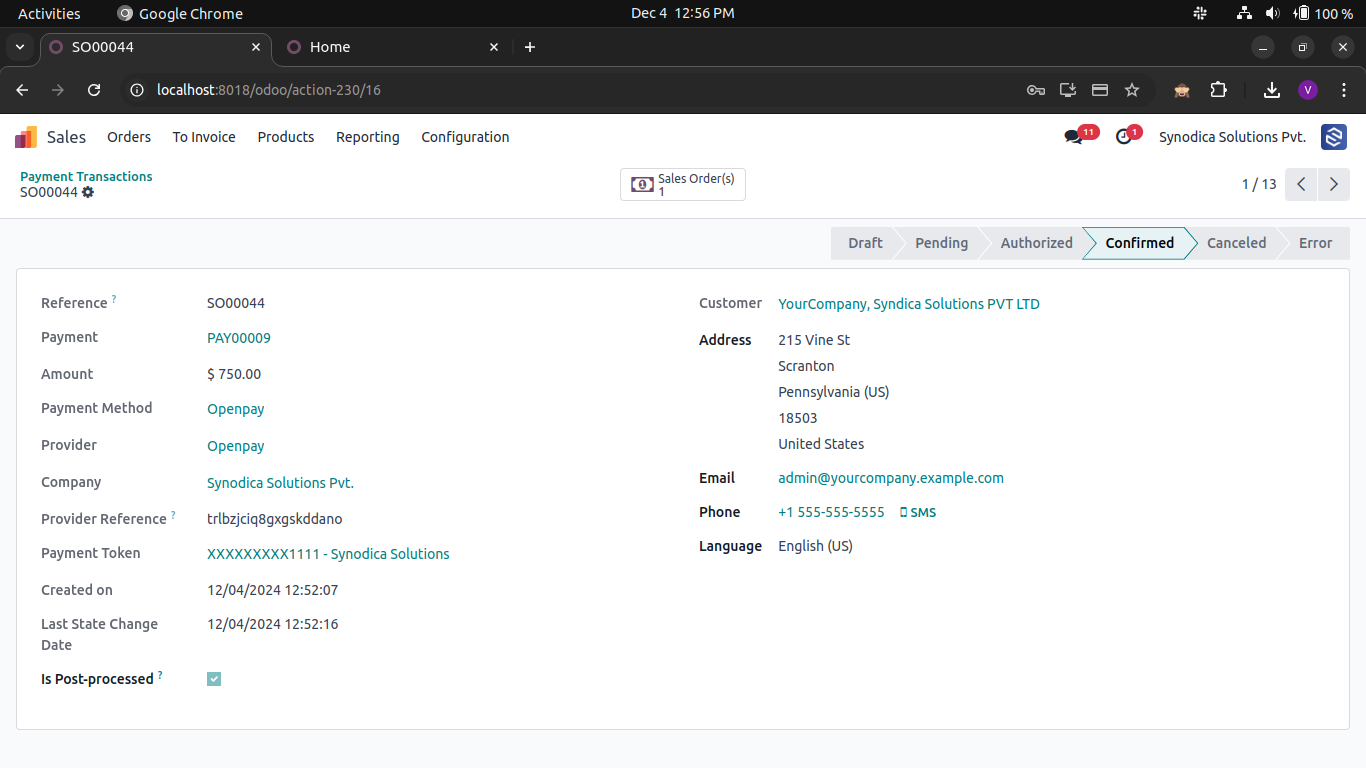
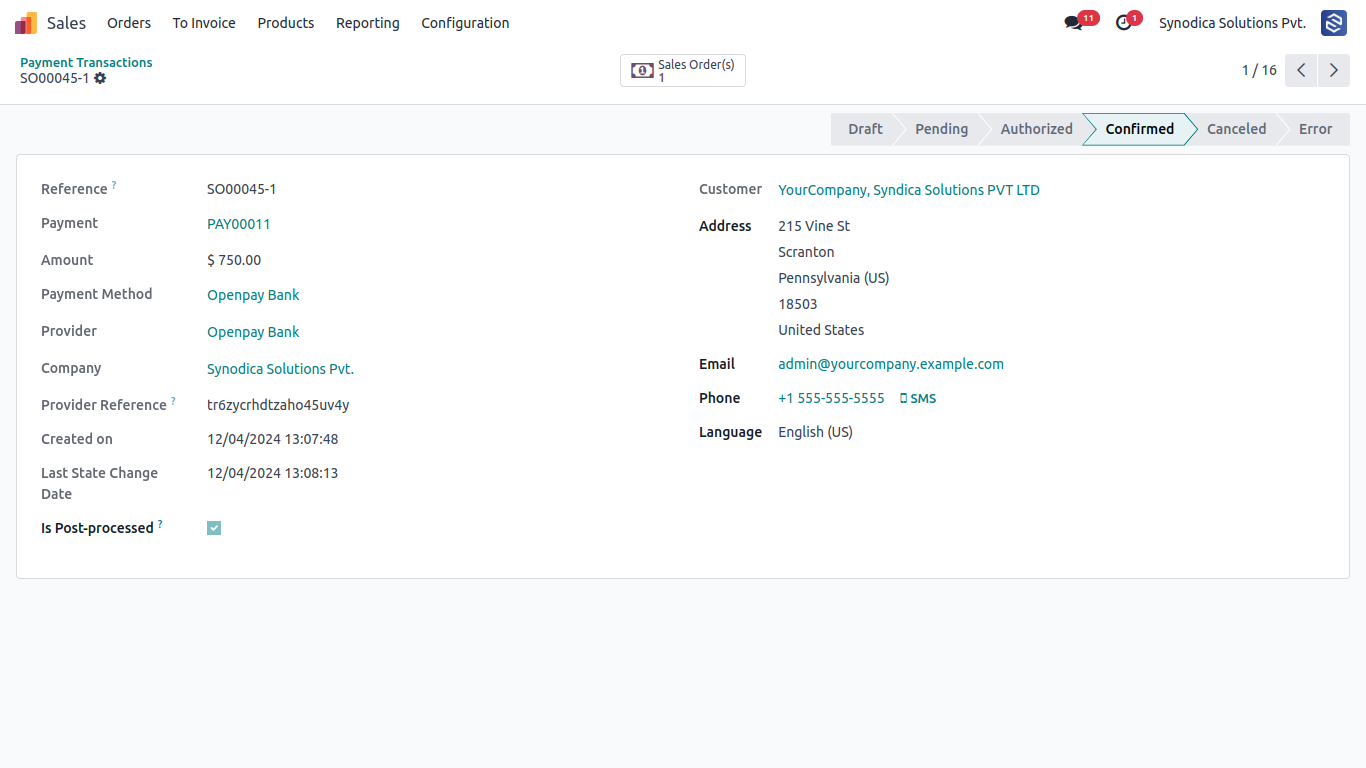
We Can See Payment Transaction For That Order And Payment Status Confirmed And Reference To See In Openpay Portal
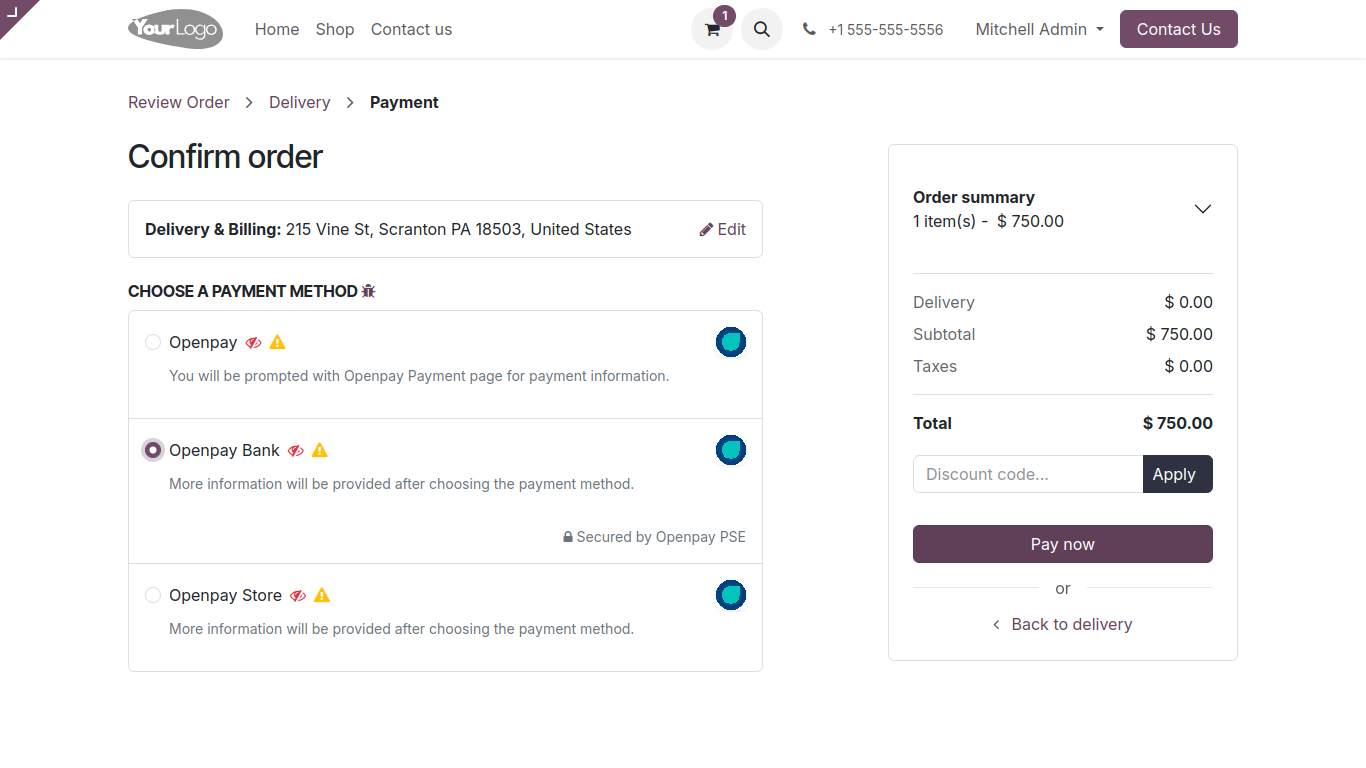
Payment With Bank Select Bank Payment Method And Click Pay Now Button
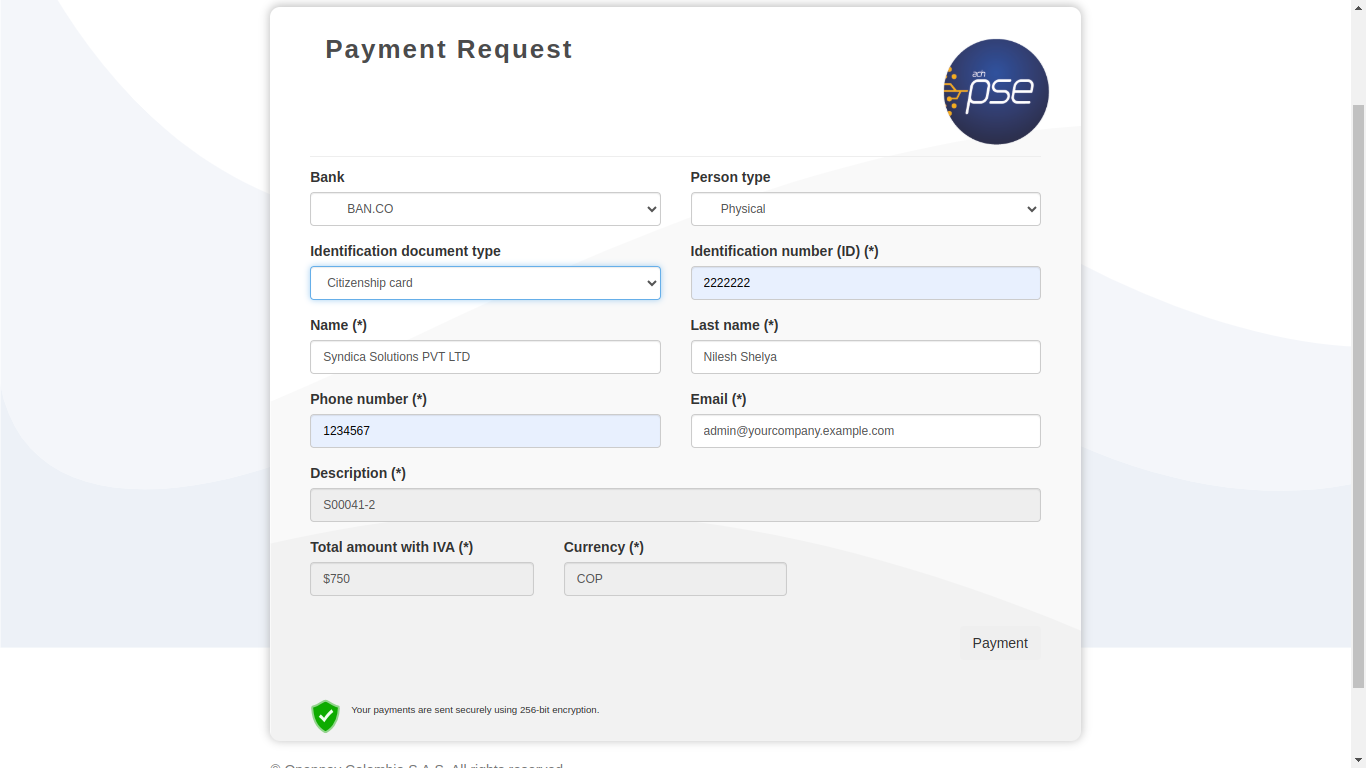
Upon Pay Now Click You Will Be Redirected To The Payment Confirmation Screen. Where We Can See Payment Status To Pending And Download Or Print Receipt To Make Payment At Bank
We Can See Payment Transaction For That Order And Payment Status And Reference To See In Openpay Portal
Select Store Payment Method And Click Pay Now Button
Upon Pay Now Click You Will Be Redirected To The Payment Confirmation Screen. Where We Can See Payment Status To Pending And Download Or Print Receipt To Make Payment At Openpay Store
We Can See Payment Transaction For That Order And Payment Status And Reference To See In Openpay Portal
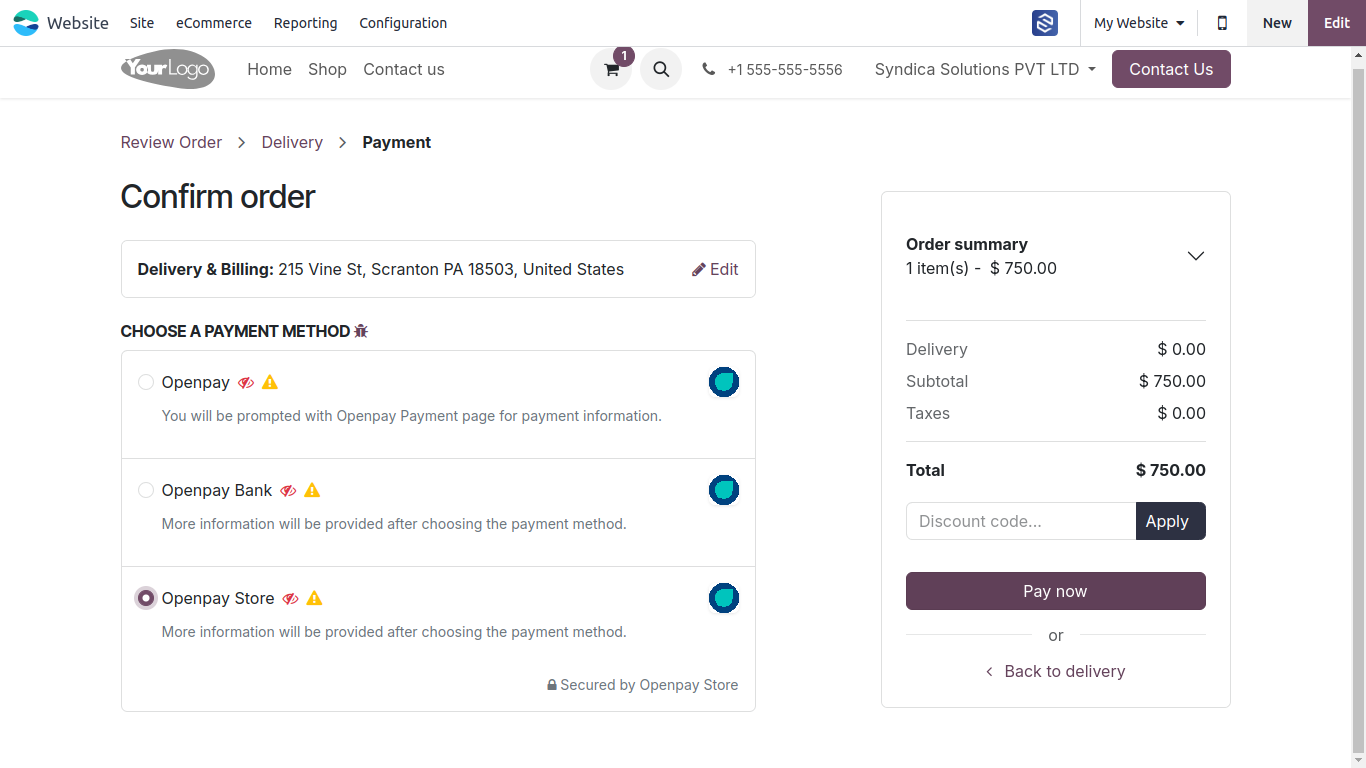
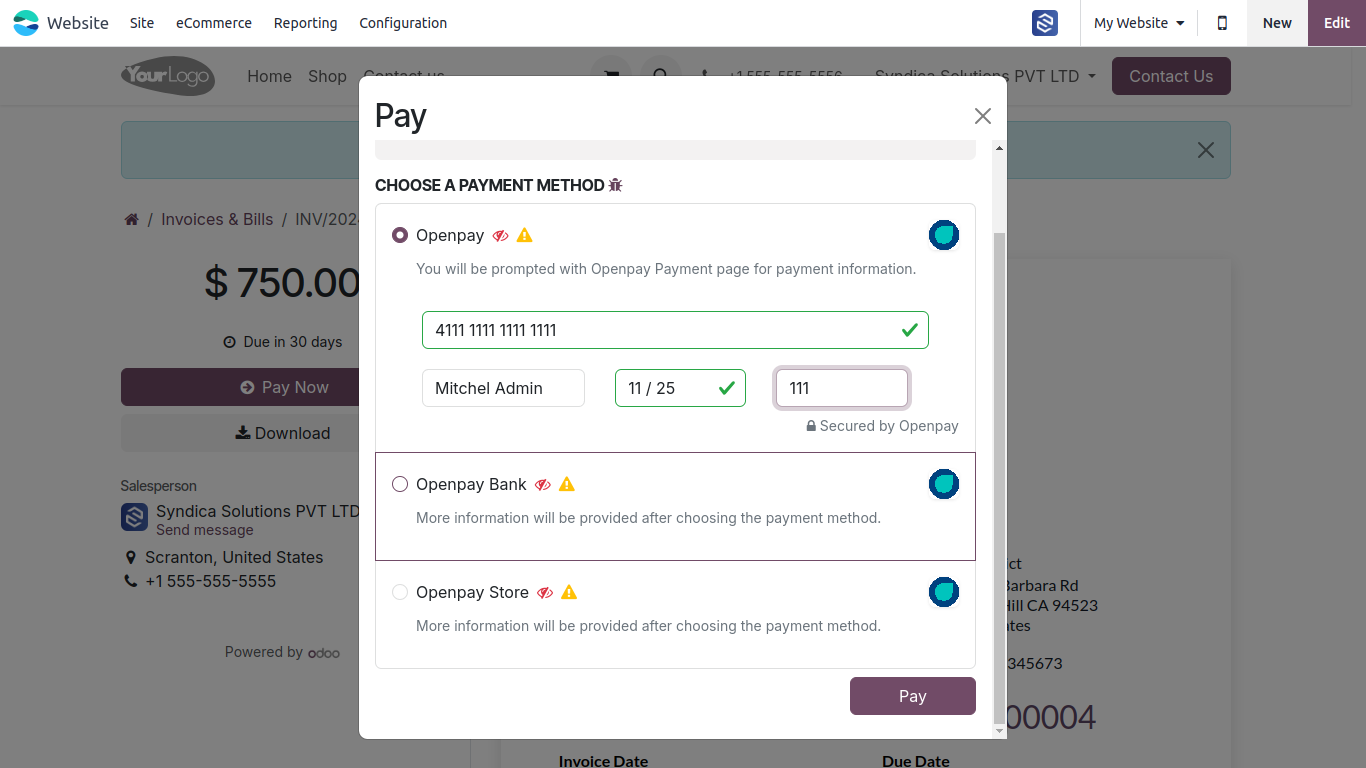
Create An Posted Invoice. In The Portal Open Invoice And Click On Pay Now Button. And Select The Payment Method And Click The Pay Button
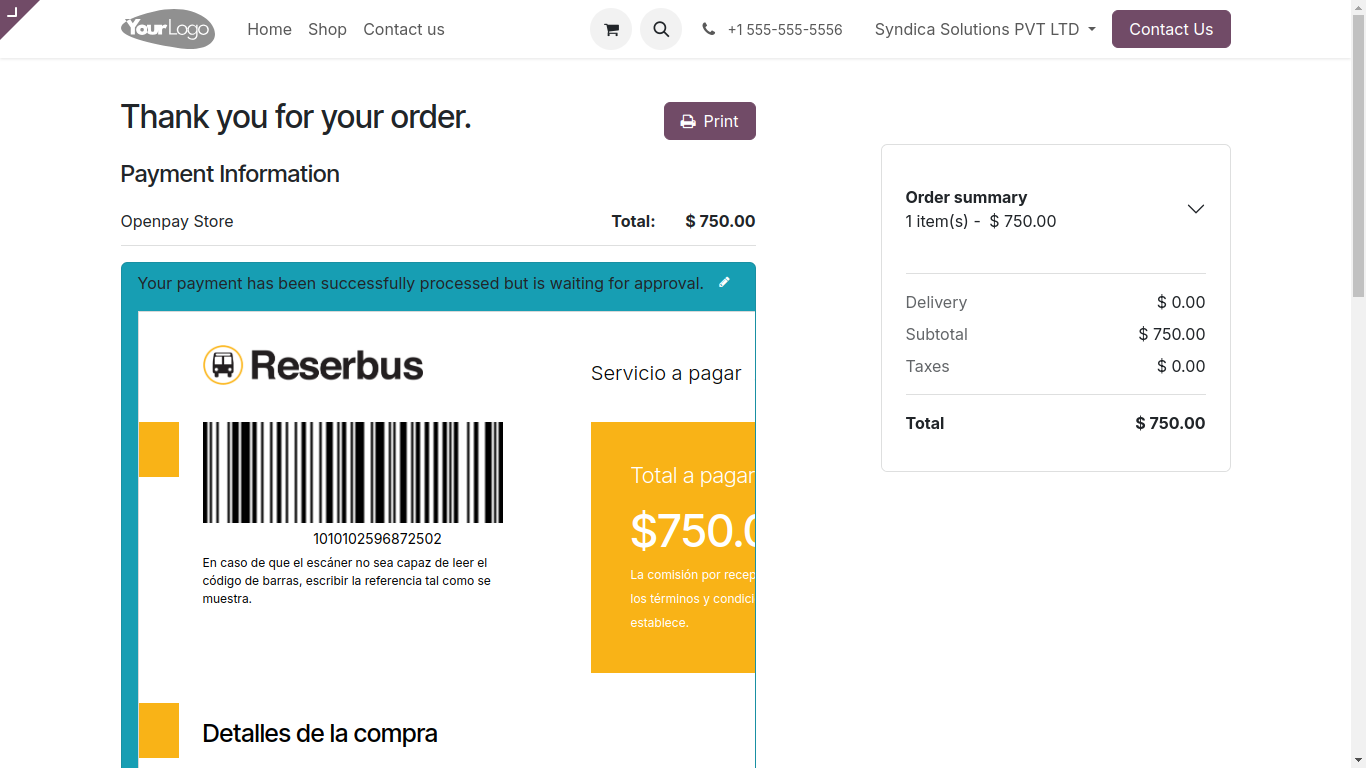
Upon Successful Payment You Can See Payment Is Done
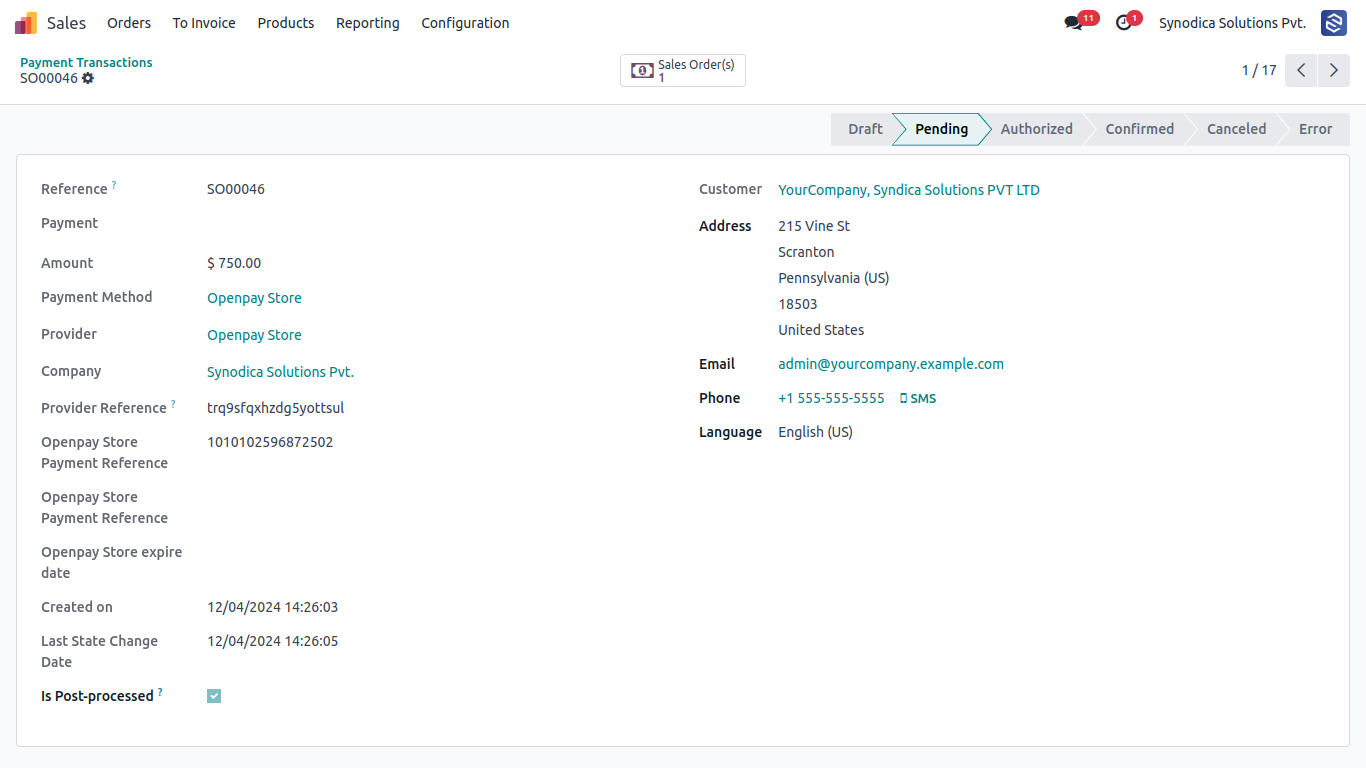
We Can See Payment Is Confirmed In The Payment Record
Suggested Products






Contact Us
Suggestions & Feedback to: support@synodica.com

We create ERP solutions for you using Odoo ERP that will build a strong and efficient business for you. It's SYNODICA WAY