

Openpay Payment Provider(Card / Store / Bank / KueskiPay)
Accept Payments
With Openpay
in Odoo
Securely integrate Openpay with your Odoo store. Accept Credit/Debit Cards, Cash payments at stores, and Bank transfers (SPEI) with real-time transaction updates.
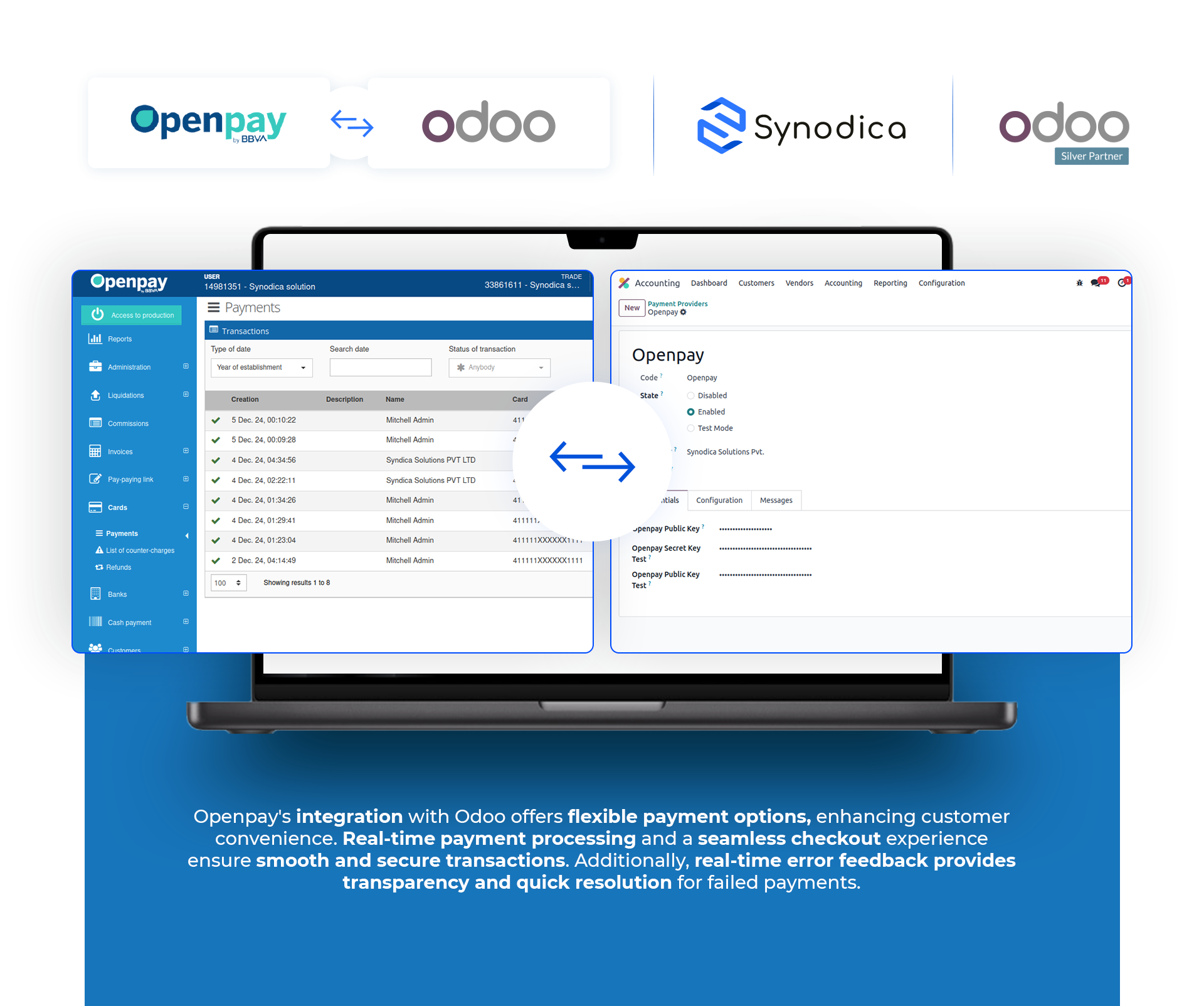
How It Works
Setup credentials, let customers choose their payment method at checkout, and handle transactions in real-time.
Configure Provider
Enter your Merchant ID, API keys, and set up your Webhooks in Odoo Payment Provider settings.
Select Payment Option
Customers choose Card, SPEI Bank Transfer, Cash Store, or Kueski Pay (BNPL) options during checkout.
Automatic Sync
The transaction updates instantly in Odoo with payment success details, or waits pending cash store/SPEI confirmation.
Experience Openpay
A visual walkthrough of the gateway setup, checkout flow, SPEI, store cash payment, and backend reporting.
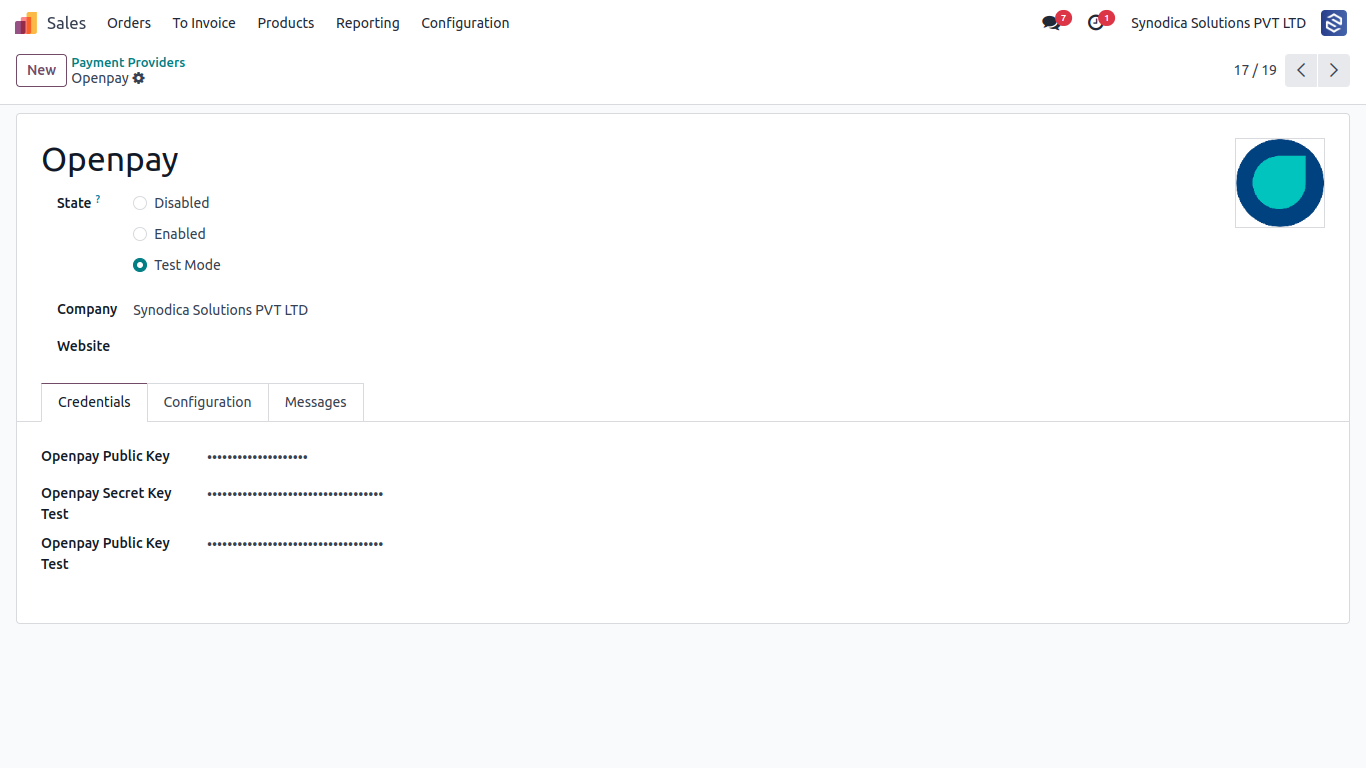
Configure Openpay credentials, environment (Test/Production), and keys under Payment Providers menu.
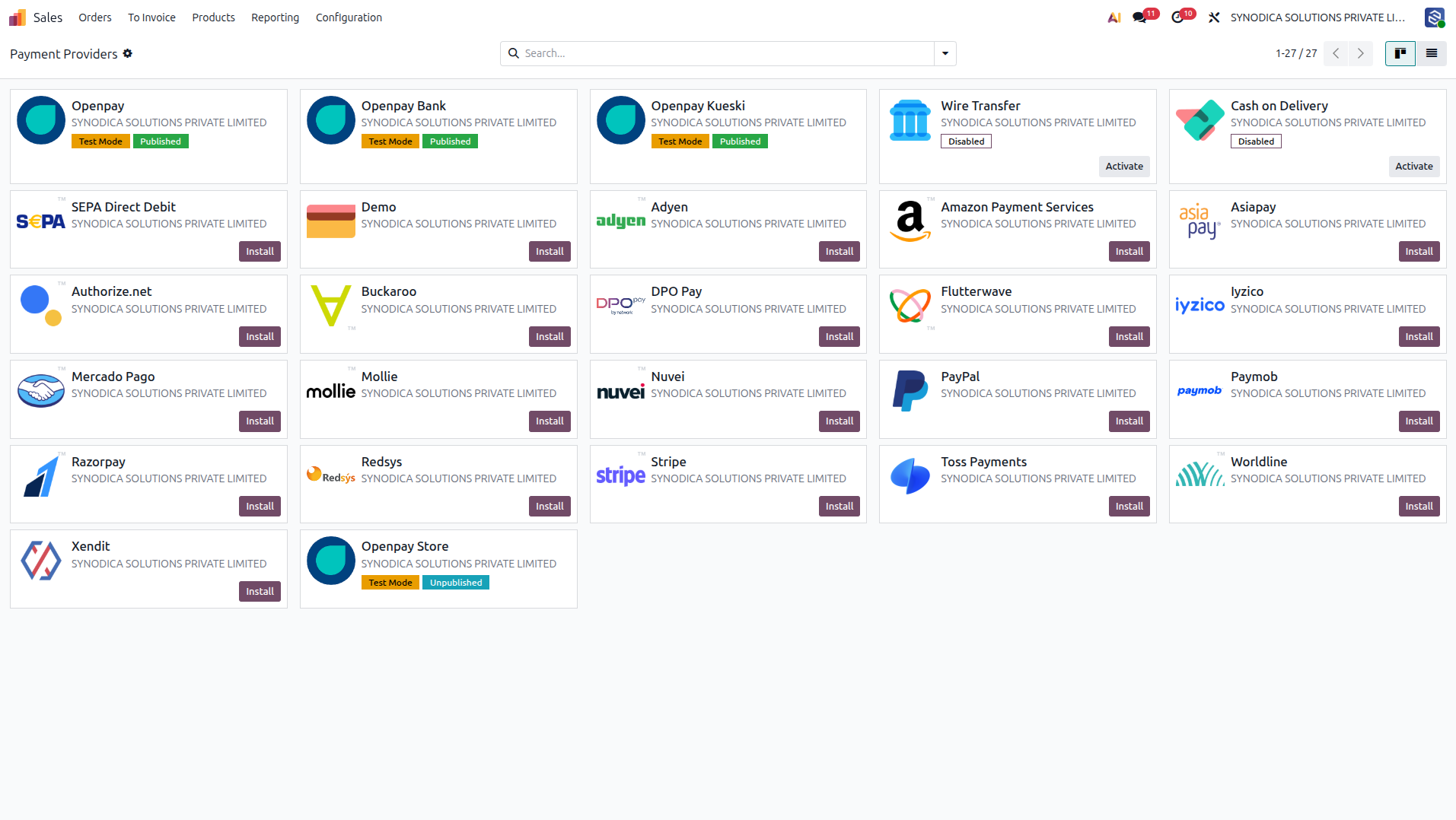
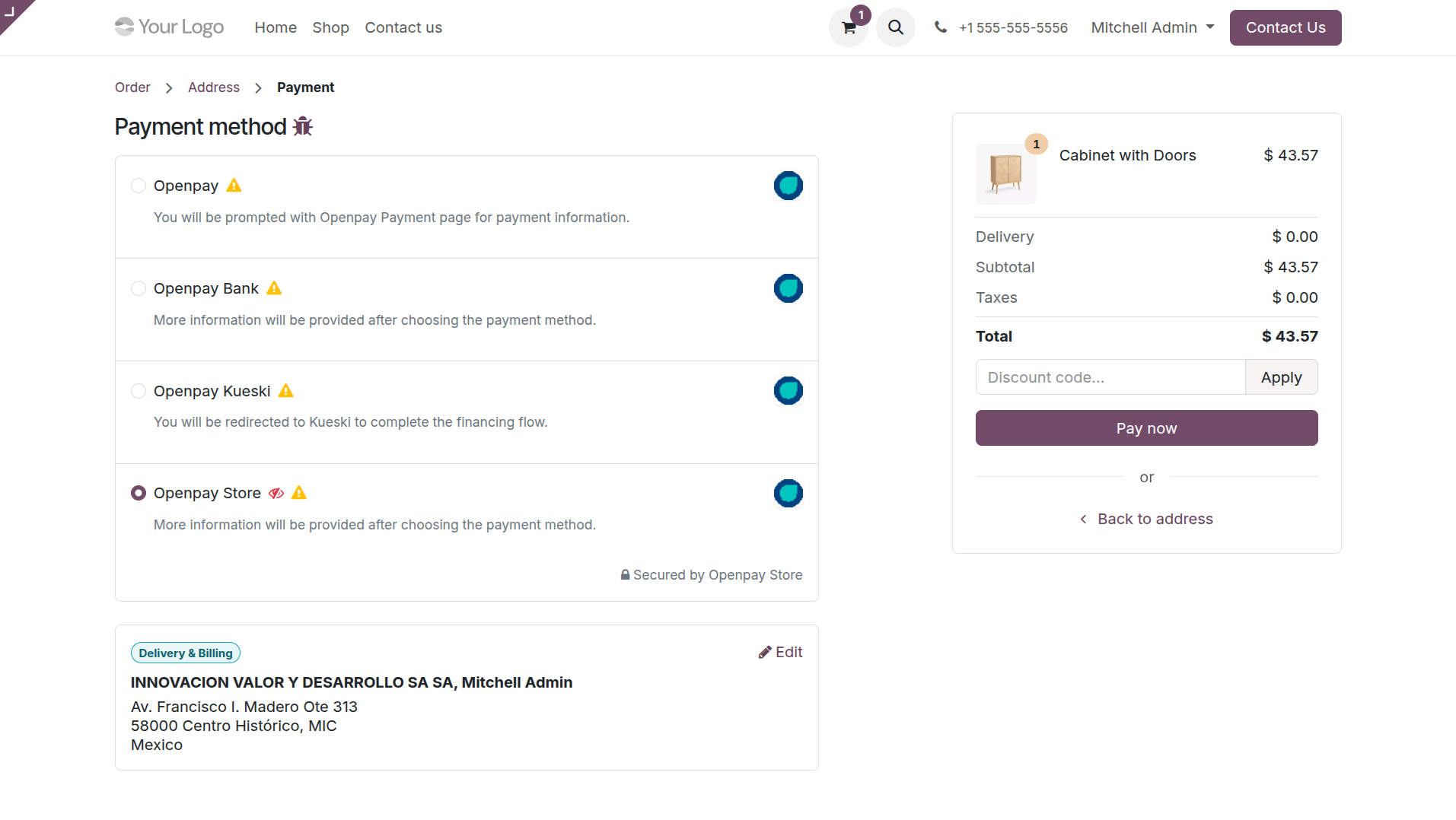
Openpay payment options are visible to customers during Odoo checkout.
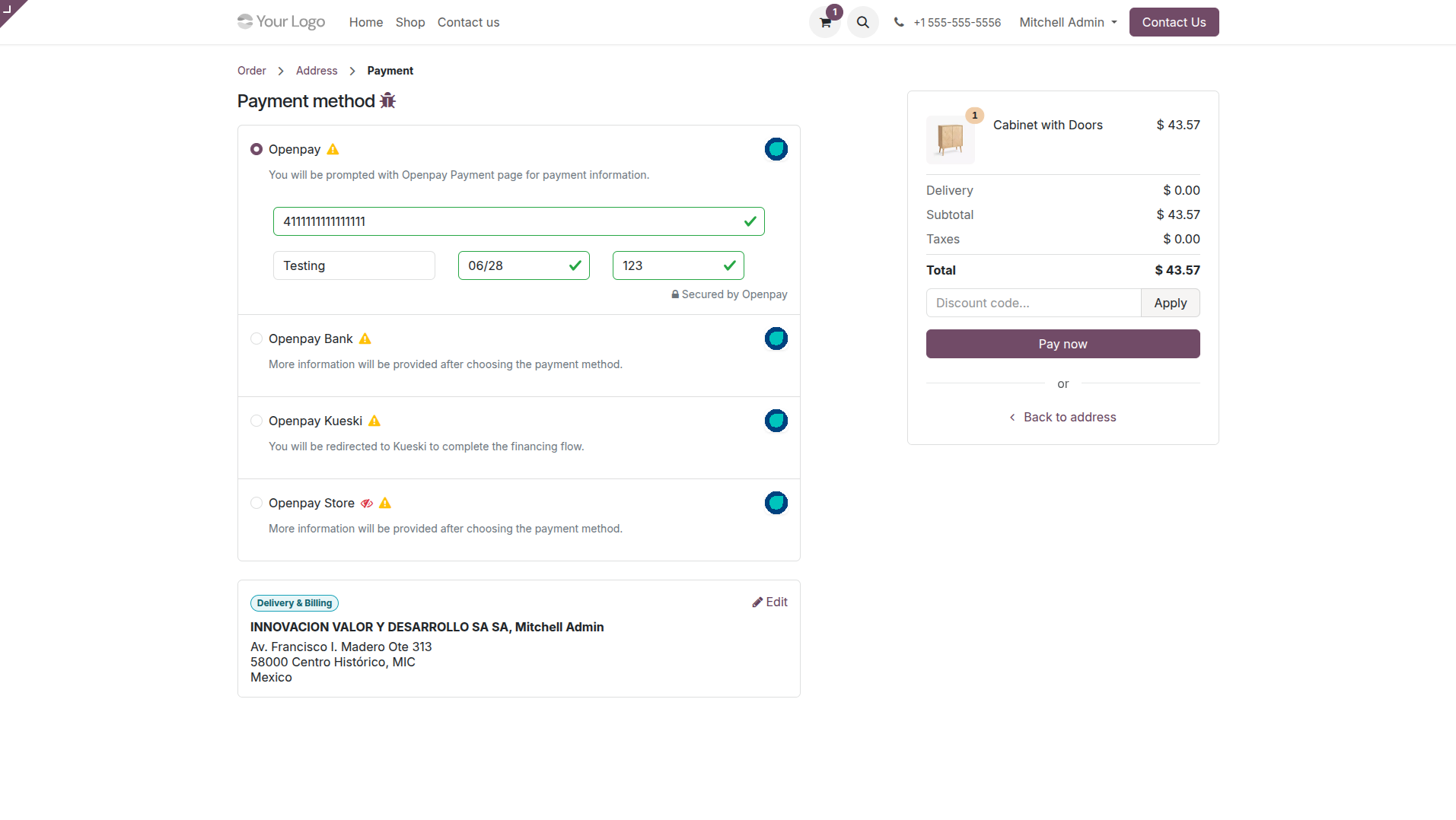
Enter credit/debit card details directly and process the payment with custom validation styling.
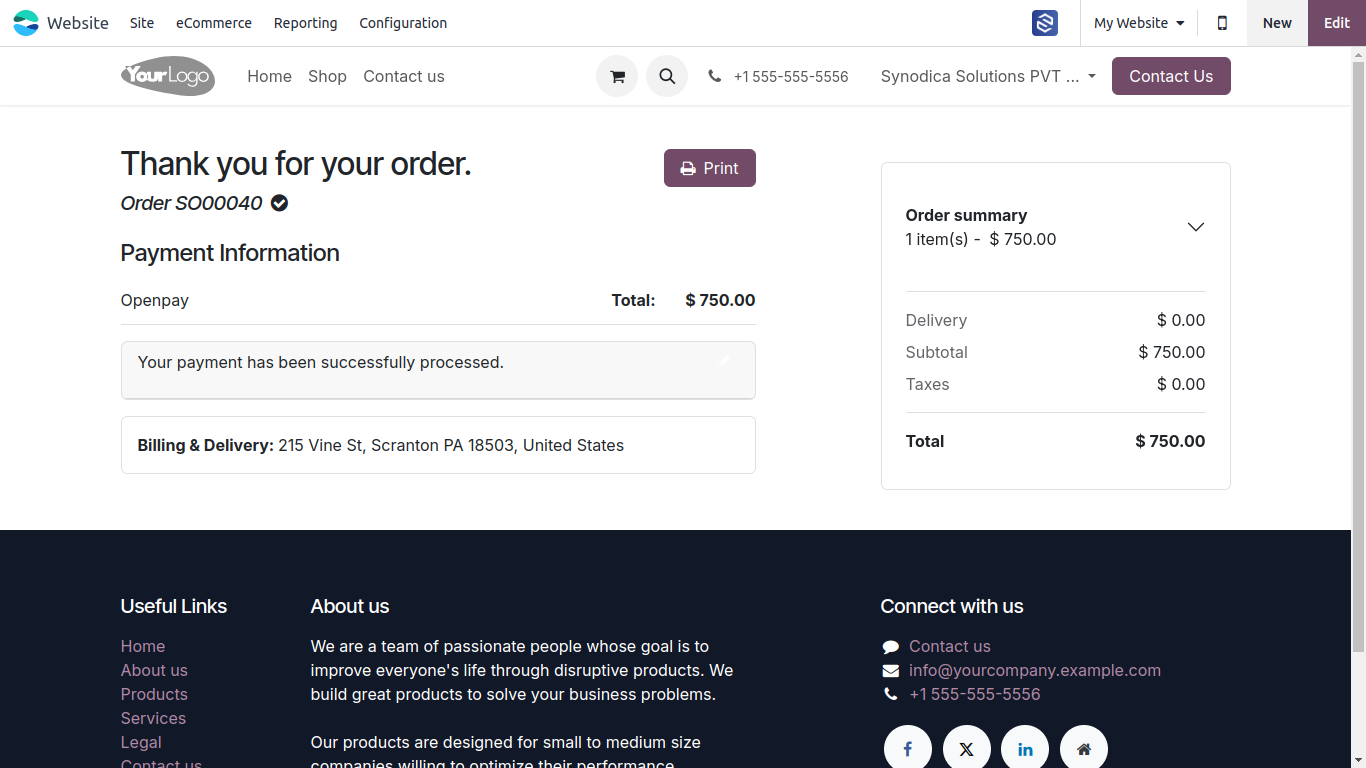
Once complete, customers are redirected to a clear feedback screen showing transaction success.
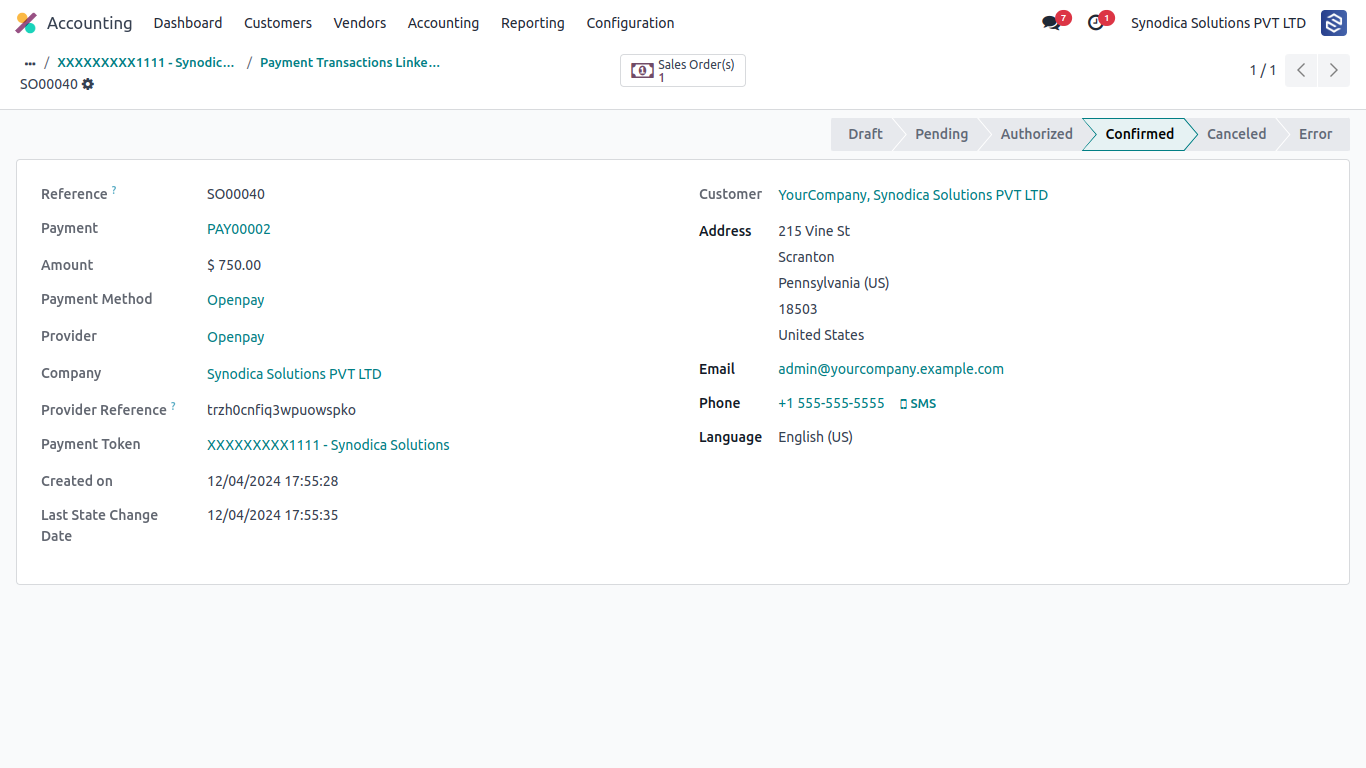
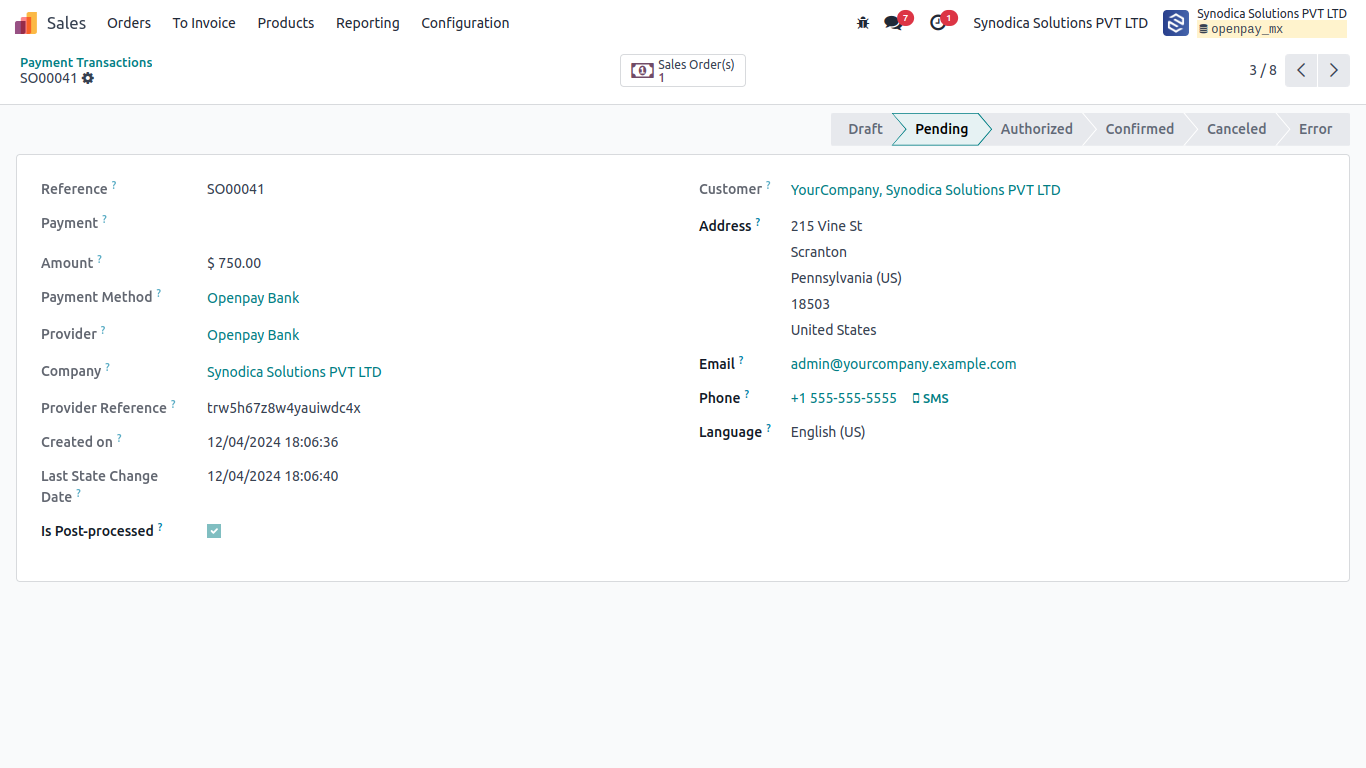
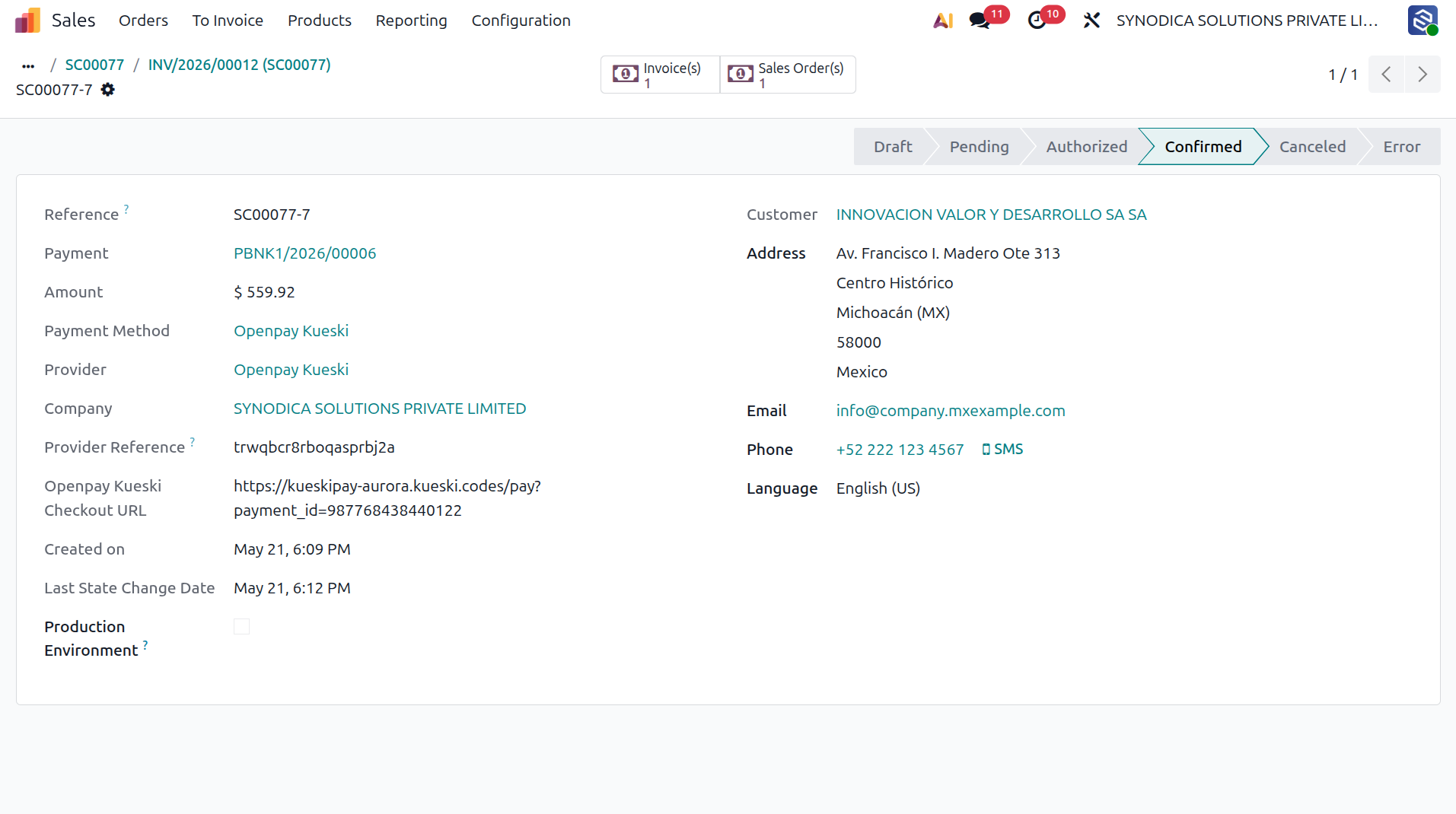
The transaction state is immediately updated to Confirmed in the Odoo database with the gateway provider reference logs.
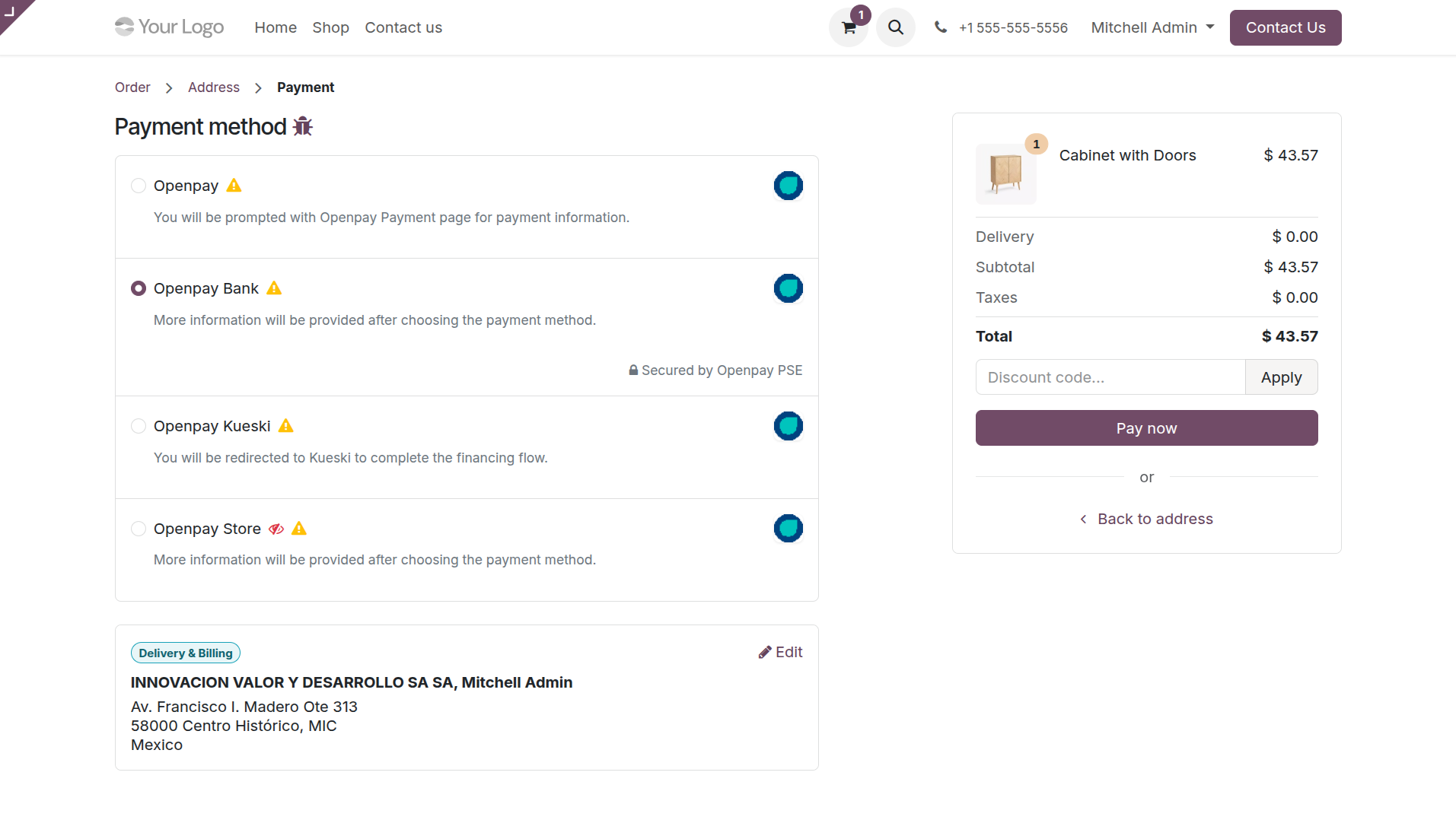
Customers select Bank Payment to initiate an electronic transfer.
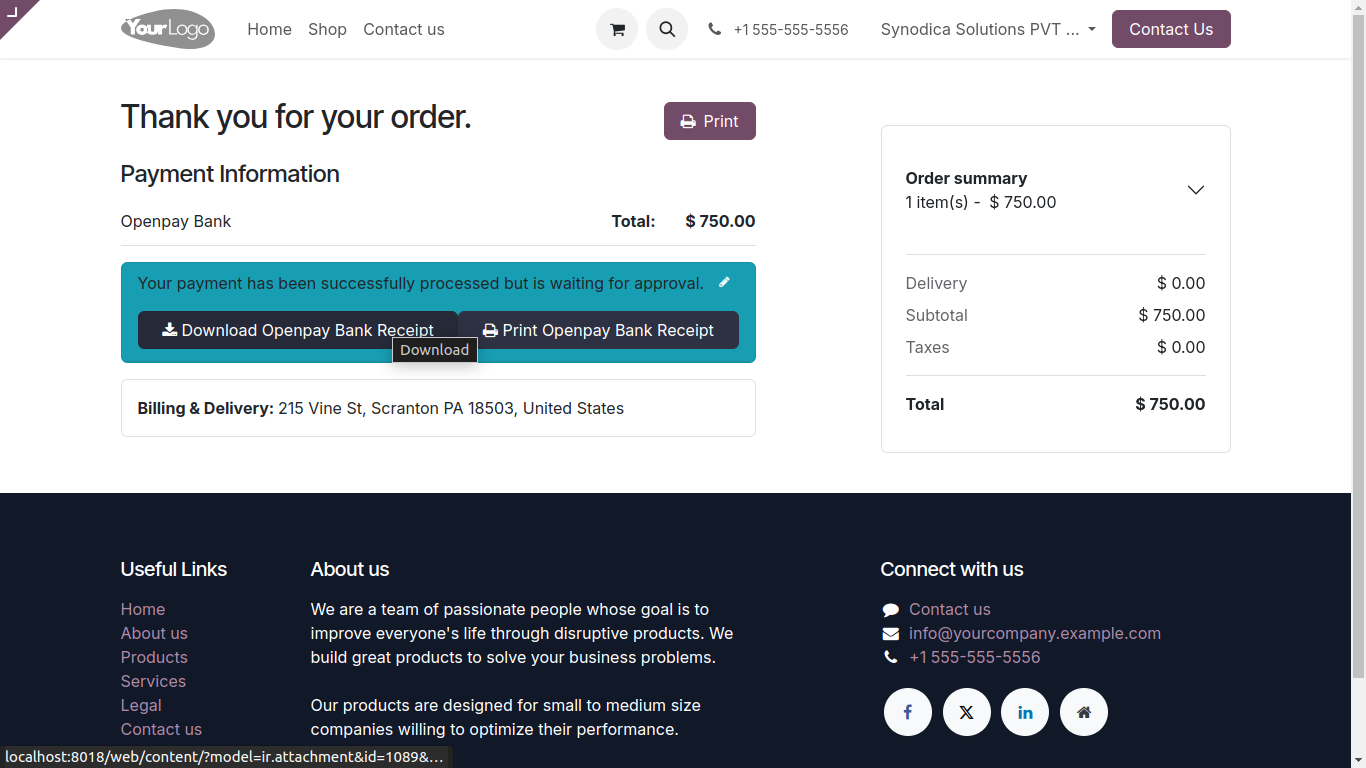
Redirection screen displays bank details, CLABE number, and print options to finalize the transfer.
Odoo creates a pending transaction logging reference keys while awaiting webhook status change notifications.
Customers choose Cash Store Payment to pay at local participating stores.
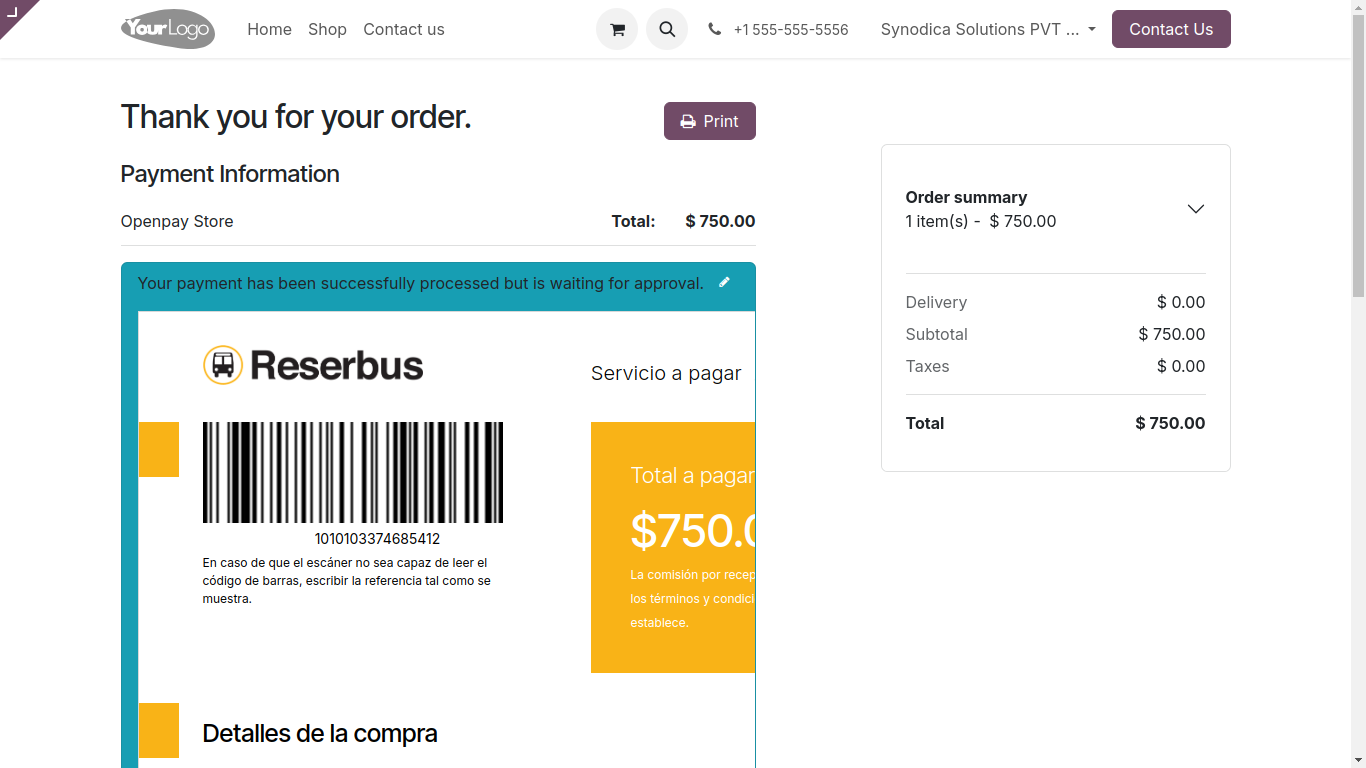
Customers download or print a barcode ticket to be scanned at store checkout counters.
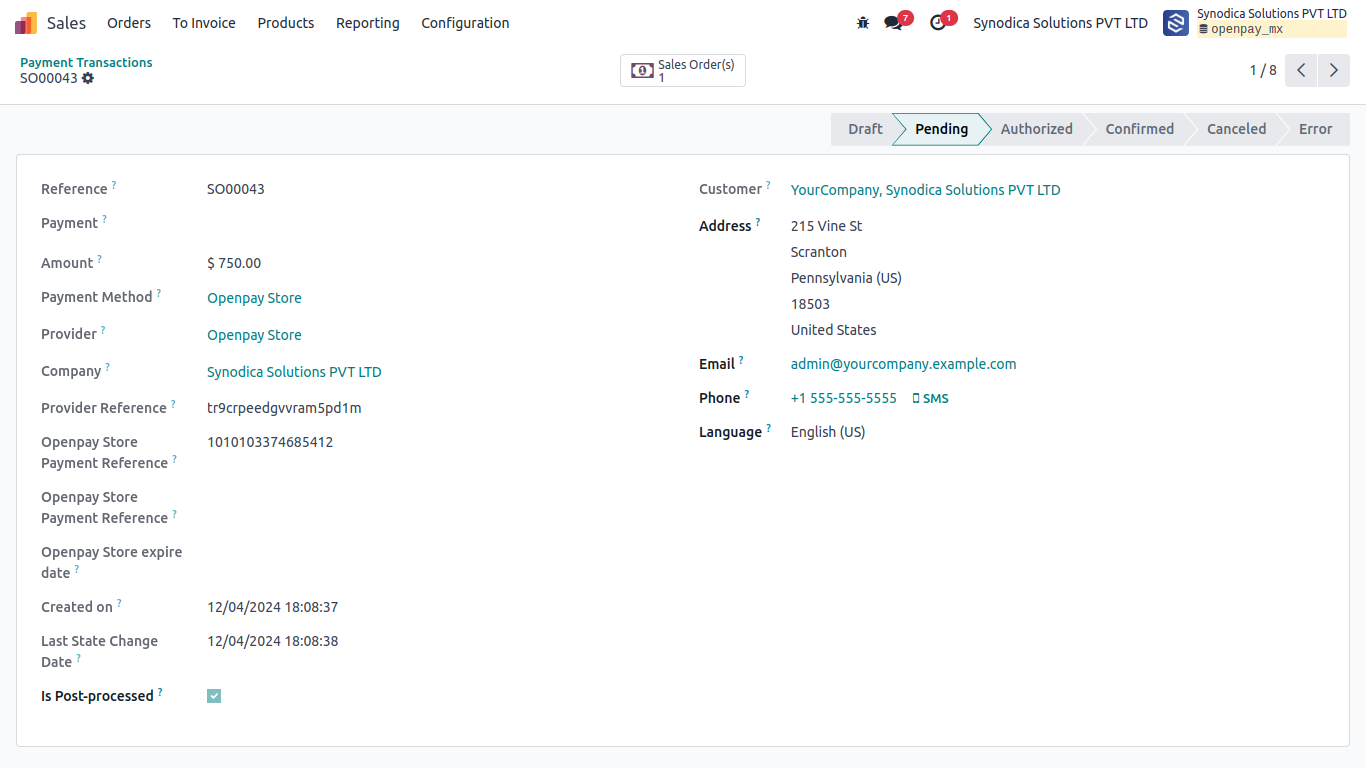
The transaction log holds a Pending status until payment confirmation webhook is received.
Open invoices inside Customer Portal, choose the preferred Openpay option, and pay securely.
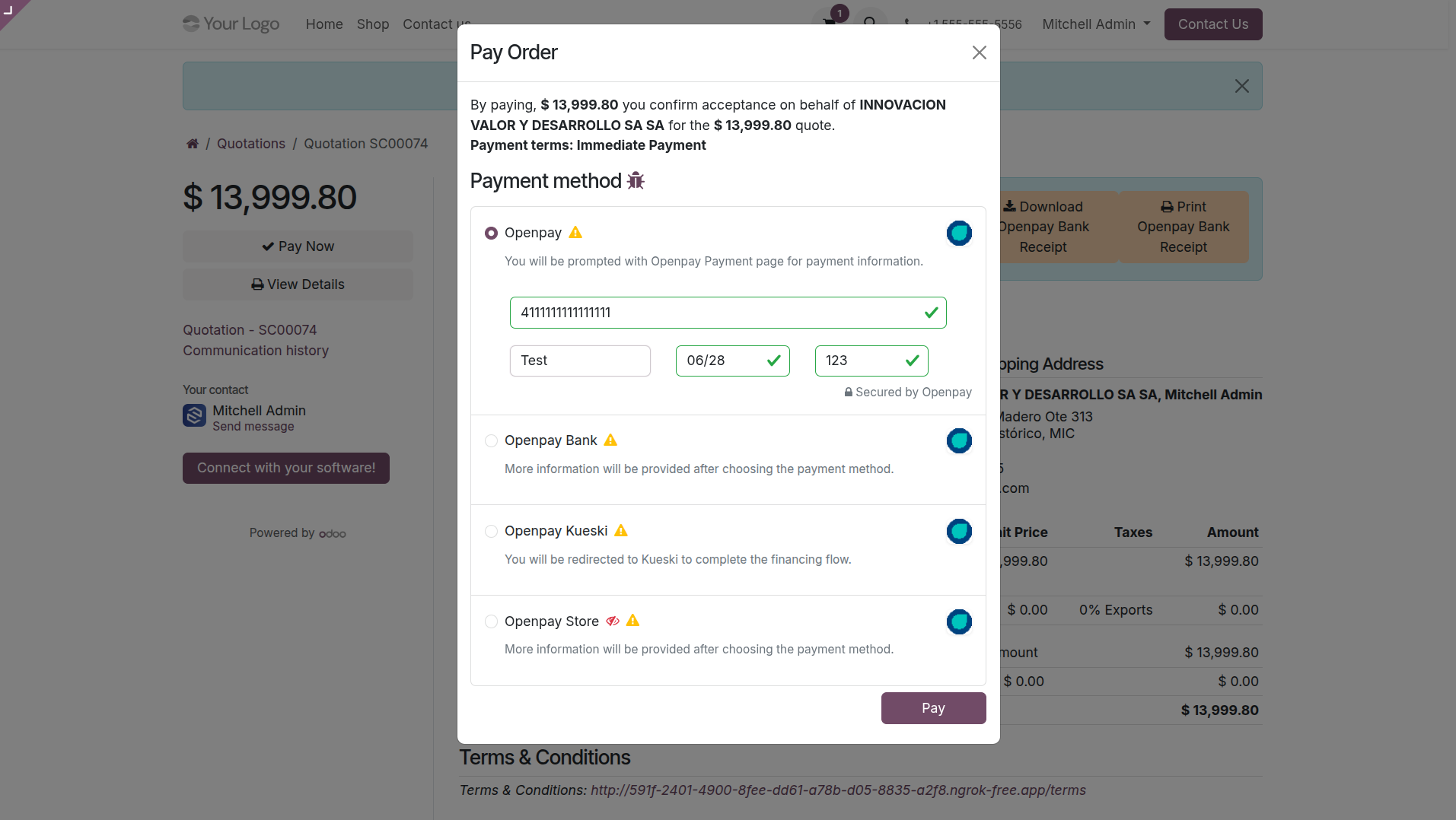
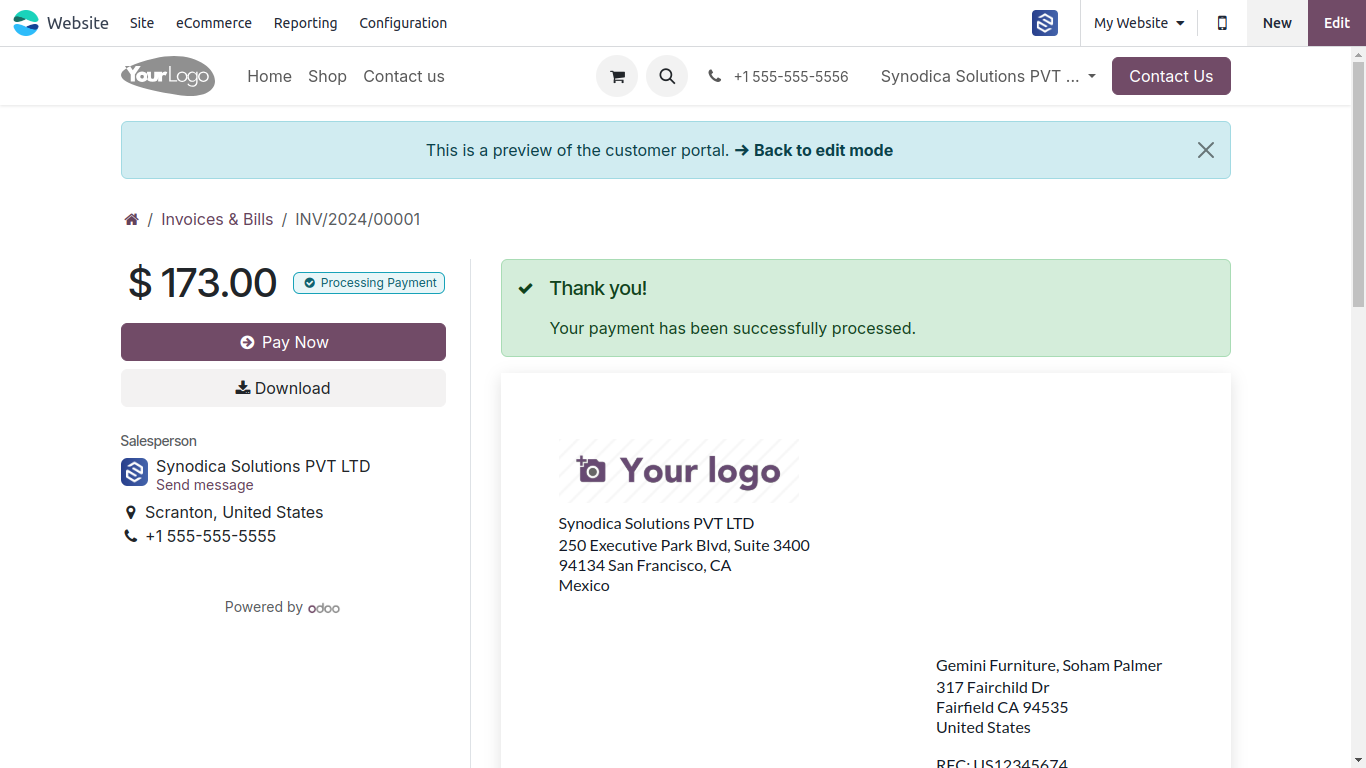
Immediate confirmation overlay displays invoice status as fully settled on successful transactions.
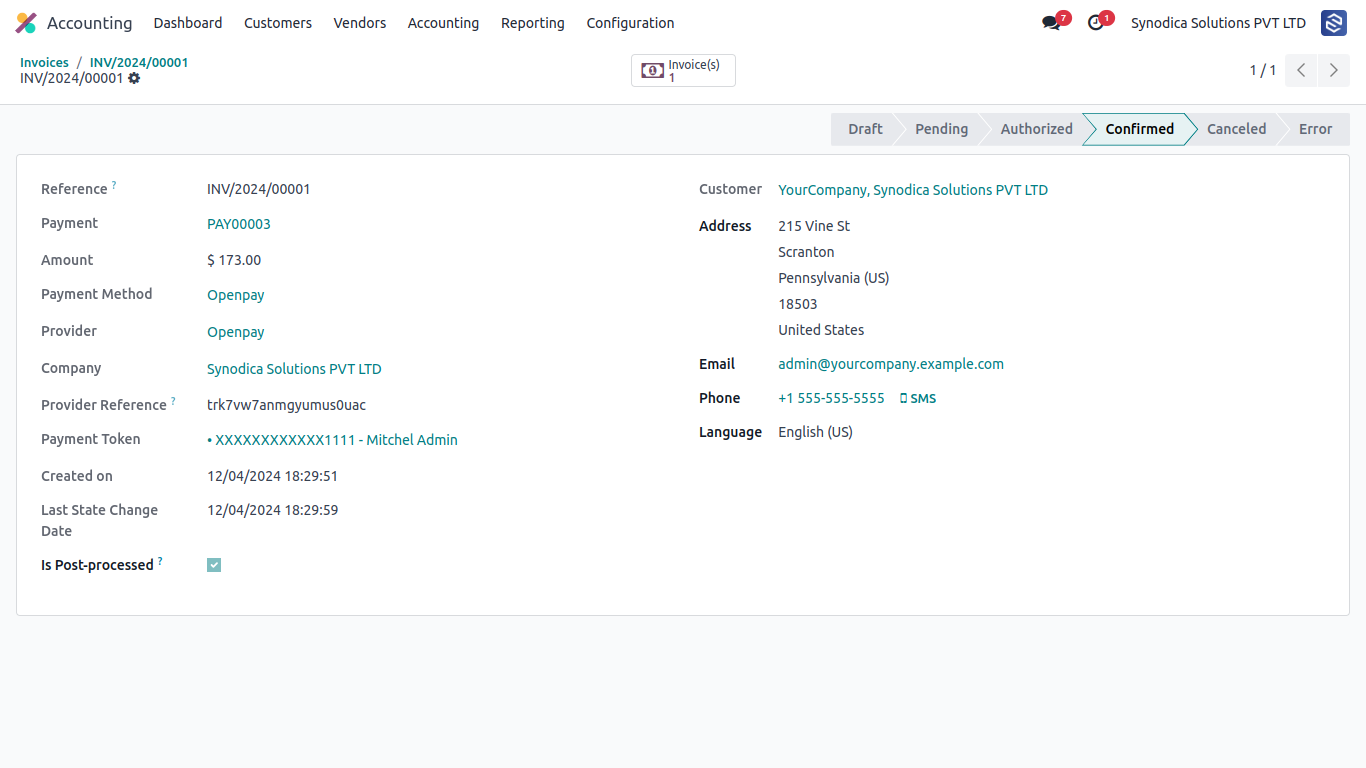
The corresponding Odoo invoice automatically registers payments and matches ledger statuses without manual intervention.
Buy Now, Pay Later with Kueski Pay
Enable interest-free installment options for customers using Openpay's integrated lending method.
During checkout, customers choose Kueski Pay and accept the required privacy terms before confirming payment.
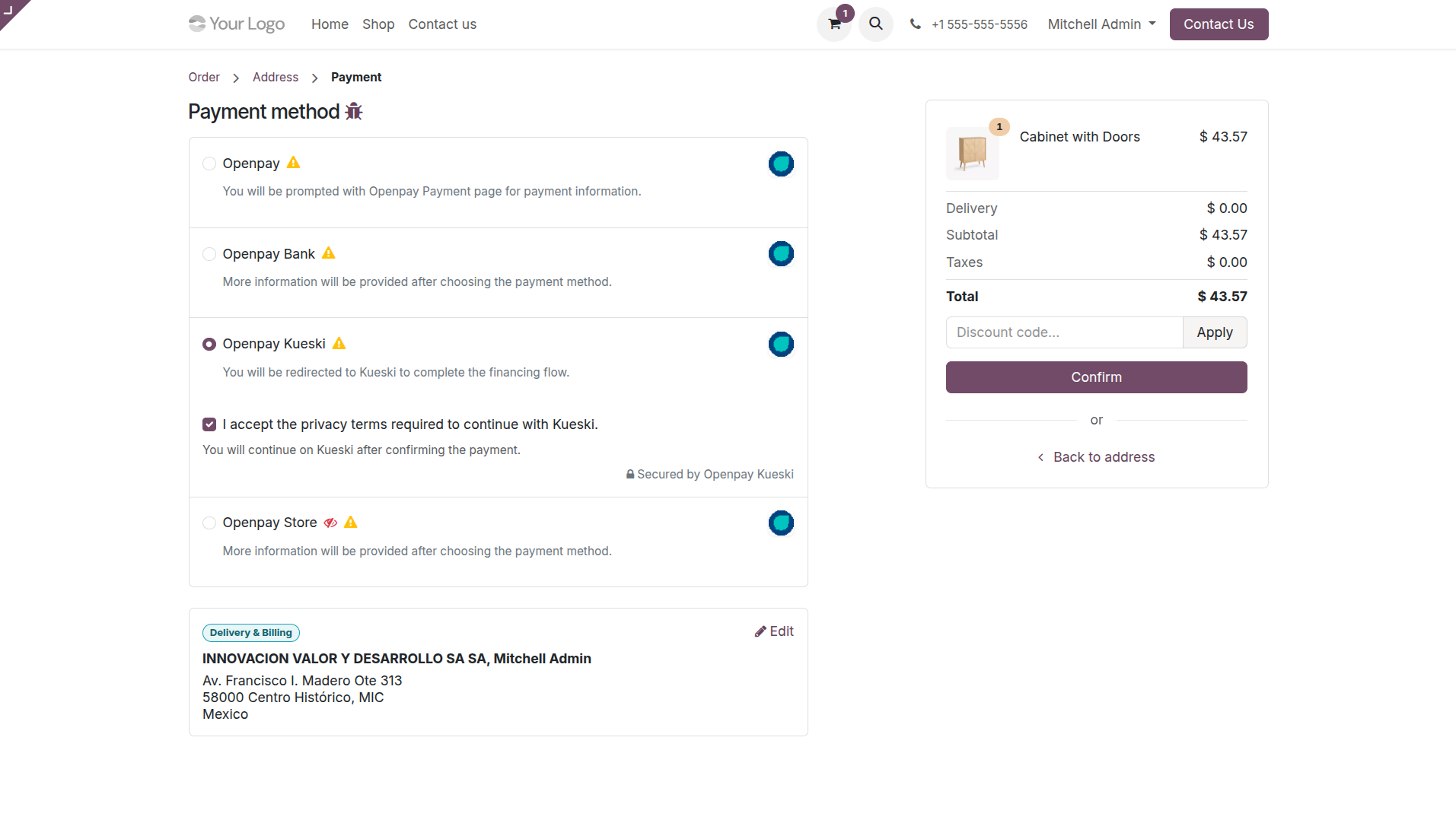
The gateway redirects the customer to Kueski's official lending platform to complete their loan authorization application.
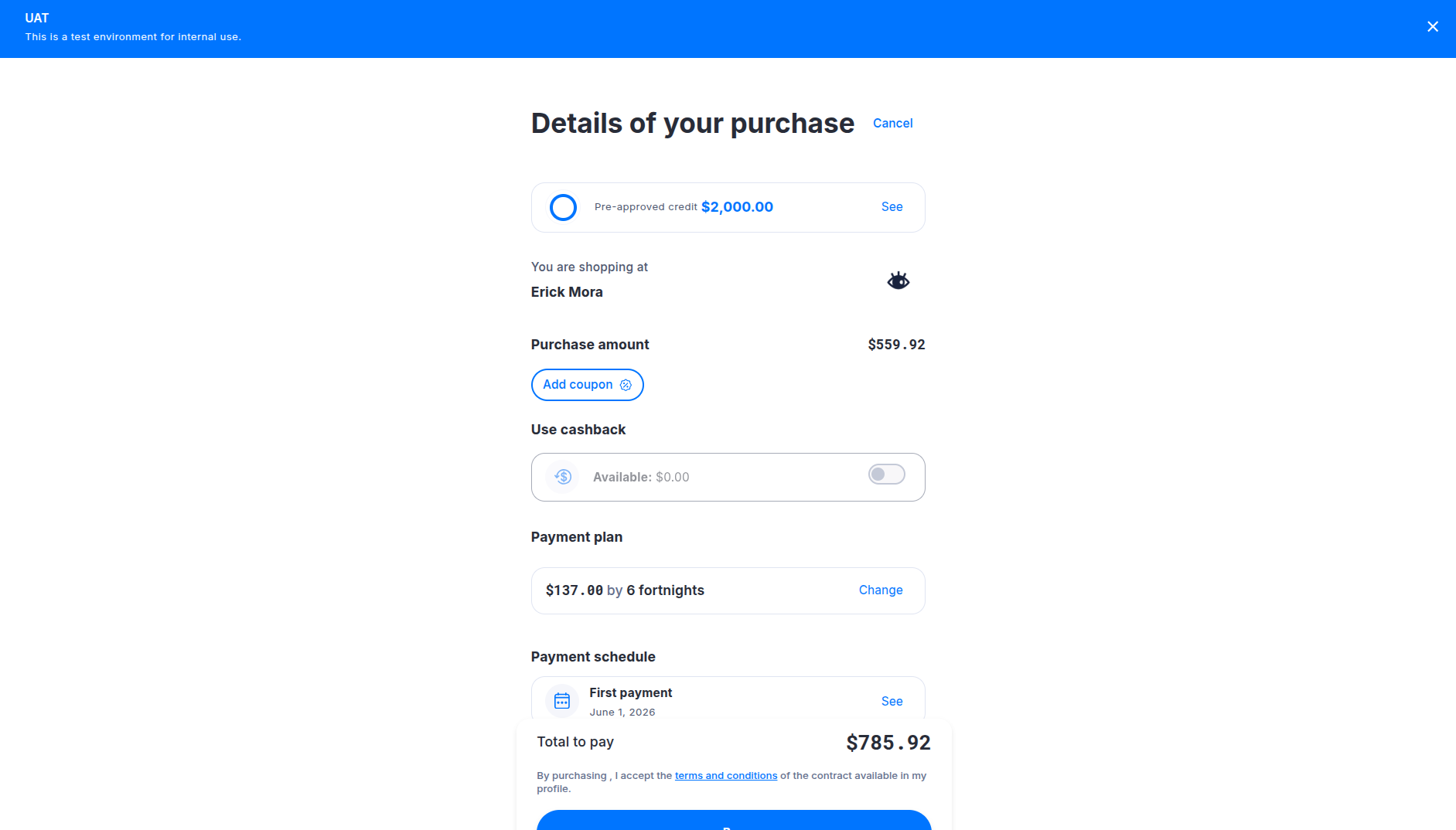
After loan completion, the buyer returns automatically to the Odoo payment confirmation page showing the status of the lending transaction.
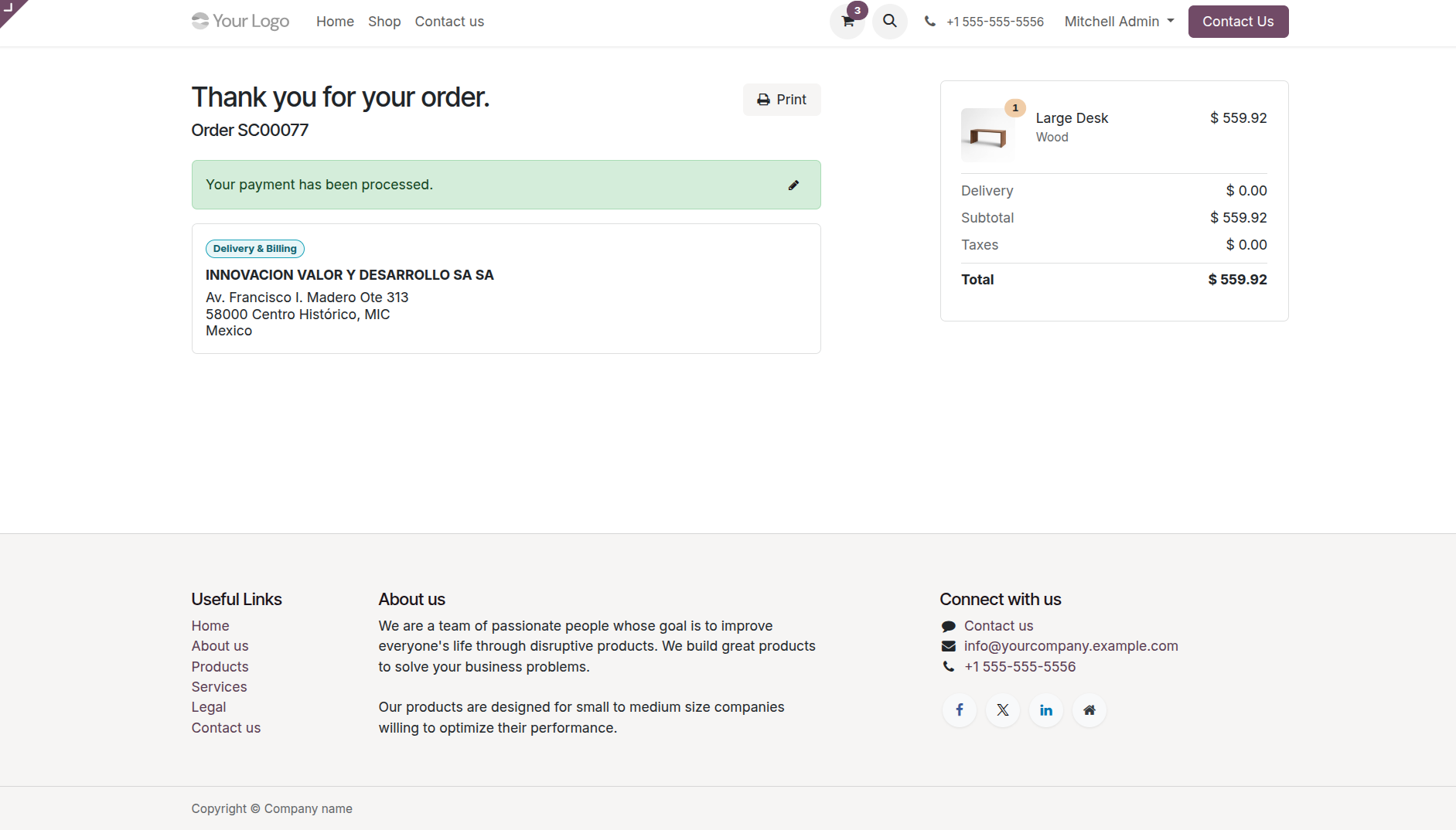
Odoo receives the transaction notification webhook and updates the payment transaction state to Done instantly.
Built for Security & Speed
Packed with robust payment flows, receipts download, and automatic transaction validation.
Multiple Options
Accept credit cards, debit cards, cash payments at stores, and bank transfers (SPEI).
Real-Time Processing
Immediate feedback on transactions and automatic webhooks for status updates.
Kueski Pay BNPL
Fully supports Kueski Pay's micro-lending method, enabling customers to pay in installments while you get paid up front.
Portal Invoice Pay
Pay open invoices directly through customer portals with instant status synchronization.
SPEI & Cash Receipts
Automatically generate dynamic barcode files and payment vouchers for offline settlement.
Anti-Fraud System
Fully integrated with Openpay's advanced risk engine for secure transactions.
Specialized Odoo Services
We build, customize, and maintain Odoo solutions for businesses worldwide - from implementation to advanced integrations.






Ready to Integrate Openpay?
Our team assists with installation, configuration, customization, and full Odoo deployment support.
support@synodica.com© 2026 Synodica Solutions PVT. LTD. — Openpay Payment Acquirer for Odoo
We create ERP solutions for you using Odoo ERP that will build a strong and efficient business for you. It's SYNODICA WAY