
Skip to Content

Walmart Odoo Integration

USD 299.00
Add to Cart Buy Now
Walmart Odoo Connector

Walmart Odoo Connector.
Seamless Automation.
Global Synchronization.

Walmart Connector automates your Marketplace operations the moment an order is placed. Experience Silent Synchronization of Orders, Products, and Inventory across your retail infrastructure.
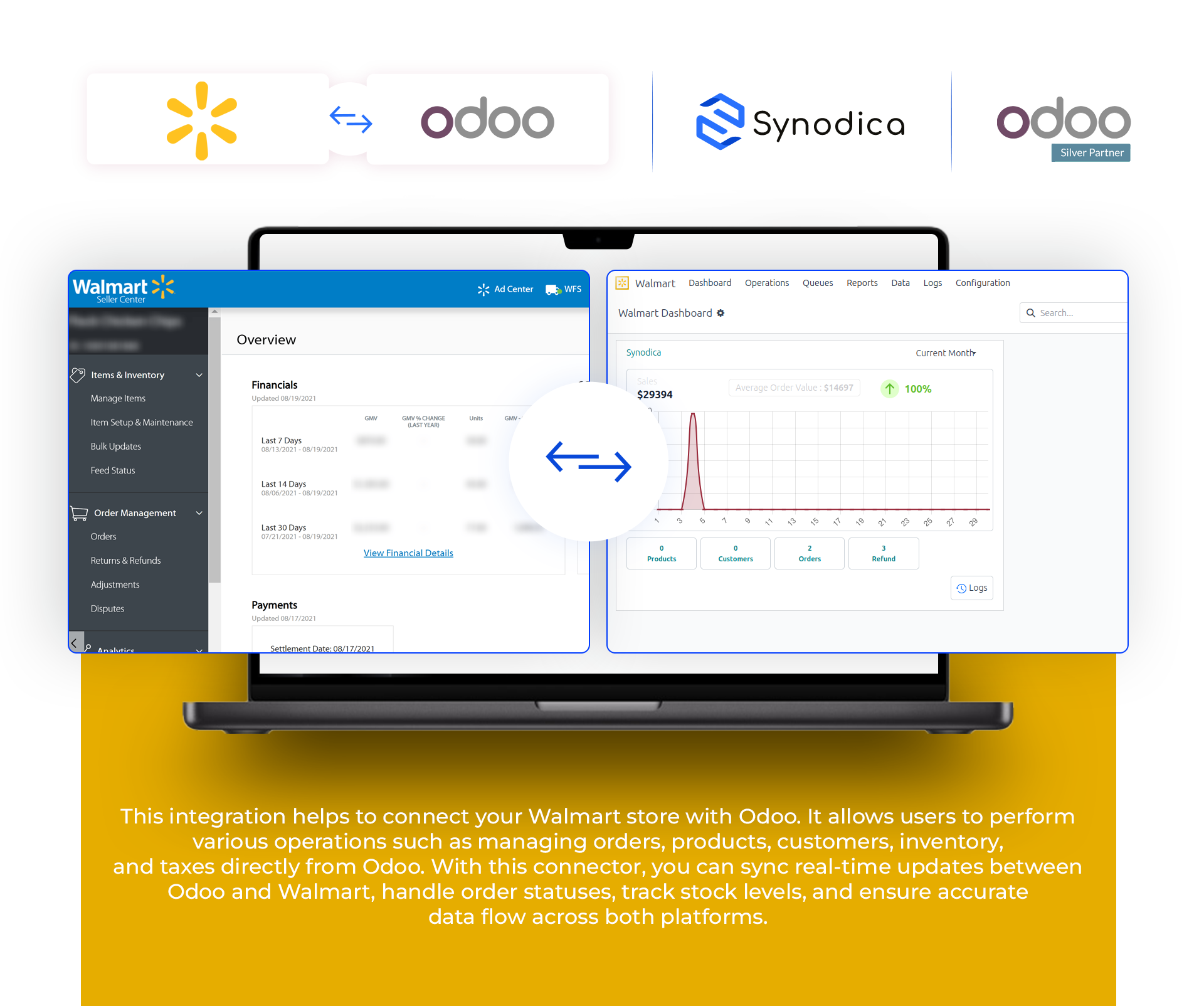
Real-time Order Sync Automatic Product Mapping Inventory & Price Updates Queue Management Support
Walmart Connector Dashboard
Multi-Store Sync
Manage Multiple Walmart Instances
Real-time Webhooks
Instant Order & Customer Processing
Zero Data Loss
Advanced Queue & Mismatch Logs
Operational Workflow

How It Works

Experience the future of Marketplace Integration. Our specialized engine connects your Walmart Seller Center directly to your Odoo ERP.

1

Instance Config

Connect your Walmart credentials and bind your shop instances to Odoo instantly for unified management.

2

Data Mapping

Effortlessly map Walmart products, categories, and taxes with their corresponding Odoo records for accurate sync.

3

Silent Sync

Background cron jobs and webhooks handle order imports and inventory updates without manual intervention.

4

Live Monitoring

Track sync status via the integrated dashboard, queue management, and mismatch logs for complete visibility.

Functional Walkthrough

See the Module in Action

A specialized visual tour of the Walmart Odoo Connector implementation. Designed for high-traffic environments where efficiency is everything.
01

Configuration

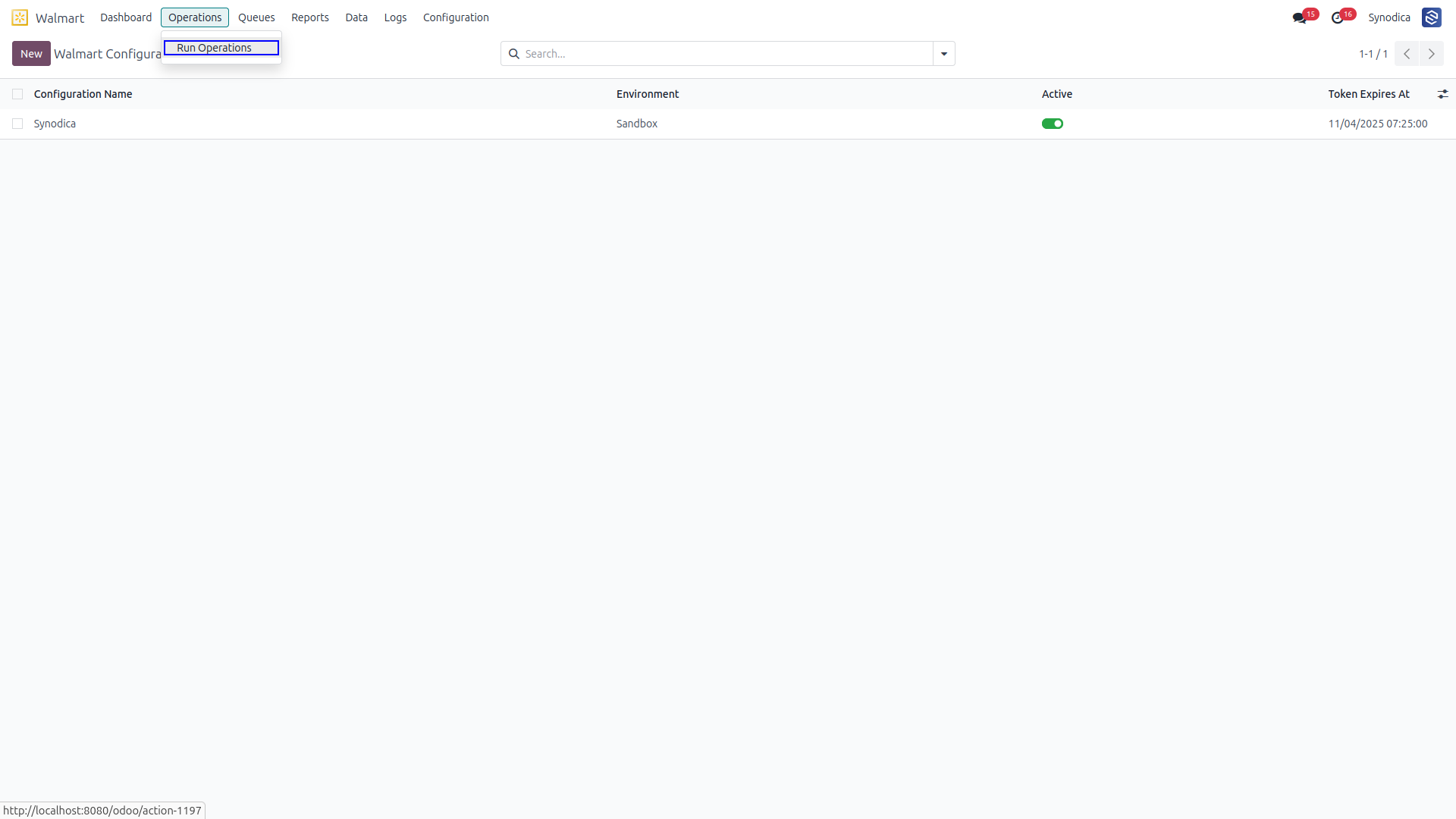
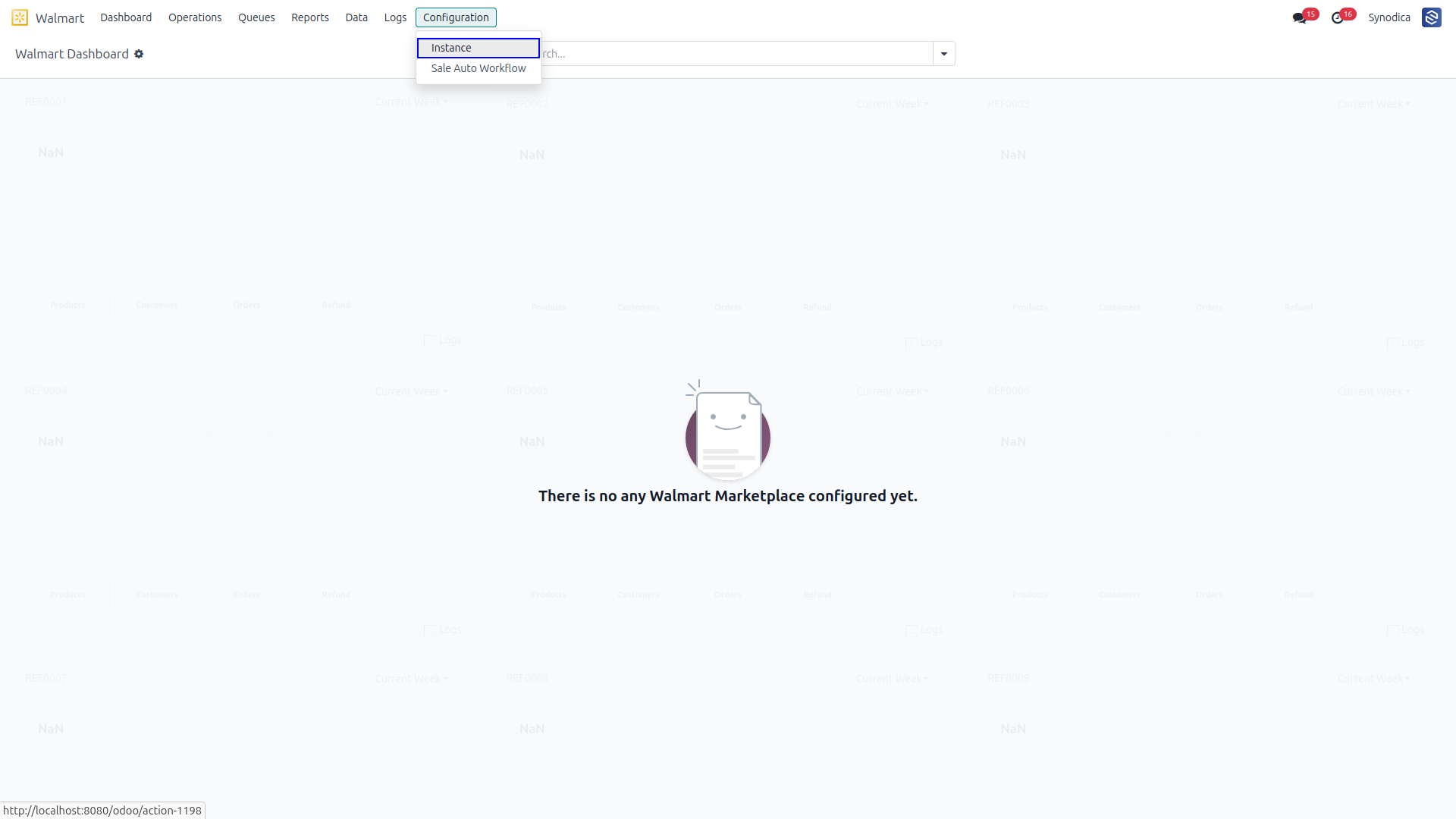
Configuration screenshots are presented below in a simple layout compatible with Odoo Apps.

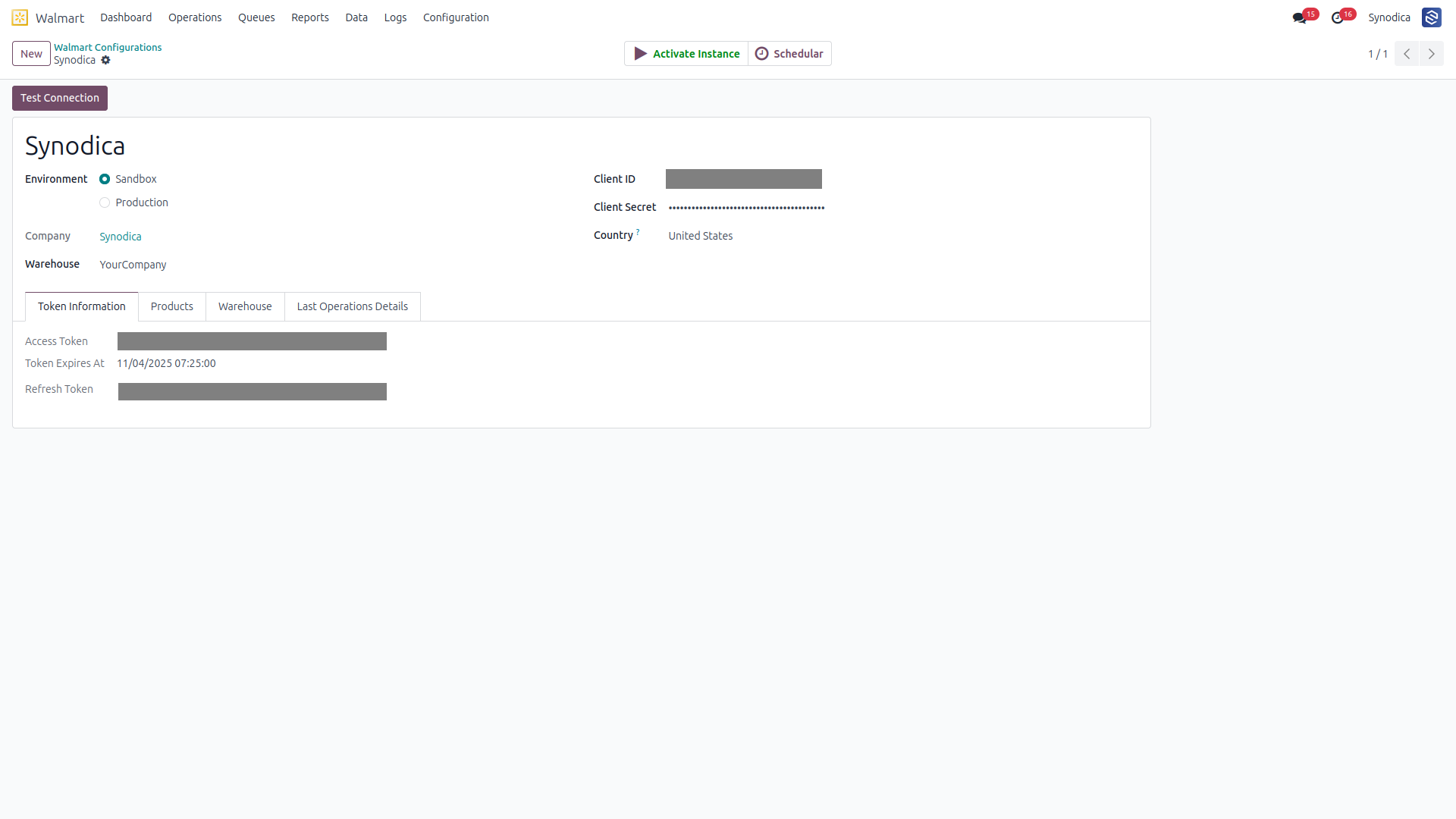
Walmart Instance Setup

Configure and connect your professional Walmart marketplace instances directly within Odoo.

Walmart Instance Setup

Instance Details

Advanced connection parameters for secure API communication with Walmart servers.

Instance Details

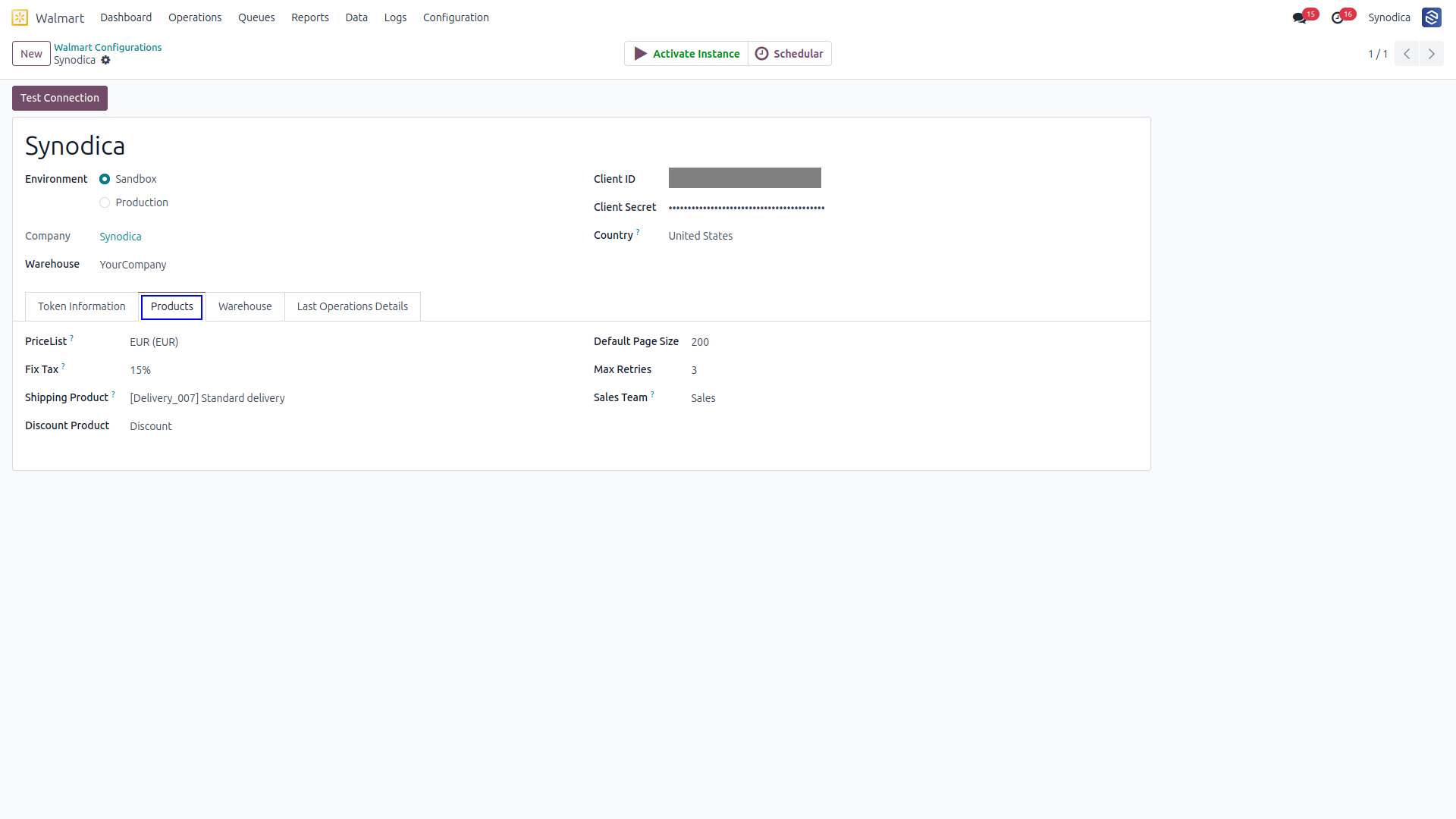
Product & Tax Settings

Set the pricelist and a fixed tax to be applied automatically when creating sales orders.

Product and Tax Settings

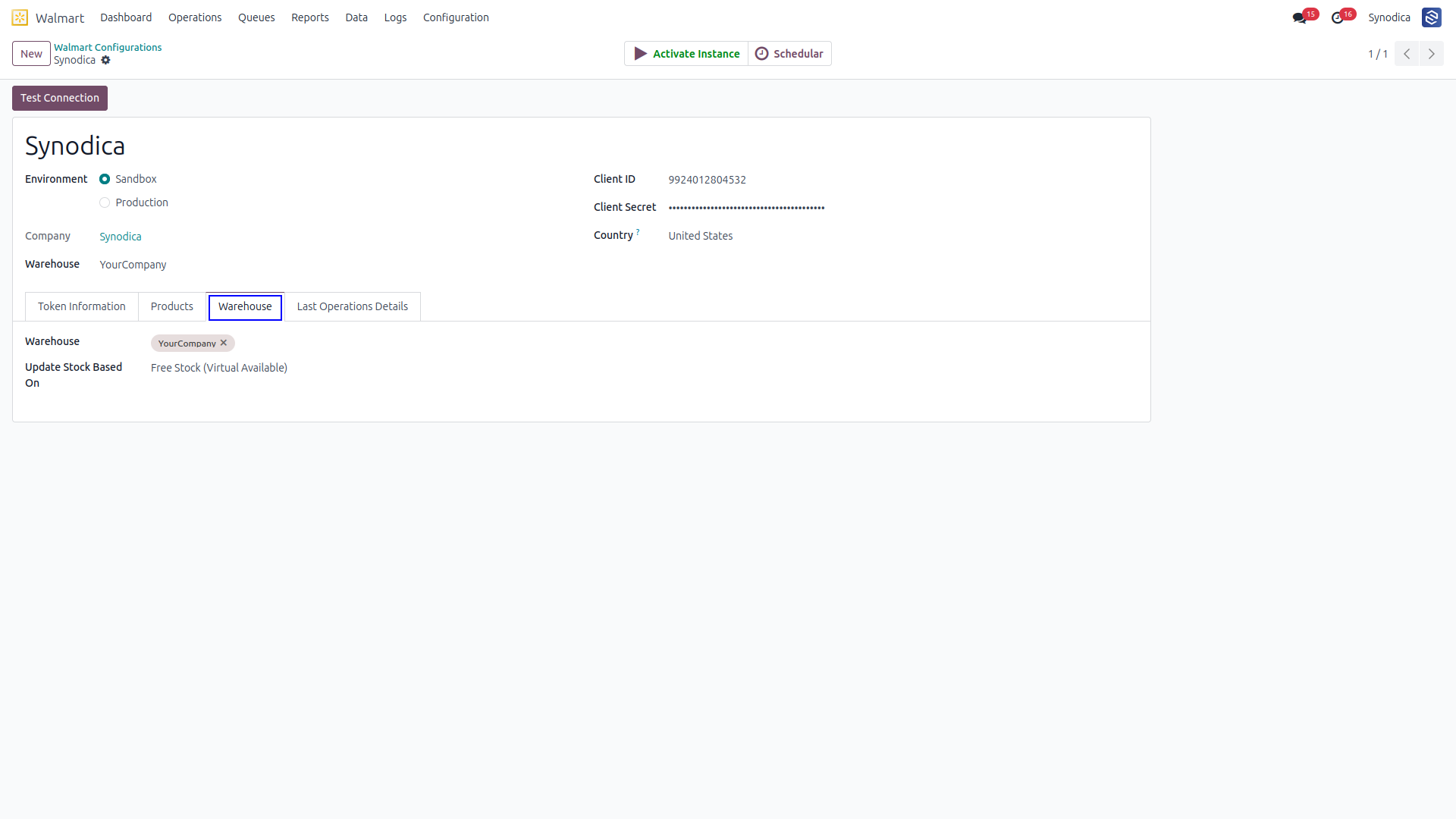
Warehouse Section

Manage warehouse assignments and stock update behavior from the same configuration flow.

Warehouse Section

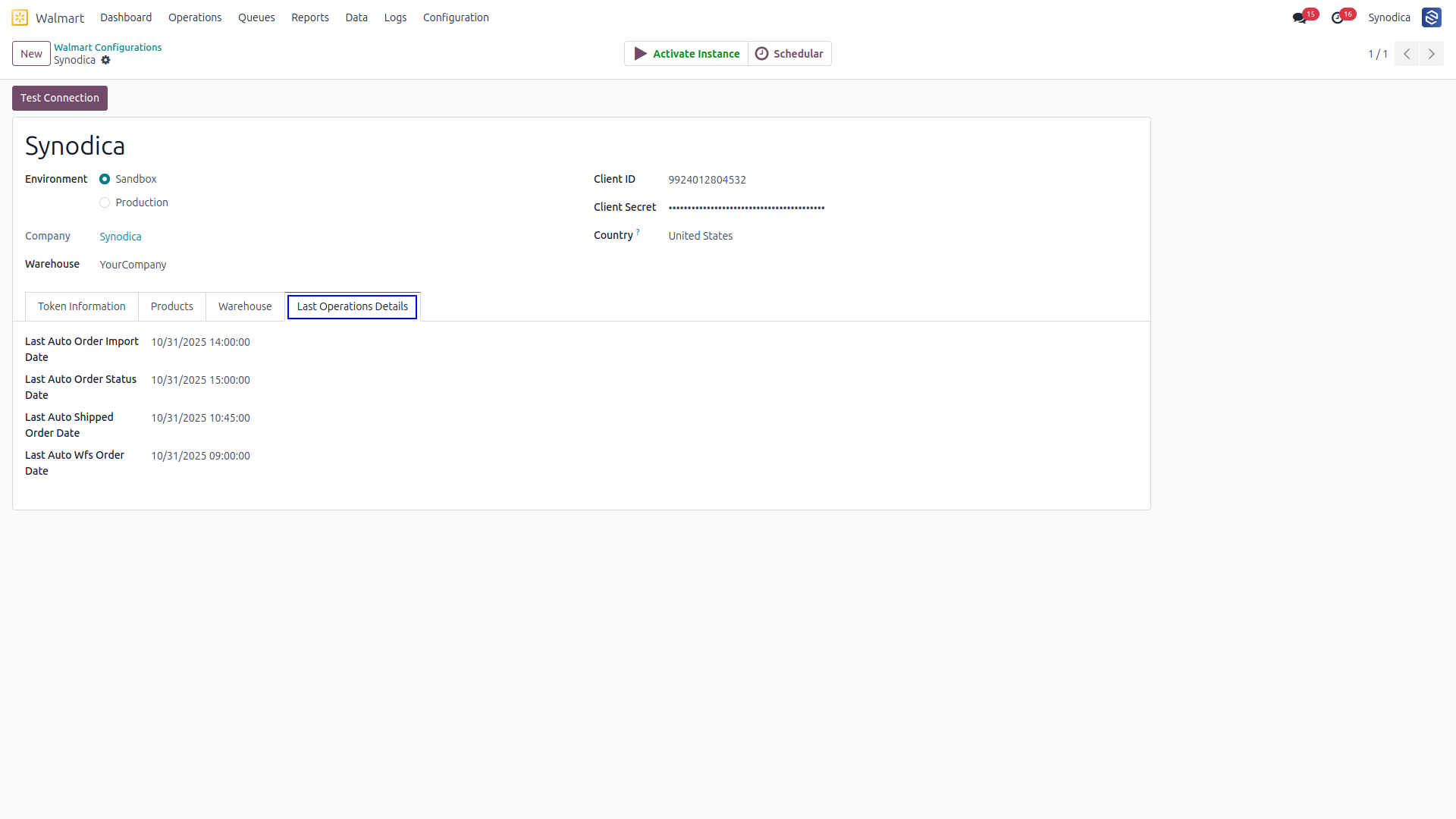
Auto Operation Time

Review last run timing and define synchronization intervals for scheduled background tasks.

Auto Operation Time

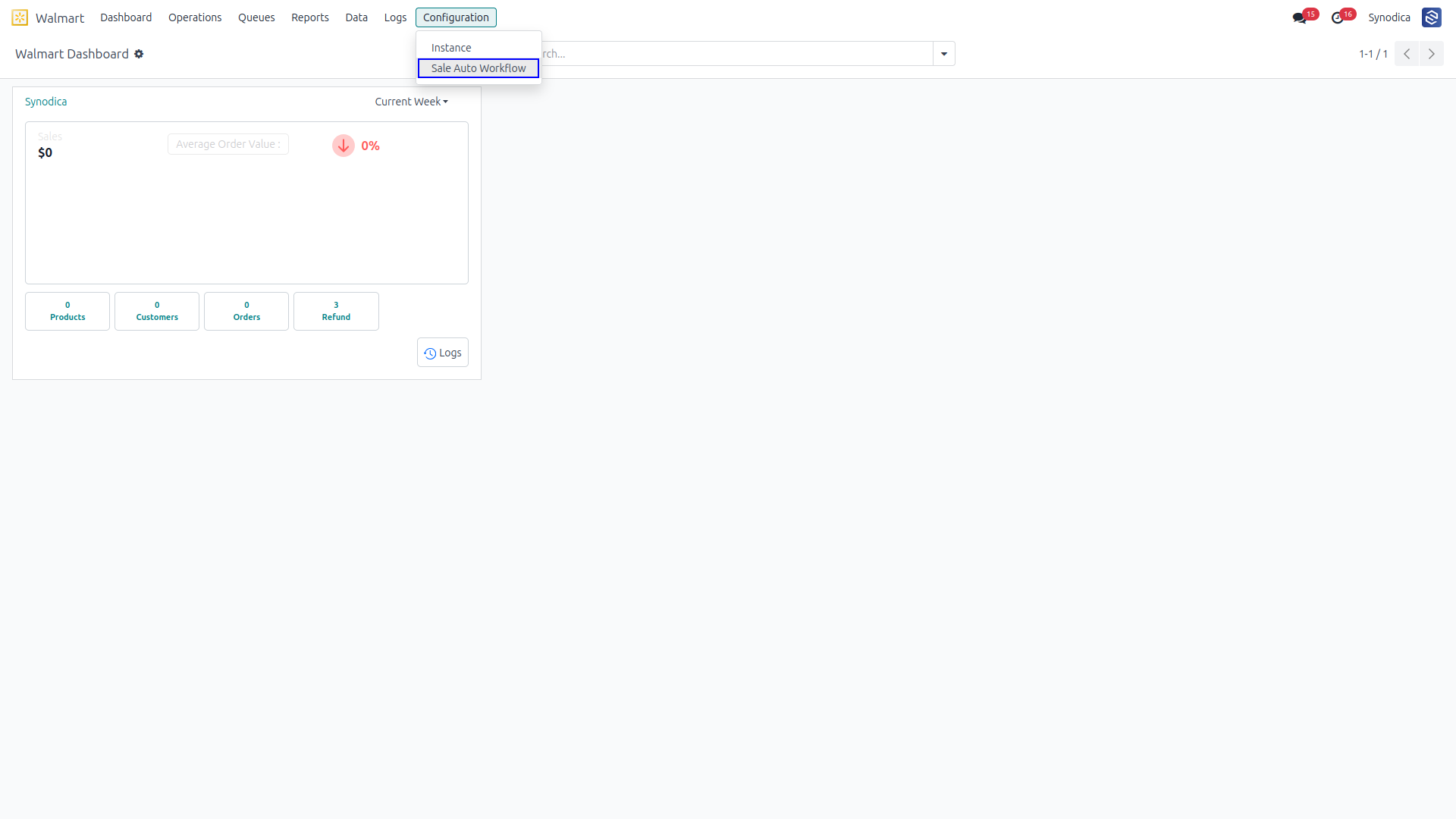
Sales Auto Workflow

Assign automatic sales workflows to streamline downstream order handling.

Sales Auto Workflow

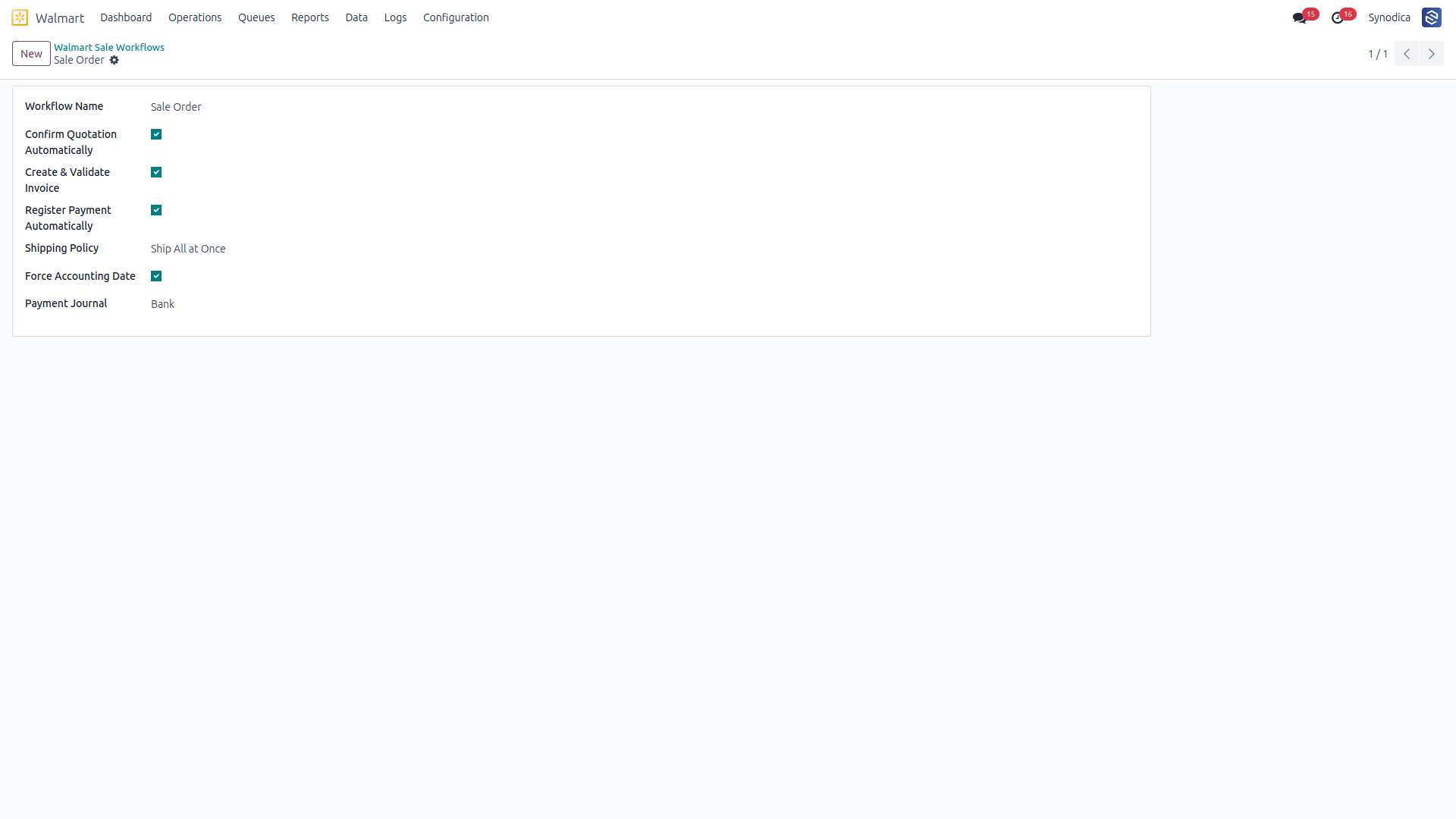
Workflow Configuration

Refined controls for how Odoo responds to Walmart events and automates follow-up actions.

Workflow Configuration
02

Analytics

Dashboard and reporting screenshots in a simple card layout compatible with Odoo Apps.

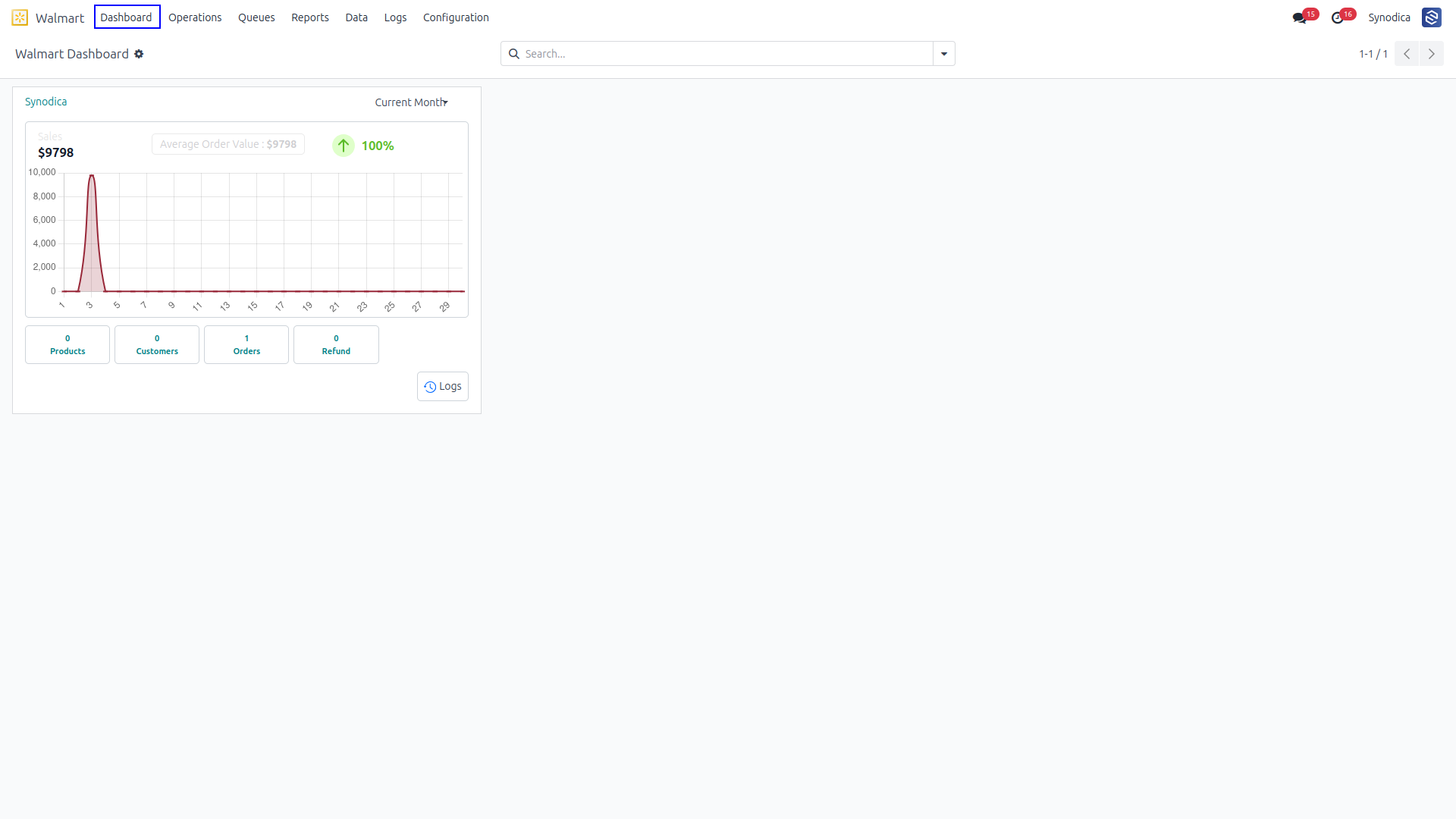
Dashboard View

Centralized business intelligence view showing key performance indicators and sync statistics at a glance.

Dashboard View

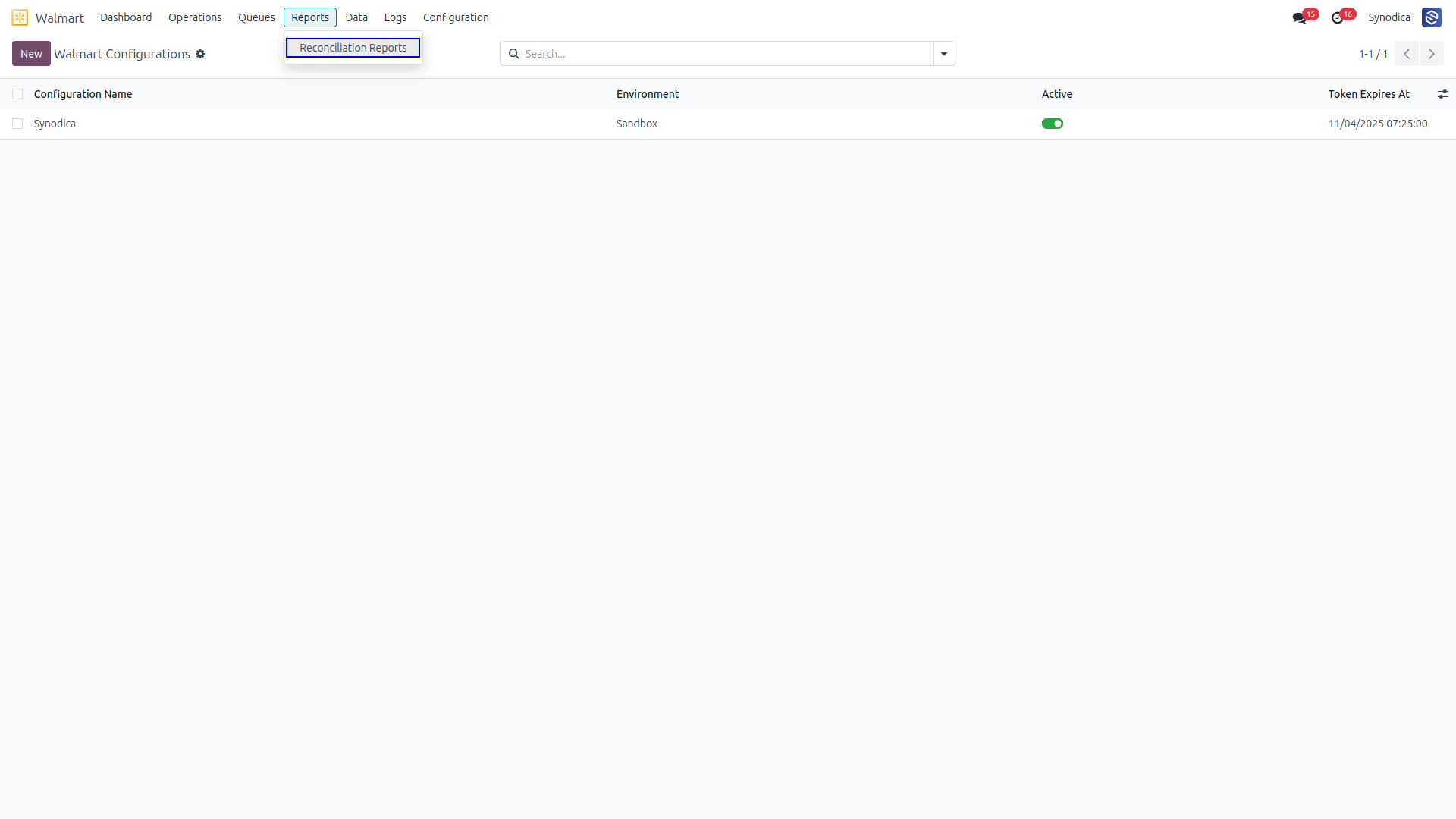
Reconciliation Report

Review automated financial matching between Walmart and Odoo in a dedicated reporting view.

Reconciliation Report

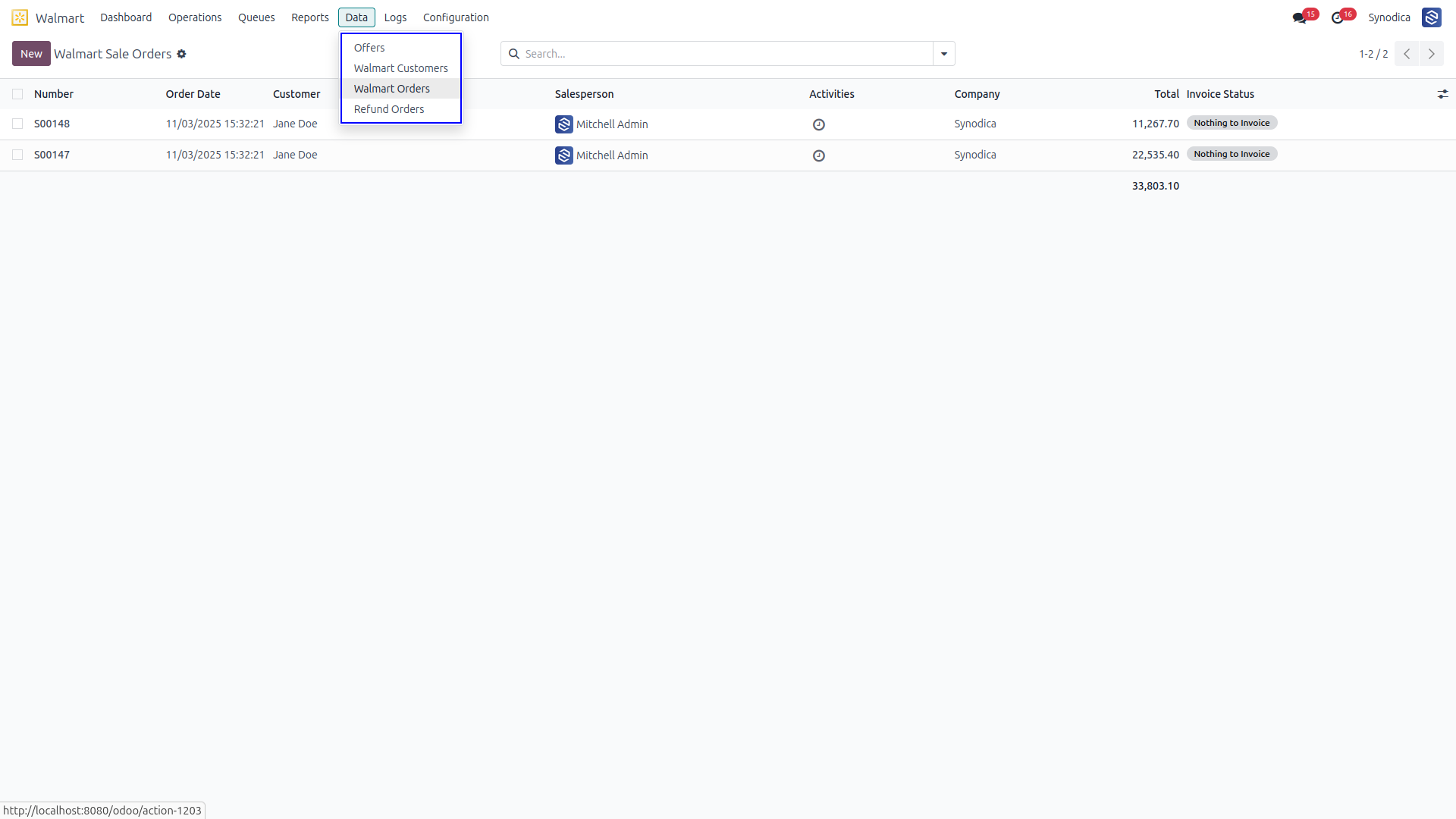
Data Section

Access orders, customers, and products created or imported from Walmart in a single operational area.

Data Section
03

Operations

Operations and queue management views arranged as simple screenshot cards.

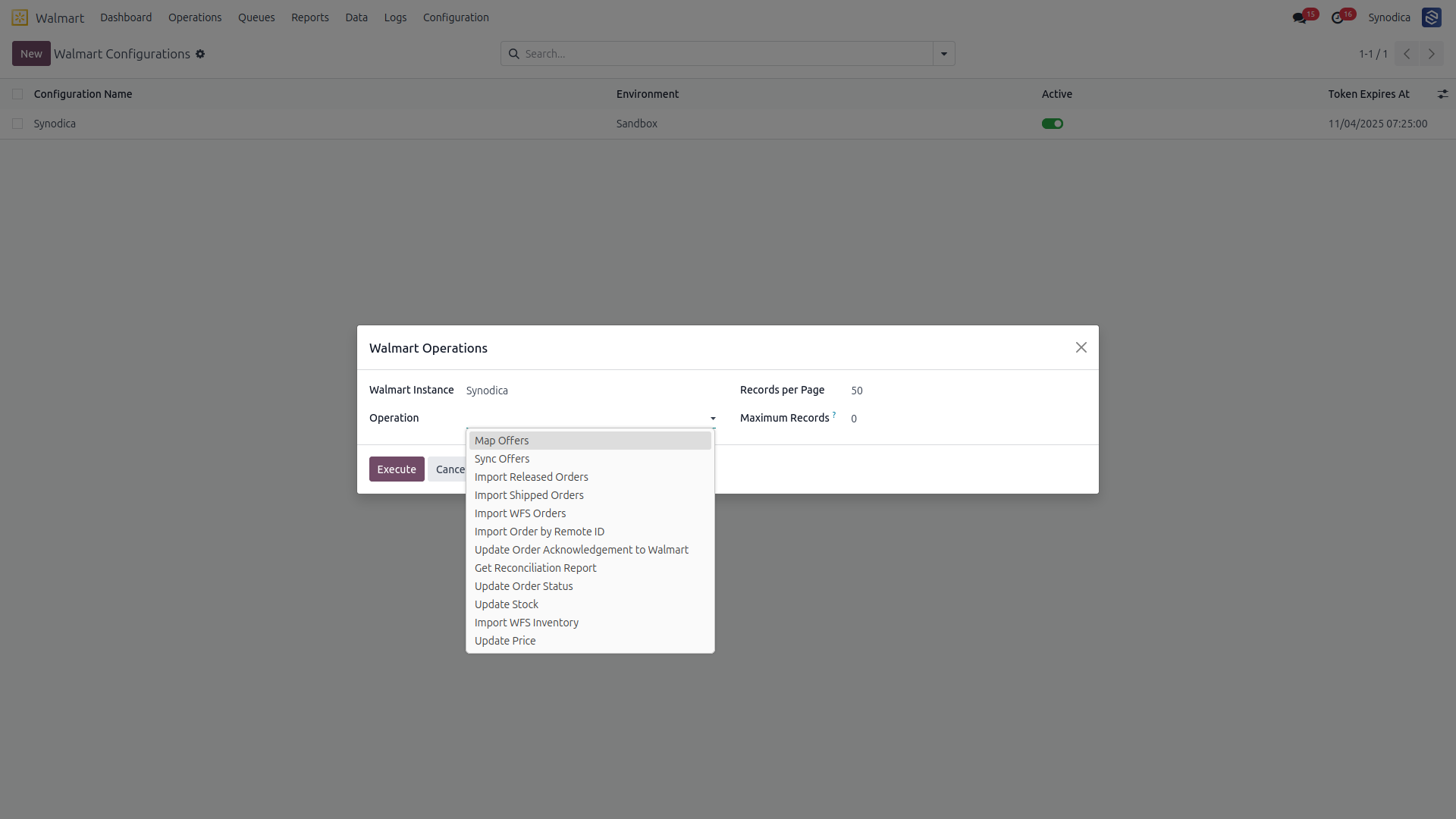
Operations Section

Perform order import, inventory update, product import, and report import from one unified panel.

Operations Section

Multi-Operation Management

Handle bulk updates, imports, and edits while keeping operational control in one place.

Multi-Operation Management

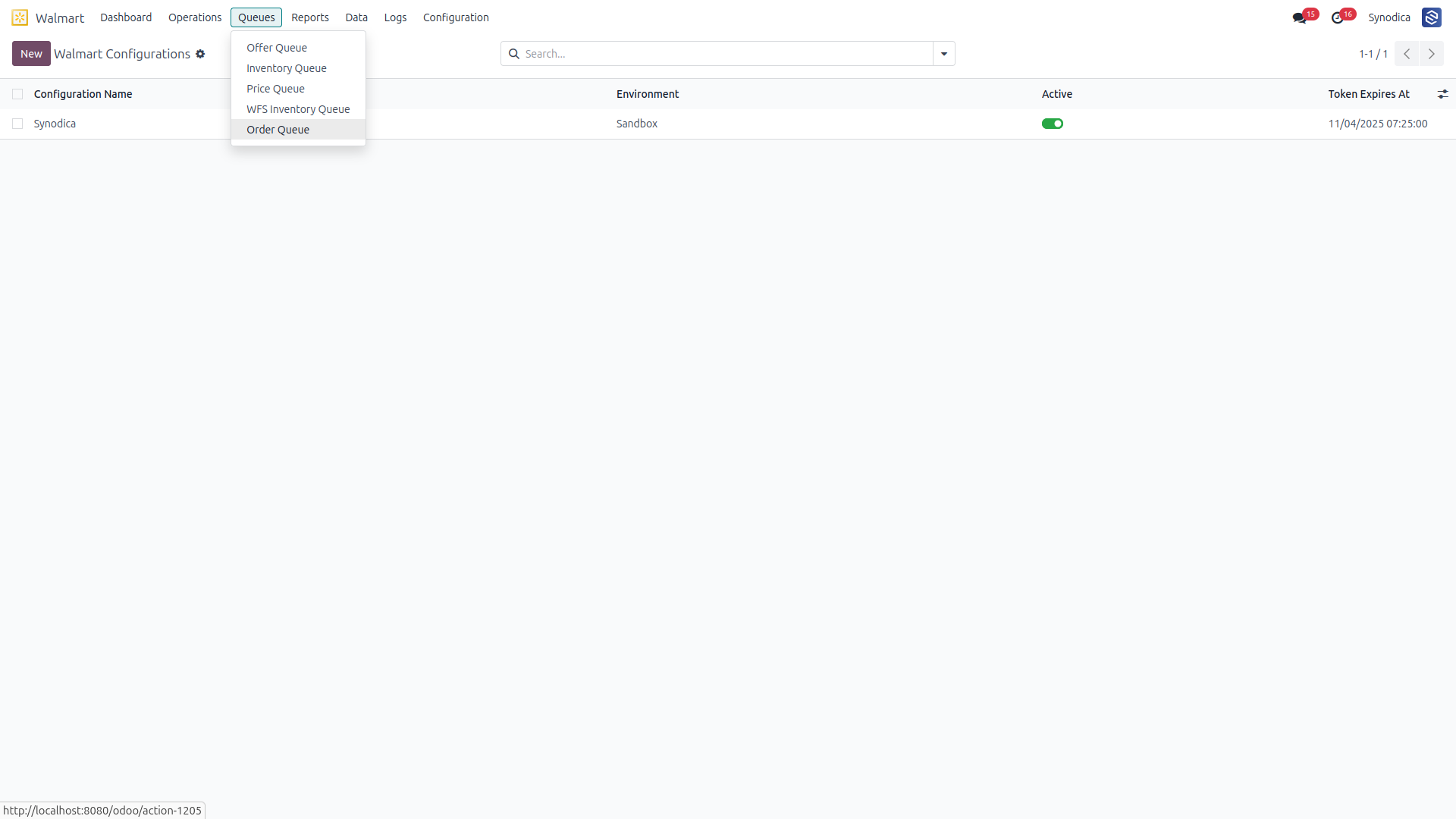
Queue Section

Track failed, pending, and completed background operations through dedicated queue monitoring.

Queue Section

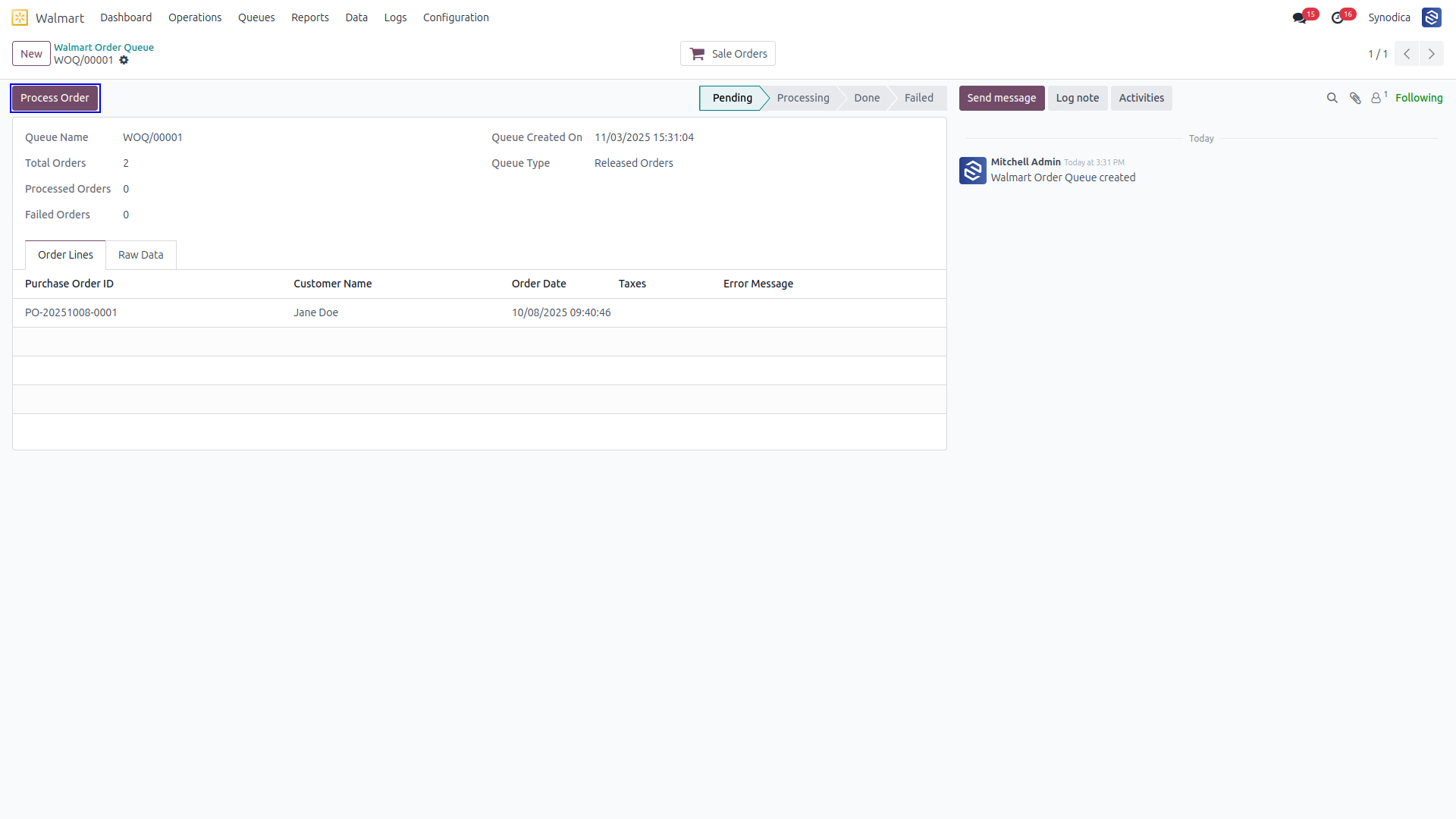
Process Order Button

Process queue records directly and surface any error state clearly during execution.

Process Order Button

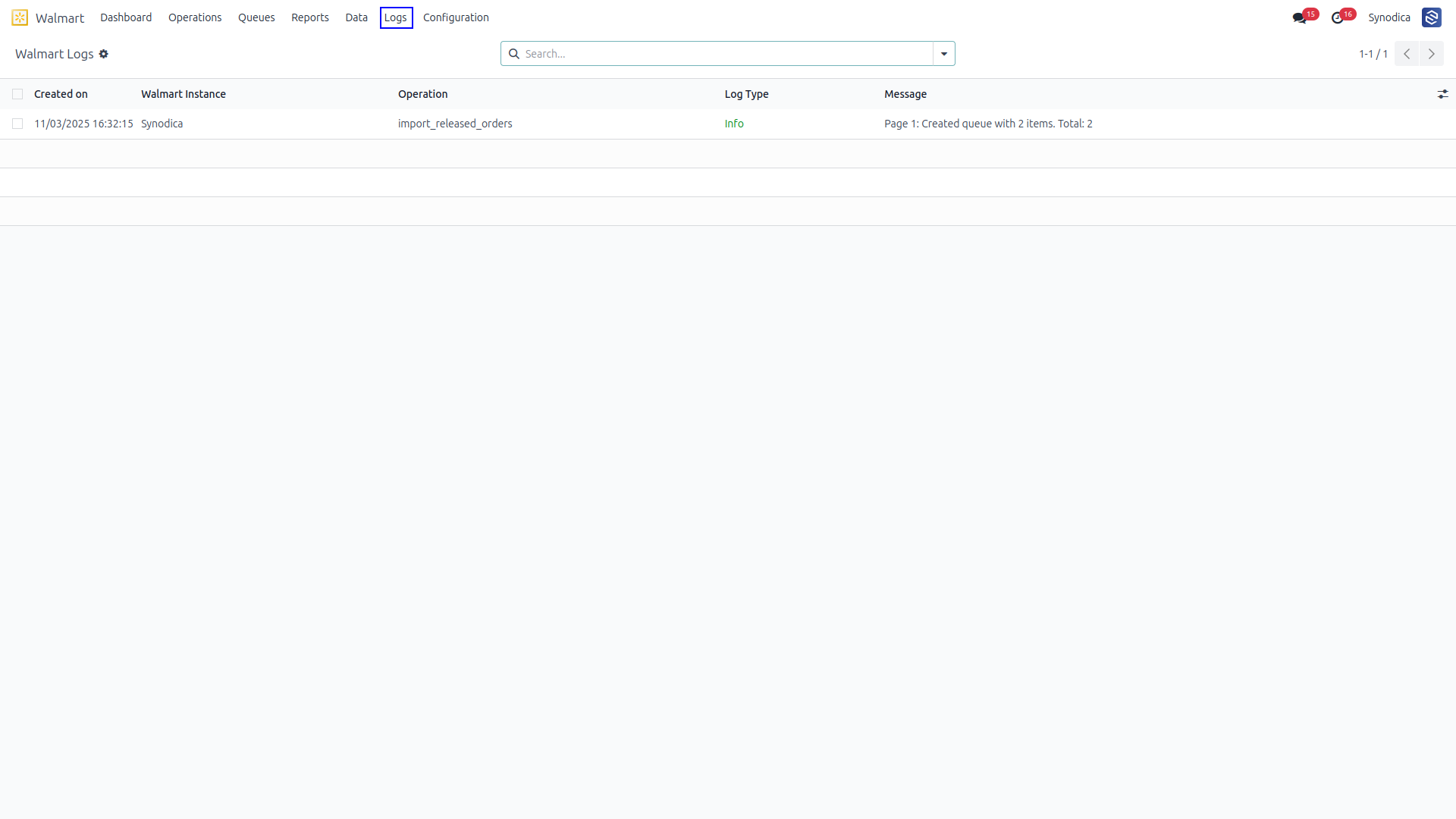
Log Section

Inspect sync history and resolve mismatches from a dedicated logging view.

Log Section
04

Orders

Order screenshots grouped into straightforward cards for stable app-store rendering.

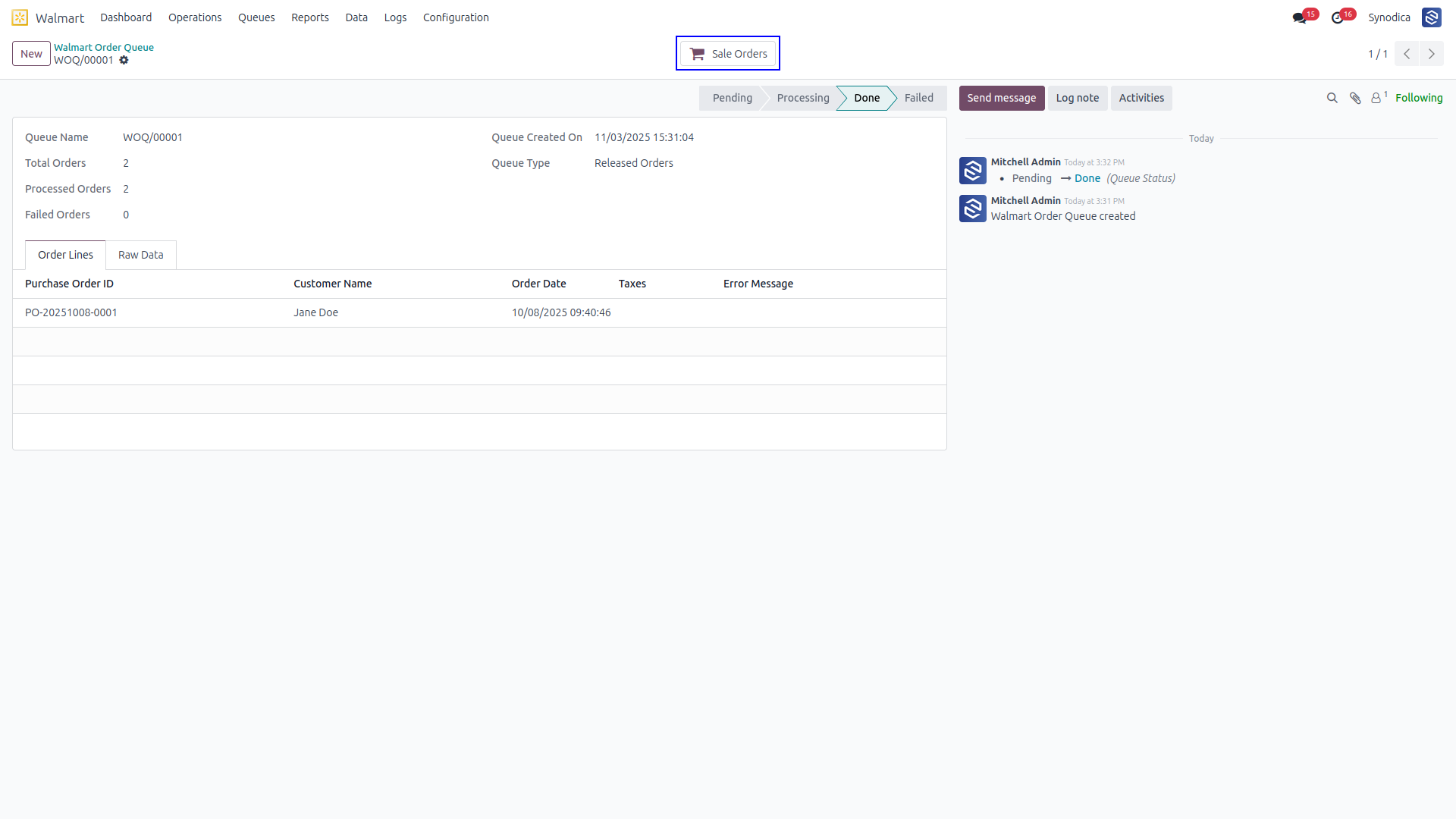
Smart Sync Button

The Sales Orders smart button displays orders created from the related queue for instant traceability.

Smart Sync Button

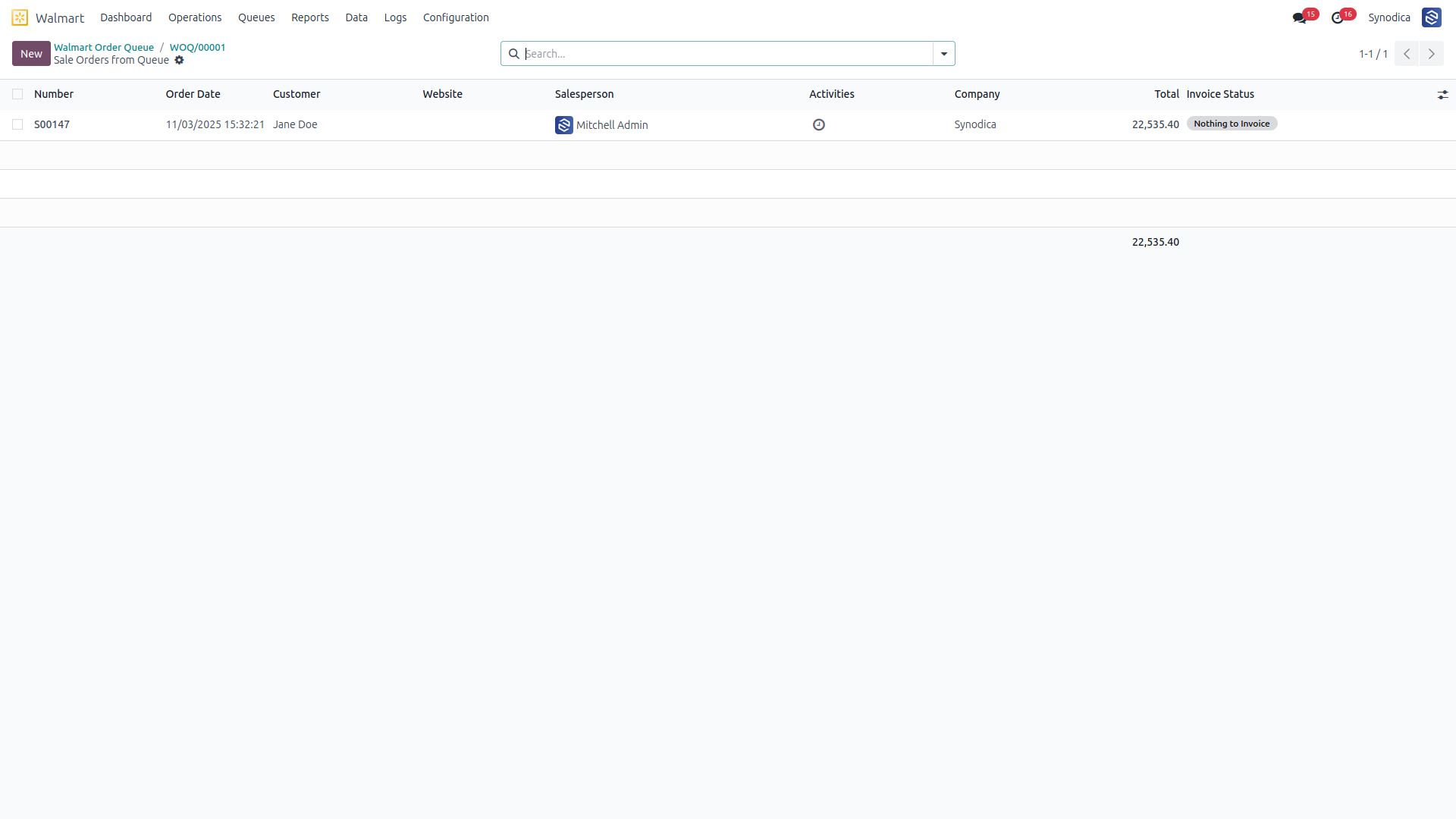
Order Tracking

Comprehensive view of all sales orders generated or imported from Walmart transactions.

Order Tracking
05

Refunds

Refund flow screenshots shown as simple cards that remain stable in live Odoo Apps.

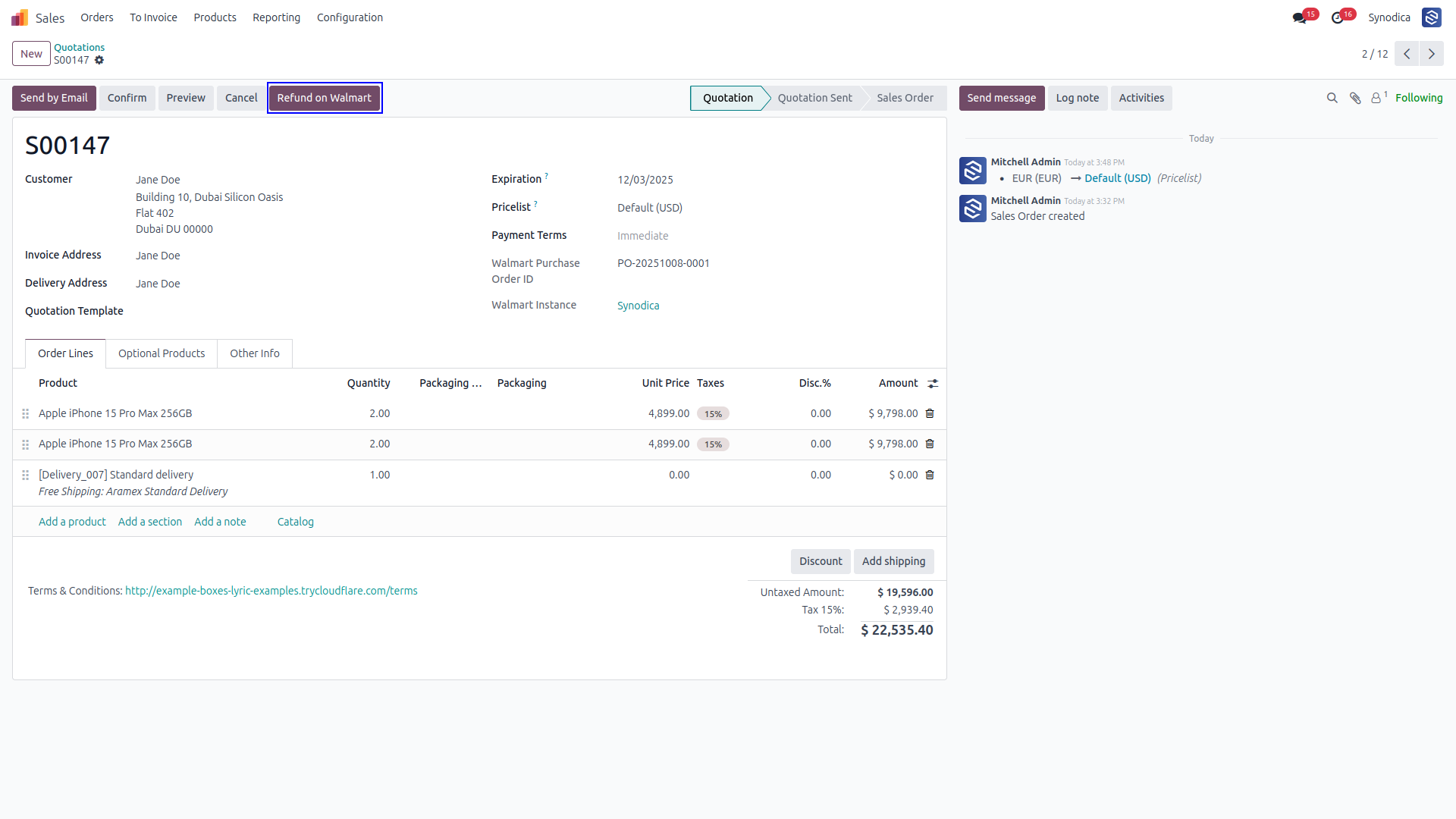
Refund Button

Start a Walmart refund directly from the related Odoo order record.

Refund Button

Refund Wizard

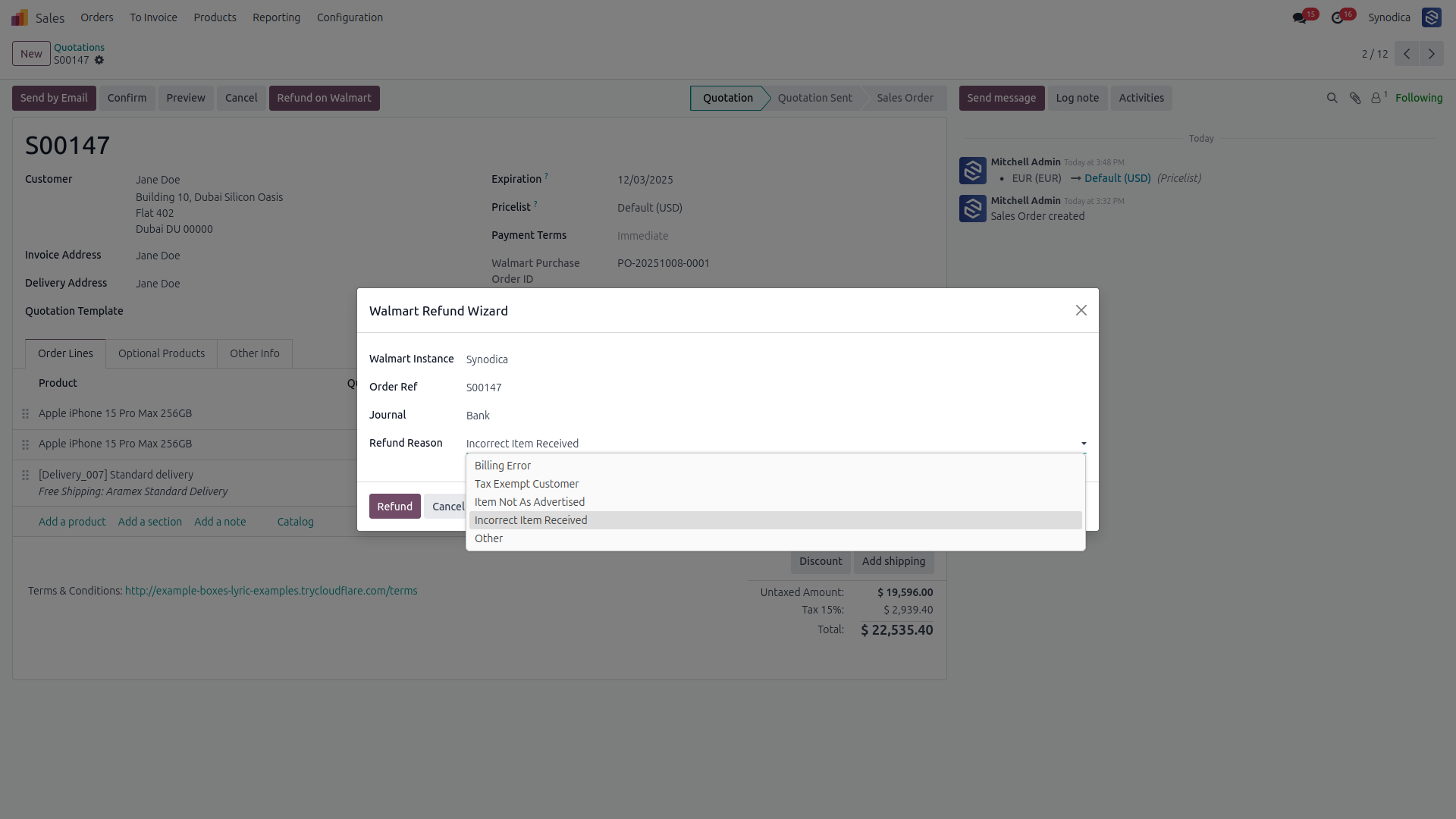
Enter refund amount and reason details before sending the request through the Walmart API.

Refund Wizard

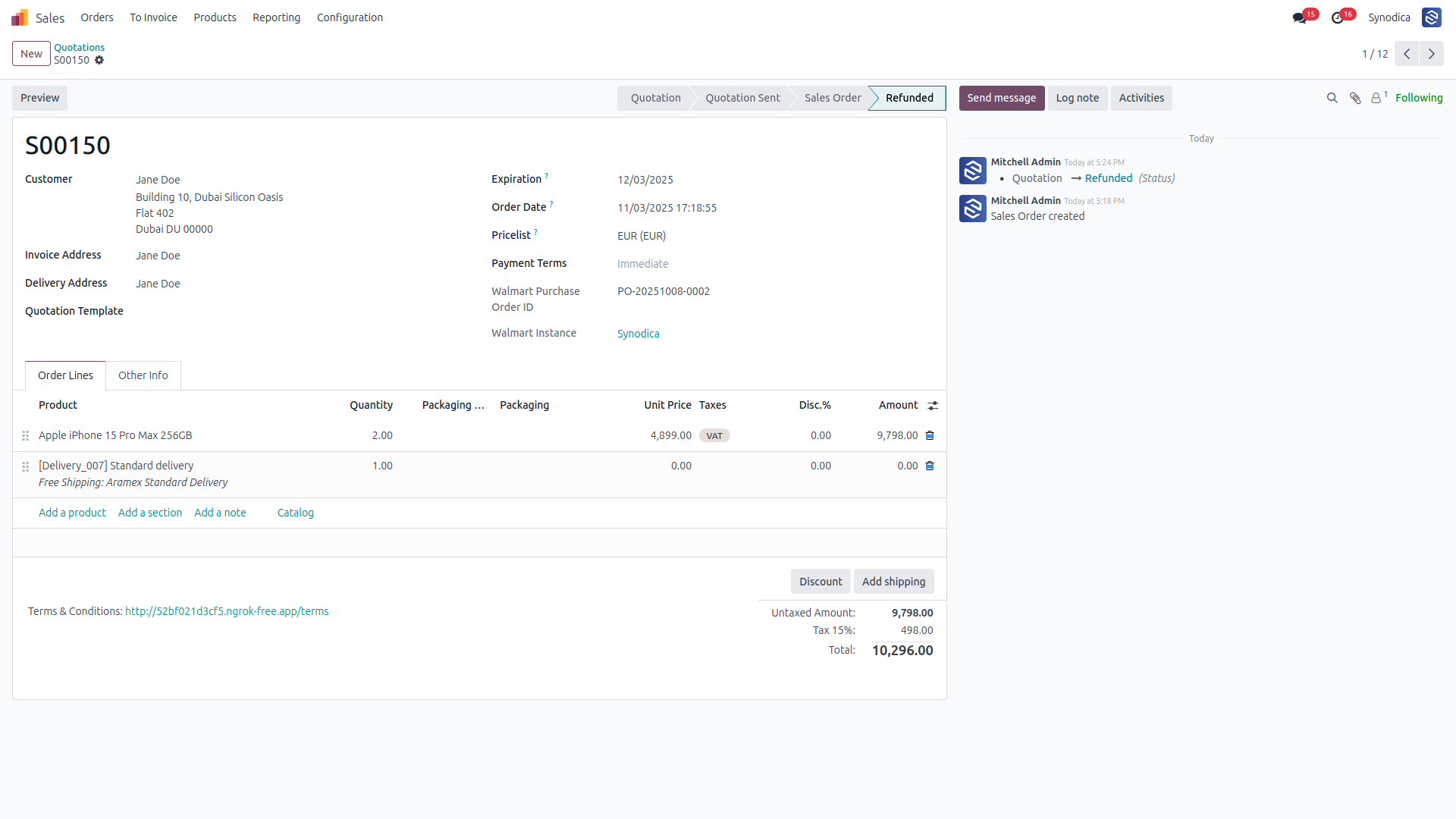
Process Completion

Confirm the successful refund state and synchronized status across both systems.

Refund Completion
Enterprise Grade

Walmart Capabilities

Fast, reliable, and secure. Built to handle the massive volume of modern enterprise retail operations on Walmart.

01
Multi-Instance Support

Scale across multiple Walmart store accounts. Each instance can be managed uniquely while sharing core Odoo logistics.

02
Secure API Integration

Uses encrypted handshake protocols for Walmart API communication, guaranteeing that your store data remains strictly private.

03
Automated Workflows

Set automatic sales workflows for orders, from creation to invoice validation, without lifting a finger.

Suggested Products

Related logistics and delivery integrations that pair well with the Walmart Connector and keep multi-channel fulfillment inside the same Odoo workflow.


Synodica Solutions

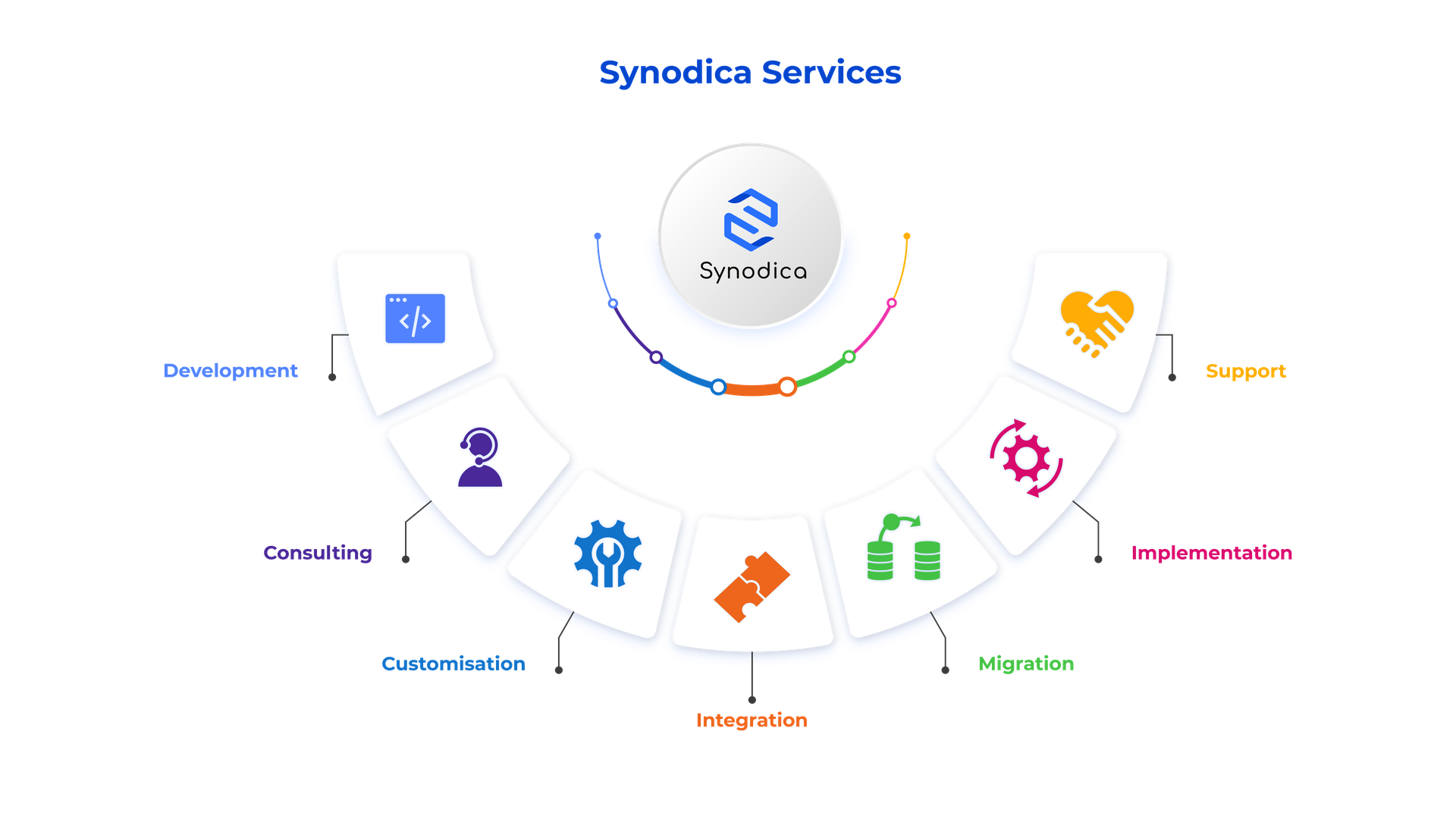
Specialized Odoo Services

We build, customize, and maintain Odoo solutions for businesses worldwide - from implementation to advanced integrations.
Synodica Services

Ready for Walmart Integration?

Transform your Marketplace efficiency by eliminating manual data handling. Purchase Walmart Odoo Connector today and securely connect your sales channels.

© 2026 Synodica Solutions PVT. LTD. - Walmart Connector

We create ERP solutions for you using Odoo ERP that will build a strong and efficient business for you. It's SYNODICA WAY